
Shroomcraft
Grow new mushrooms, craft vibrant shroomwood, and hang out with the most adorable creatures ever!
Screenshots

About this Mod
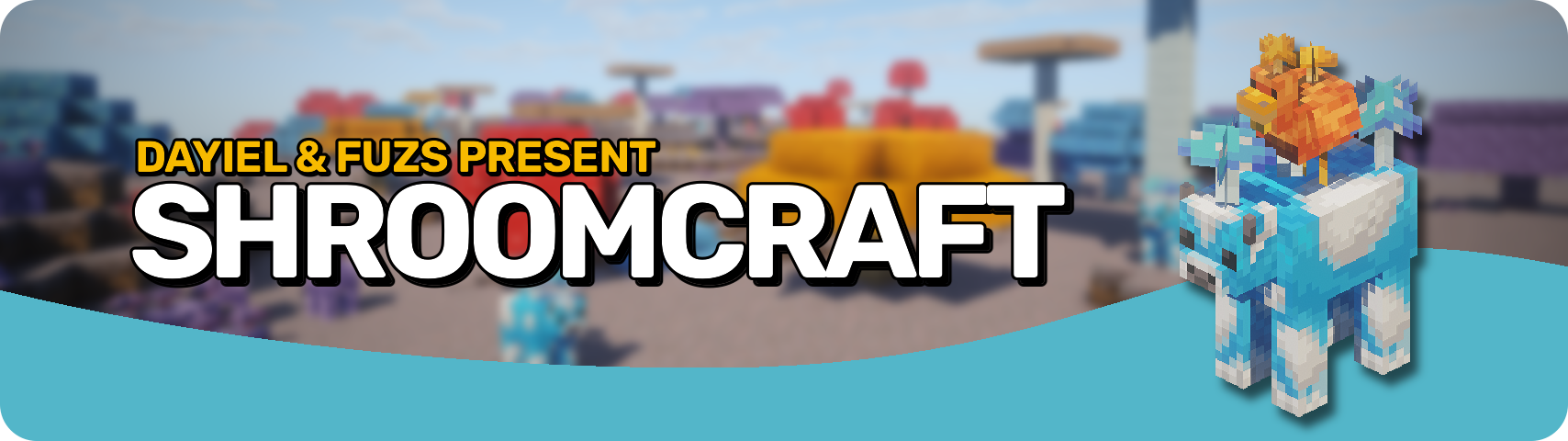








Shroomcraft expands Minecraft’s fungi family with new mushroom types, adorable creatures, and vegetation that bring fresh life to Mushroom Islands. Discover orange, purple, and blue mushrooms growing alongside the classic brown and red ones, from tiny sprouts to towering giants. Each type comes with matching wood, blocks, and decorations, giving builders a full palette of rich colors and textures for cozy builds and vibrant landscapes.
Life on the islands has never been livelier. Mooshrooms now appear in every new color, joined by quirky chickens carrying mushrooms on their backs: the cluckshrooms. You might even encounter the rare shroomfin swimming in nearby waters. Beneath the surface, glowing mycelial growth lights up the caves, and spores can be crafted into mushroom bombs for a little extra mischief. Explore, build, and thrive in your very own mushroom paradise.

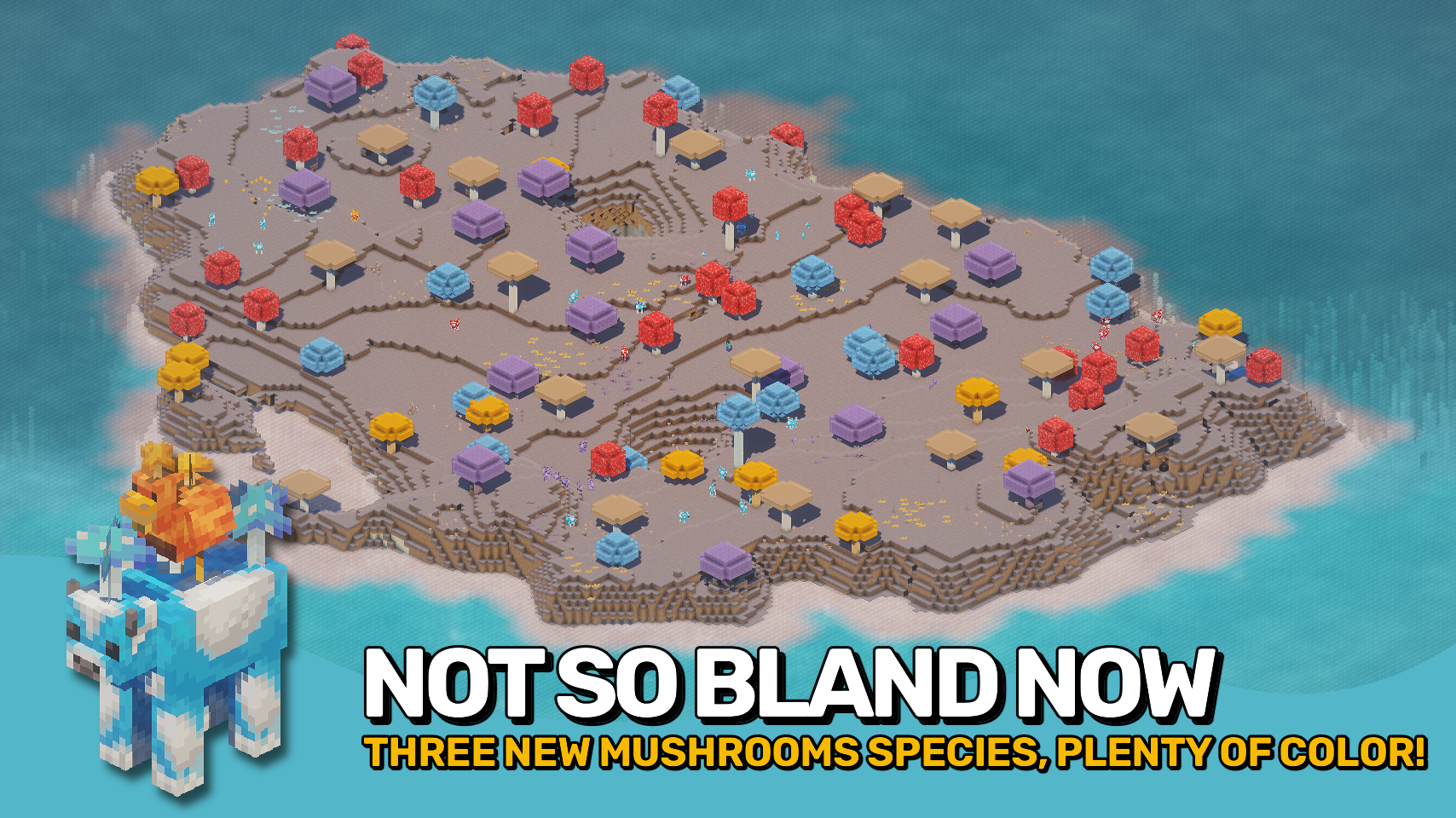
- 🍄 New Mushrooms: Orange, purple, and blue mushrooms grow alongside classic brown and red ones.
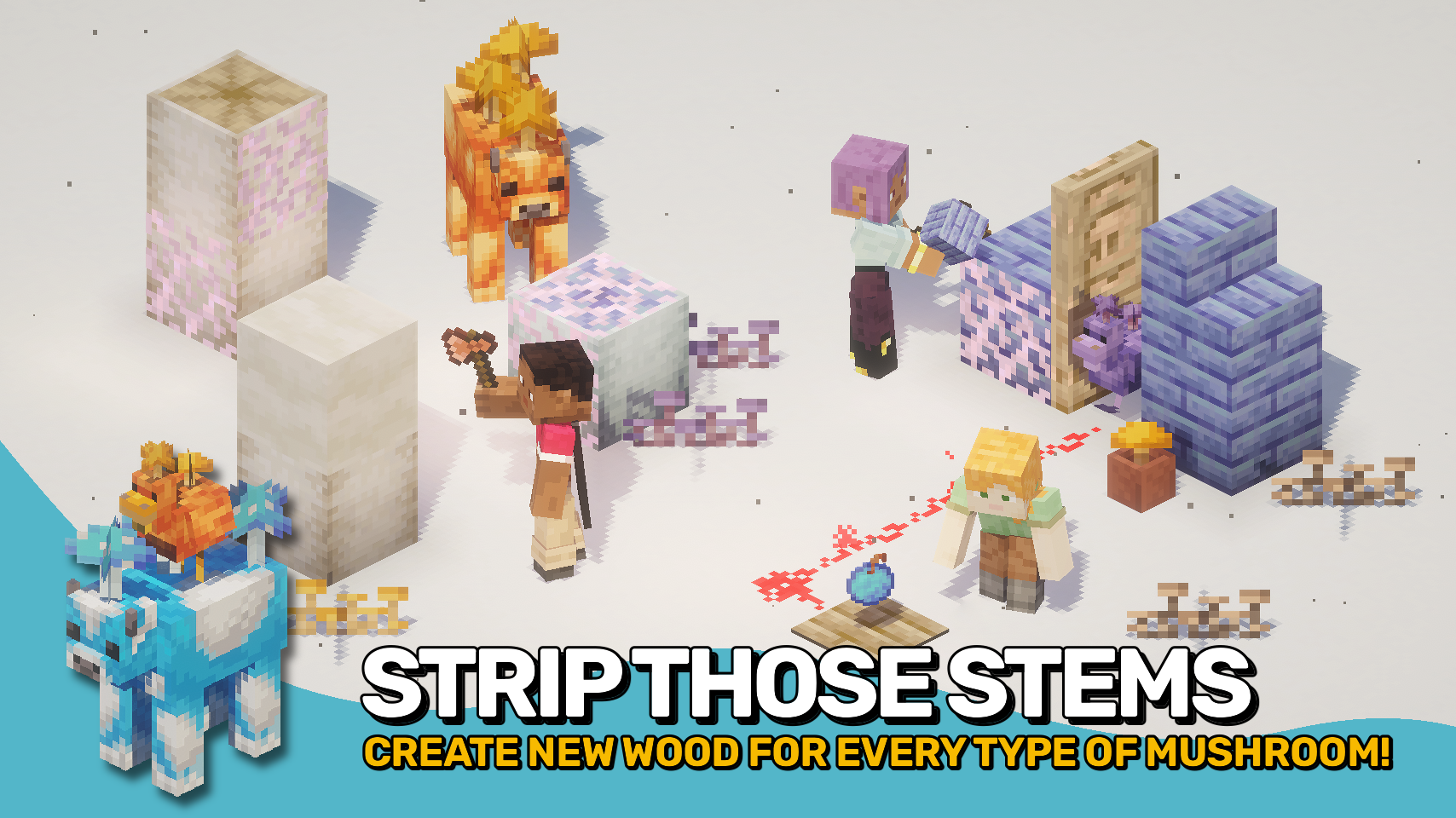
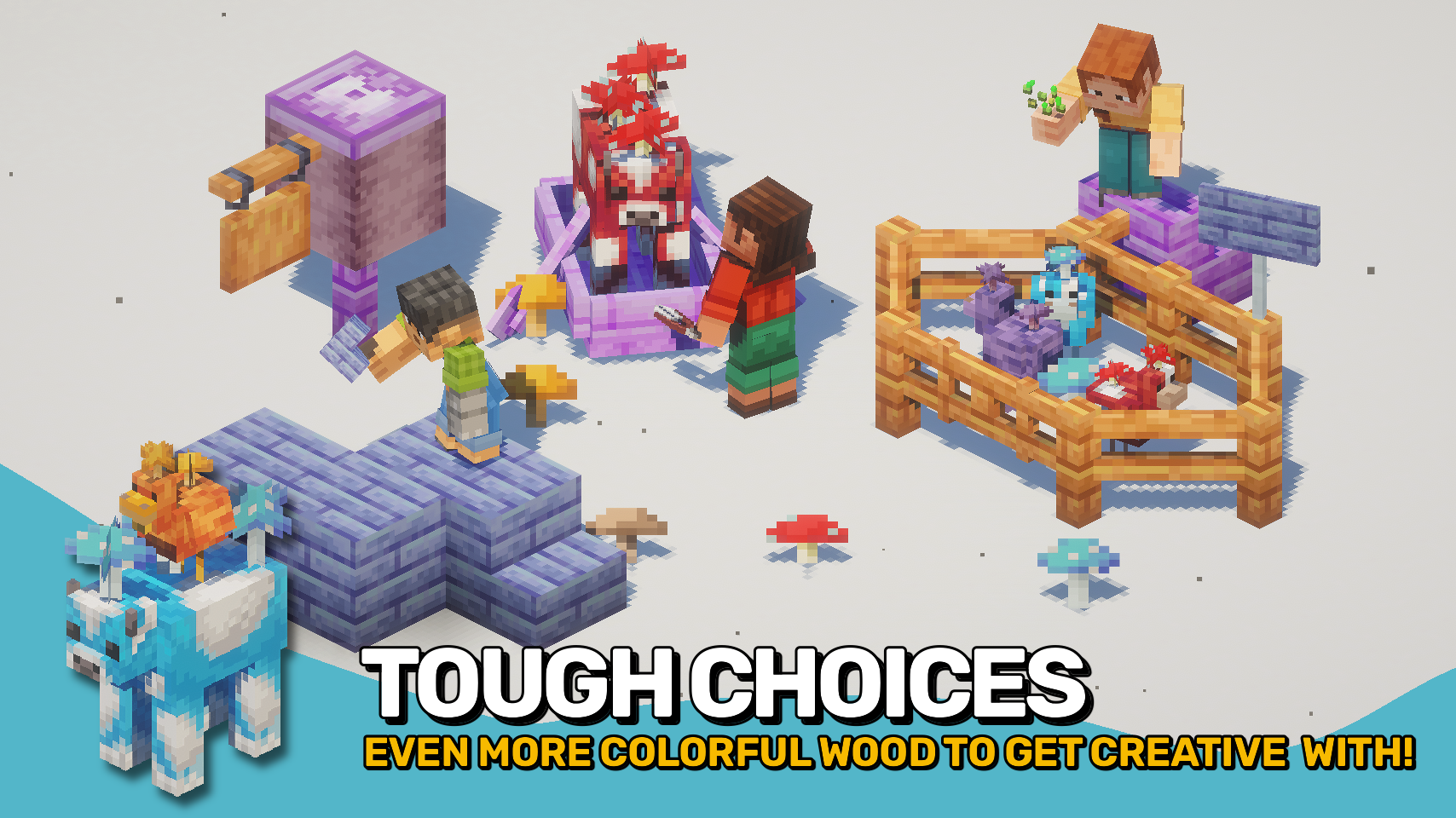
- 🌳 Mushroom Wood: Each mushroom type has its own full wood set for creative building.
- 🐄 Mooshroom Variants: Unique mushroom cows for all five overworld and two nether fungi.
- 🐔 Cluckshrooms: Chickens with mushrooms on their backs living peacefully on mushroom islands.
- 🐟 Shroomfin Fish: A new fish found in the waters in and around mushroom islands.
- 🌱 Mushroom Sprouts: Small vegetation in every color adds detail to your islands.
- 💥 Mushroom Bombs: Throwable spores that release lingering harmful effects.
- 🌌 Mycelial Growth: Glowing cave fungi light up the underground like glow lichen.
- 🌾 Tiny Mushrooms: Grow small mushrooms from spores for easy farming.


⏩ INSTALLATION REQUIRED ON CLIENT & REQUIRED ON SERVER
⏩ REQUIRES PUZZLES LIB TO BE INSTALLED (FABRIC & NEOFORGE)
⏩ REQUIRES FABRIC API TO BE INSTALLED (FABRIC)
⏩ REQUIRES FORGE CONFIG API PORT TO BE INSTALLED (FABRIC)

If available for a mod, configuration is possible directly from in-game using the mod menu (requires Mod Menu by Prospector to be installed on Fabric). Please note that on older Minecraft versions installing Forge Config Screens is also a requirement.
For manual configuration using an external text editor all files are found at .minecraft/config, named as MOD_ID-client.toml, MOD_ID-common.toml, or MOD_ID-server.toml, depending on the type of config. Not all types might exist for a mod, if any at all.

🌟 Big thanks to Dayiel for their wonderful Shroomed mod, whose charming assets helped shape the look and feel of this project.
🌟 Massive thanks to the incredibly talented mim1q for creating the stunning, vibrant textures that give this mod its lively charm.

Available Versions
How to Install Shroomcraft on Your Server
Order Server
Order a Minecraft Java server with at least 3 GB RAM (4 GB recommended).
Set fabric Loader
In the panel under "Egg", select the fabric loader and matching Minecraft version (26.1.2).
Install Mod
Open the mod browser in the dashboard and search for "Shroomcraft". Click "Install" – done! Alternatively, upload the .jar via SFTP to the /mods folder.
Compatibility
Mod Loaders
Minecraft Versions
26.1.2, 26.1.1, 26.1 (+7 more)
Server-side
✓ RequiredRecommended RAM
4 GB(min. 3 GB)Frequently Asked Questions
Shroomcraft server crashes on startup – what to do?
Most common cause: wrong fabric version or insufficient RAM. Check the server log (latest.log) for "OutOfMemoryError" or "Mixin" errors. With Mado Hosting: ensure at least 3 GB RAM is allocated and the loader matches the mod version (26.1.2). You can switch loaders with one click in the panel.
Is Shroomcraft compatible with fabric and neoforge?
Shroomcraft officially supports fabric, neoforge for Minecraft 26.1.2, 26.1.1, 26.1. The Mado dashboard automatically detects incompatible loader combinations.
Server lagging with Shroomcraft – how to optimize performance?
Recommended RAM: 4 GB (per 8 players). Use /spark profiler to check if Shroomcraft consumes the most tick time. Common fixes: reduce server view-distance to 8-10, install "performant" or "starlight" as supplementary mods on Forge. With Mado Hosting, your server runs on NVMe SSDs with dedicated CPU cores for minimal latency.
Similar Mods

![[ETF] Entity Texture Features](https://cdn.modrinth.com/data/BVzZfTc1/af683d206d50b05258d865b0d6e4aa2f2cee12f2_96.webp)
![[EMF] Entity Model Features](https://cdn.modrinth.com/data/4I1XuqiY/6e5bbd0d06b1741bfdab6c0cfab6de8fdaf0064c_96.webp)



Rent Modded Server
Install Shroomcraft with just one click on your server.