
Simple Favorite Items
A lightweight, fully client-side mod that lets you mark items as "favourite" — so you never accidentally drop, move, or lose something important.
Screenshots
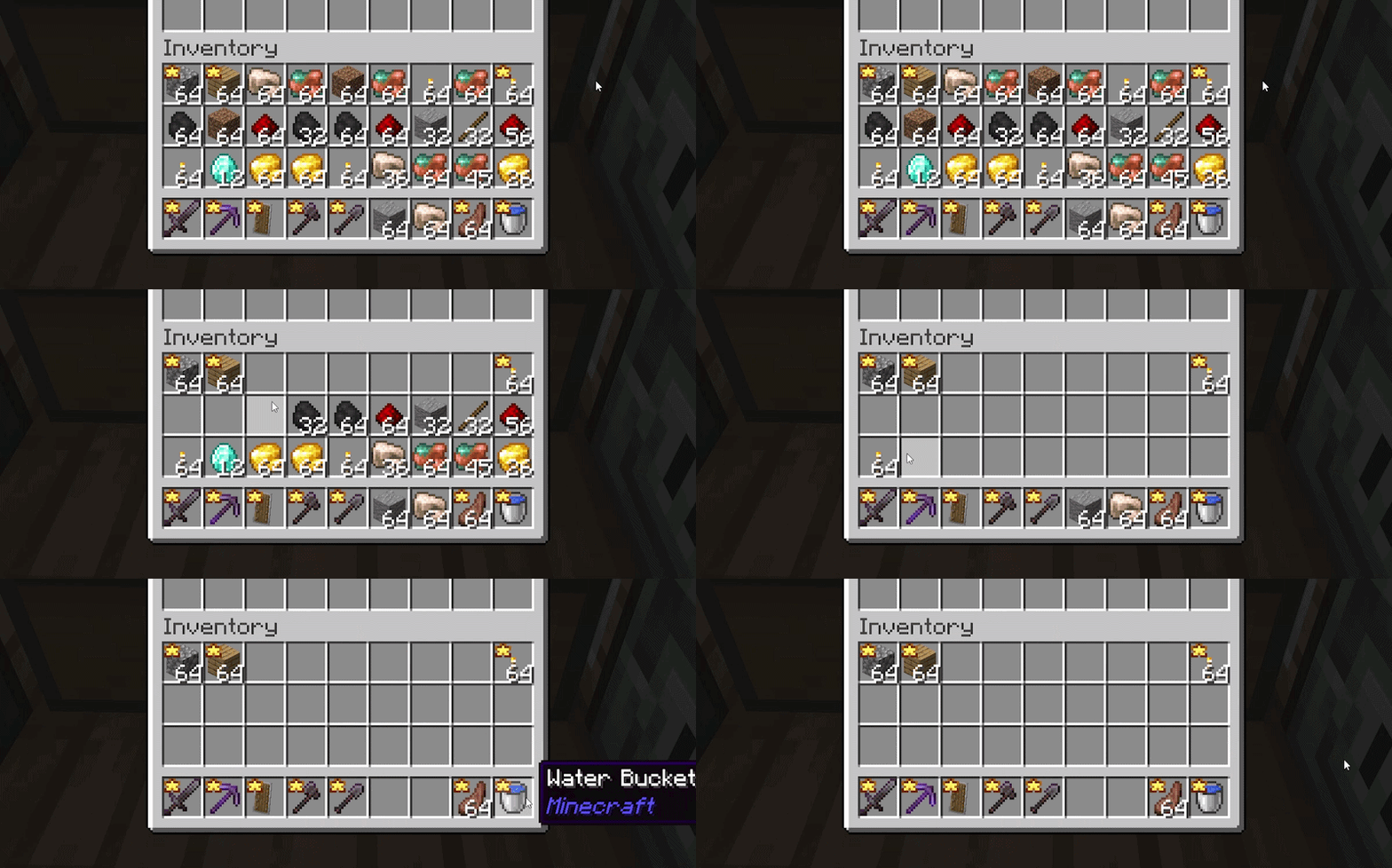
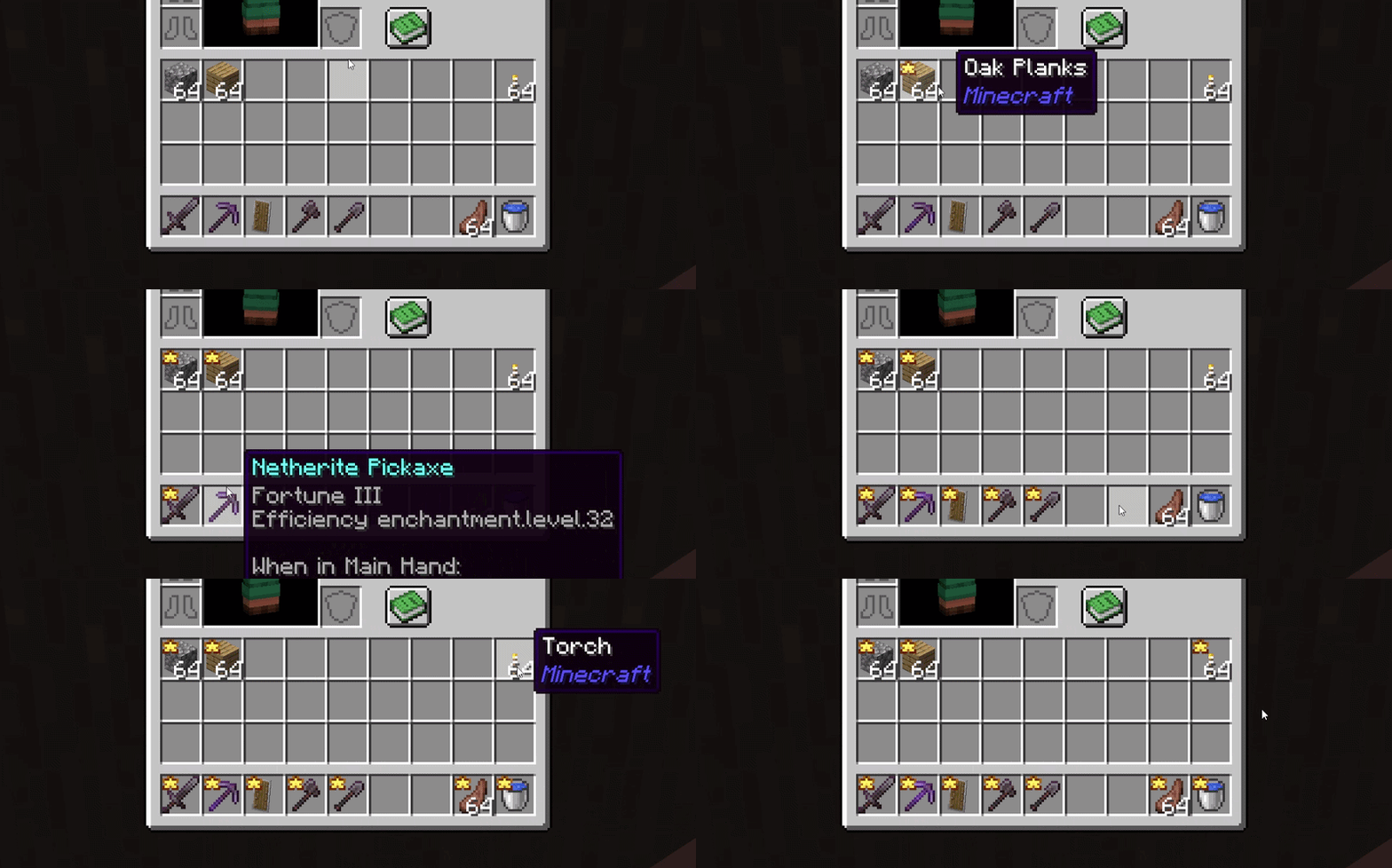
About this Mod
Simple Favorite Items
Protect important items in your inventory with a single keybind.
A lightweight, fully client-side mod that lets you mark items as "favourite" — so you never accidentally drop, move, or lose something important while sorting your inventory or fighting off mobs.
How it works
Hover over an item in your inventory and press G (rebindable in Options → Controls → Inventory). A star icon appears on the item — visible both in your inventory and on the hotbar. Press G again on the item to remove the favourite mark.
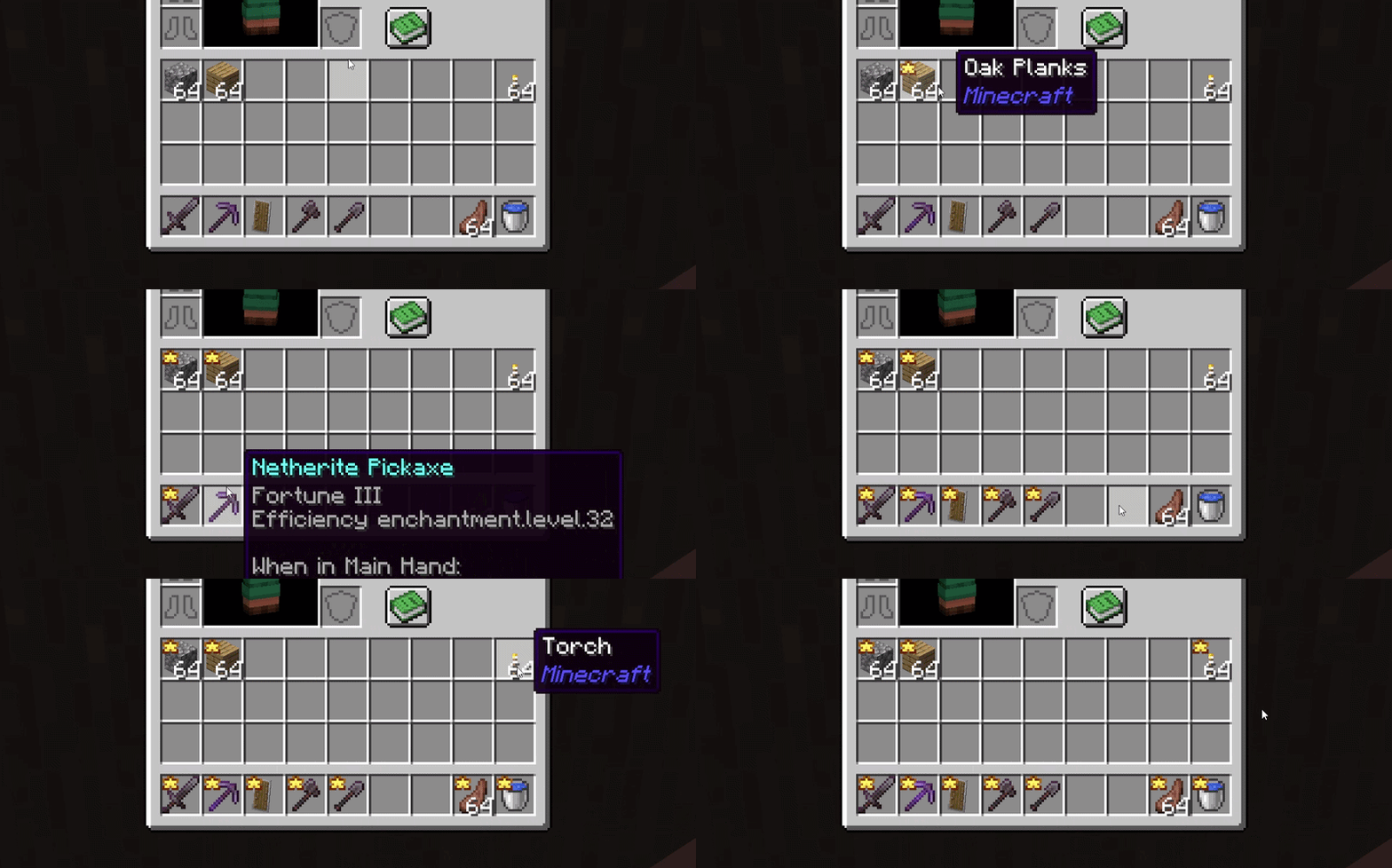
Protection
Once an item is marked as favourite:
- it cannot be moved to another slot or container (chests, crafting tables, etc.);
- it cannot be dropped with Q / Ctrl+Q;
- it cannot be swapped with other items.
This means you can safely dump or drop everything else from your inventory — favourite items stay right where they are.
If a favourite slot becomes empty (item consumed, cleared, etc.), the mark is automatically removed — no leftover stars.
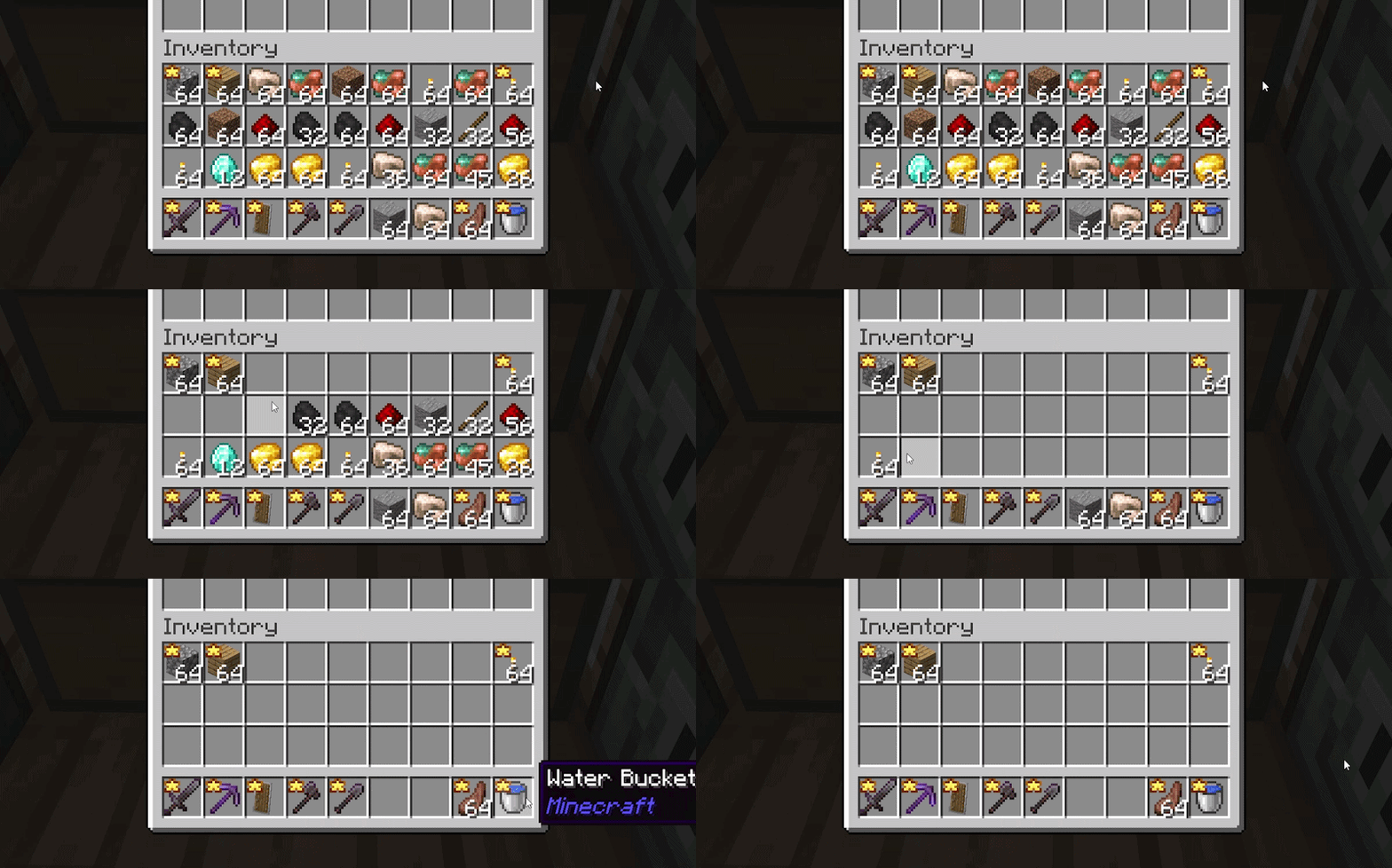
Notes
Fully client-side — no server installation required, works on any vanilla/unmodified server.
Favourites are session-only and not saved between game sessions — by design, for simplicity. Each time you launch the game, you start with a clean slate and choose what to protect.
Favourite tracking applies to the main inventory and hotbar (36 slots); armor and offhand slots are not supported.
Compatibility
Doesn't change gameplay, recipes, or balance — it only intercepts player actions before they're sent. Compatible with most inventory-related mods.
License: All Rights Reserved — redistribution and modification without the author's permission are not allowed.
Available Versions
How to Install Simple Favorite Items on Your Server
Order Server
Order a Minecraft Java server with at least 3 GB RAM (4 GB recommended).
Set fabric Loader
In the panel under "Egg", select the fabric loader and matching Minecraft version (26.1.2).
Install Mod
Open the mod browser in the dashboard and search for "Simple Favorite Items". Click "Install" – done! Alternatively, upload the .jar via SFTP to the /mods folder.
Compatibility
Mod Loaders
Minecraft Versions
26.1.2
Server-side
✗ UnsupportedRecommended RAM
4 GB(min. 3 GB)Frequently Asked Questions
Simple Favorite Items server crashes on startup – what to do?
Most common cause: wrong fabric version or insufficient RAM. Check the server log (latest.log) for "OutOfMemoryError" or "Mixin" errors. With Mado Hosting: ensure at least 3 GB RAM is allocated and the loader matches the mod version (26.1.2). You can switch loaders with one click in the panel.
Is Simple Favorite Items compatible with fabric and quilt?
Simple Favorite Items officially supports fabric, quilt for Minecraft 26.1.2. The Mado dashboard automatically detects incompatible loader combinations.
Server lagging with Simple Favorite Items – how to optimize performance?
Recommended RAM: 4 GB (per 8 players). Use /spark profiler to check if Simple Favorite Items consumes the most tick time. Common fixes: reduce server view-distance to 8-10, install "performant" or "starlight" as supplementary mods on Forge. With Mado Hosting, your server runs on NVMe SSDs with dedicated CPU cores for minimal latency.
Similar Mods




Rent Modded Server
Install Simple Favorite Items with just one click on your server.