
Simple Fullbright
Simple Fullbright is a lightweight client-side mod that enhances visibility by extending Minecraft's gamma limits.
Screenshots
About this Mod
Simple Fullbright

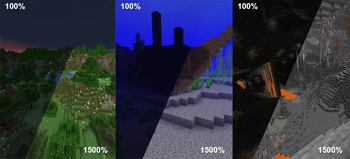
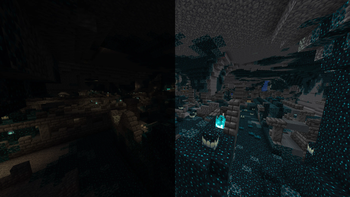
Simple Fullbright is a lightweight, client-side Minecraft mod that enhances visibility in dark environments by extending the in-game gamma limits.
It allows you to experience full brightness in caves, nighttime, and other low-light areas without requiring shaders or external tools.
Requirements


Features
- Full brightness in caves and nighttime
- Adjustable gamma controls
- Optional night vision toggle
- Smooth transition support
- Lightweight and performance-friendly
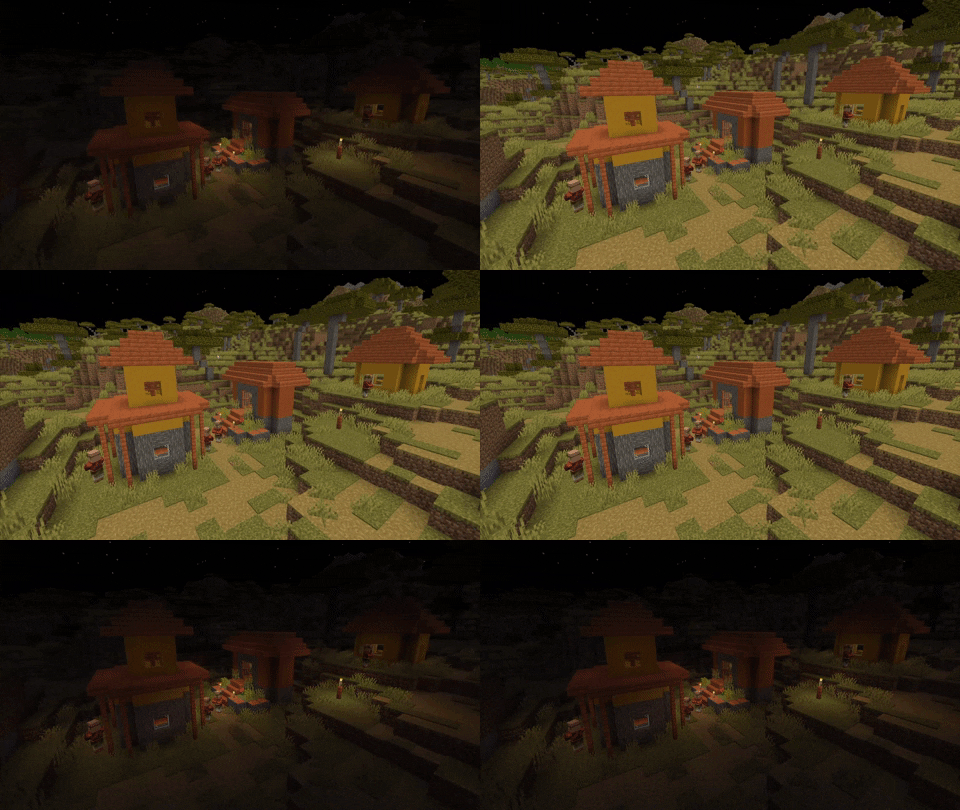
Toggle Night Vision
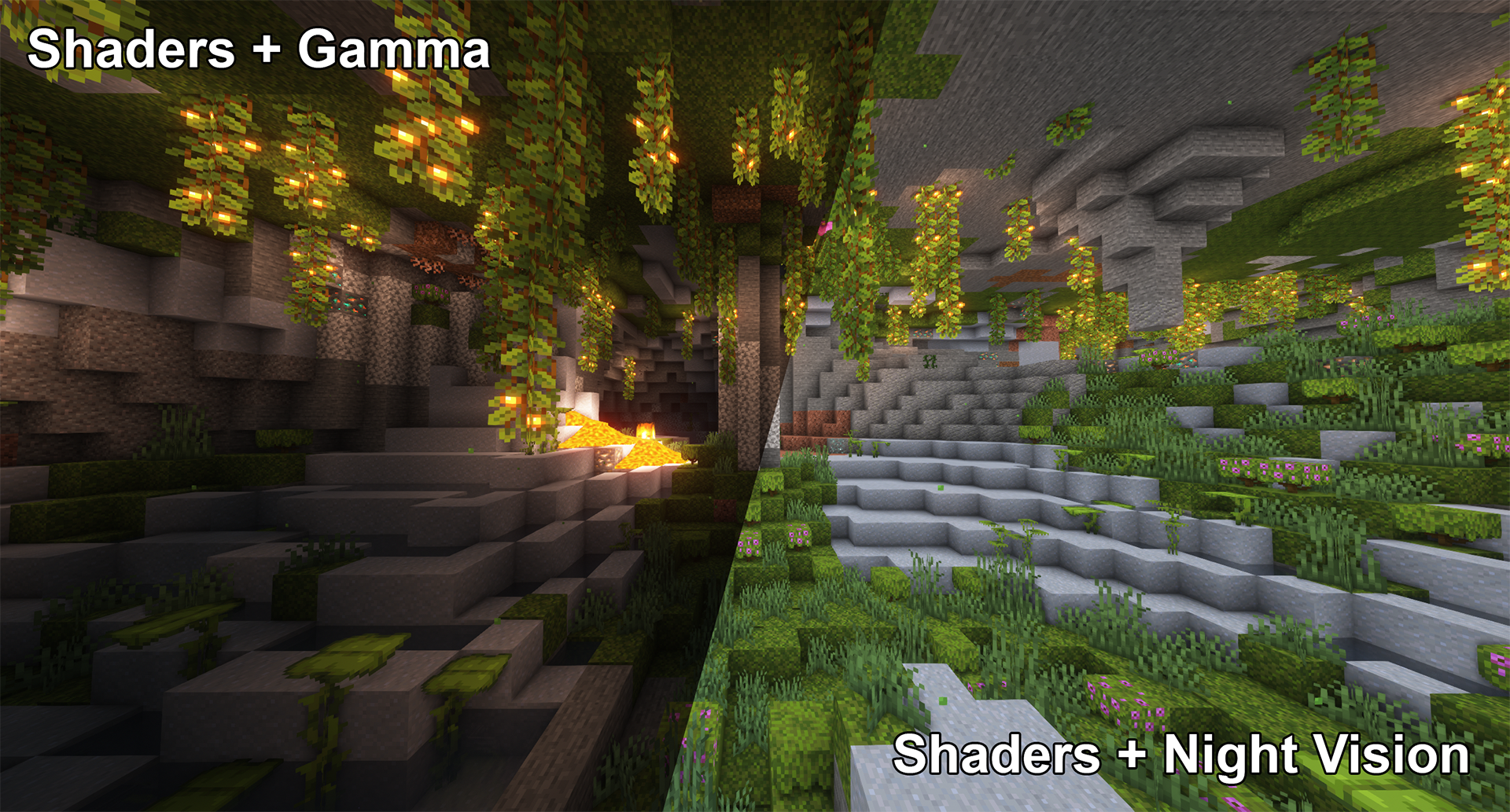
High gamma won't work in combination with shaders,
however, night vision will work with at least some shaders:
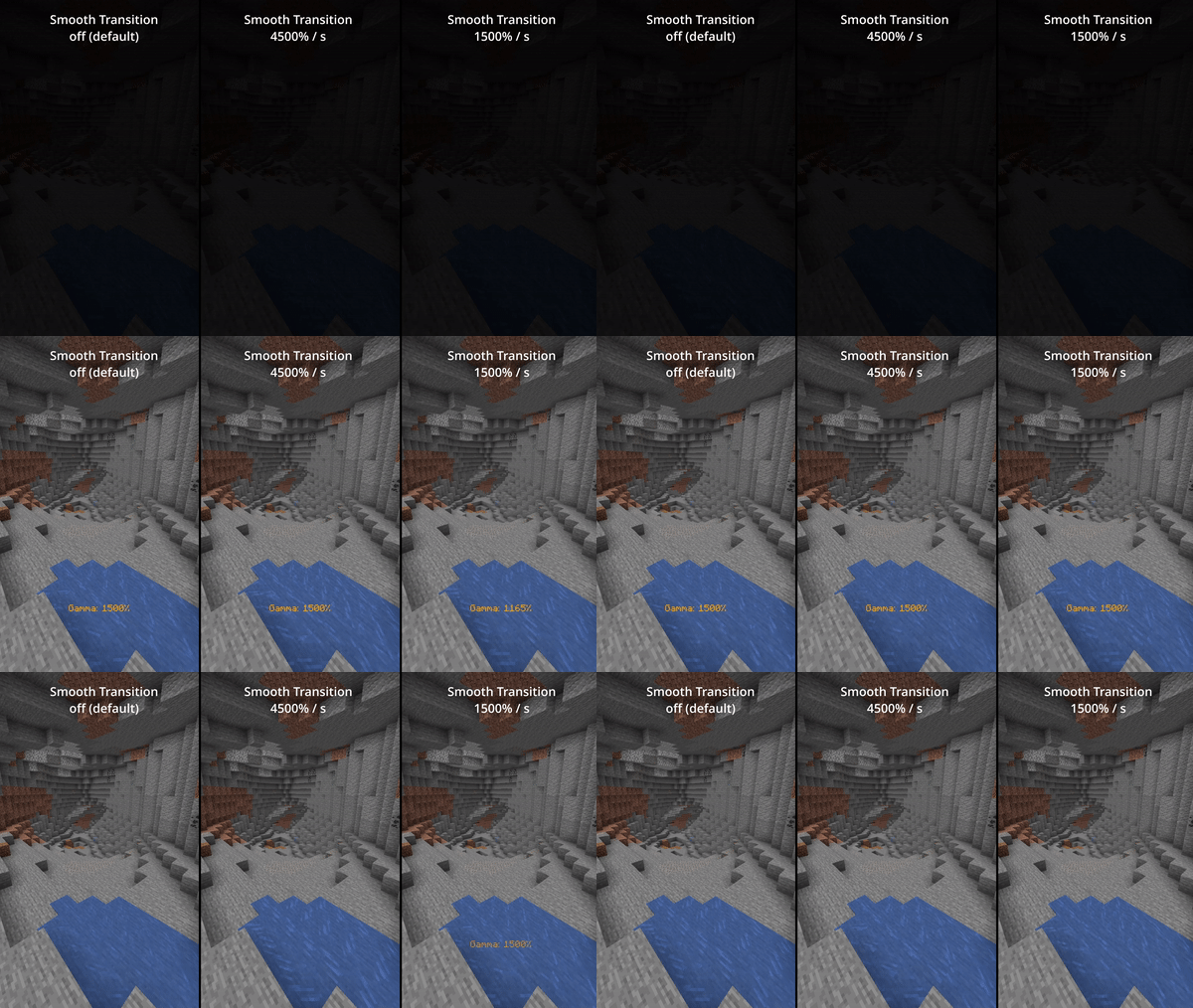
Smooth Transition
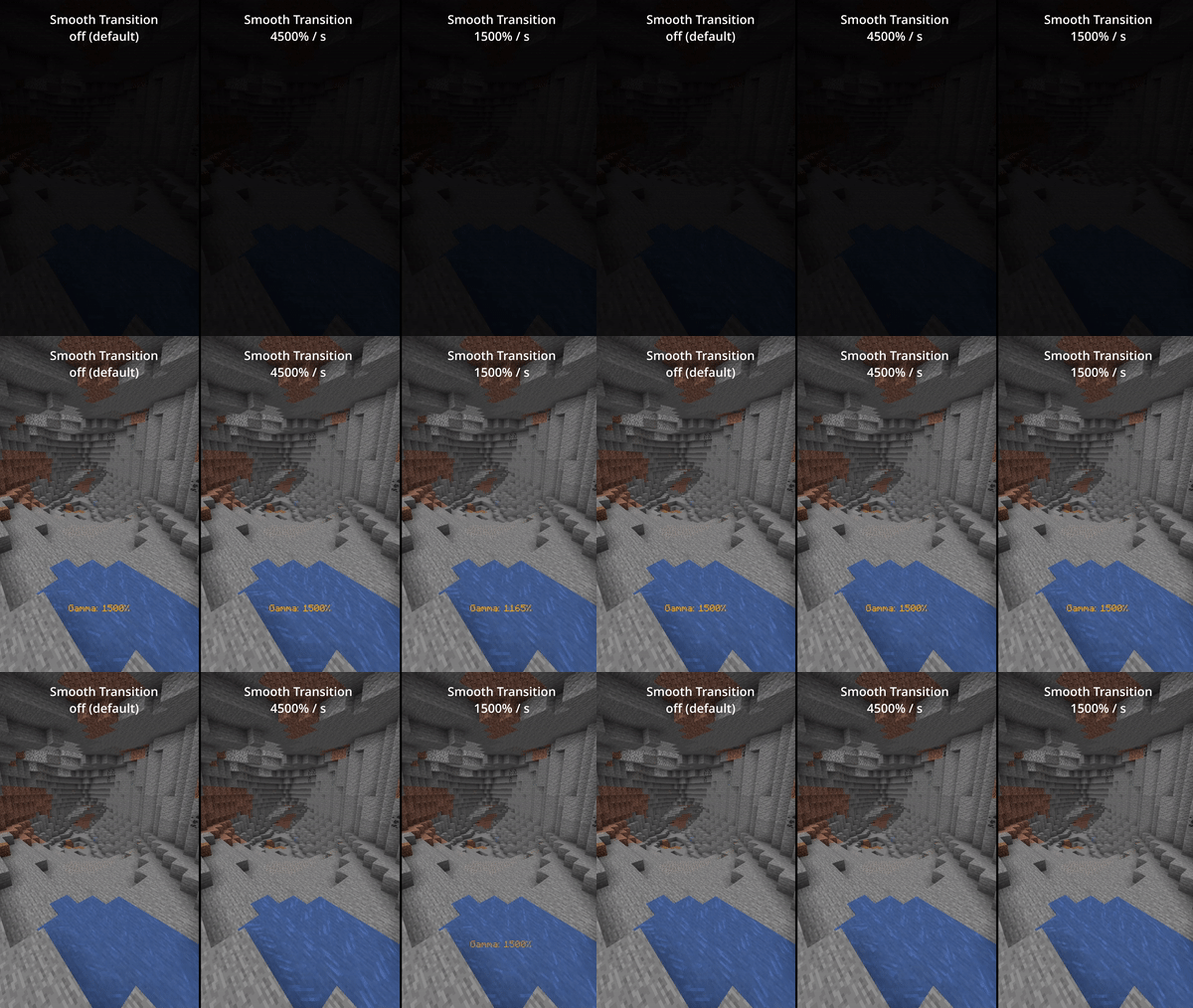
Enable smooth transition (off by default) for a less intense transition when toggling gamma:
Status Effects
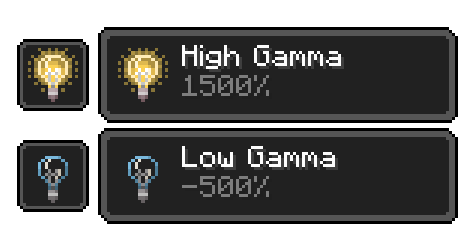
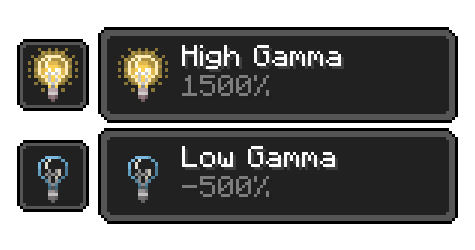
Enable fully client side status effects (off by default)
To keep you reminded that you've enabled gamma outside normal values:
All Functions
All functions and commands
Toggle Gamma
Usage: Keybind (default: G) or /gamma toggle
Toggle between the default gamma percentage and the configured toggled percentage.
Increase Gamma
Usage: Keybind (default: Arrow Up) or /gamma increase <value>
Increase the gamma percentage by the configured step percentage or the given value.
Decrease Gamma
Usage: Keybind (default: Arrow Down) or /gamma decrease <value>
Decrease the gamma percentage by the configured step percentage or the given value.
Set Gamma
Usage: /gamma set <value>
Set the gamma to a specific percentage.
Min Gamma
Usage: Keybind or /gamma min
Sets the gamma to the configured minimum limit.
Max Gamma
Usage: Keybind or /gamma max
Sets the gamma to the configured maximum limit.
Toggle Night Vision
Usage: Keybind (default: H) or /gamma nightvision
Toggle night vision on or off.
Configuration (File / Mod Menu)
All configuration options
Default Gamma Percentage
Default: 100%
Gamma percentage for when the mod is toggled off.
Toggled Gamma Percentage
Default: 1500%
Gamma percentage for when the mod is toggled on.
Update Toggle Value
Default: false
Remembers the last non-default gamma value used.
Smooth Transition
Default: false
Makes the transition when toggling gamma smoother.
Transition Speed
Default: 4500
Speed in gamma percentage per second.
Show Status Effect
Default: false
Displays a status effect when gamma is outside normal range.
Limit Check
Default: true
Enforces minimum and maximum gamma limits.
Minimum Gamma Limit
Default: -750%
Minimum allowed gamma value.
Maximum Gamma Limit
Default: 1500%
Maximum allowed gamma value.
Gamma Percentage Step
Default: 10%
Change amount per increase/decrease.
Show Gamma Message
Default: true
Displays a message when gamma changes.
Reset on Close
Default: false
Resets gamma when Minecraft closes.
Notes
- Client-side only
- Requires Fabric Loader
- Cloth Config API required for configuration
- Mod Menu recommended for in-game settings
Available Versions
How to Install Simple Fullbright on Your Server
Order Server
Order a Minecraft Java server with at least 3 GB RAM (4 GB recommended).
Set fabric Loader
In the panel under "Egg", select the fabric loader and matching Minecraft version (26.1).
Install Mod
Open the mod browser in the dashboard and search for "Simple Fullbright". Click "Install" – done! Alternatively, upload the .jar via SFTP to the /mods folder.
Compatibility
Mod Loaders
Minecraft Versions
26.1
Server-side
✗ UnsupportedRecommended RAM
4 GB(min. 3 GB)Frequently Asked Questions
Simple Fullbright server crashes on startup – what to do?
Most common cause: wrong fabric version or insufficient RAM. Check the server log (latest.log) for "OutOfMemoryError" or "Mixin" errors. With Mado Hosting: ensure at least 3 GB RAM is allocated and the loader matches the mod version (26.1). You can switch loaders with one click in the panel.
Is Simple Fullbright compatible with fabric?
Simple Fullbright officially supports fabric for Minecraft 26.1. The Mado dashboard automatically detects incompatible loader combinations.
Server lagging with Simple Fullbright – how to optimize performance?
Recommended RAM: 4 GB (per 8 players). Use /spark profiler to check if Simple Fullbright consumes the most tick time. Common fixes: reduce server view-distance to 8-10, install "performant" or "starlight" as supplementary mods on Forge. With Mado Hosting, your server runs on NVMe SSDs with dedicated CPU cores for minimal latency.
Similar Mods




![[ETF] Entity Texture Features](https://cdn.modrinth.com/data/BVzZfTc1/af683d206d50b05258d865b0d6e4aa2f2cee12f2_96.webp)

Rent Modded Server
Install Simple Fullbright with just one click on your server.