
About this Mod
Slabby
Yet another vertical slabs mod, but give it a chance.
Important: Fabric Only, Server and Client
Decoration Vanilla Slabs
Slabby creates slabs for common vanilla decoration blocks. These include: concrete, terracotta, wool, and even glass. These each come with their vertical counterpart.
Vertical Vanilla Slabs
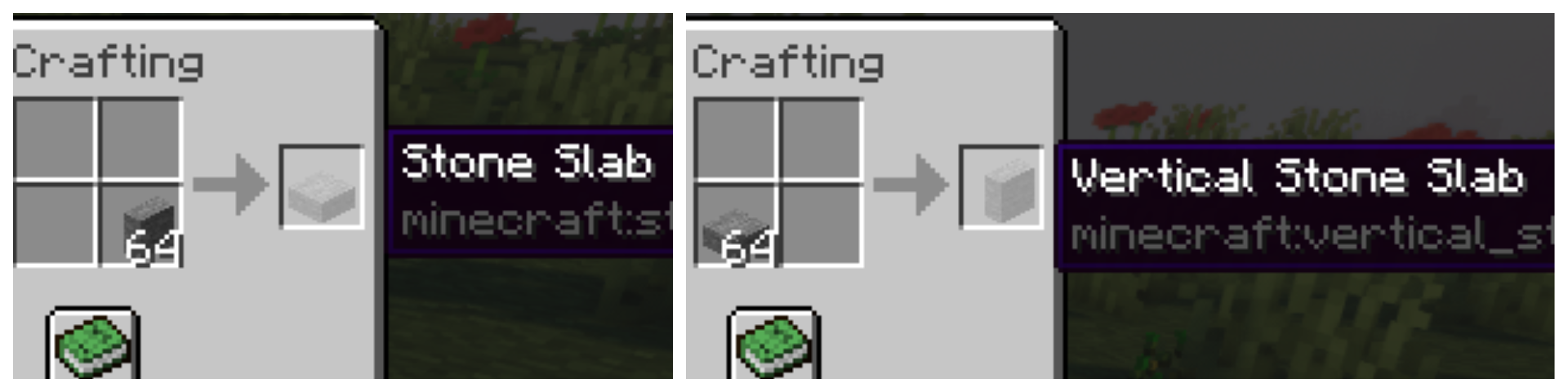
Slabby finds all slabs in Minecraft and creates a vertical version of each one. Slabby copies all settings of each slab into the new vertical one and adds useful recipes so that the new slabs are all easily accessible. Want a horizontal slab to be a vertical one? Just open your inventory, and switch it in your 2x2 crafting grid. This is obviously reversible. All vertical stone and copper slab recipes have also been added to the stonecutter recipe book.
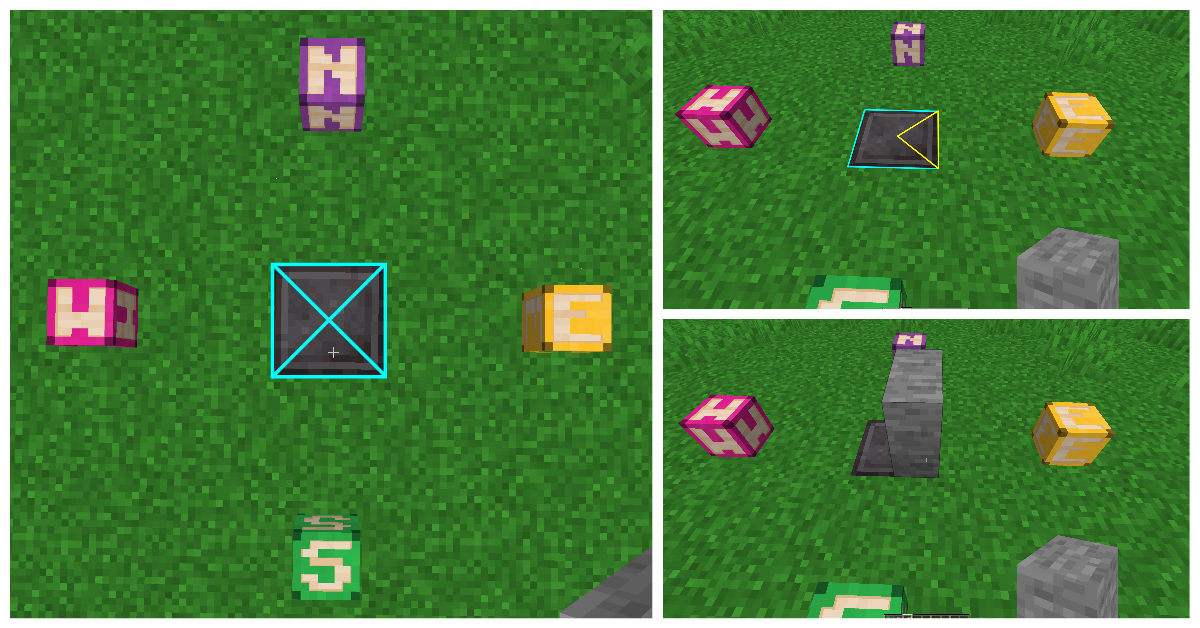
Placing vertical slabs can be tricky. Unlike the horizontal variant, the placement is based on the X and Z axis instead of just Y.
To place a vertical slab in the orientation you want on the ground or ceiling, place it in the correct quadrant shown here:
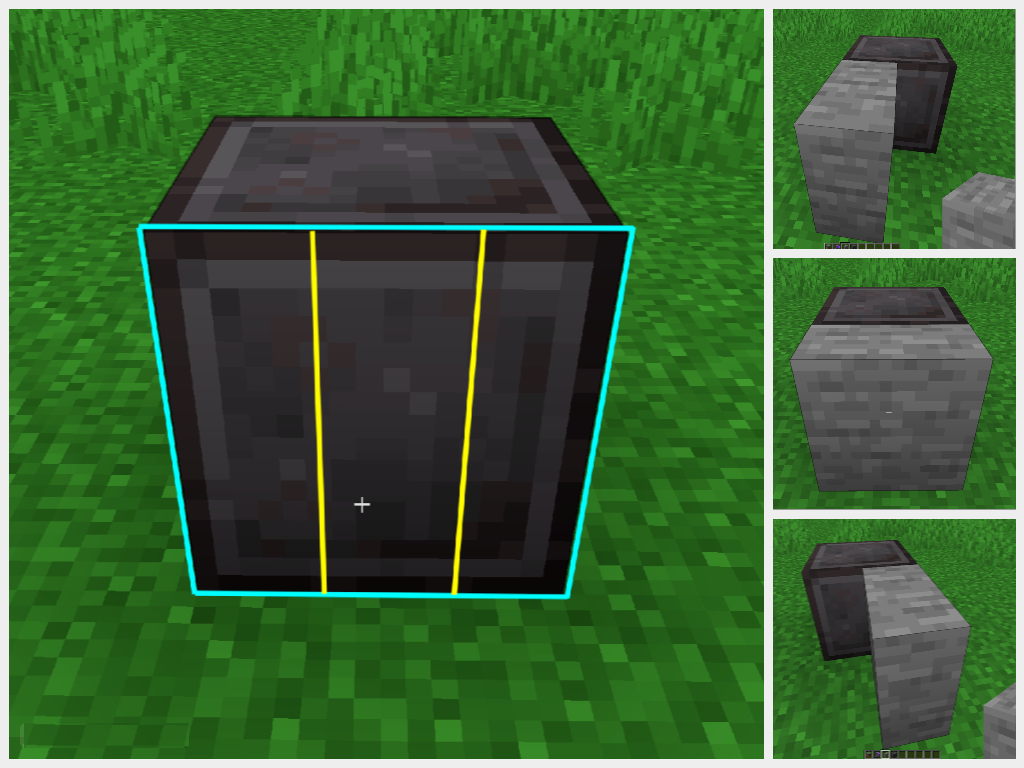
To place a vertical slab into the face of another block, imagine the block face in thirds, and place it on which side you want it to face. If you place in the center third it will place directly into the block face:
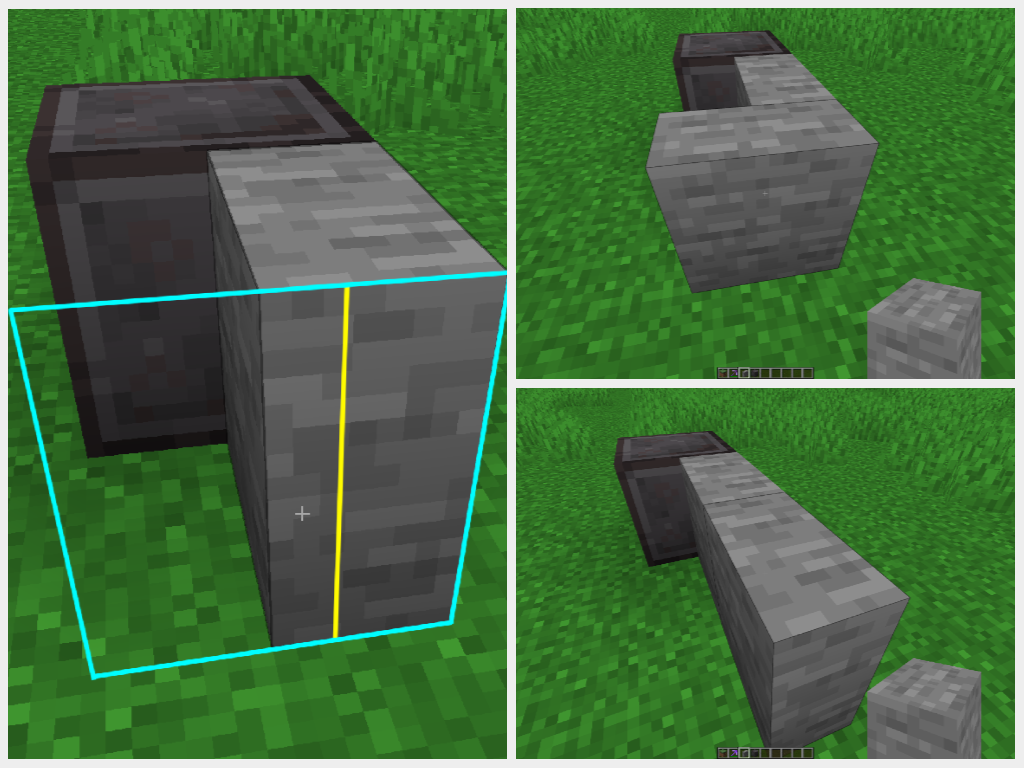
Showcase
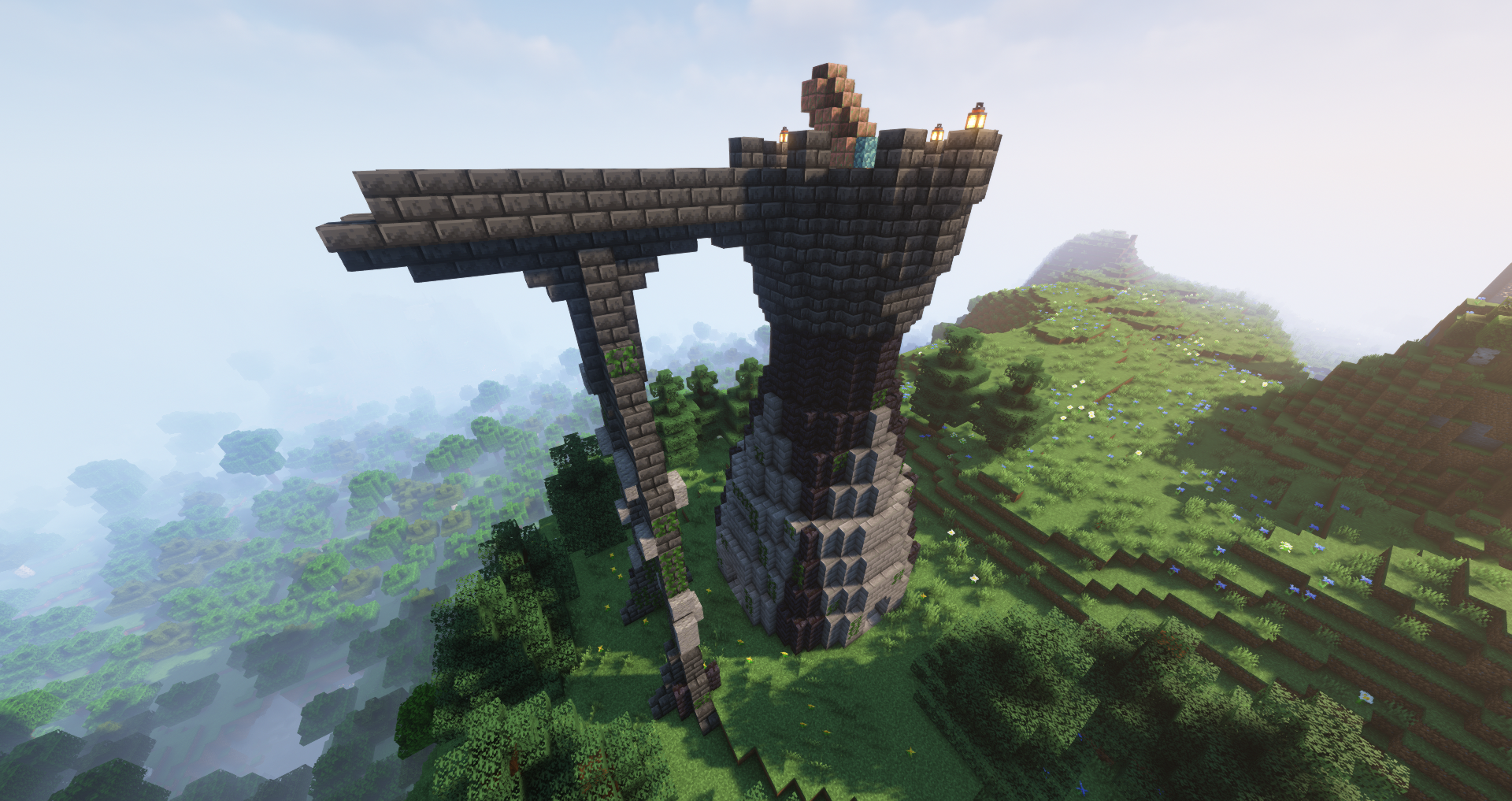
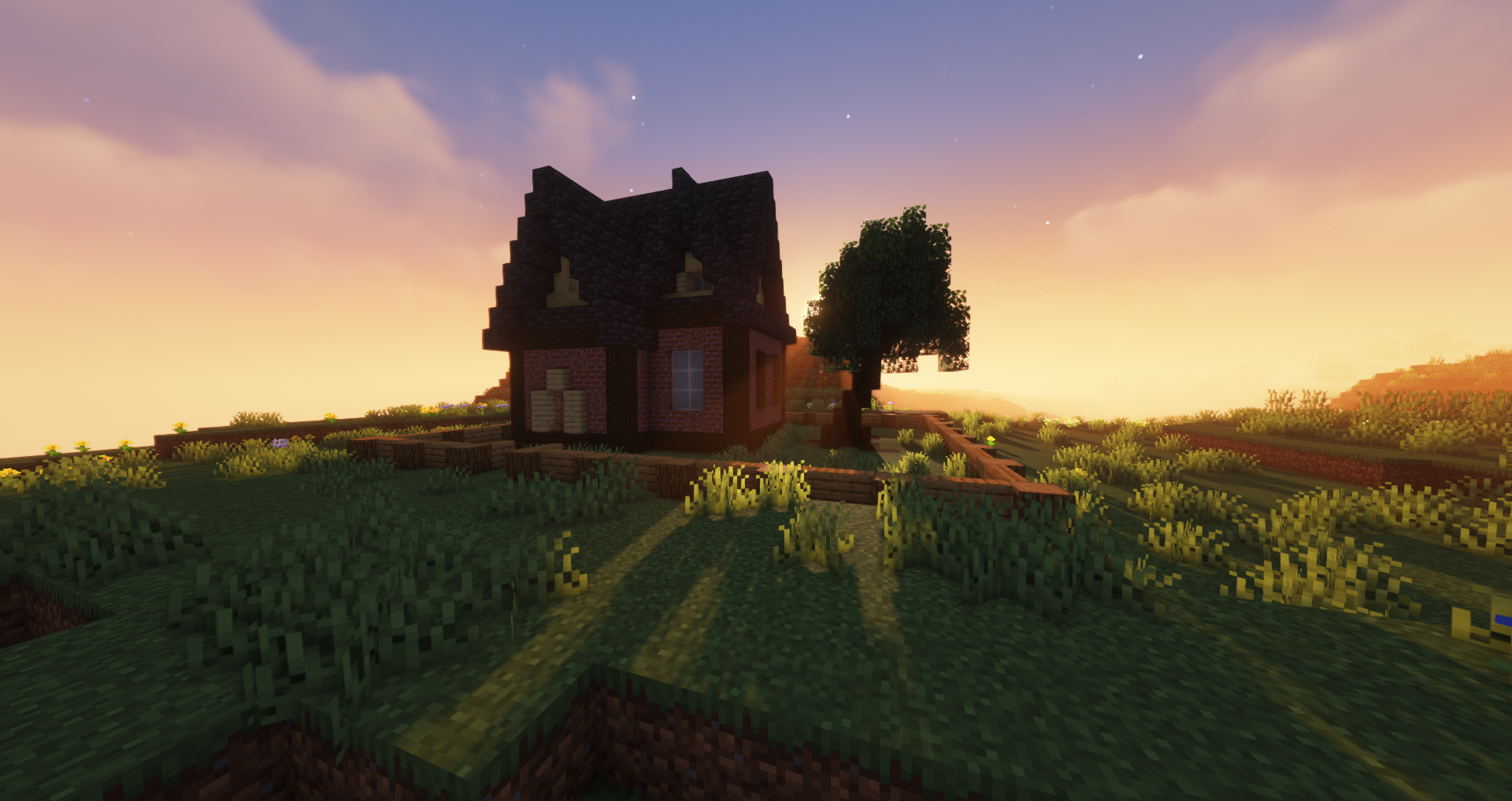
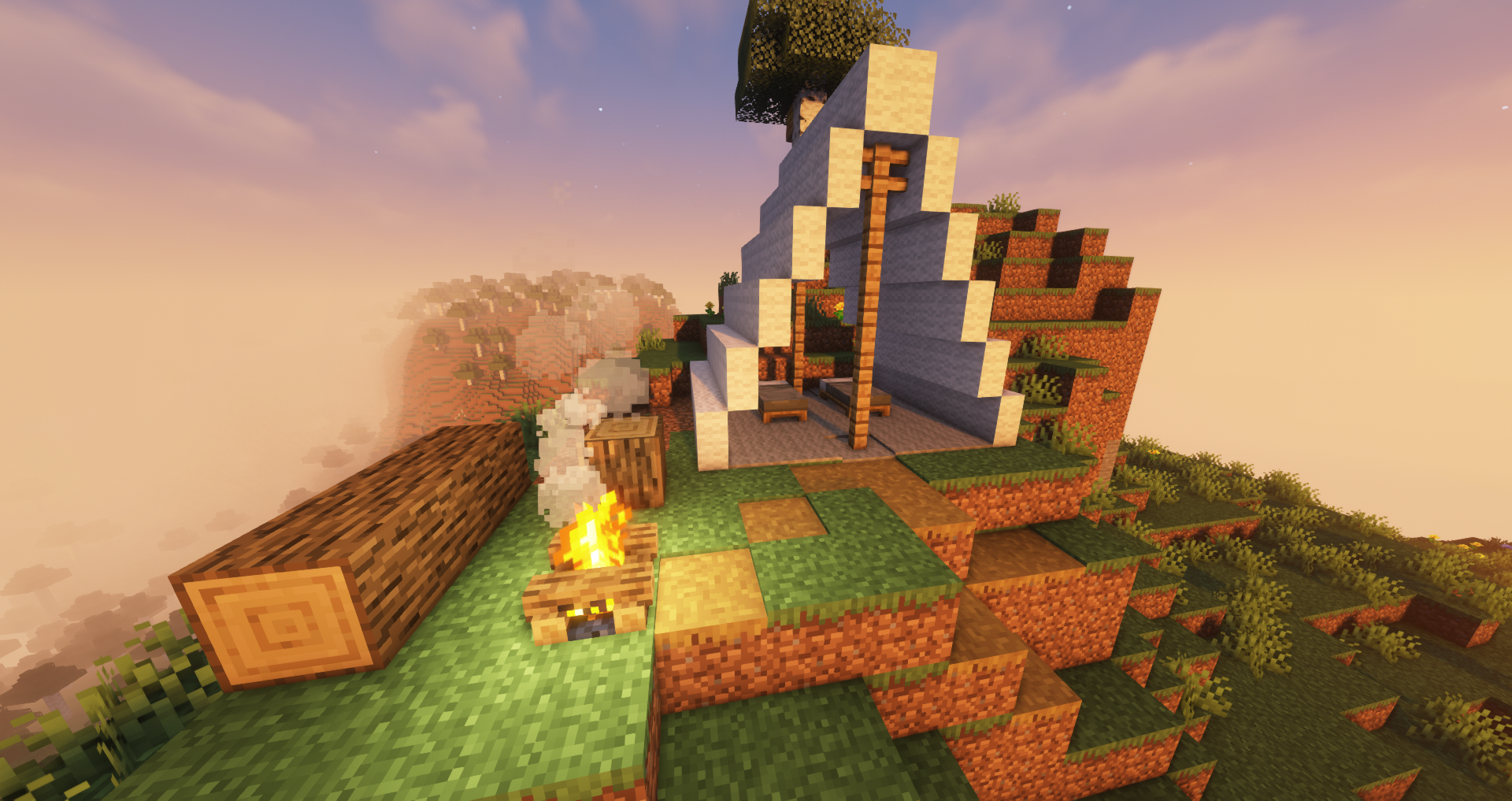
Vertical Modded Slabs
Not implemented yet.
Slabby was built in such a way that it will react to what it is given. This means that all future updates to Minecraft should only require changing the target minecraft version on the mod for it to work (unless they make something like Oxidizable again...). It also means that this should work with all modded slabs that inherit from SlabBlock. Anything that doesn't will not be made vertical by this mod.
Known Bugs
- Vertical smooth stone slabs - They are currently just half of a full smooth stone block and don't have the ribbing like the double horizontal smooth stone slabs do. This will be worked on ASAP.
Changelog
- Quality of Life: can now place right and left slabs into the side of blocks [0.2.3]
- Recipes are added to the recipe book upon receiving the necessary materials [0.2.3]
- Added recipes for combining slabs back into full blocks. [0.2.3]
- Bug Fixes: flammable slabs now burn, wool slabs are shearable [0.2.3]
Available Versions
How to Install Slabby on Your Server
Order Server
Order a Minecraft Java server with at least 3 GB RAM (4 GB recommended).
Set fabric Loader
In the panel under "Egg", select the fabric loader and matching Minecraft version (1.20.1).
Install Mod
Open the mod browser in the dashboard and search for "Slabby". Click "Install" – done! Alternatively, upload the .jar via SFTP to the /mods folder.
Compatibility
Mod Loaders
Minecraft Versions
1.20.1, 1.20, 1.19.4 (+6 more)
Server-side
✓ RequiredRecommended RAM
4 GB(min. 3 GB)Frequently Asked Questions
Slabby server crashes on startup – what to do?
Most common cause: wrong fabric version or insufficient RAM. Check the server log (latest.log) for "OutOfMemoryError" or "Mixin" errors. With Mado Hosting: ensure at least 3 GB RAM is allocated and the loader matches the mod version (1.20.1). You can switch loaders with one click in the panel.
Is Slabby compatible with fabric?
Slabby officially supports fabric for Minecraft 1.20.1, 1.20, 1.19.4. The Mado dashboard automatically detects incompatible loader combinations.
Server lagging with Slabby – how to optimize performance?
Recommended RAM: 4 GB (per 8 players). Use /spark profiler to check if Slabby consumes the most tick time. Common fixes: reduce server view-distance to 8-10, install "performant" or "starlight" as supplementary mods on Forge. With Mado Hosting, your server runs on NVMe SSDs with dedicated CPU cores for minimal latency.
Similar Mods

![[ETF] Entity Texture Features](https://cdn.modrinth.com/data/BVzZfTc1/af683d206d50b05258d865b0d6e4aa2f2cee12f2_96.webp)
![[EMF] Entity Model Features](https://cdn.modrinth.com/data/4I1XuqiY/6e5bbd0d06b1741bfdab6c0cfab6de8fdaf0064c_96.webp)



Rent Modded Server
Install Slabby with just one click on your server.