
Spoutcraft
A client mod that automatically installs custom blocks and items when joining a server.
Screenshots
About this Mod
Spoutcraft
client mod (Fabric)
Automatically downloads and adds modded content
when joining a server

|
|
|
Introduction
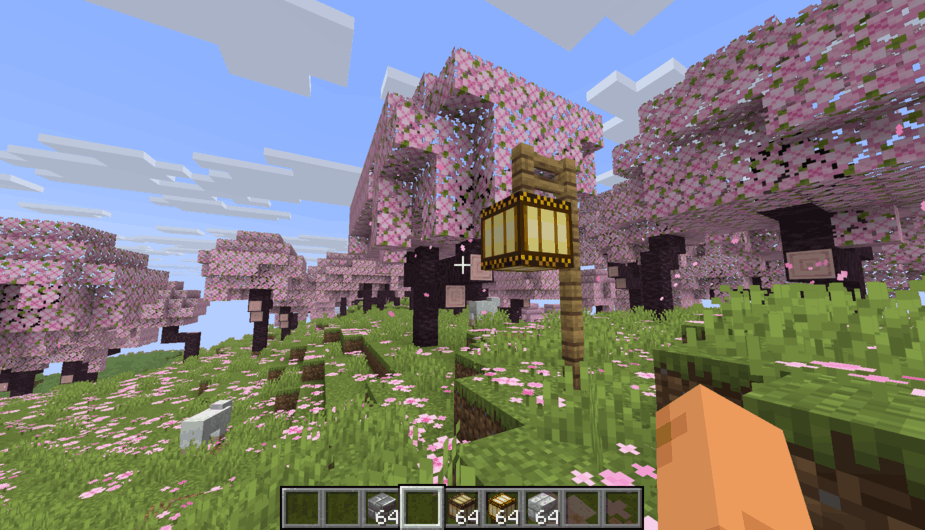
Spoutcraft works like a per-server modloader: the moment you join a Spout server,
the server's modded content will be transferred and added client-side automatically.
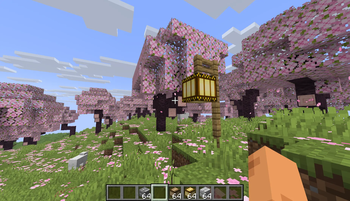
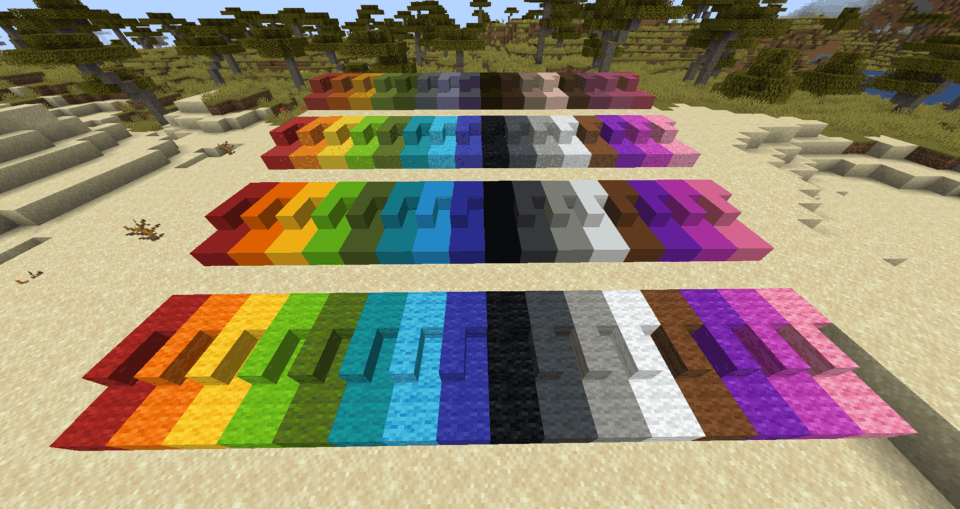
✓ Supports non-vanilla block shapes, like vertical slabs
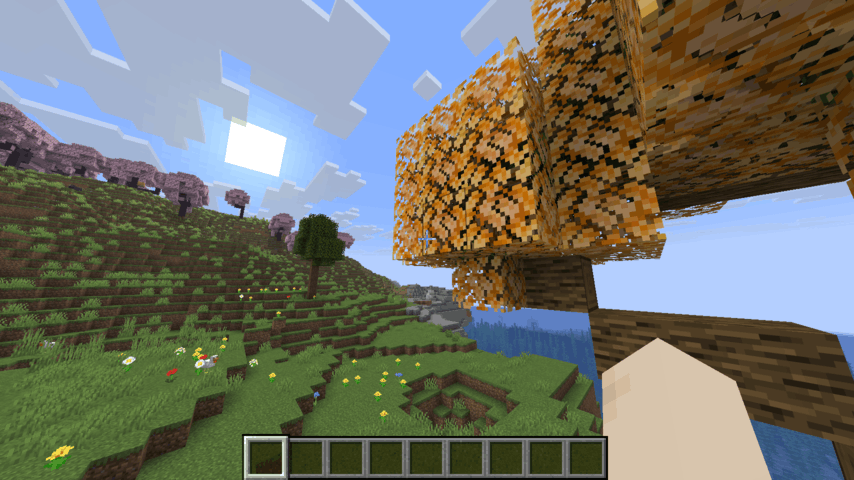
✓ Supports all properties, including breaking speed, light level and textures
✓ Auto-completion in commands, such as /give
Because it contains no modded block or items of itself, the Spoutcraft client mod is super lightweight.
It is incredibly fast: a server's modded content is downloaded and added in less than a second.
The client only accepts a server's text description of block and item types. No server code is ever transferred or executed.
All custom content is automatically removed the moment you leave a server.
Installation
Place the .jar file into the mods folder (or use the Modrinth App).
Requires Fabric API.
Most mods are compatible and integrate with Spoutcraft perfectly.
For example, mods with custom statistics, shulker box tooltips, minimaps, dynamic lights, etc. all support the custom blocks and items.
Installing Spout server-side
- Paper/Spigot/Bukkit: Spout (for Paper)
- Fabric: currently being developed,
please let us know on Discord if you are interested!
Available Versions
How to Install Spoutcraft on Your Server
Order Server
Order a Minecraft Java server with at least 3 GB RAM (4 GB recommended).
Set fabric Loader
In the panel under "Egg", select the fabric loader and matching Minecraft version (26.1.2).
Install Mod
Open the mod browser in the dashboard and search for "Spoutcraft". Click "Install" – done! Alternatively, upload the .jar via SFTP to the /mods folder.
Compatibility
Mod Loaders
Minecraft Versions
26.1.2, 1.21.11
Server-side
✗ UnsupportedRecommended RAM
4 GB(min. 3 GB)Frequently Asked Questions
Spoutcraft server crashes on startup – what to do?
Most common cause: wrong fabric version or insufficient RAM. Check the server log (latest.log) for "OutOfMemoryError" or "Mixin" errors. With Mado Hosting: ensure at least 3 GB RAM is allocated and the loader matches the mod version (26.1.2). You can switch loaders with one click in the panel.
Is Spoutcraft compatible with fabric?
Spoutcraft officially supports fabric for Minecraft 26.1.2, 1.21.11. The Mado dashboard automatically detects incompatible loader combinations.
Server lagging with Spoutcraft – how to optimize performance?
Recommended RAM: 4 GB (per 8 players). Use /spark profiler to check if Spoutcraft consumes the most tick time. Common fixes: reduce server view-distance to 8-10, install "performant" or "starlight" as supplementary mods on Forge. With Mado Hosting, your server runs on NVMe SSDs with dedicated CPU cores for minimal latency.
Similar Mods

![[ETF] Entity Texture Features](https://cdn.modrinth.com/data/BVzZfTc1/af683d206d50b05258d865b0d6e4aa2f2cee12f2_96.webp)
![[EMF] Entity Model Features](https://cdn.modrinth.com/data/4I1XuqiY/6e5bbd0d06b1741bfdab6c0cfab6de8fdaf0064c_96.webp)



Rent Modded Server
Install Spoutcraft with just one click on your server.