
Streetscape
Decorate your streets with Streetscape!
Screenshots
About this Mod

About
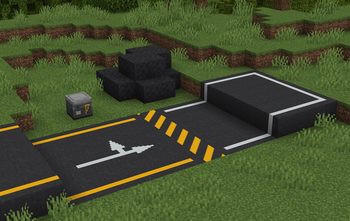
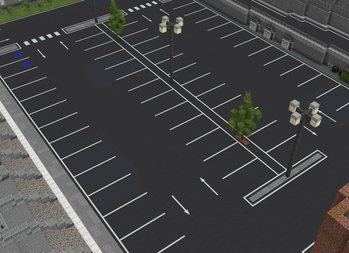
Ever wanted to build proper roads in Minecraft but got tired of pretending gray concrete and diorite stairs to look like real painted lines? Streetscape is exactly what you need!
Originally started as a simple resource pack, Streetscape has been completely rebuilt from the ground up into a full mod for all your road building needs.
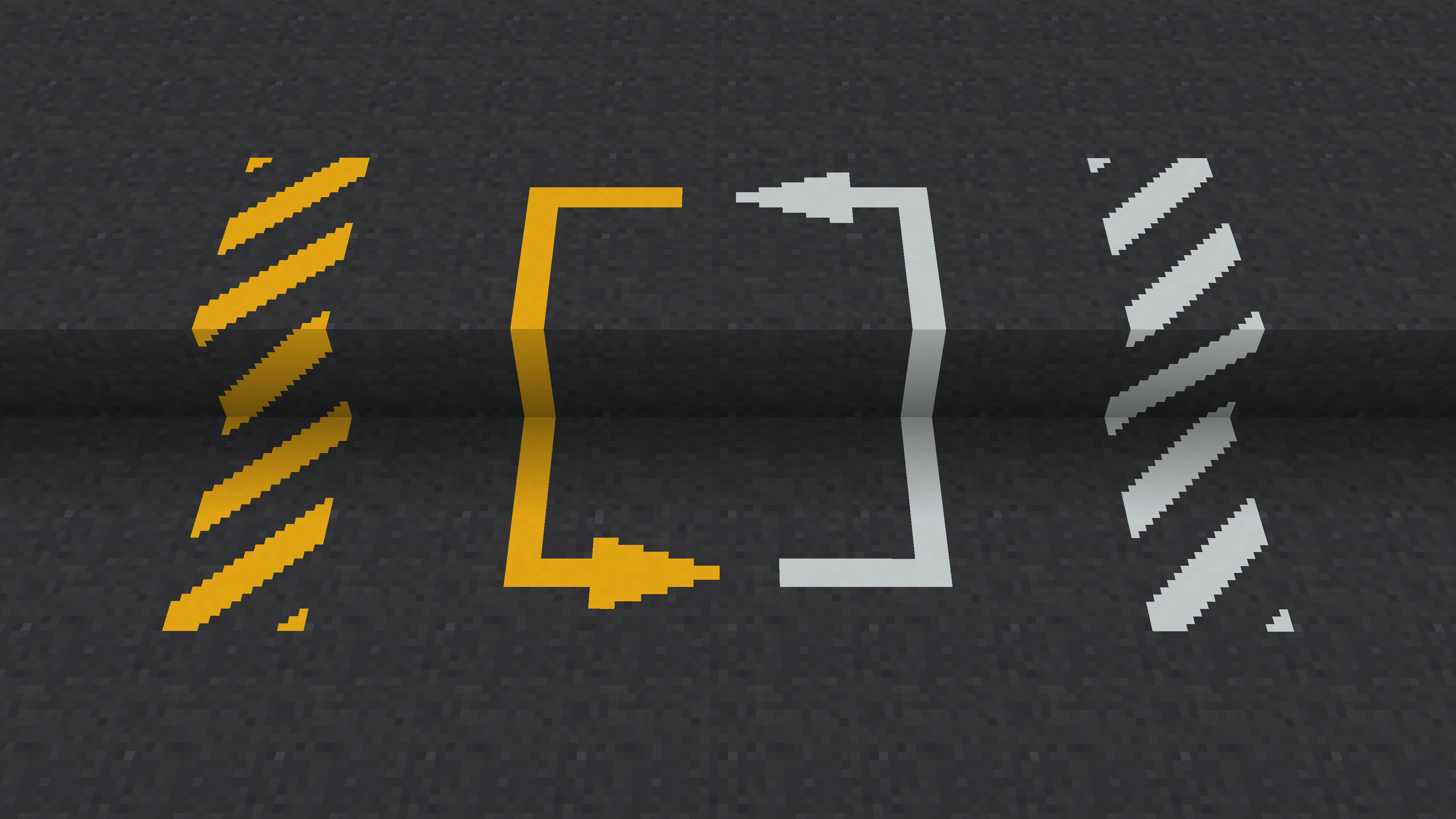
Current Features
Roadworks Table:
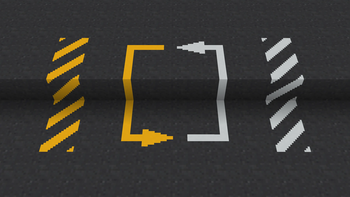
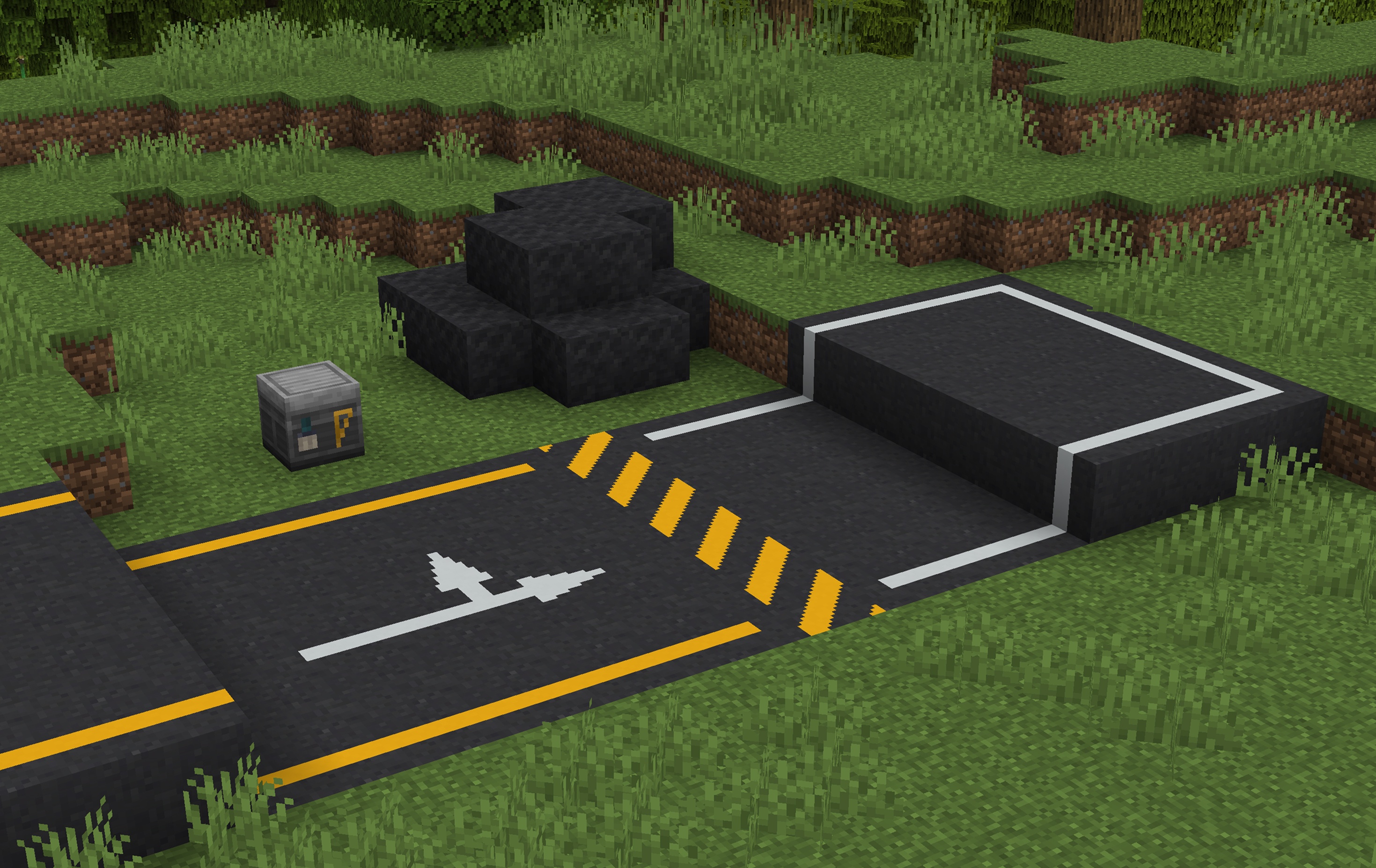
Combine asphalt blocks and some dye in the Roadworks Table to stamp out the exact road marking patterns you want.
Connected Textures:
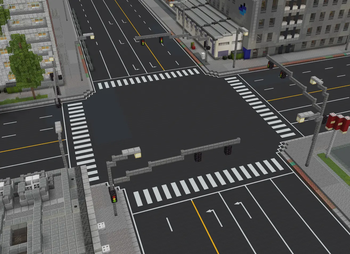
Line markings automatically connect to adjacent blocks to form seamless straightaways, corners, and intersections. No more puzzle-piece placing!
Asphalt:
Mix sand, gravel, and coal (or charcoal) to craft an Asphalt Mix, then smelt it down in a furnace to produce solid Asphalt blocks.
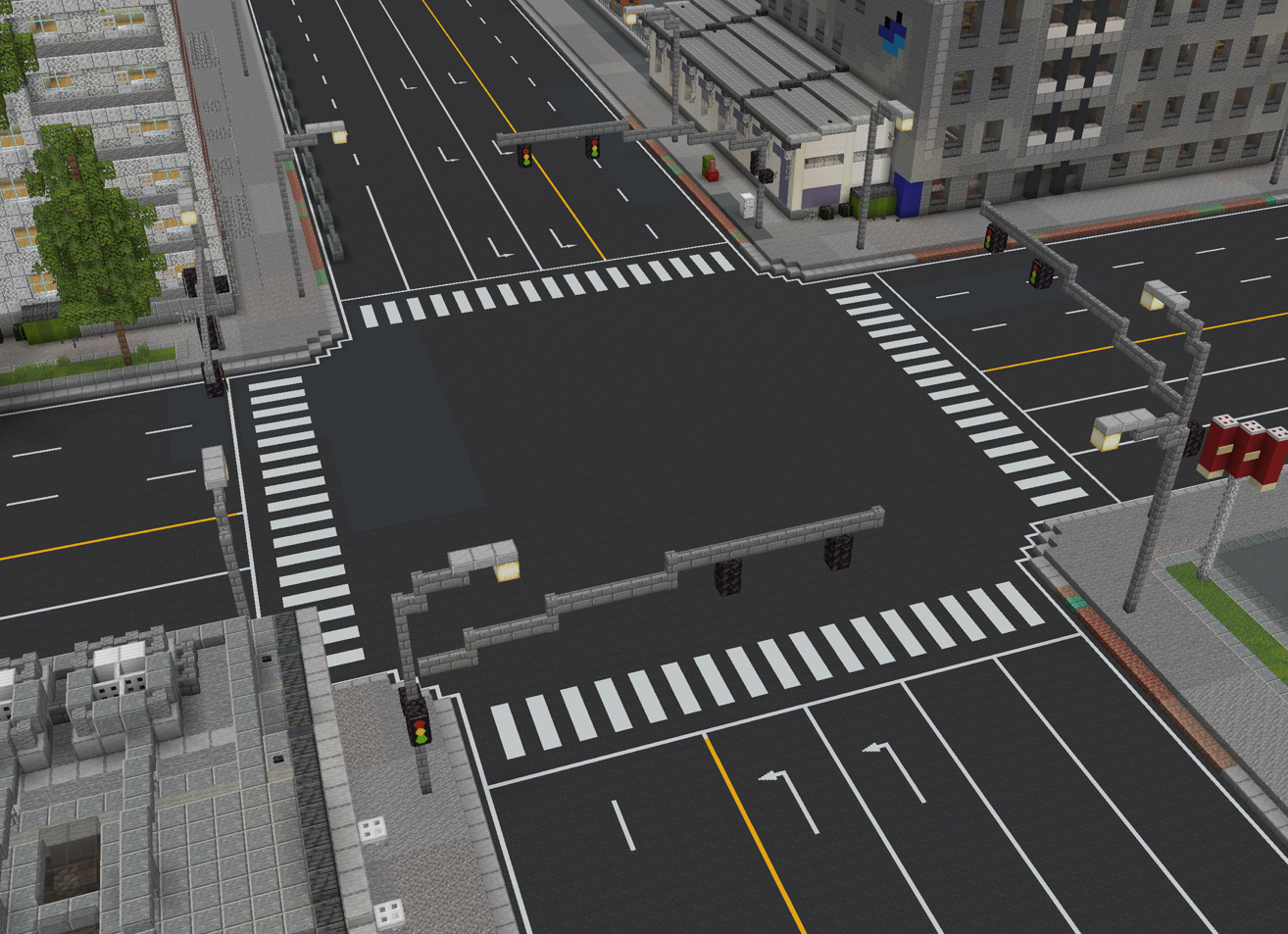
Showcase
Planned Features
- Bus and bike lanes
- Road signs
- Traffic lights
Support & Links
Found a bug or have a suggestion?
Feel free to include Streetscape in your modpacks!
Available Versions
How to Install Streetscape on Your Server
Order Server
Order a Minecraft Java server with at least 3 GB RAM (4 GB recommended).
Set fabric Loader
In the panel under "Egg", select the fabric loader and matching Minecraft version (1.21.1).
Install Mod
Open the mod browser in the dashboard and search for "Streetscape". Click "Install" – done! Alternatively, upload the .jar via SFTP to the /mods folder.
Compatibility
Mod Loaders
Minecraft Versions
1.21.1
Server-side
✓ RequiredRecommended RAM
4 GB(min. 3 GB)Frequently Asked Questions
Streetscape server crashes on startup – what to do?
Most common cause: wrong fabric version or insufficient RAM. Check the server log (latest.log) for "OutOfMemoryError" or "Mixin" errors. With Mado Hosting: ensure at least 3 GB RAM is allocated and the loader matches the mod version (1.21.1). You can switch loaders with one click in the panel.
Is Streetscape compatible with fabric?
Streetscape officially supports fabric for Minecraft 1.21.1. The Mado dashboard automatically detects incompatible loader combinations.
Server lagging with Streetscape – how to optimize performance?
Recommended RAM: 4 GB (per 8 players). Use /spark profiler to check if Streetscape consumes the most tick time. Common fixes: reduce server view-distance to 8-10, install "performant" or "starlight" as supplementary mods on Forge. With Mado Hosting, your server runs on NVMe SSDs with dedicated CPU cores for minimal latency.
Similar Mods

![[ETF] Entity Texture Features](https://cdn.modrinth.com/data/BVzZfTc1/af683d206d50b05258d865b0d6e4aa2f2cee12f2_96.webp)
![[EMF] Entity Model Features](https://cdn.modrinth.com/data/4I1XuqiY/6e5bbd0d06b1741bfdab6c0cfab6de8fdaf0064c_96.webp)



Rent Modded Server
Install Streetscape with just one click on your server.