
Structure Void Toggle
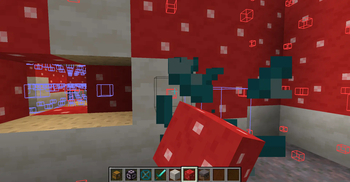
Gets rid of that annoying Structure Void hitbox when building with a toggle!
Screenshots
About this Mod
Are you annoyed with Structure Void getting in the way of you breaking/placing blocks in your structure? SO WAS I!
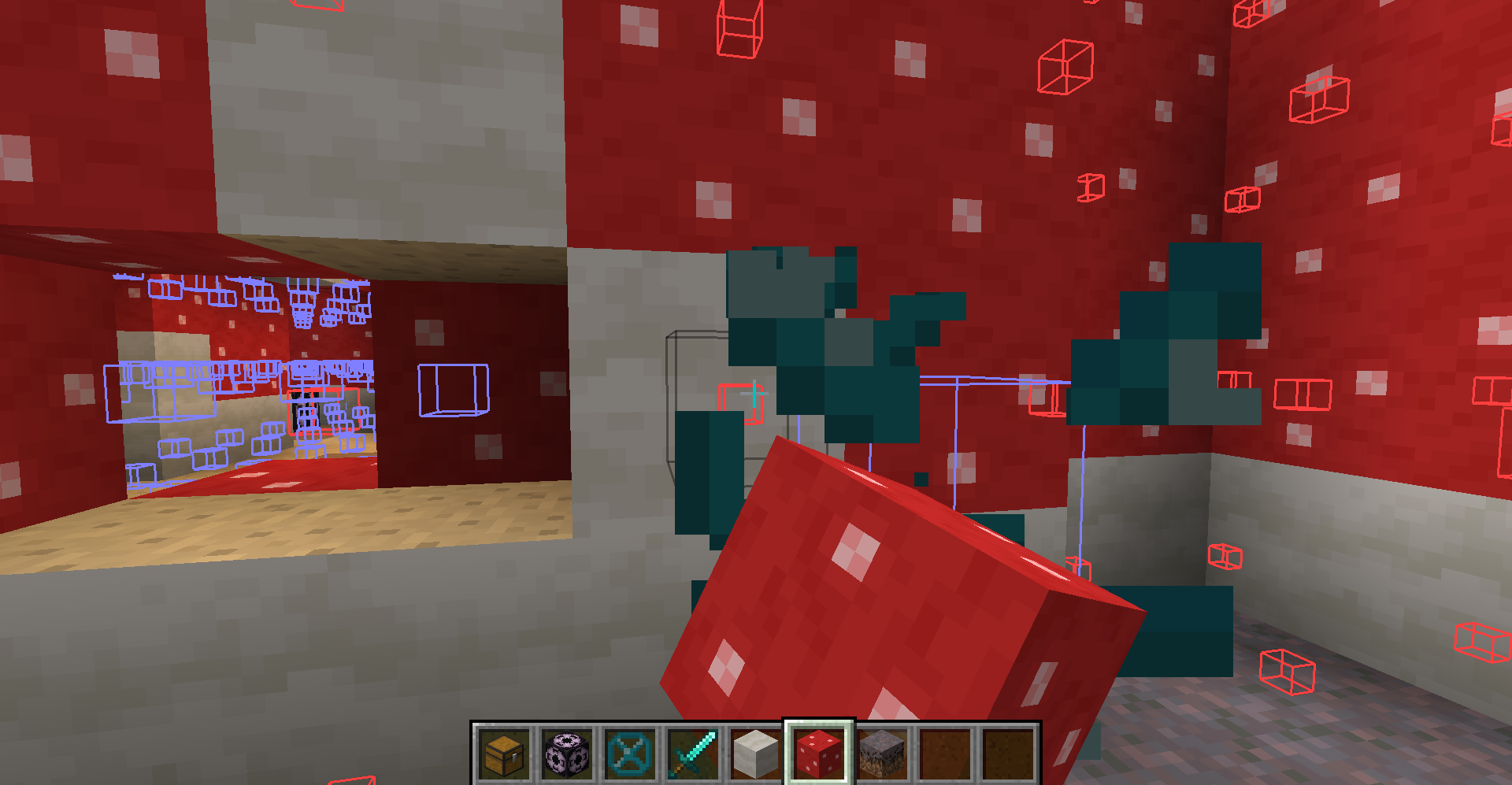
SOLUTION: STRUCTURE VOID TOGGLE MOD!
A little backstory, I was making structures and using Structure Blocks to save them with Structure Void for world generation later. However, I got fed up with Structure Void making it difficult to add/remove blocks in my structures. So I decided to make this really simple mod where you can toggle between the size of the hitbox for the block!
AS OF 1.19.2 (Some features are not available in older MC versions):
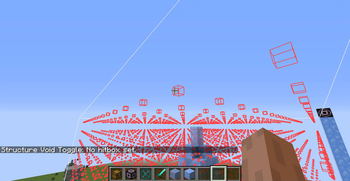
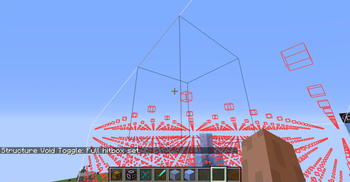
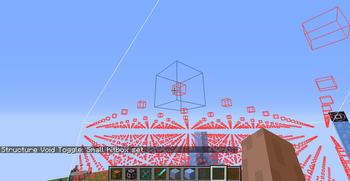
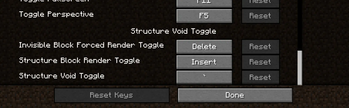
BACKTICK KEY ` will switch between 'Default', 'No Hitbox', 'Small Hitbox', and 'Large Hitbox'. This will apply to Structure Void, Light, and Barrier block. Default goes back to normal shape and behavior for each block. The rest forces the block's hitbox to be whatever the mode is.
INSERT KEY will disable any invisible block rendering from Structure Blocks. May be useful as the Structure Block's rendering is very laggy when showing a ton of invisible blocks.
DELETE KEY will switch on the 'Forced Rendering' option which will render all Structure Void, Light, and Barrier blocks so that they all are visible when close enough to you even if not in bounds of a Structure Block! If 'Large Hitbox' mode is on alongside 'Forced Rendering', the blocks will get a full-cube solid rendering to make it mush easier to see where all the blocks are and easier to break them.
PAGE UP KEY will make it so that placing any block on Structure Void or Light will place the blocks on the side instead of replacing the Structure Void or Light block.
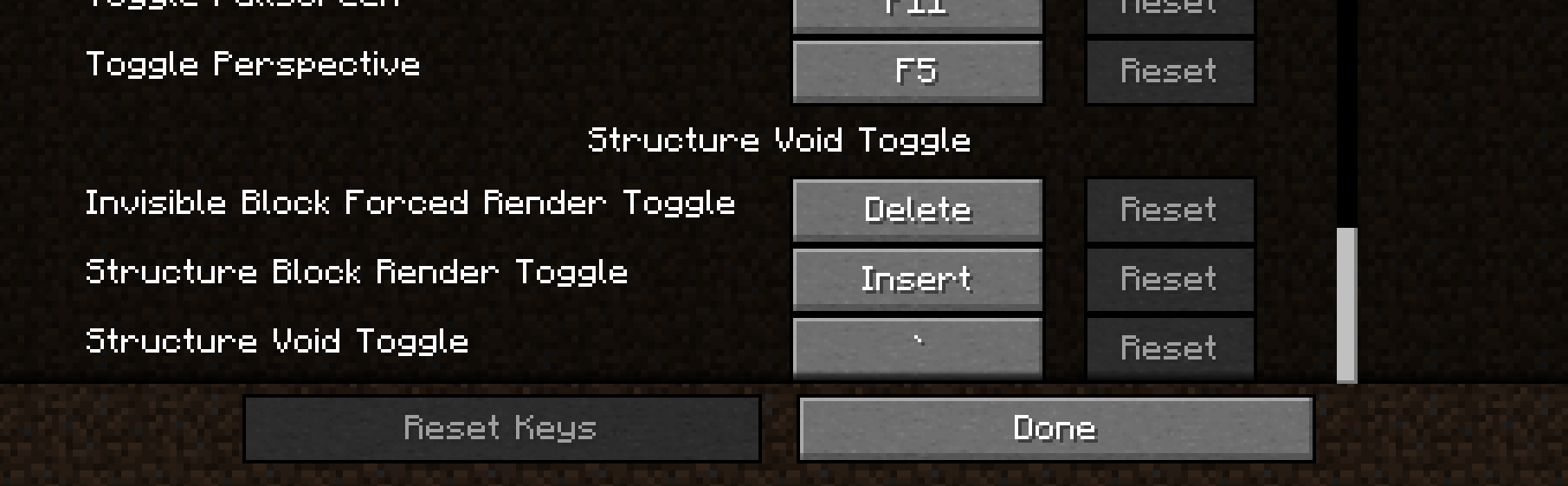
NOTE: You can change any of the keybinds in the Controls section of settings.
I hope you enjoy this mod to make structure building a little easier and don't forget to report any bugs or issues you find with this mod in the Issue tab above or in my discord below! Or you can comment on this mod page too
Discord Link to #telepathicgrunt-mods channel for my mods! :
https://discord.gg/K8qRev3yKZ
Available Versions
How to Install Structure Void Toggle on Your Server
Order Server
Order a Minecraft Java server with at least 3 GB RAM (4 GB recommended).
Set fabric Loader
In the panel under "Egg", select the fabric loader and matching Minecraft version (26.1.2).
Install Mod
Open the mod browser in the dashboard and search for "Structure Void Toggle". Click "Install" – done! Alternatively, upload the .jar via SFTP to the /mods folder.
Compatibility
Mod Loaders
Minecraft Versions
26.1.2, 26.1.1, 26.1 (+25 more)
Server-side
✗ UnsupportedRecommended RAM
4 GB(min. 3 GB)Frequently Asked Questions
Structure Void Toggle server crashes on startup – what to do?
Most common cause: wrong fabric version or insufficient RAM. Check the server log (latest.log) for "OutOfMemoryError" or "Mixin" errors. With Mado Hosting: ensure at least 3 GB RAM is allocated and the loader matches the mod version (26.1.2). You can switch loaders with one click in the panel.
Is Structure Void Toggle compatible with fabric and forge and neoforge and quilt?
Structure Void Toggle officially supports fabric, forge, neoforge, quilt for Minecraft 26.1.2, 26.1.1, 26.1. Note: Forge and Fabric mods are NOT cross-compatible – pick one loader and stick with it. The Mado dashboard automatically detects incompatible loader combinations.
Server lagging with Structure Void Toggle – how to optimize performance?
Recommended RAM: 4 GB (per 8 players). Use /spark profiler to check if Structure Void Toggle consumes the most tick time. Common fixes: reduce server view-distance to 8-10, install "performant" or "starlight" as supplementary mods on Forge. With Mado Hosting, your server runs on NVMe SSDs with dedicated CPU cores for minimal latency.
Similar Mods




![[ETF] Entity Texture Features](https://cdn.modrinth.com/data/BVzZfTc1/af683d206d50b05258d865b0d6e4aa2f2cee12f2_96.webp)
![[EMF] Entity Model Features](https://cdn.modrinth.com/data/4I1XuqiY/6e5bbd0d06b1741bfdab6c0cfab6de8fdaf0064c_96.webp)
Rent Modded Server
Install Structure Void Toggle with just one click on your server.