SulfurCubes+
Fabric mod extending sulfur cube mechanics for Minecraft 26.2 that Mojang will not add.
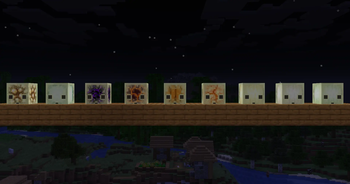
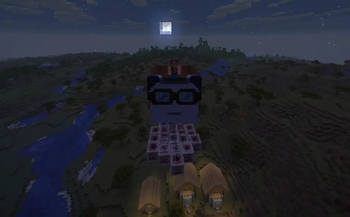
Screenshots
About this Mod




Supported Versions:

Features
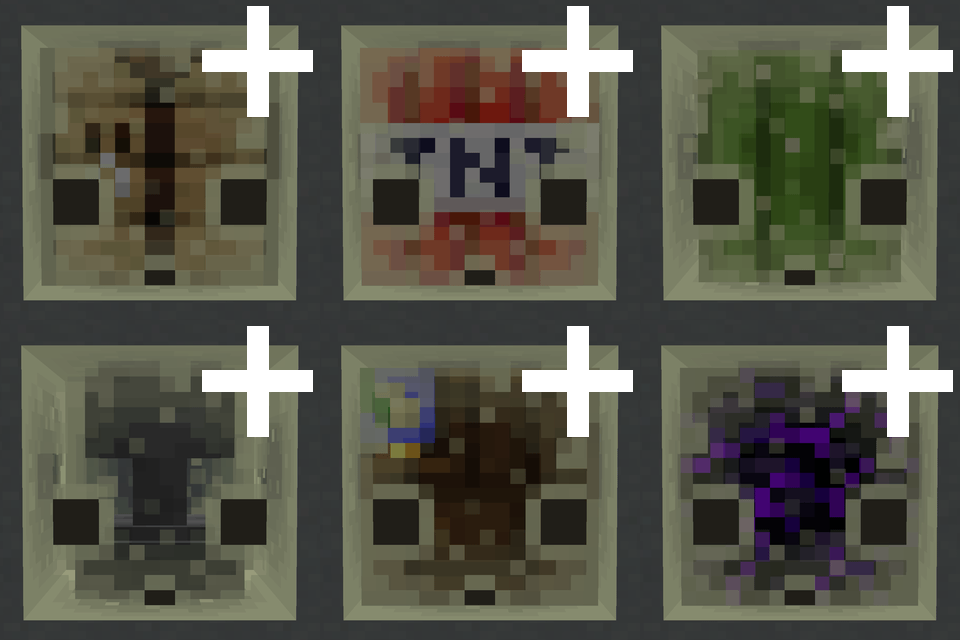
TNT Cubes
As of 26.2 snapshot 5, Mojang added TNT support for sulfur cubes it to the game themselves. Good job Mojang! 🎉
The original feature for this mod was inspired by u/TheJoeFly (original post)
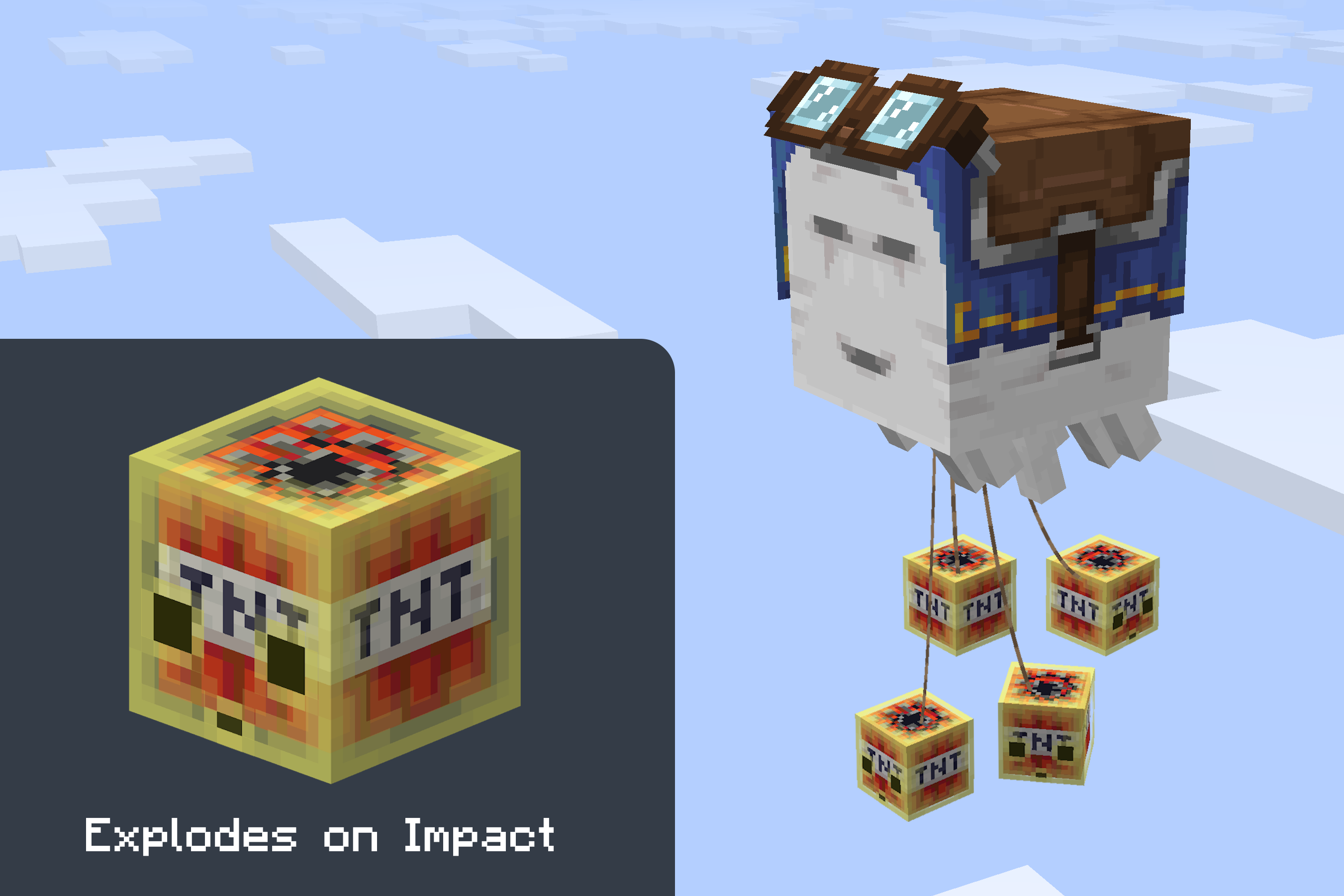
From v0.7.0 onward this mod uses the vanilla implementation. The only additions on top are: the fuse triggers on any direct hit, and the bigger the cube, the bigger the boom. A Sulfur Nuke is now possible. But how would you even get a cube that big?

Light Cubes
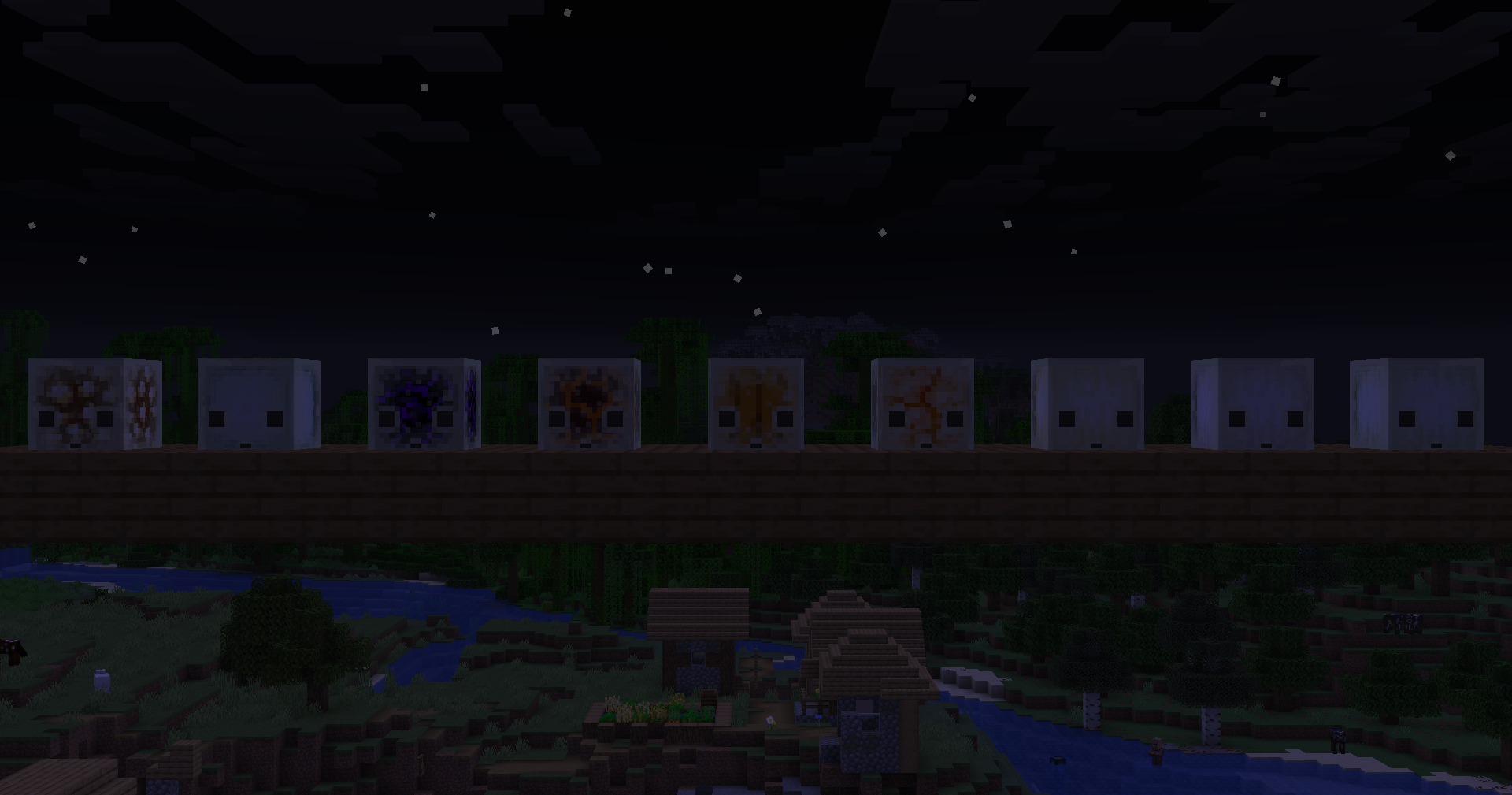
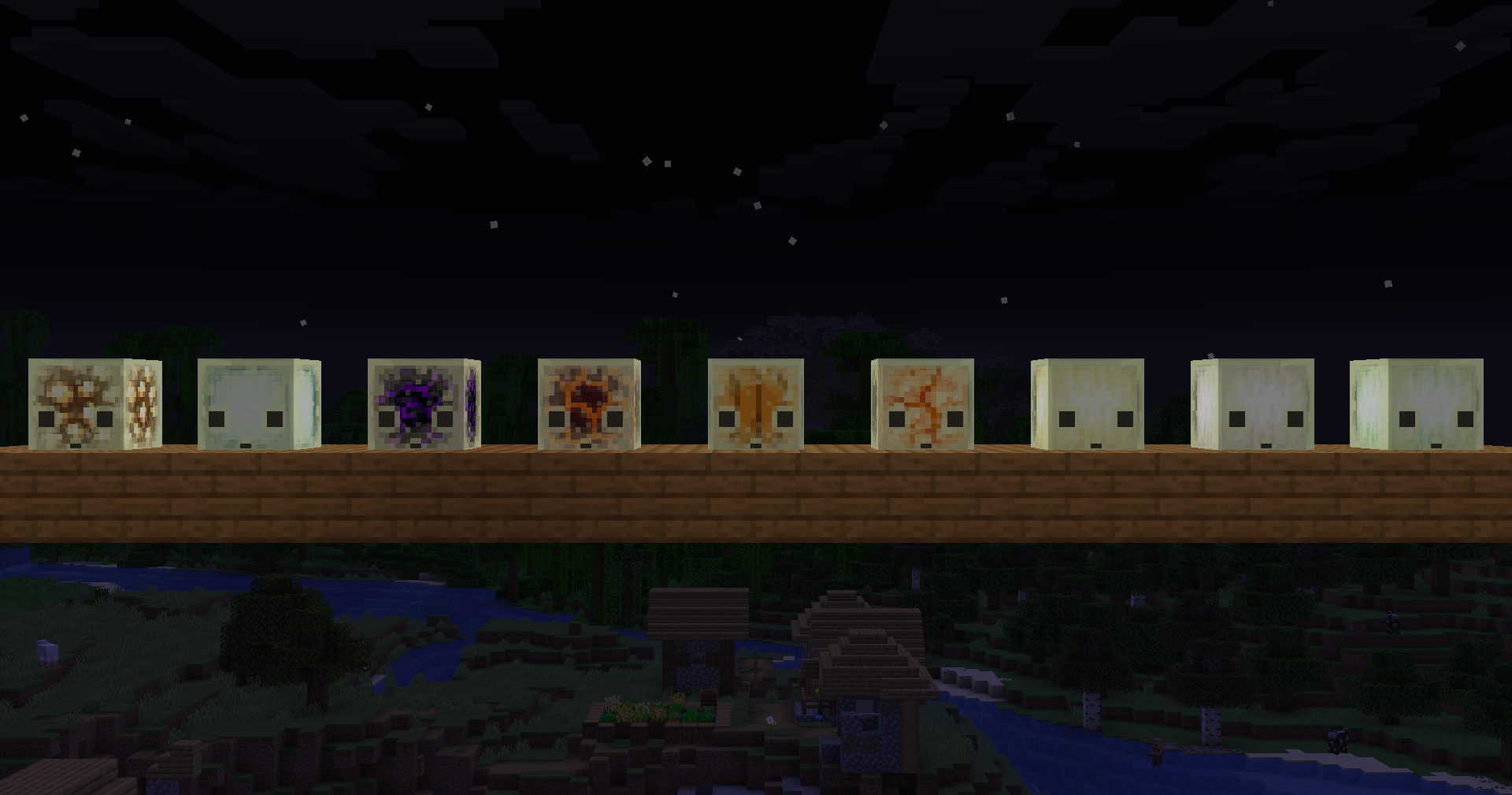
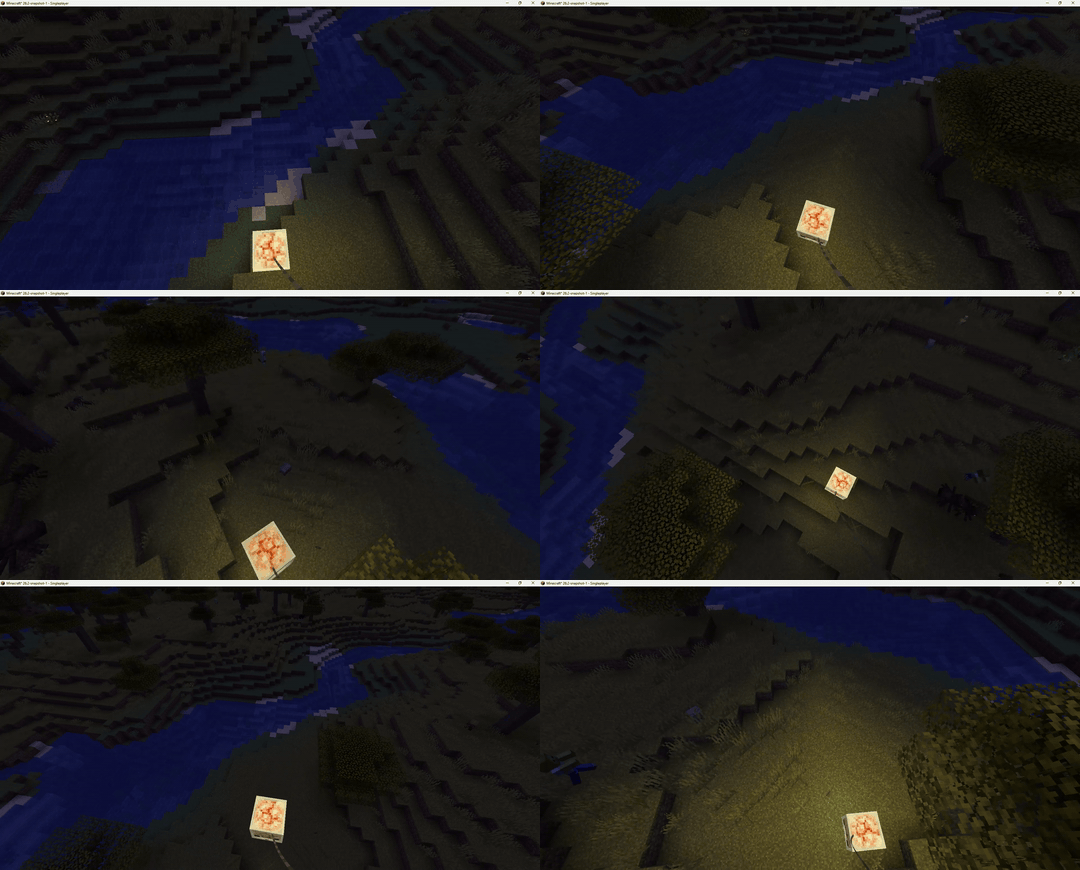
Sulfur cubes that have absorbed a light-emitting block will now emit real light into the world like in Bedrock edition.
Compatible blocks: Glowstone · Sea Lantern · Crying Obsidian · Magma Block · Shroomlight · Jack o'Lantern · Ochre
Froglight · Pearlescent Froglight · Verdant Froglight
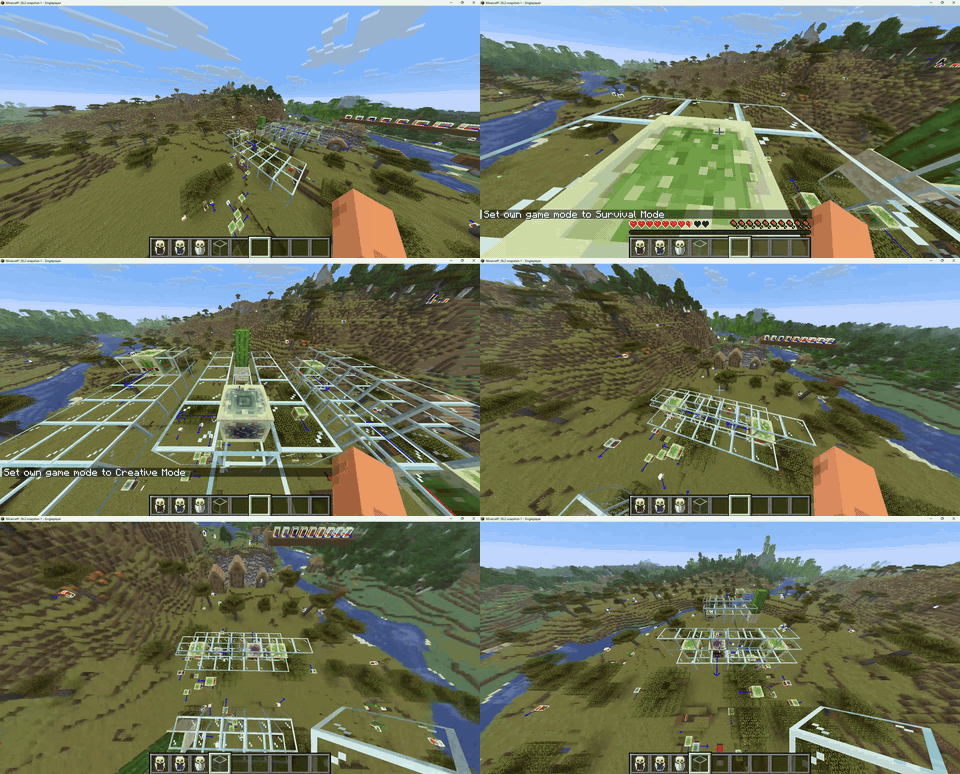
Cactus Cubes
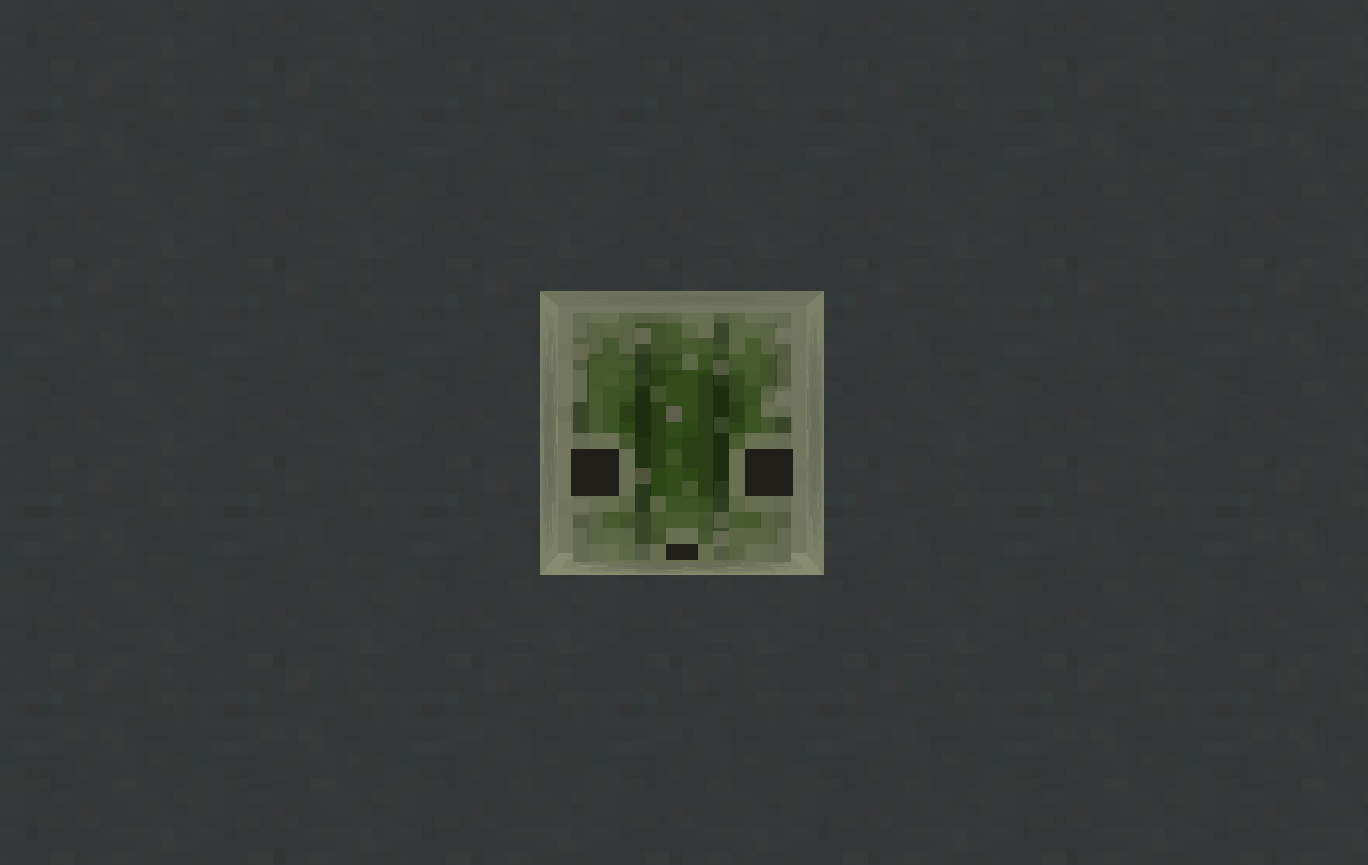
Sulfur cubes can now absorb a cactus. A cactus cube damages any entity that touches it, just like walking into a placed
cactus block. When hit, the attacker also takes cactus damage — as if they punched a real cactus. Other sulfur cubes
that touch a cactus cube or a cactus block now get pushed away.
Workstation Cubes
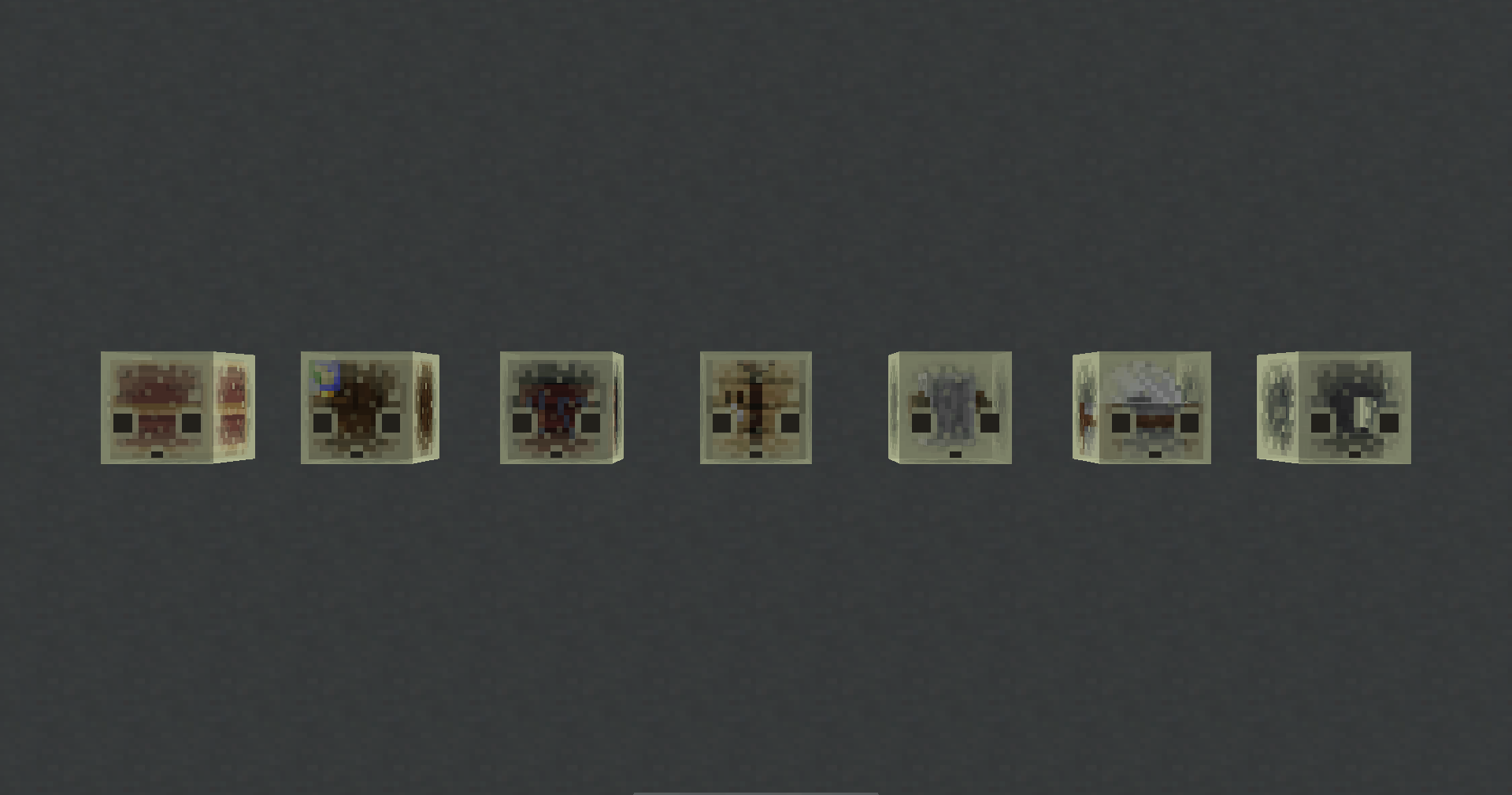
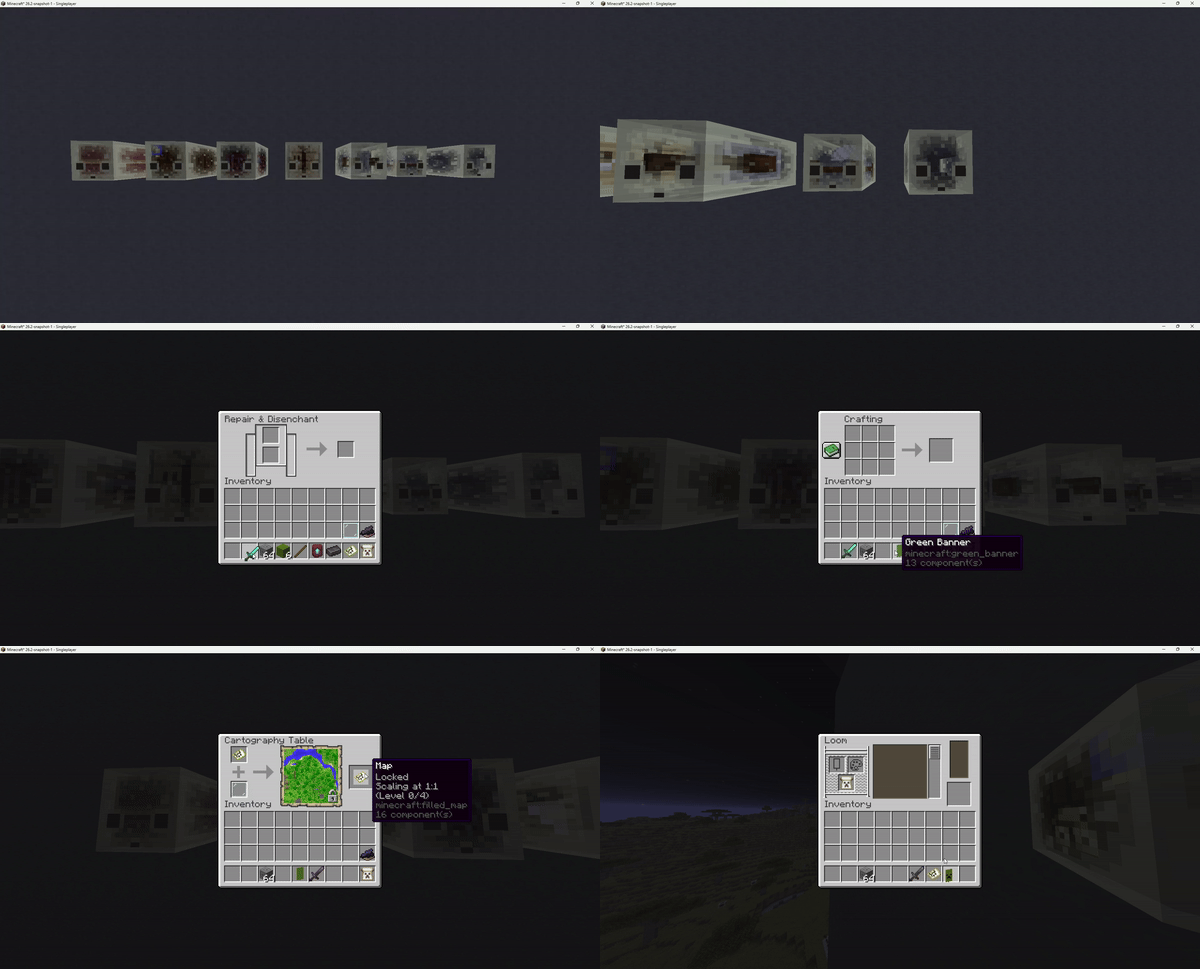
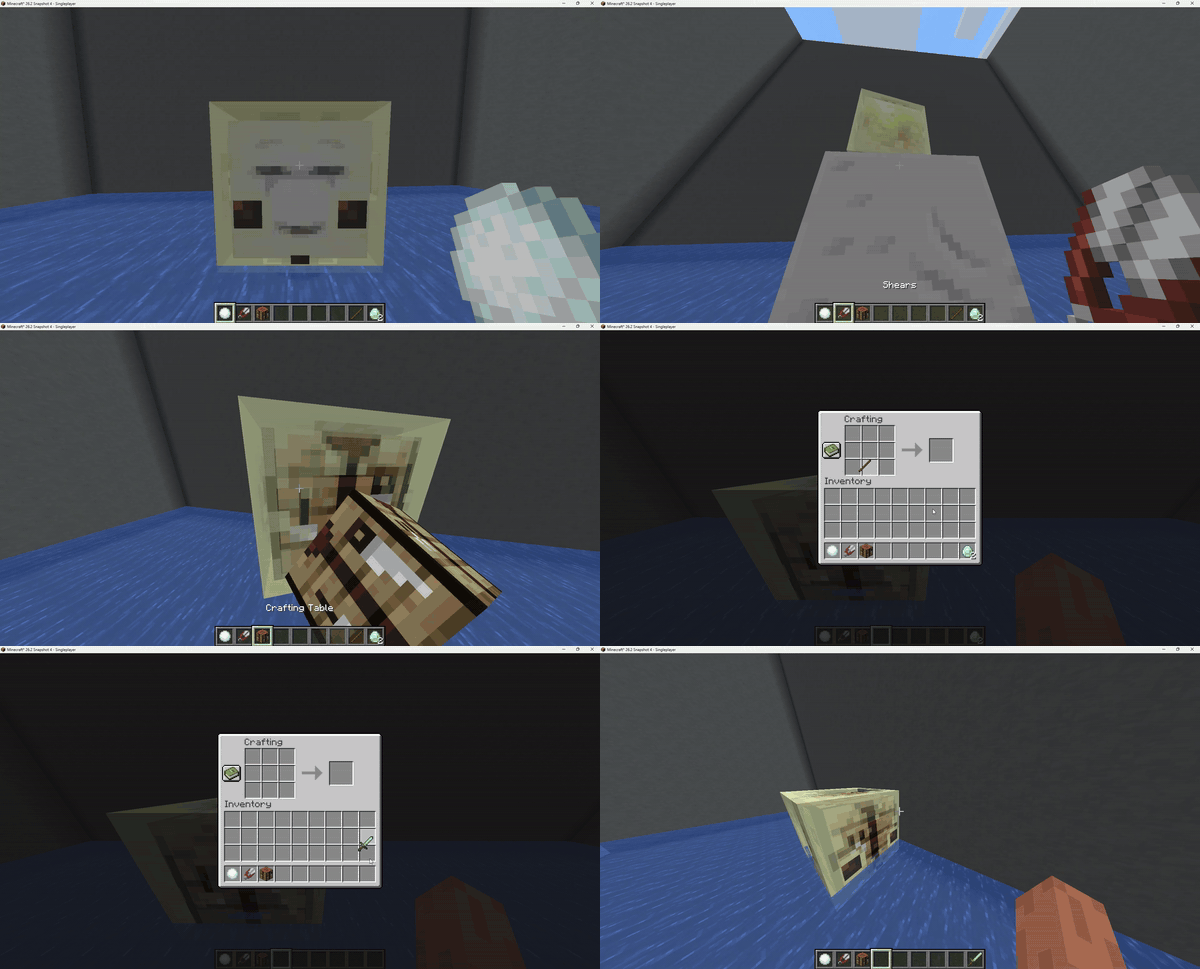
Sulfur cubes can now absorb crafting workstations. Right-clicking opens the corresponding UI, for picking up the cube
press shift + right-click.
Compatible blocks: Crafting Table · Stonecutter · Grindstone · Smithing Table · Loom · Cartography Table · Anvil
Redstone Cubes
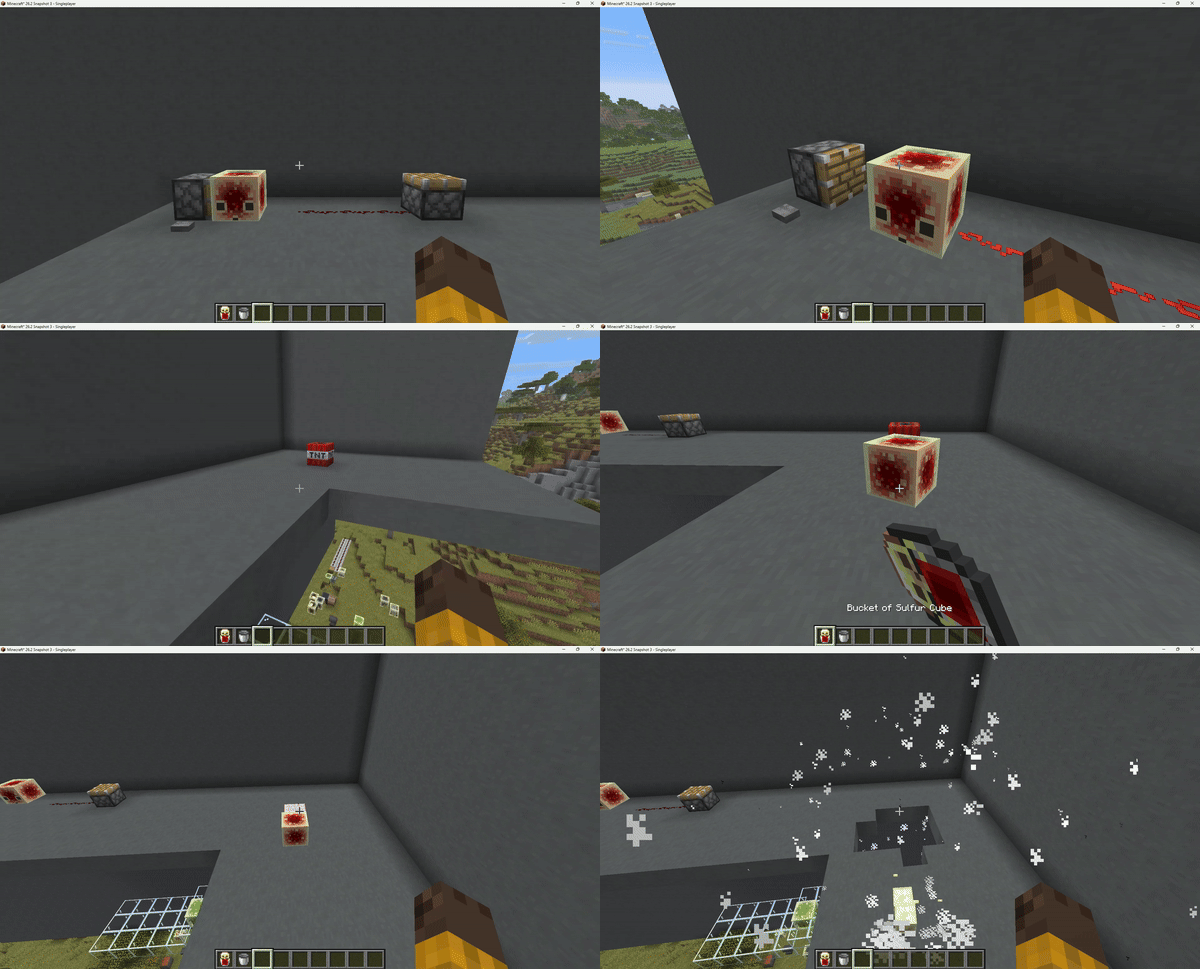
Sulfur cubes can now absorb a Redstone Block. The cube acts as a live redstone signal source,
powering adjacent redstone components in all six directions, like a placed Redstone
Block.
Ghast Cubes
Inspired by u/Jakeroni5 (original post)
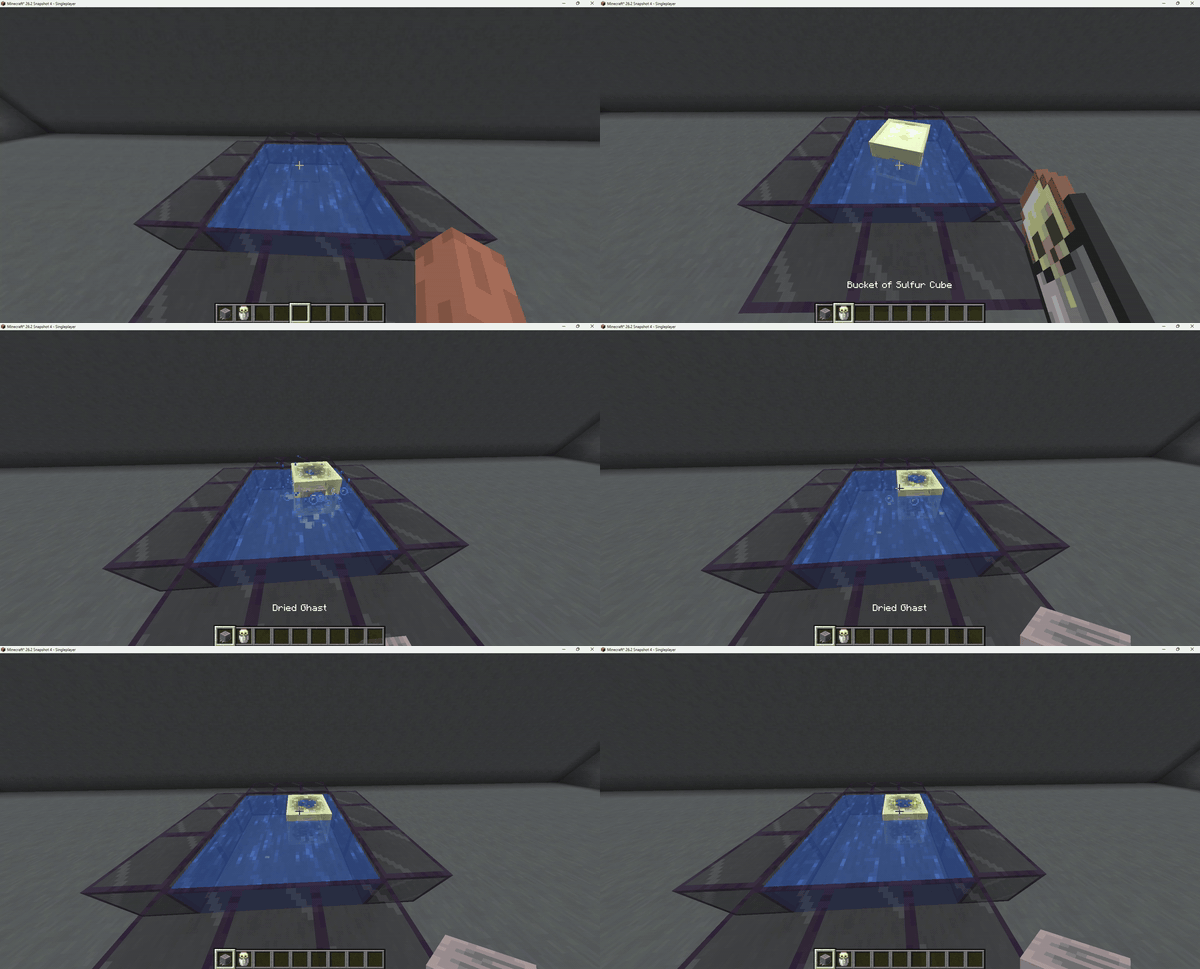
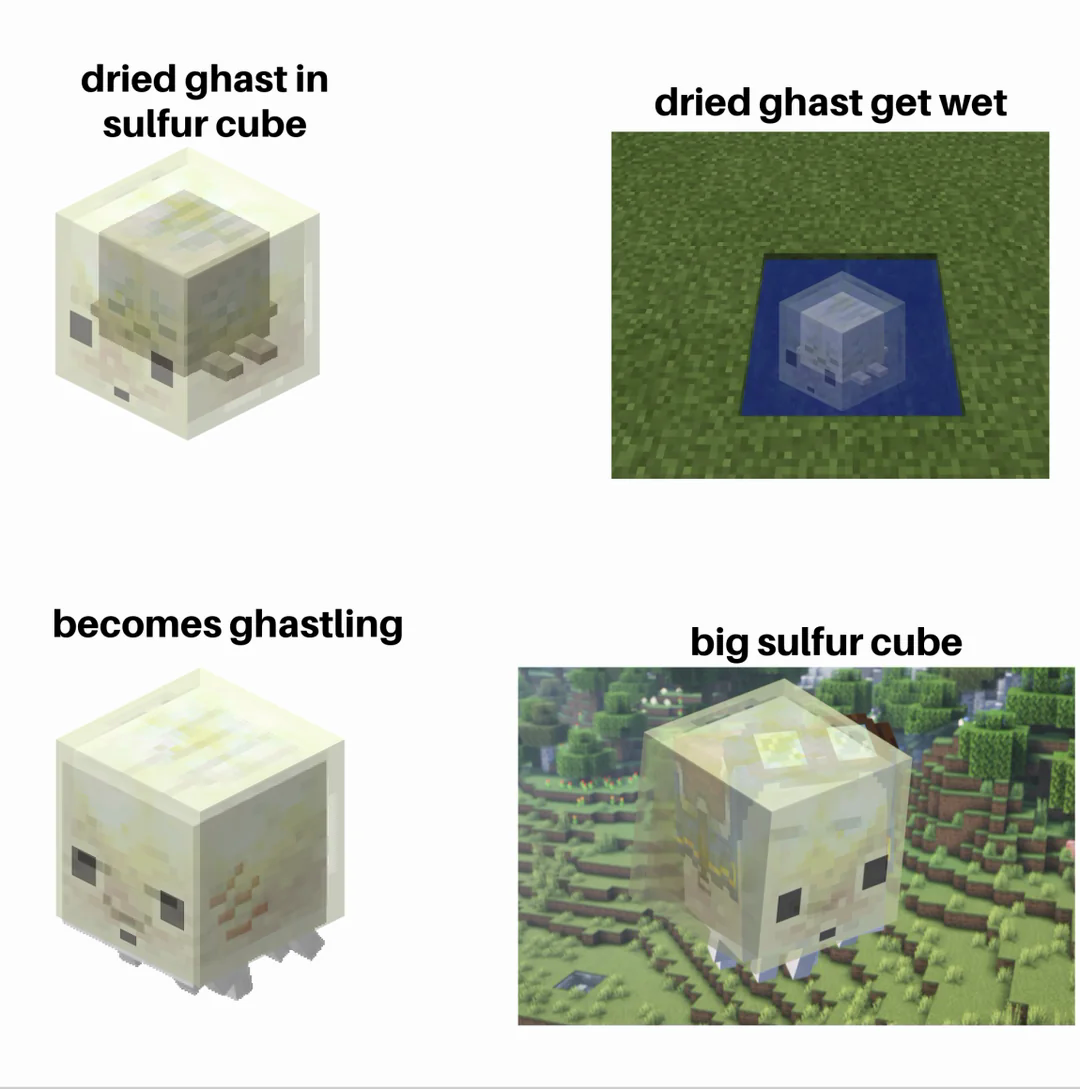 Sulfur cubes can now absorb a **Dried Ghast**. Submerge the cube in water to hydrate it.
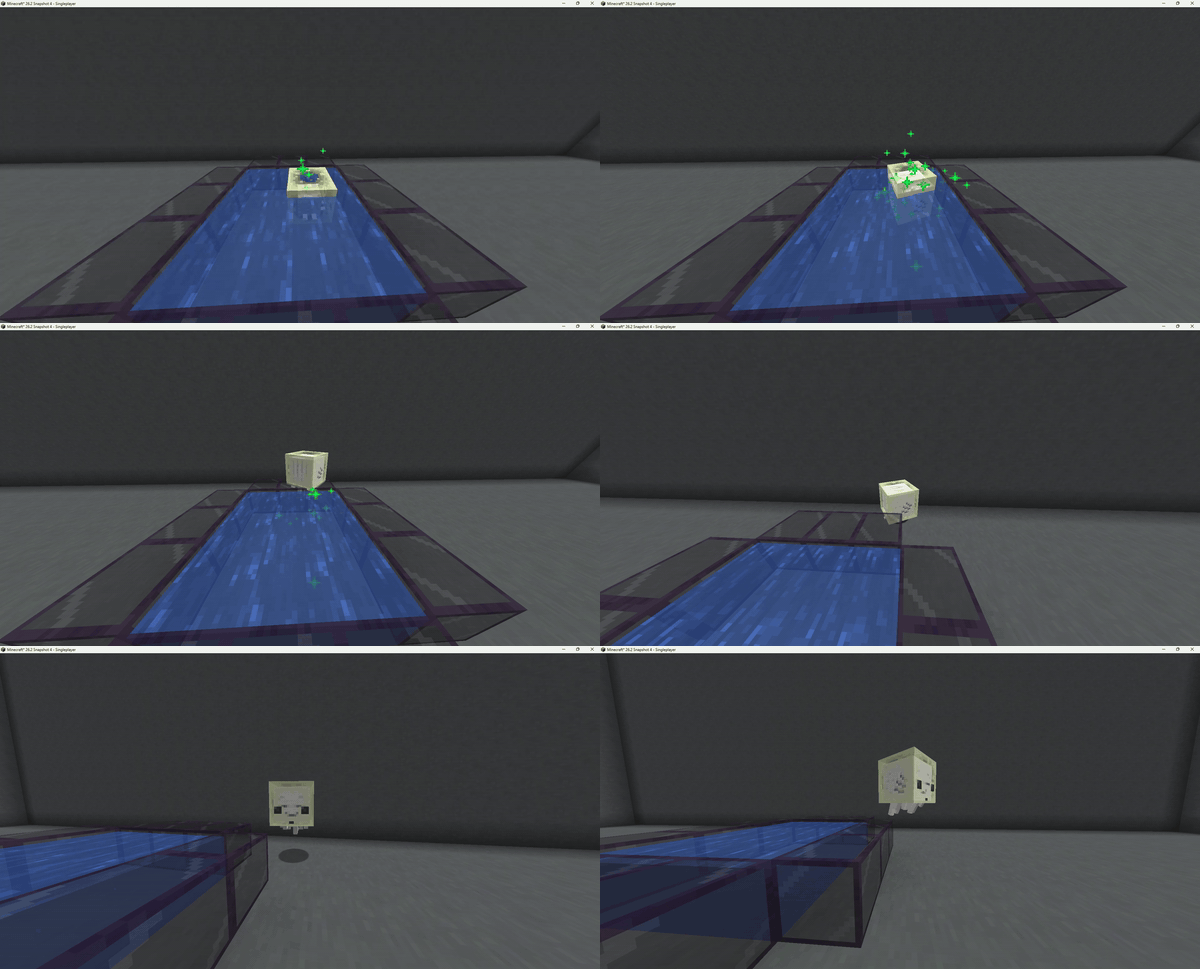
Once fully hydrated, the Dried Ghast comes to life: a baby Happy Ghast spawns and the cube enters
Ghast Soul Mode, wrapping around the ghastling as a translucent soul shell. The cube grows with
the ghast as it matures into an adult.
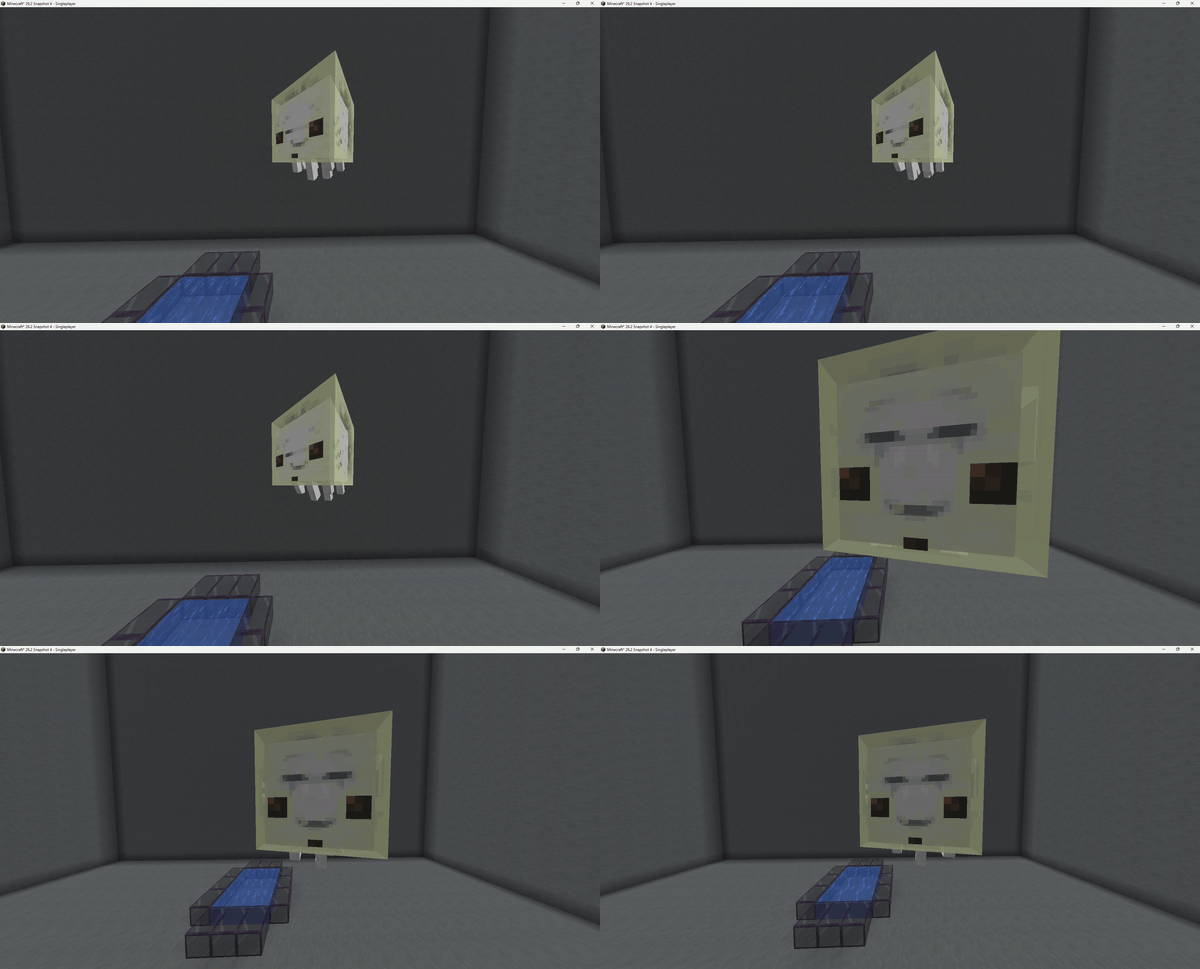
Use Shears on the cube to free the ghast at any time. This way you can obtain a tier 4 sized sulfur cube.
A cube that has already completed a soul cycle cannot re-hydrate.
Other Supported Blocks with functionality:
Command Block · Heavy Core · Netherite Block · Powdered Snow · Sponge · Wet Sponge · End Rod · Copper Bulb (all variants)
Support for more blocks coming in the future
Available Versions
How to Install SulfurCubes+ on Your Server
Order Server
Order a Minecraft Java server with at least 3 GB RAM (4 GB recommended).
Set fabric Loader
In the panel under "Egg", select the fabric loader and matching Minecraft version (26.2).
Install Mod
Open the mod browser in the dashboard and search for "SulfurCubes+". Click "Install" – done! Alternatively, upload the .jar via SFTP to the /mods folder.
Compatibility
Mod Loaders
Minecraft Versions
26.2, 26.2-rc-2, 26.2-rc-1 (+14 more)
Server-side
✓ RequiredRecommended RAM
4 GB(min. 3 GB)Frequently Asked Questions
SulfurCubes+ server crashes on startup – what to do?
Most common cause: wrong fabric version or insufficient RAM. Check the server log (latest.log) for "OutOfMemoryError" or "Mixin" errors. With Mado Hosting: ensure at least 3 GB RAM is allocated and the loader matches the mod version (26.2). You can switch loaders with one click in the panel.
Is SulfurCubes+ compatible with fabric?
SulfurCubes+ officially supports fabric for Minecraft 26.2, 26.2-rc-2, 26.2-rc-1. The Mado dashboard automatically detects incompatible loader combinations.
Server lagging with SulfurCubes+ – how to optimize performance?
Recommended RAM: 4 GB (per 8 players). Use /spark profiler to check if SulfurCubes+ consumes the most tick time. Common fixes: reduce server view-distance to 8-10, install "performant" or "starlight" as supplementary mods on Forge. With Mado Hosting, your server runs on NVMe SSDs with dedicated CPU cores for minimal latency.
Similar Mods




Rent Modded Server
Install SulfurCubes+ with just one click on your server.