Sundries
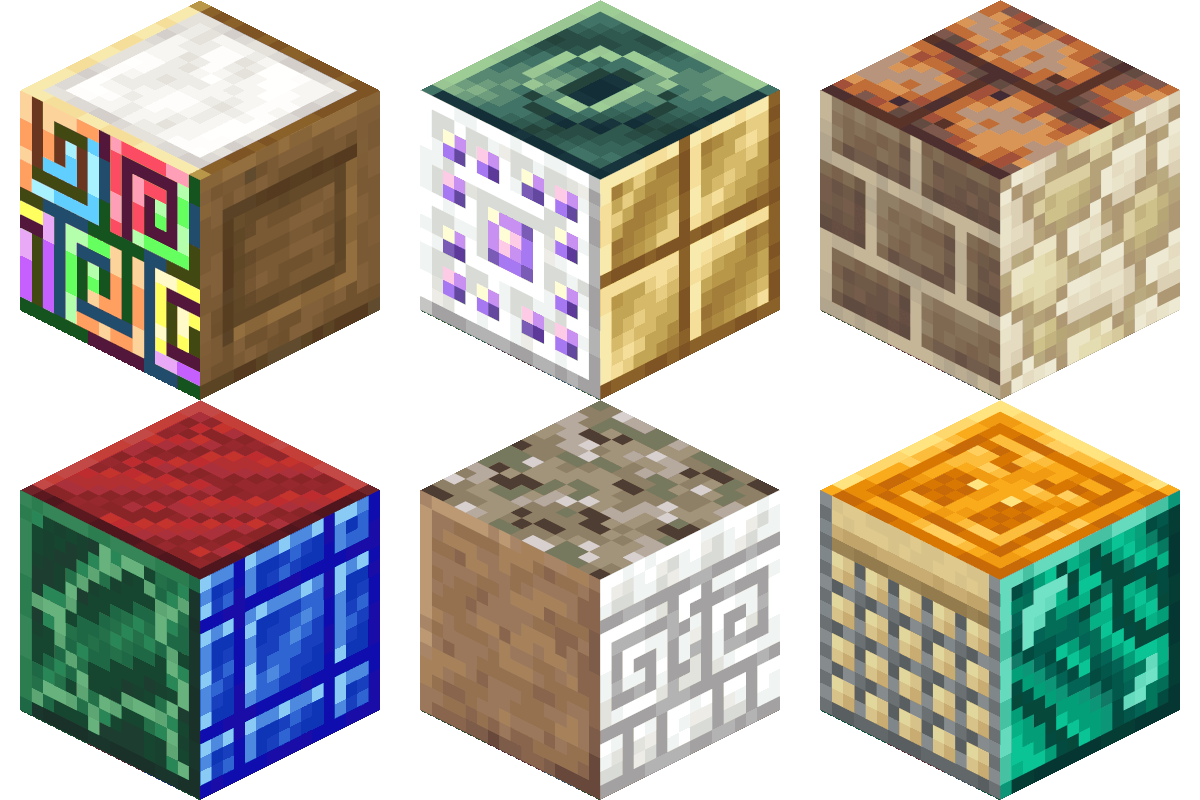
This mod adds blocks, decorations, and furniture to fulfill your building fantasy!
Screenshots
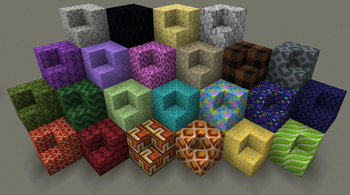

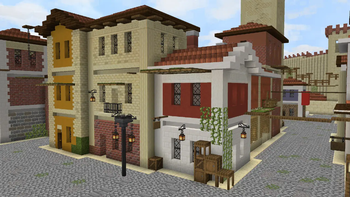
About this Mod

Unleash your creativity with Sundries, an extensive expansion to your Minecraft building experience!
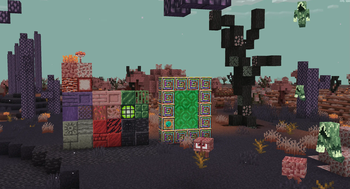
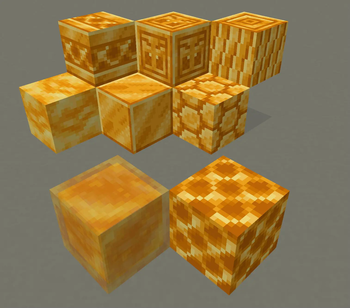
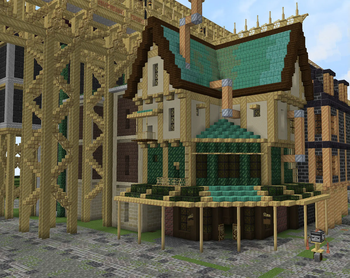
This mod adds hundreds of new building materials and decorations, offering an unparalleled range of options for both modern and medieval construction. Whether you're looking to create sleek skyscrapers or rustic fortresses, you'll find the perfect blocks to bring your visions to life.
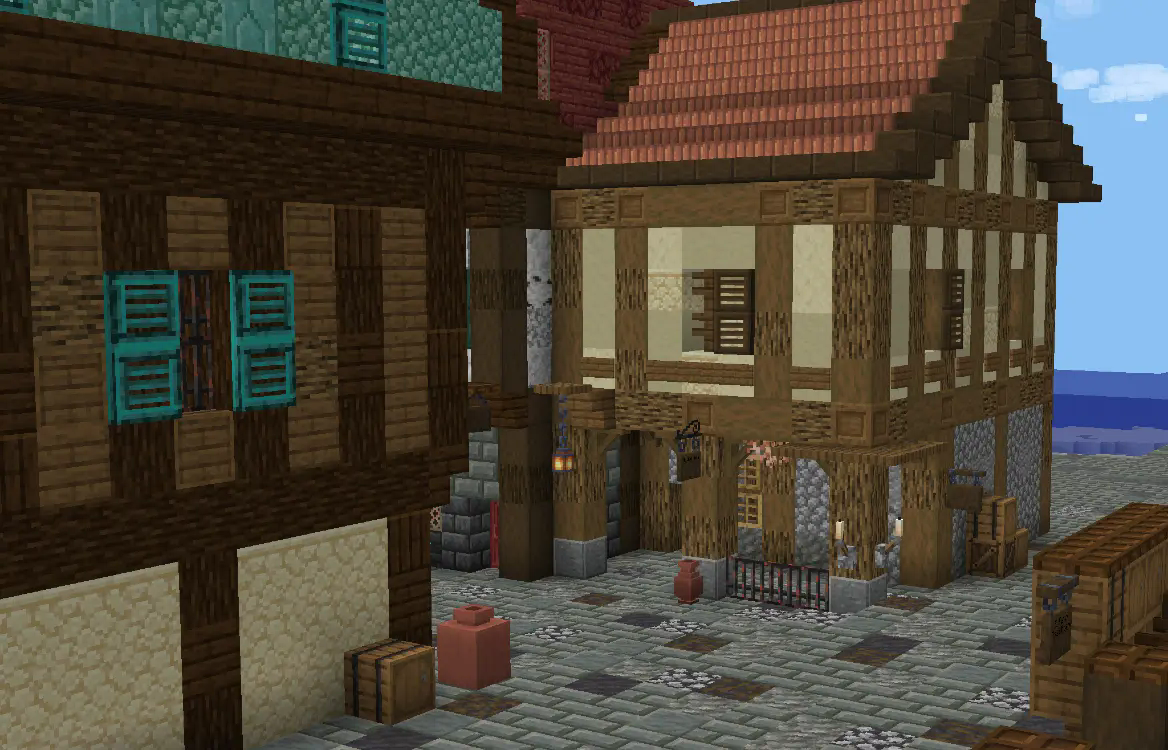
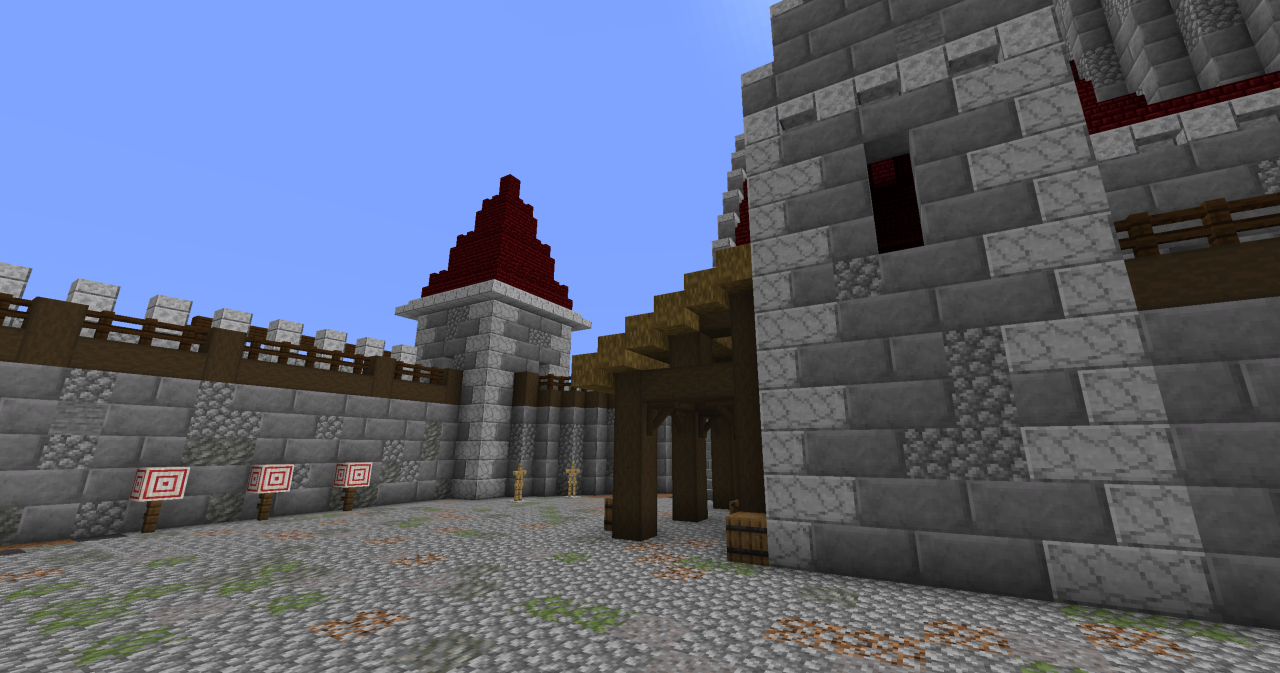
Features
- Diverse Building Materials: Discover a vast array of new stones, woods, and more block types to expand your palette. From elegant marble, tacky wallpaper and rusty steel to rotten wood, plain concrete, and weathered stone bricks, each material comes with unique textures and variations.
- New Block Shapes: Craft brand new block shapes such as cornices, columns, braces, beams, and pedestals allow for endless architectural possibilities.
- Decorations: Fill your builds with smaller decorations to give them a more lived in feel. Enhance libraries with book stacks and scroll shelves, or furnish homes with ottomans and stoves. Complete your bathrooms with new sinks and toilets. Give your flowers a new home with glazed terracotta vases.
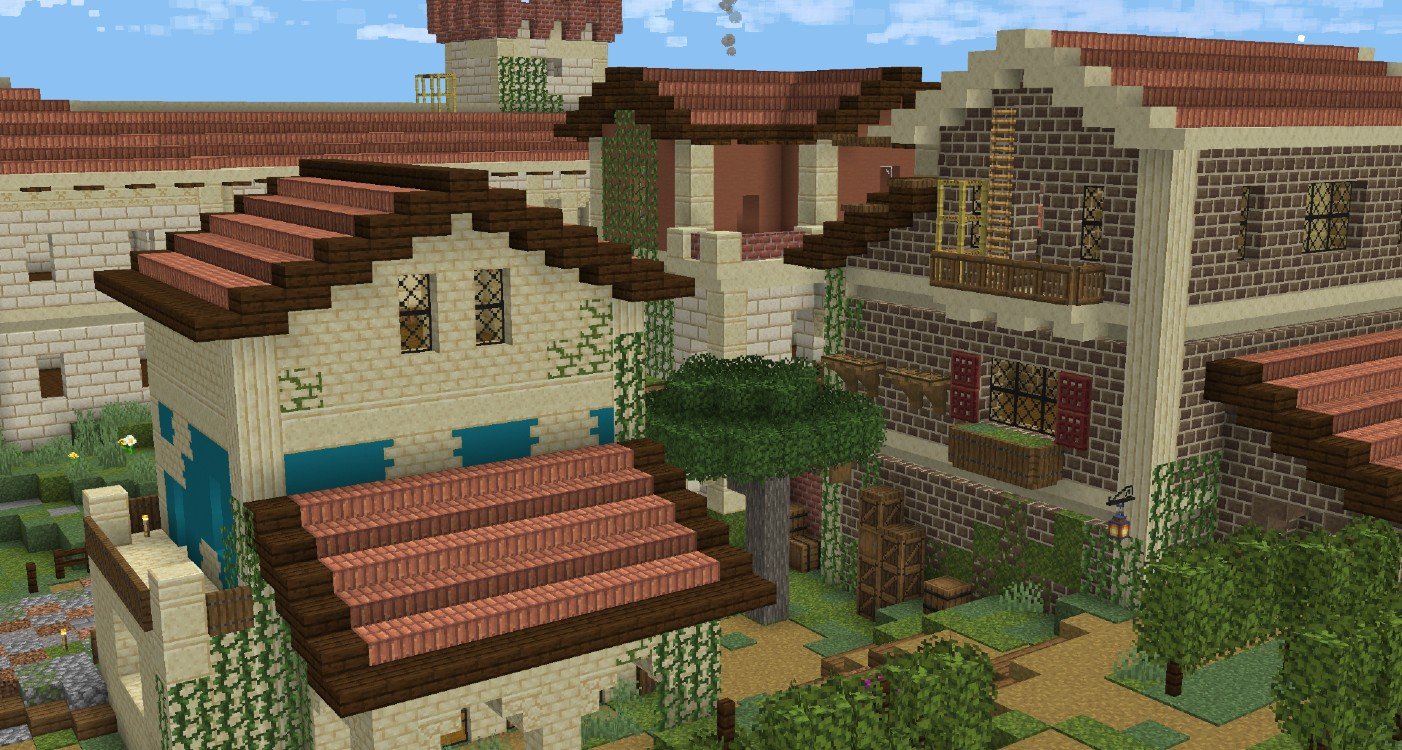
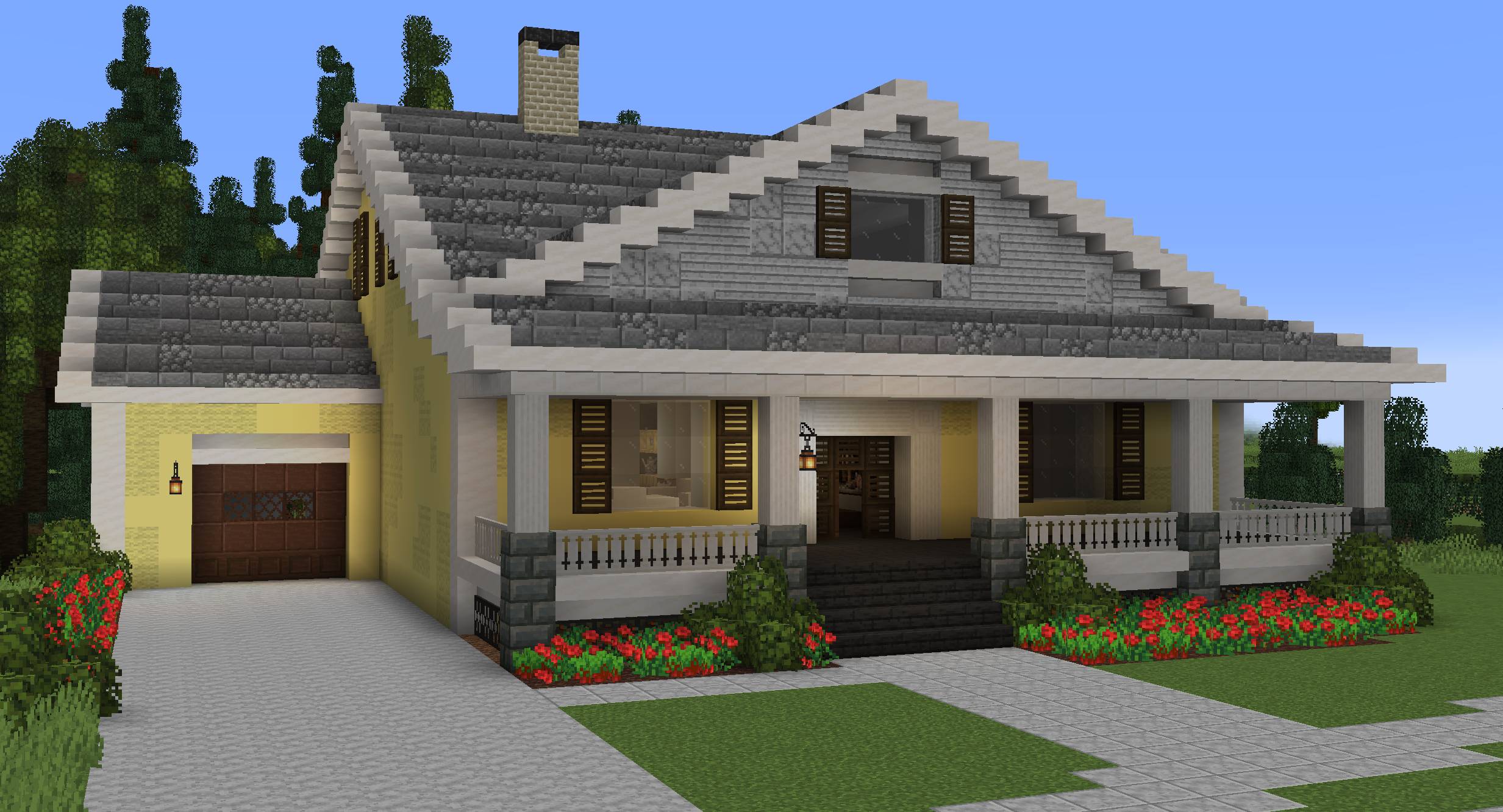
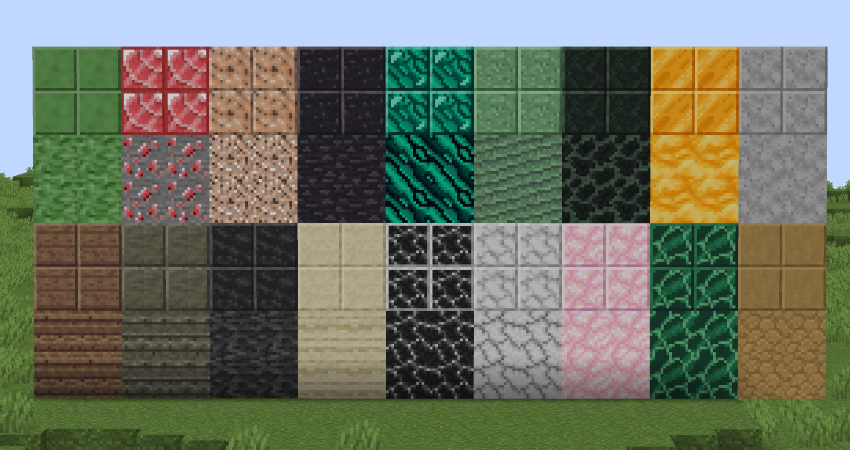
Sundries offers something for everyone. Transform your world and let your imagination soar!
**CONNECTED TEXTURE MODS AND JEI/REI ARE HIGHLY RECOMMENDED
**
Want to share a build? Post it on X or Instagram with the hashtag #SundriesMod to let me know!
Check out our X page!
Available Versions
How to Install Sundries on Your Server
Order Server
Order a Minecraft Java server with at least 4 GB RAM (6 GB recommended).
Set forge Loader
In the panel under "Egg", select the forge loader and matching Minecraft version (1.21.1).
Install Mod
Open the mod browser in the dashboard and search for "Sundries". Click "Install" – done! Alternatively, upload the .jar via SFTP to the /mods folder.
Compatibility
Mod Loaders
Minecraft Versions
1.21.1, 1.20.1
Server-side
✓ RequiredRecommended RAM
6 GB(min. 4 GB)Frequently Asked Questions
Sundries server crashes on startup – what to do?
Most common cause: wrong forge version or insufficient RAM. Check the server log (latest.log) for "OutOfMemoryError" or "Mixin" errors. With Mado Hosting: ensure at least 4 GB RAM is allocated and the loader matches the mod version (1.21.1). You can switch loaders with one click in the panel.
Is Sundries compatible with forge and neoforge?
Sundries officially supports forge, neoforge for Minecraft 1.21.1, 1.20.1. The Mado dashboard automatically detects incompatible loader combinations.
Server lagging with Sundries – how to optimize performance?
Recommended RAM: 6 GB (per 5 players). Use /spark profiler to check if Sundries consumes the most tick time. Common fixes: reduce server view-distance to 8-10, install "performant" or "starlight" as supplementary mods on Forge. With Mado Hosting, your server runs on NVMe SSDs with dedicated CPU cores for minimal latency.
Similar Mods

![[ETF] Entity Texture Features](https://cdn.modrinth.com/data/BVzZfTc1/af683d206d50b05258d865b0d6e4aa2f2cee12f2_96.webp)
![[EMF] Entity Model Features](https://cdn.modrinth.com/data/4I1XuqiY/6e5bbd0d06b1741bfdab6c0cfab6de8fdaf0064c_96.webp)



Rent Modded Server
Install Sundries with just one click on your server.