
Supplemental Patches
Supplemental Patches enables users to create custom shaders for modded blocks, entities, items, particles, etc, through a resource-pack, with the shaders being patched onto Euphoria Patches.
Screenshots

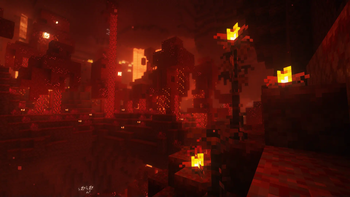
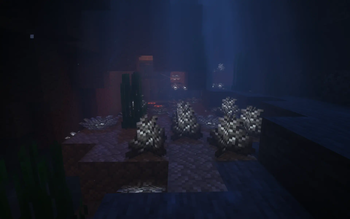

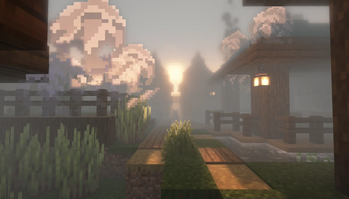
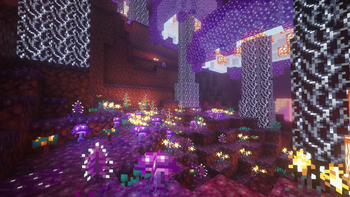
About this Mod
Supplemental Patches



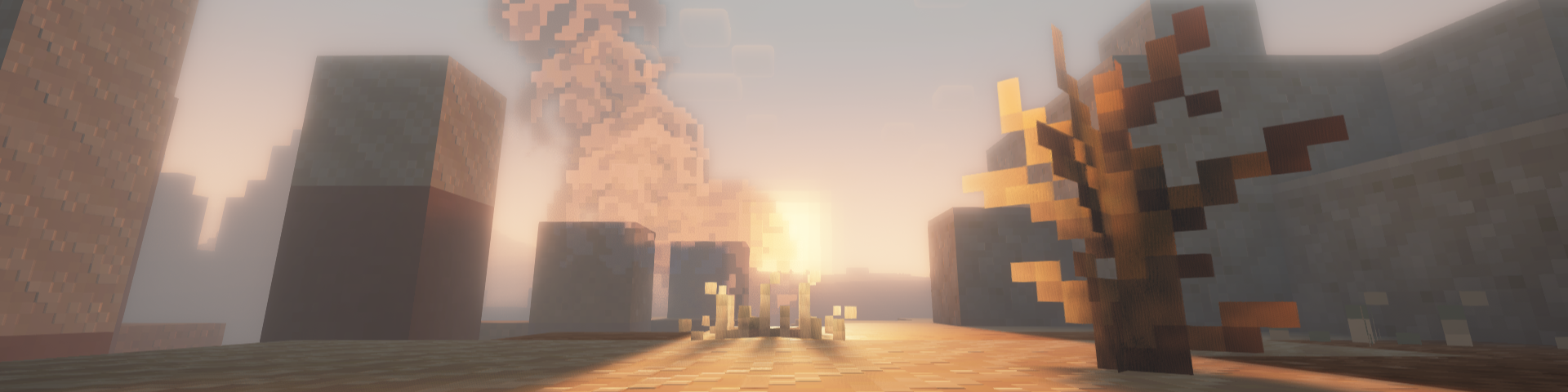
Supplemental Patches enables users to create custom shaders for modded blocks, entities, items, particles, etc, through a resource-pack. The mod by default, comes with a built-in resource pack which supports many popular mods.
These additional shaders are patched into Euphoria Patches, if it is installed.
Features
Some of the most exciting features of the mod include (for players):
- Over 500 high-quality shaders for custom materials from a variety of popular mods (e.g. Supplementaries, Quark, Jaden's Nether Expansion). See full list here.
- A custom End nebula skybox based on Enderscape's End atmosphere
- A cool fog effect based on the effect from Doom and Gloom
- Fixes to shader issues for many mods (e.g. Endergetic Expansion, Upgrade Aquatic, Doom and Gloom)
- Fixed rendering of item shaders when displayed on block entities (e.g. Supplementaries Pedestals, Item Shelves)
For details on the supported areas that can be patched onto Euphoria Patches, check out this tutorial.
FAQ
Q: Will there be ports to loaders other than (Neo)Forge and Fabric?
A: Probably not.
Q: Will there be backports?
A: Probably not.
Q: Can you support XXX mod?
A: All in due time. Alternatively, you could do it yourself. Have a look at this tutorial for more details.
Q: I found a bug.
A: Please report it to me first, do not bother the developers of Complementary Shaders / Euphoria Patches.
Q: The shaders I added aren't showing.
A: Try reloading the shaderpack, after ensuring that the resource-pack is loaded. Alternatively, check which layer the block is being rendered in using the Euphoria Companion mod. Certain blocks (e.g. certain glass blocks) may be rendered as cutouts rather than translucent blocks. You will need to change the layer they are rendered under using block.properties.json.
Q: The built-in shaders aren't working.
A: Similarly, try reloading the shaderpack and ensuring that the built-in resource-pack is loaded.
Q: Does this work with Optifine?
A: No. This only works with Oculus / Iris.
Q: Can I include this my modpack?
A: Yes, go ahead.
Available Versions
How to Install Supplemental Patches on Your Server
Order Server
Order a Minecraft Java server with at least 3 GB RAM (4 GB recommended).
Set fabric Loader
In the panel under "Egg", select the fabric loader and matching Minecraft version (1.21.11).
Install Mod
Open the mod browser in the dashboard and search for "Supplemental Patches". Click "Install" – done! Alternatively, upload the .jar via SFTP to the /mods folder.
Compatibility
Mod Loaders
Minecraft Versions
1.21.11, 1.21.10, 1.21.9 (+16 more)
Server-side
✗ UnsupportedRecommended RAM
4 GB(min. 3 GB)Frequently Asked Questions
Supplemental Patches server crashes on startup – what to do?
Most common cause: wrong fabric version or insufficient RAM. Check the server log (latest.log) for "OutOfMemoryError" or "Mixin" errors. With Mado Hosting: ensure at least 3 GB RAM is allocated and the loader matches the mod version (1.21.11). You can switch loaders with one click in the panel.
Is Supplemental Patches compatible with fabric and forge and neoforge?
Supplemental Patches officially supports fabric, forge, neoforge for Minecraft 1.21.11, 1.21.10, 1.21.9. Note: Forge and Fabric mods are NOT cross-compatible – pick one loader and stick with it. The Mado dashboard automatically detects incompatible loader combinations.
Server lagging with Supplemental Patches – how to optimize performance?
Recommended RAM: 4 GB (per 8 players). Use /spark profiler to check if Supplemental Patches consumes the most tick time. Common fixes: reduce server view-distance to 8-10, install "performant" or "starlight" as supplementary mods on Forge. With Mado Hosting, your server runs on NVMe SSDs with dedicated CPU cores for minimal latency.
Similar Mods




![[ETF] Entity Texture Features](https://cdn.modrinth.com/data/BVzZfTc1/af683d206d50b05258d865b0d6e4aa2f2cee12f2_96.webp)
![[EMF] Entity Model Features](https://cdn.modrinth.com/data/4I1XuqiY/6e5bbd0d06b1741bfdab6c0cfab6de8fdaf0064c_96.webp)
Rent Modded Server
Install Supplemental Patches with just one click on your server.