
Survival Light Block
Use Light Block in survival mode
Screenshots
About this Mod
Survival Light Block
Elevate your survival experience with the Survival Light Block mod! No longer bound by the limitations of conventional lighting, this mod introduces craftable Light Blocks to Minecraft's survival mode, giving you complete control over the brightness of your world.
Whether you’re building stunning creations, exploring dark caves, or securing your base from hostile mobs, Survival Light Block offers a seamless and highly customizable lighting solution. Say goodbye to endless torches and bulky glowstones—now you can fine-tune the light level for each block, creating the perfect atmosphere for any scenario.
Key Features:
- Craftable Light Blocks: Previously only available in creative mode, Light Blocks can now be crafted and used in survival mode.
- Adjustable Brightness: Set the light level from 0 to 15, allowing for precise control of the lighting in any situation.
- Invisible Lighting: Light Blocks are transparent, providing light without altering the aesthetics of your builds.
- User-Friendly: Simple crafting recipes and intuitive usage make this mod accessible to everyone, from beginners to experienced players.
- Performance Friendly: Enjoy advanced lighting without compromising performance.
Whether you're an explorer, builder, or survival enthusiast, Survival Light Block will revolutionize the way you light up your world!
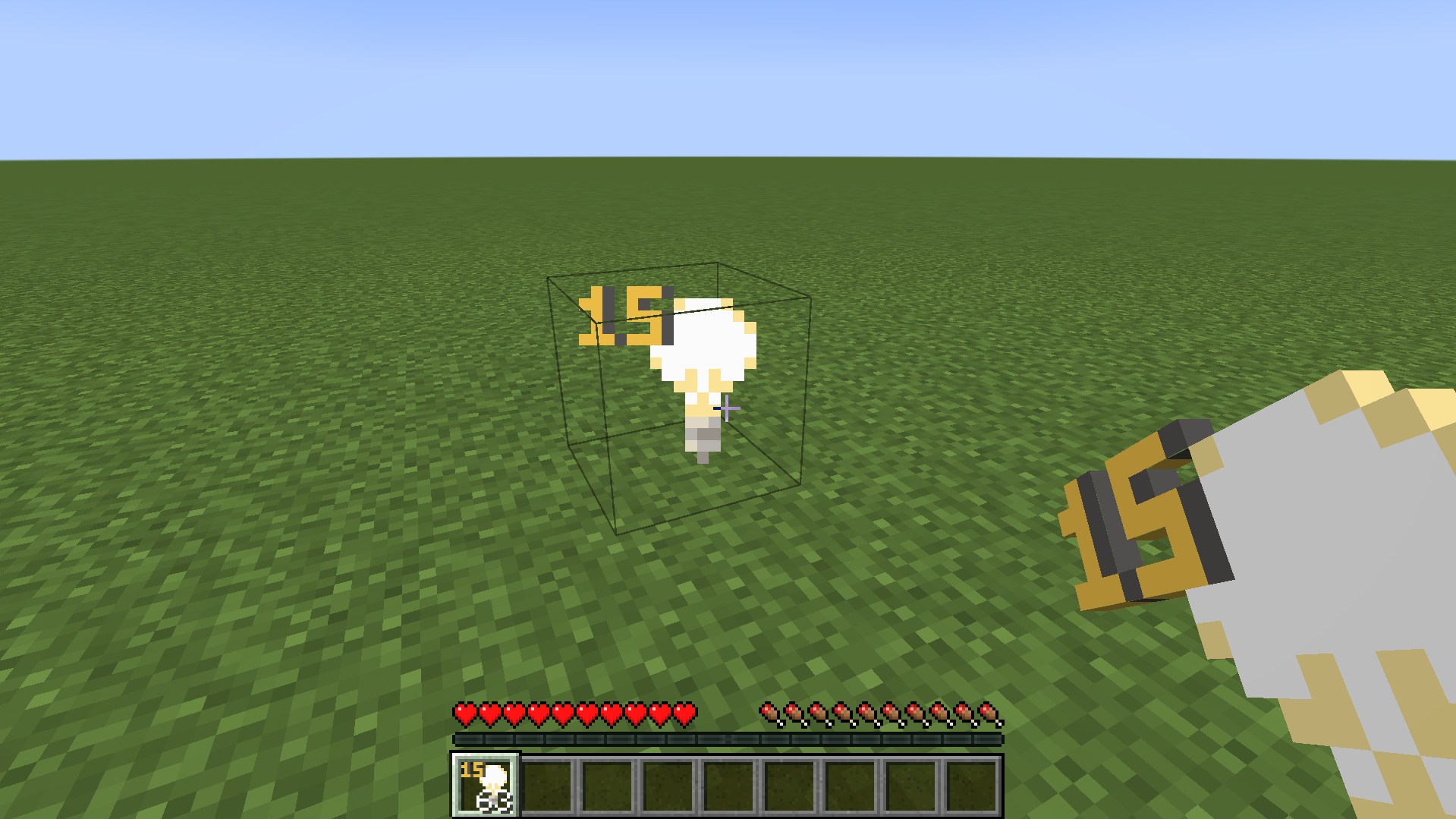
Preview:
Available Versions
How to Install Survival Light Block on Your Server
Order Server
Order a Minecraft Java server with at least 3 GB RAM (4 GB recommended).
Set fabric Loader
In the panel under "Egg", select the fabric loader and matching Minecraft version (1.21.1).
Install Mod
Open the mod browser in the dashboard and search for "Survival Light Block". Click "Install" – done! Alternatively, upload the .jar via SFTP to the /mods folder.
Compatibility
Mod Loaders
Minecraft Versions
1.21.1, 1.21, 1.20.6 (+14 more)
Server-side
✓ RequiredRecommended RAM
4 GB(min. 3 GB)Frequently Asked Questions
Survival Light Block server crashes on startup – what to do?
Most common cause: wrong fabric version or insufficient RAM. Check the server log (latest.log) for "OutOfMemoryError" or "Mixin" errors. With Mado Hosting: ensure at least 3 GB RAM is allocated and the loader matches the mod version (1.21.1). You can switch loaders with one click in the panel.
Is Survival Light Block compatible with fabric?
Survival Light Block officially supports fabric for Minecraft 1.21.1, 1.21, 1.20.6. The Mado dashboard automatically detects incompatible loader combinations.
Server lagging with Survival Light Block – how to optimize performance?
Recommended RAM: 4 GB (per 8 players). Use /spark profiler to check if Survival Light Block consumes the most tick time. Common fixes: reduce server view-distance to 8-10, install "performant" or "starlight" as supplementary mods on Forge. With Mado Hosting, your server runs on NVMe SSDs with dedicated CPU cores for minimal latency.
Similar Mods




Rent Modded Server
Install Survival Light Block with just one click on your server.