Sweet Escape
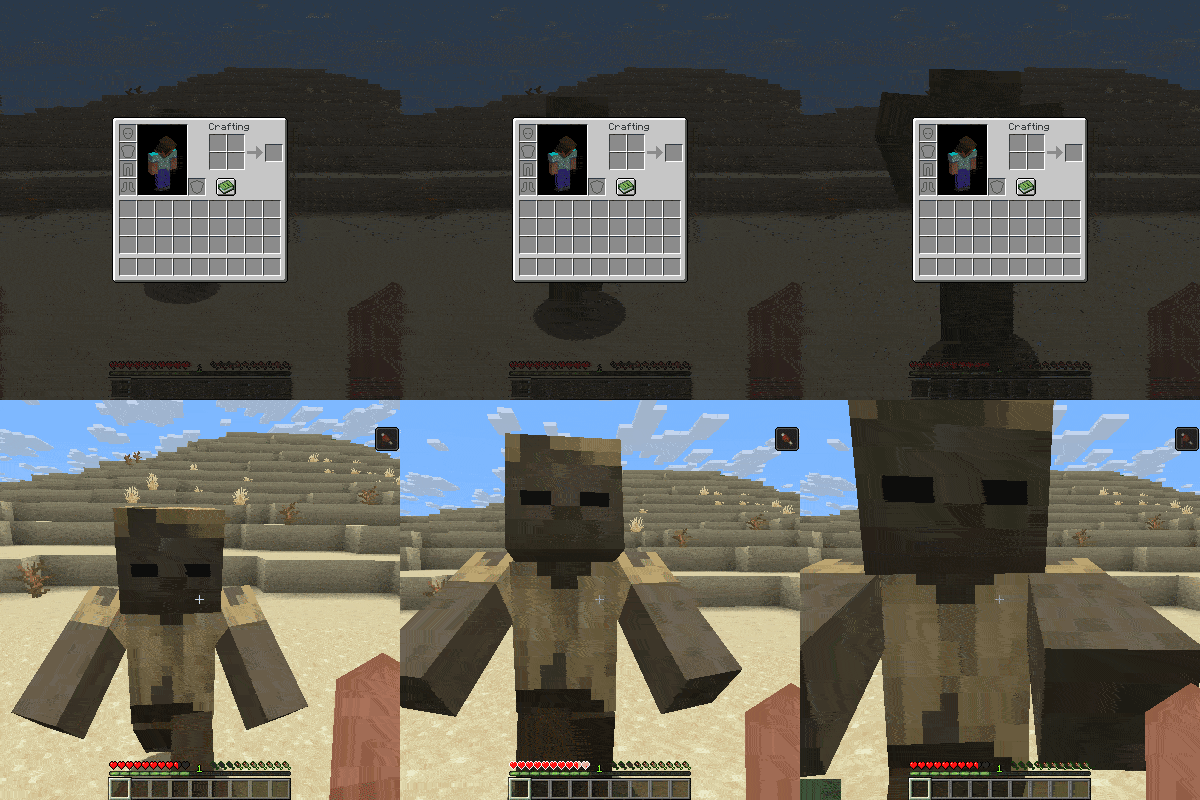
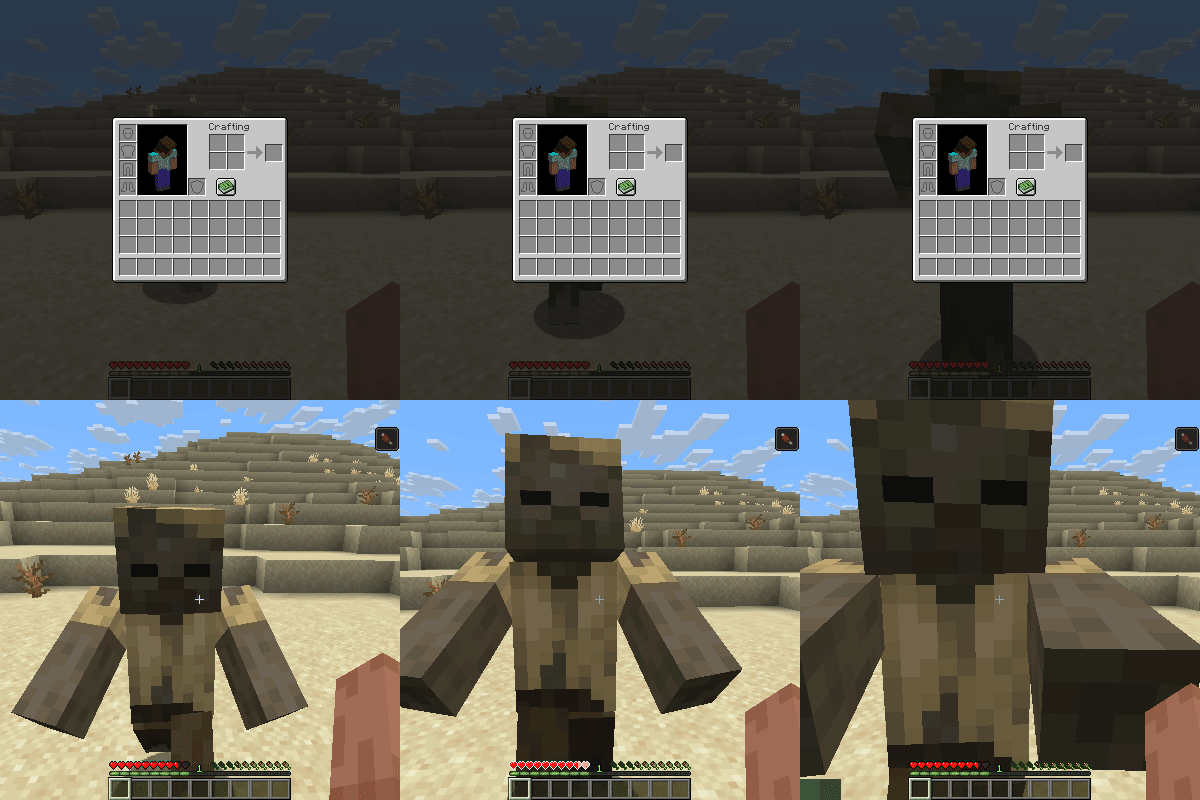
Close GUI when attacked or when moving, can be toggled which one should be enabled.
Screenshots
About this Mod
Aquarius Libs needs to be installed for this mod to work!
This client-side mod automatically closes active user interfaces (GUIs / screens),
whenever the player takes damage or starts moving, allowing the player to quickly escape at emergencies.
What It Does:
Close Screen on Movement: Pressing any movement keys immediately closes open menus so you can escape dangers quickly (has a configurable cooldown time).
Close Screen when hurt: whenever the player takes damage the current screen will close (has a configurable cooldown time).
Completely independent of server-side setups
Config Options: allow toggles for creative mod(default:false), close screen when moving(default:true), close screen when hurt(default:true), cooldown time for attacks(default: 15 sec), cooldown time for moving(default: 5 sec), screen list to select what can be closed
Close from Certain Damage Types: accepted damage types can be changed with the close_on_damage.json file located in the jars damage_type folder (default: player attack, mob attack, arrow, explosion, fall, sting, player explosion, mob projectile, fireball, trident, mace smash, thorns, sonic boom, fireworks, lightning bolt)
Supported Versions
- Loaders: Forge, Fabric, and NeoForge.
- Versions: 26.1.x
- Note: No plans to support older versions below 26.1 for now!
Found a Bug?
If you encounter any bugs or experience a crash, please send the crash log directly to me via curseforge private message so I can look into it.
Available Versions
How to Install Sweet Escape on Your Server
Order Server
Order a Minecraft Java server with at least 3 GB RAM (4 GB recommended).
Set fabric Loader
In the panel under "Egg", select the fabric loader and matching Minecraft version (26.1.2).
Install Mod
Open the mod browser in the dashboard and search for "Sweet Escape". Click "Install" – done! Alternatively, upload the .jar via SFTP to the /mods folder.
Compatibility
Mod Loaders
Minecraft Versions
26.1.2, 26.1.1, 26.1
Server-side
✗ UnsupportedRecommended RAM
4 GB(min. 3 GB)Frequently Asked Questions
Sweet Escape server crashes on startup – what to do?
Most common cause: wrong fabric version or insufficient RAM. Check the server log (latest.log) for "OutOfMemoryError" or "Mixin" errors. With Mado Hosting: ensure at least 3 GB RAM is allocated and the loader matches the mod version (26.1.2). You can switch loaders with one click in the panel.
Is Sweet Escape compatible with fabric and forge and neoforge?
Sweet Escape officially supports fabric, forge, neoforge for Minecraft 26.1.2, 26.1.1, 26.1. Note: Forge and Fabric mods are NOT cross-compatible – pick one loader and stick with it. The Mado dashboard automatically detects incompatible loader combinations.
Server lagging with Sweet Escape – how to optimize performance?
Recommended RAM: 4 GB (per 8 players). Use /spark profiler to check if Sweet Escape consumes the most tick time. Common fixes: reduce server view-distance to 8-10, install "performant" or "starlight" as supplementary mods on Forge. With Mado Hosting, your server runs on NVMe SSDs with dedicated CPU cores for minimal latency.
Similar Mods




![[ETF] Entity Texture Features](https://cdn.modrinth.com/data/BVzZfTc1/af683d206d50b05258d865b0d6e4aa2f2cee12f2_96.webp)

Rent Modded Server
Install Sweet Escape with just one click on your server.