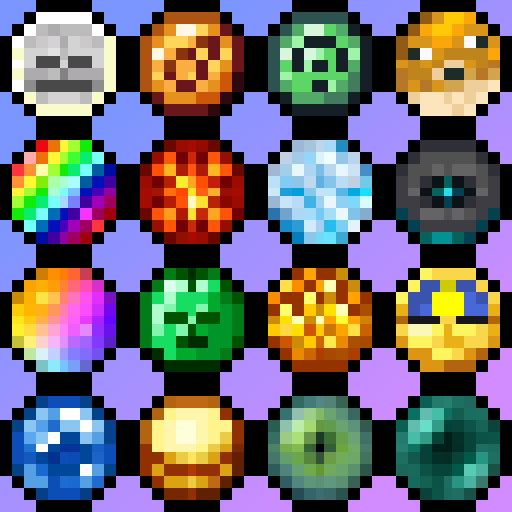
Symbols 'n' Stuff
Symbol Font! Simple library that adds a symbolic font to the game, which can be used to display visual symbols anywhere text can be displayed
Screenshots
About this Mod
Symbols 'n' Stuff
What is it?
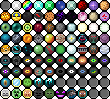
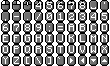
Symbols 'n' Stuff is a simple utility mod that adds a suite of hundreds of text-based symbols that can be added to in-game Text.
Example of symbols in use in a tooltip: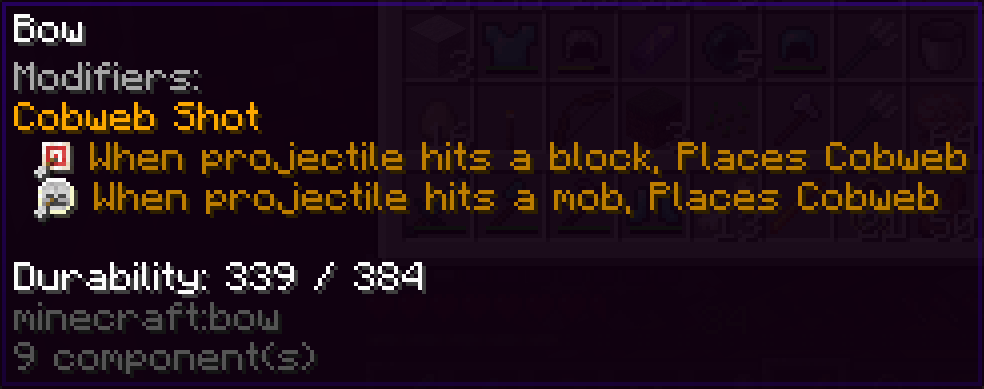
Most of the symbols are laid out for use in an enum called SymbolMap. Use the desired symbol from this map, or a keybind, to make a symbol text component.
Current symbols include:
- Mouse and keyboard keys, automatically rendered based on the set keybind.
- Several specific keyboard shortcuts are hard-coded into the SymbolMap
- Emi Loot condition symbols
- Empty item socket
- Item socket representations of:
- Many vanilla items, from gems to cookies to blaze powder to skulls, music discs, mob effects and more
- Amethyst Imbuement
- Simply Swords
- Generic representations of many metals, with unique rune-like designs to differentiate them
- Generic gems
- Elements (Ice, Fire, etc)
- Runes from RPG Series
- Basic colored gems in every MC color
Roadmap
Symbols 'n' Stuff is basically feature complete except that more symbols can be added!
If you would like to use this mod, but have a specific set of symbols you'd like to use that isn't currently in the mod, please open an issue with the symbols you want, why you want them, etc. and I will look into adding them if feasible.


Available Versions
How to Install Symbols 'n' Stuff on Your Server
Order Server
Order a Minecraft Java server with at least 3 GB RAM (4 GB recommended).
Set fabric Loader
In the panel under "Egg", select the fabric loader and matching Minecraft version (1.21.1).
Install Mod
Open the mod browser in the dashboard and search for "Symbols 'n' Stuff". Click "Install" – done! Alternatively, upload the .jar via SFTP to the /mods folder.
Compatibility
Mod Loaders
Minecraft Versions
1.21.1, 1.21, 1.20.6 (+3 more)
Server-side
~ OptionalRecommended RAM
4 GB(min. 3 GB)Frequently Asked Questions
Symbols 'n' Stuff server crashes on startup – what to do?
Most common cause: wrong fabric version or insufficient RAM. Check the server log (latest.log) for "OutOfMemoryError" or "Mixin" errors. With Mado Hosting: ensure at least 3 GB RAM is allocated and the loader matches the mod version (1.21.1). You can switch loaders with one click in the panel.
Is Symbols 'n' Stuff compatible with fabric and forge and neoforge and quilt?
Symbols 'n' Stuff officially supports fabric, forge, neoforge, quilt for Minecraft 1.21.1, 1.21, 1.20.6. Note: Forge and Fabric mods are NOT cross-compatible – pick one loader and stick with it. The Mado dashboard automatically detects incompatible loader combinations.
Server lagging with Symbols 'n' Stuff – how to optimize performance?
Recommended RAM: 4 GB (per 8 players). Use /spark profiler to check if Symbols 'n' Stuff consumes the most tick time. Common fixes: reduce server view-distance to 8-10, install "performant" or "starlight" as supplementary mods on Forge. With Mado Hosting, your server runs on NVMe SSDs with dedicated CPU cores for minimal latency.
Similar Mods




Rent Modded Server
Install Symbols 'n' Stuff with just one click on your server.