
TeekasPaste
A powerful import/export tool for Hex Casting. Seamlessly transfer spells via clipboard, auto-build 2D/3D magic circles, and save patterns in a personal dictionary!
Screenshots
About this Mod
TeekasPaste
The Ultimate Import/Export & Automation Tool for Hex Casting!
Tired of manually drawing complex spells block by block? Want to easily share your Hex Casting spells on Discord or save them in Notepad? TeekasPaste is a powerful quality-of-life addon for Hex Casting that allows you to seamlessly transfer spells between your system clipboard and the game, automatically build Magic Circles, instantly craft Artifacts, and much more!
Key Features
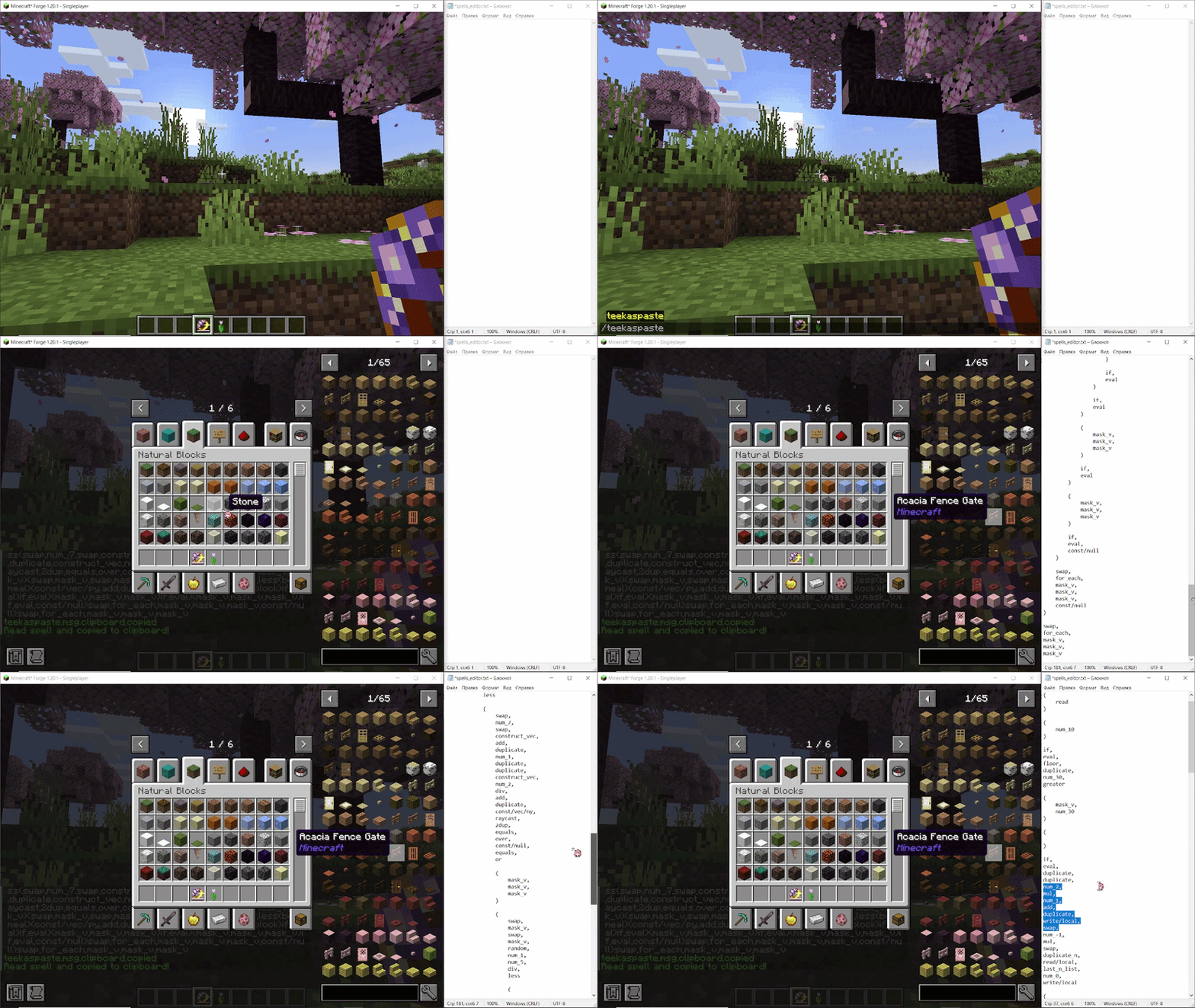
- Seamless Clipboard Import/Export: Copy a spell text from anywhere (Discord, browser, text editor) and instantly turn it into a Focus, Artifact, or cast it!
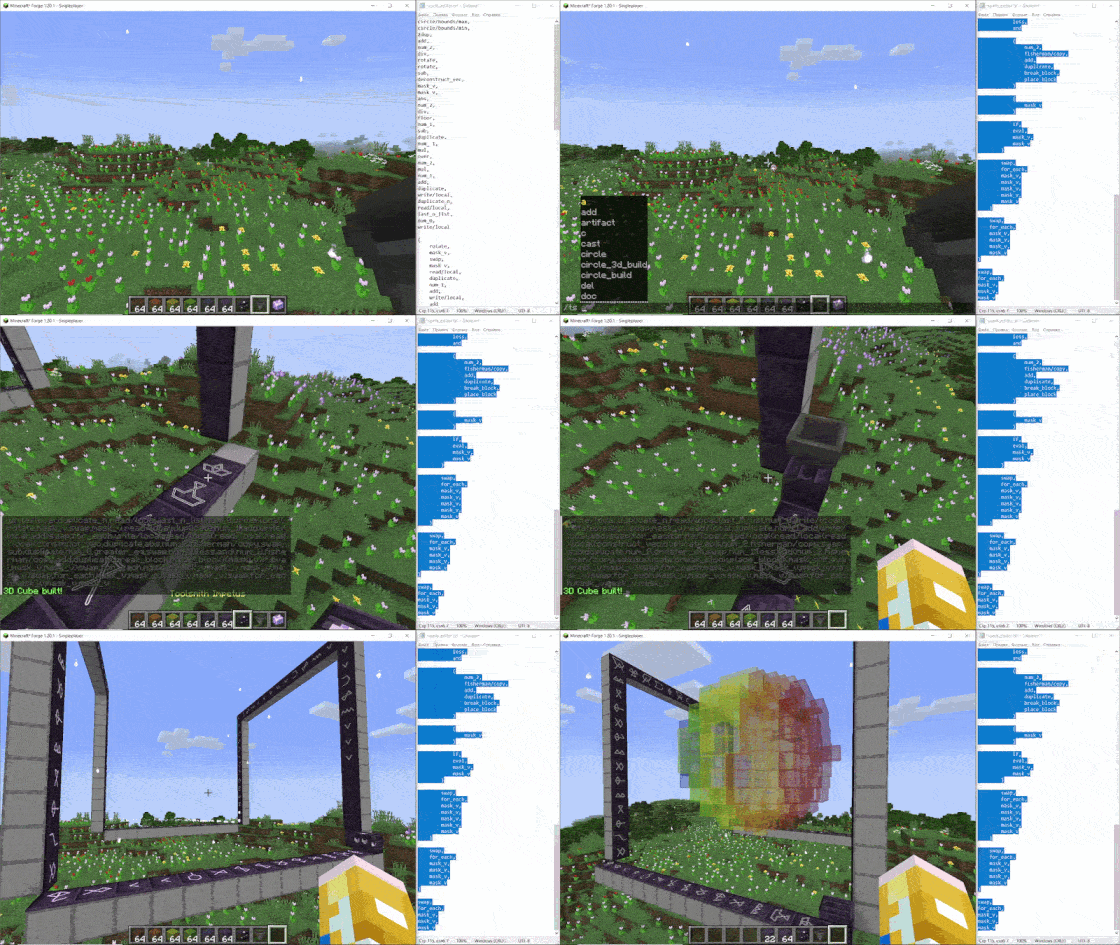
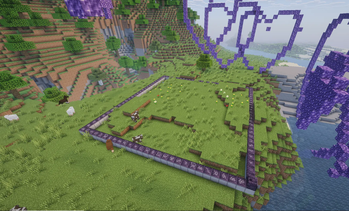
- Auto-Building Magic Circles: Automatically generate 2D and 3D ritual circles (Slates) in the world from your clipboard with a single command.
- Smart Parser: Understands raw angles (
EAST qweasd), translated pattern names (Mind's Reflection,get_caster), numbers (5.5), vectors(1, 2, 3), booleans, and masks! - Multiple Formats: Export spells in
pretty(beautifully indented),short(compact, one-line), orhexpattern(HexDebug compatible) formats. - Personal Dictionary: Save your favorite spells directly in the game to use them anytime without minimizing Minecraft.
- Massive Addon Compatibility: Natively parses and understands iotas from MoreIotas, Hexal, Hexcellular, Hexpose, Oneironaut, and Ephemera.
Commands
Base commands: /teekaspaste, /ts, or /mg.
Reading Spells
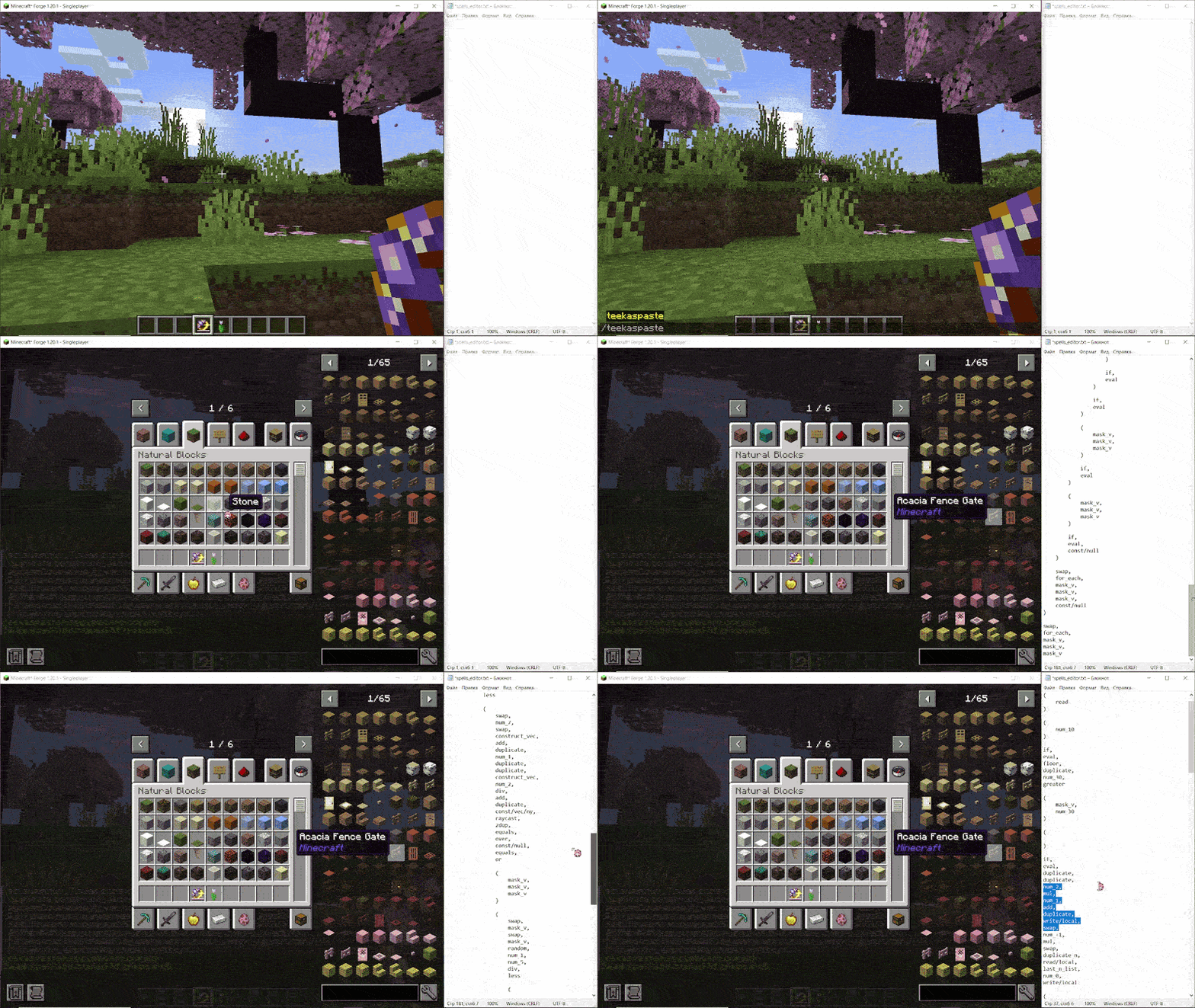
/ts read(or/ts r) — Reads the spell from the item in your main hand (Focus, Spellbook, etc.), copies it to your clipboard with beautiful indentation, and prints a short version in chat to prevent spam./ts read short— Copies the spell as a compact, single-line string./ts read hexpattern— Copies the spell in a format fully compatible with the .hexpattern / HexDebug tools (e.g.,Numerical Reflection: 5,Bookkeeper's Gambit: v-v).
Writing & Casting
If [name] is provided, the spell is loaded from your Personal Dictionary. Otherwise, it is automatically read from your system clipboard.
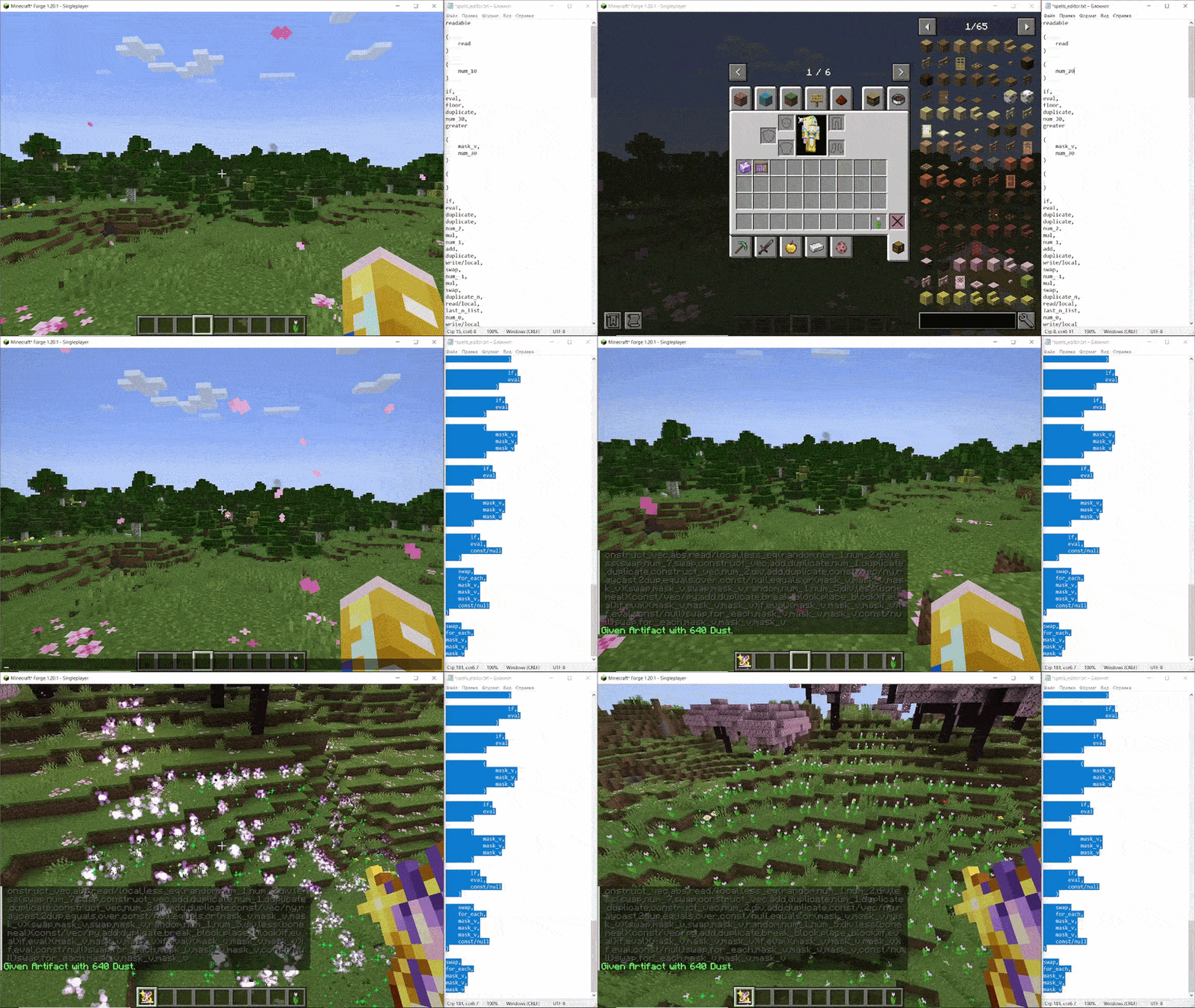
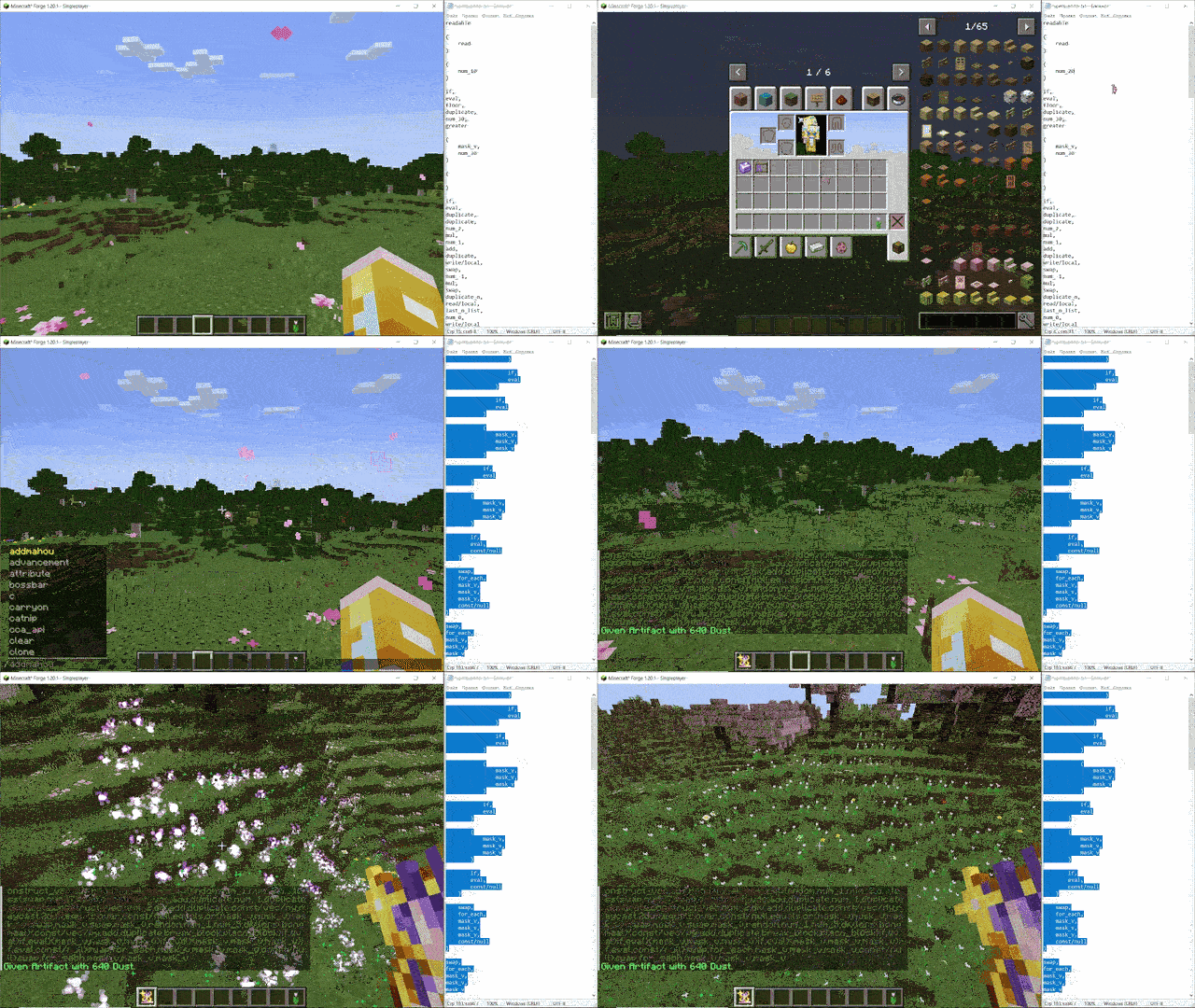
/ts focus [name](/ts f) — Gives you a new Focus containing the spell./ts artifact [name](/ts a) — Gives you a new Artifact containing the spell. Automatically charges it with 640 Dust!/ts write [name](/ts w) — Writes the spell directly into the data-holder item in your hand (focus, artifact, ect.)./ts cast [name](/ts c) — Instantly queues and casts the spell.
Magic Circles (Ritual Auto-Builders)
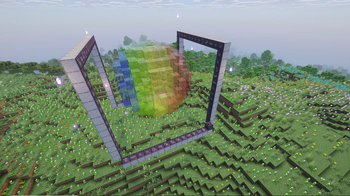
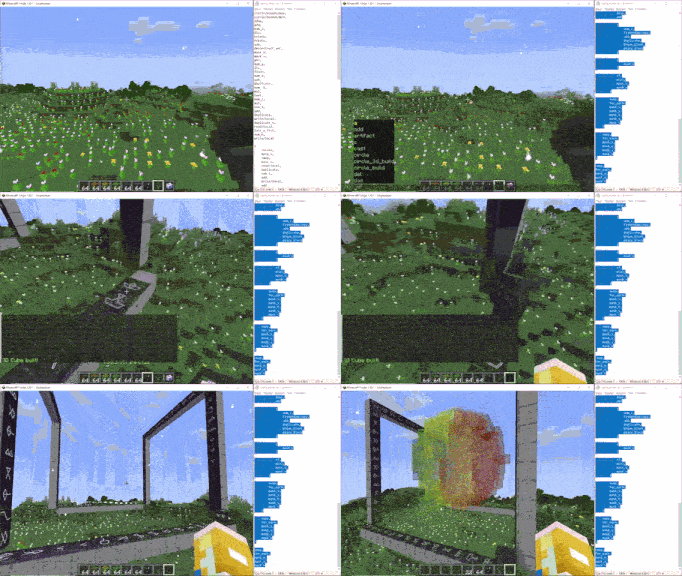
/ts circle [name]— Gives you a set of individual Slates in your inventory containing the spell patterns./ts circle_build <size> [name]— Automatically builds a flat 2D Magic Circle of Slates on the ground around you. Leaves exactly one empty corner for your Impetus (Activator). If the<size>is too small, it will calculate the correct size automatically!/ts circle_3d_build <n> <m> <h> [name]— Builds an advanced 3D Magic Circle (a hollow cube of Slates) of the specified dimensions. Perfect for rituals that require constructing physical 3D objects inside them!
Personal Dictionary & Utilities
/ts add <name>— Saves the spell currently in your clipboard to your personal dictionary./ts del <name>— Removes a spell from your dictionary./ts doc— Prints a quick syntax guide to chat and copies it to your clipboard./ts dump— Copies a list of all registered patterns (in-game name -> code name) to your clipboard.
Syntax Examples
You can write your spells using human-readable text. The parser is smart enough to understand commas, spaces, line breaks, and comments!
Example (Short):
get_caster, num_5, blink
Example (Pretty with nested lists and comments):
(
    get_caster,
    print             // prints caster to chat
)
eval
Example (HexPattern compatibility):
Mind's Reflection
Compass' Purification
Numerical Reflection: 5
Bookkeeper's Gambit: v-
Available Versions
How to Install TeekasPaste on Your Server
Order Server
Order a Minecraft Java server with at least 3 GB RAM (4 GB recommended).
Set fabric Loader
In the panel under "Egg", select the fabric loader and matching Minecraft version (26.1.2).
Install Mod
Open the mod browser in the dashboard and search for "TeekasPaste". Click "Install" – done! Alternatively, upload the .jar via SFTP to the /mods folder.
Compatibility
Mod Loaders
Minecraft Versions
26.1.2, 26.1.1, 26.1 (+18 more)
Server-side
✓ RequiredRecommended RAM
4 GB(min. 3 GB)Frequently Asked Questions
TeekasPaste server crashes on startup – what to do?
Most common cause: wrong fabric version or insufficient RAM. Check the server log (latest.log) for "OutOfMemoryError" or "Mixin" errors. With Mado Hosting: ensure at least 3 GB RAM is allocated and the loader matches the mod version (26.1.2). You can switch loaders with one click in the panel.
Is TeekasPaste compatible with fabric and forge?
TeekasPaste officially supports fabric, forge for Minecraft 26.1.2, 26.1.1, 26.1. Note: Forge and Fabric mods are NOT cross-compatible – pick one loader and stick with it. The Mado dashboard automatically detects incompatible loader combinations.
Server lagging with TeekasPaste – how to optimize performance?
Recommended RAM: 4 GB (per 8 players). Use /spark profiler to check if TeekasPaste consumes the most tick time. Common fixes: reduce server view-distance to 8-10, install "performant" or "starlight" as supplementary mods on Forge. With Mado Hosting, your server runs on NVMe SSDs with dedicated CPU cores for minimal latency.
Similar Mods





Rent Modded Server
Install TeekasPaste with just one click on your server.