
Templates 2
Retexturable blocks powered by the Fabric Rendering API
Screenshots
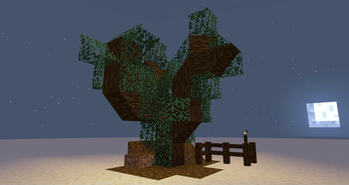
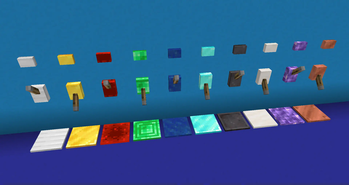
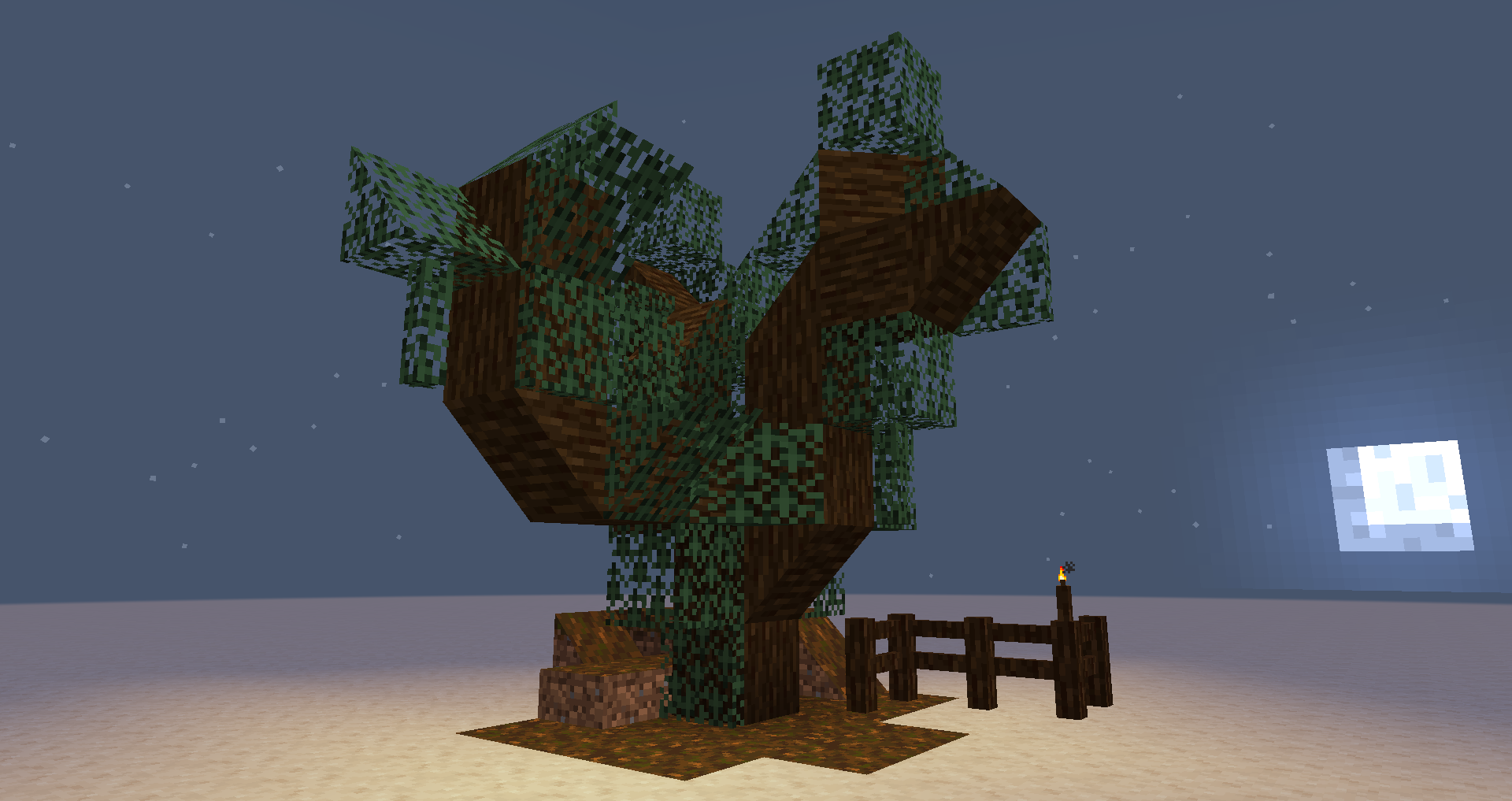
About this Mod
| version | loader availability | note |
|---|---|---|
| 1.21.1 | Fabric | |
| 1.20.4 | Fabric | (low priority) |
| 1.20.1 | Fabric |
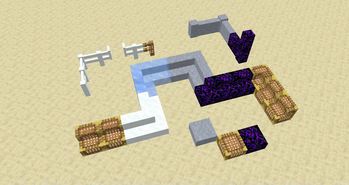
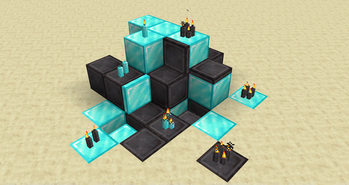
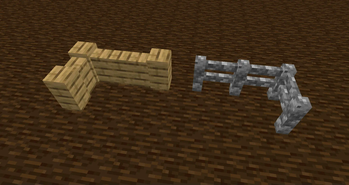
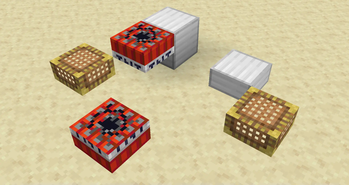
Templates adds retexturable blocks. Place a Template and right-click it with any full-size block, and the Template will look just like that block.
You can make custom fences, walls, stairs, slabs, trapdoors, levers, buttons, candles, TNT, and more.
- Click with Glowstone Dust to make it emit light.
- Click with a Redstone Torch to make it act as a redstone power source.
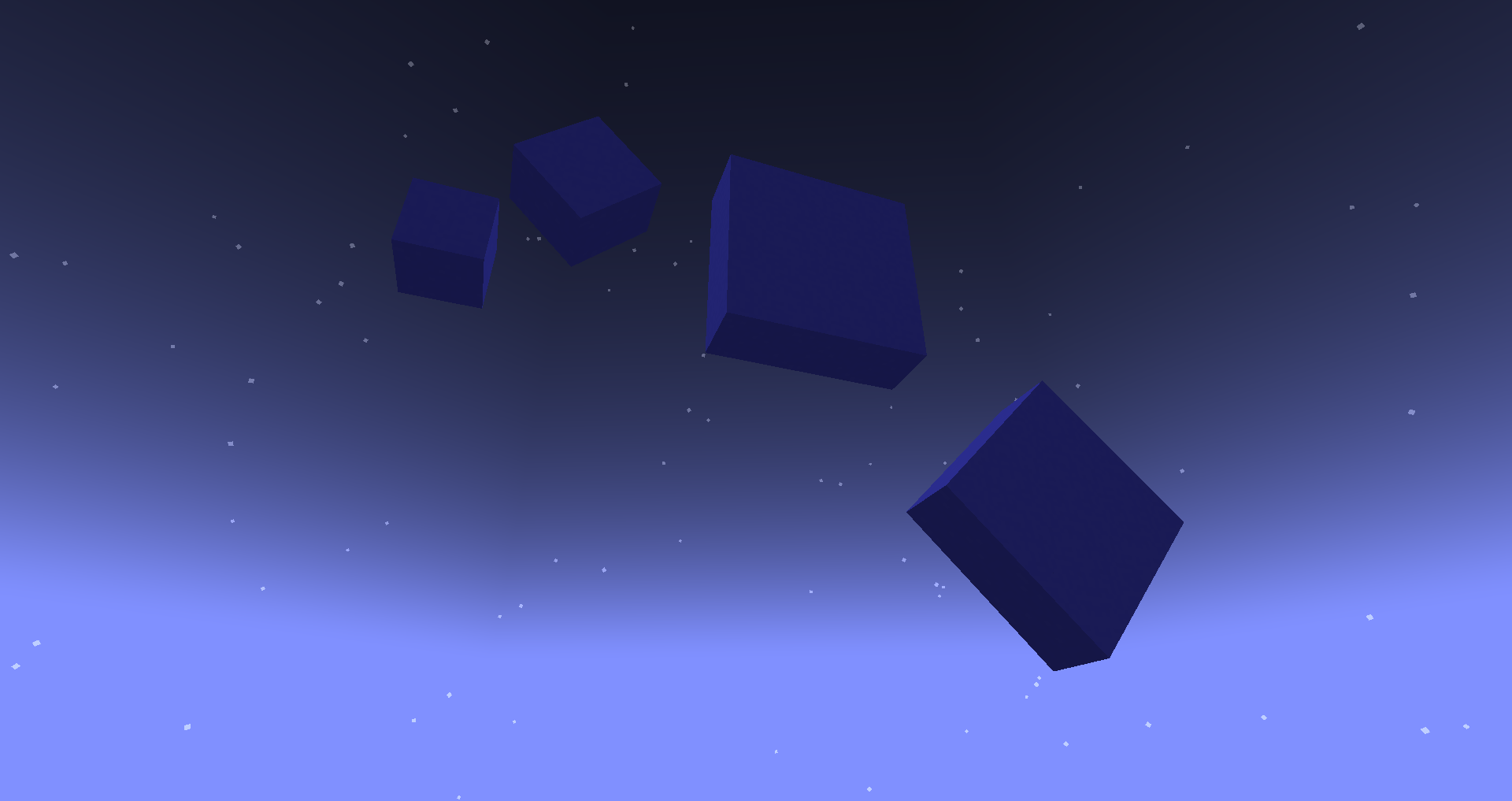
- Click with a Popped Chorus Fruit to make it non-solid.
It is a mod in the long tradition of "Carpenter's Blocks", "Framed Blocks", and friends. It is not the first implementation of this idea, and it won't be the last.
It's also not too hard for other mods to interface with Templates and add their own templatable blocks.
New in 2.2.0: Supports connected textures! I tested Chisel Reborn, but any mod that implements FabricBlock#getAppearance should work.
⚠ Templates was originally conceived as a tech-demo for, and tests the limits of, the Fabric Rendering API. You'll need a compatible renderer implementation installed. Fabric API includes one called Indigo, but it is not compatible with Sodium. If you use Sodium, you might need to install a mod like Indium for Templates to work properly.
Available Versions
How to Install Templates 2 on Your Server
Order Server
Order a Minecraft Java server with at least 3 GB RAM (4 GB recommended).
Set fabric Loader
In the panel under "Egg", select the fabric loader and matching Minecraft version (1.21.1).
Install Mod
Open the mod browser in the dashboard and search for "Templates 2". Click "Install" – done! Alternatively, upload the .jar via SFTP to the /mods folder.
Compatibility
Mod Loaders
Minecraft Versions
1.21.1, 1.20.4, 1.20.1
Server-side
✓ RequiredRecommended RAM
4 GB(min. 3 GB)Frequently Asked Questions
Templates 2 server crashes on startup – what to do?
Most common cause: wrong fabric version or insufficient RAM. Check the server log (latest.log) for "OutOfMemoryError" or "Mixin" errors. With Mado Hosting: ensure at least 3 GB RAM is allocated and the loader matches the mod version (1.21.1). You can switch loaders with one click in the panel.
Is Templates 2 compatible with fabric and quilt?
Templates 2 officially supports fabric, quilt for Minecraft 1.21.1, 1.20.4, 1.20.1. The Mado dashboard automatically detects incompatible loader combinations.
Server lagging with Templates 2 – how to optimize performance?
Recommended RAM: 4 GB (per 8 players). Use /spark profiler to check if Templates 2 consumes the most tick time. Common fixes: reduce server view-distance to 8-10, install "performant" or "starlight" as supplementary mods on Forge. With Mado Hosting, your server runs on NVMe SSDs with dedicated CPU cores for minimal latency.
Similar Mods

![[ETF] Entity Texture Features](https://cdn.modrinth.com/data/BVzZfTc1/af683d206d50b05258d865b0d6e4aa2f2cee12f2_96.webp)
![[EMF] Entity Model Features](https://cdn.modrinth.com/data/4I1XuqiY/6e5bbd0d06b1741bfdab6c0cfab6de8fdaf0064c_96.webp)



Rent Modded Server
Install Templates 2 with just one click on your server.