
Tensura Skill Trainer
(Updated 1.21.1) A highly versatile Skill Trainer for Tensura Reincarnated Mod
Screenshots
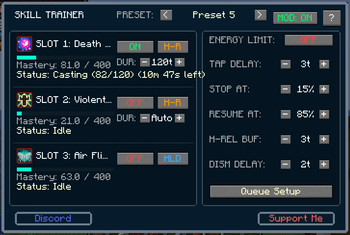
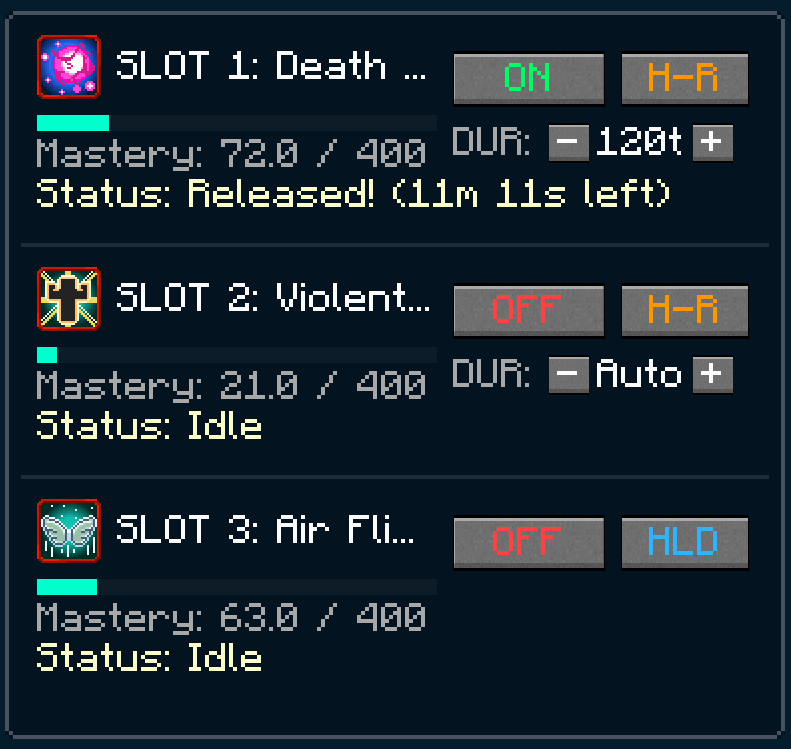
About this Mod
Tensura Skill Trainer - The Ultimate Automated Training Companion
Tensura Skill Trainer is a specialized automation and utility client mod designed to seamlessly integrate with the Tensura: Reincarnated mod (built for Minecraft 1.21.1).
Instead of manually grinding skills, leveling up stats, or holding down keys for hours, this mod automates the training process by interacting directly with your character's ability presets and slots. It handles casting, energy management, summoning, and auto-learning so you can focus on playing.
📸 Mod Screenshots
🎮 How It Works (How to Use)
- Press
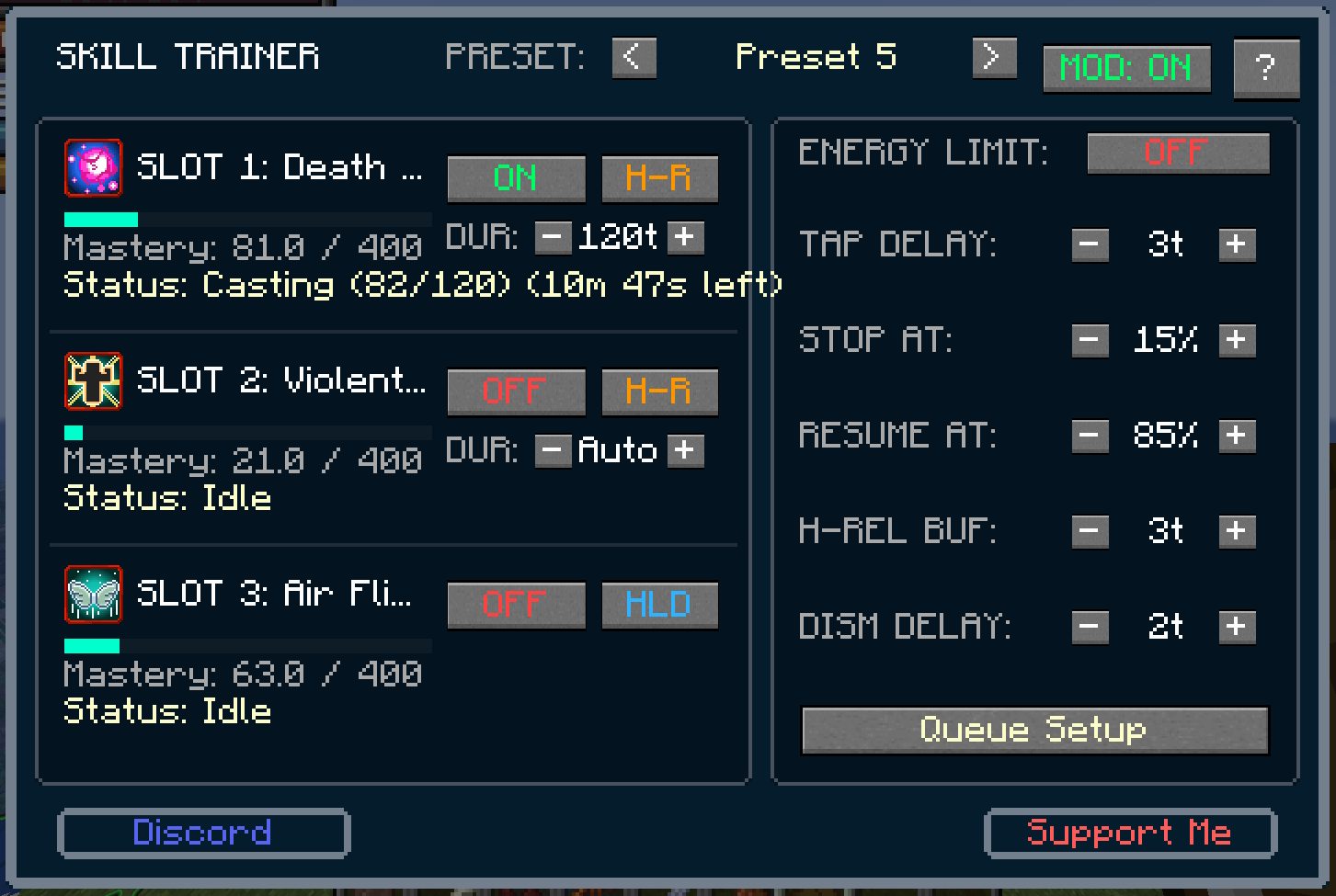
K(default keybind) to open the main Skill Trainer GUI. - The mod automatically detects the skills equipped in your active Tensura: Reincarnated preset (supports all 3 slots).
- For each slot, toggle Auto-Train to ON/OFF.
- Select the correct Execution Mode for each skill:
- TAP: Simulates a quick key click. (Ideal for instant-cast abilities).
- HLD (Hold): Simulates a continuous key press. (Ideal for active toggles like Haki, auras, or buffs).
- H-R (Hold & Release): Simulates a charge-up time before releasing. (Ideal for magic spells).
- For H-R mode, adjust the Hold Duration (DUR) manually in ticks or leave it on Auto to let the mod query the Tensura skill database for the exact required casting time.
- Toggle the Master Switch (MOD: ON/OFF) at the top right to start/stop the trainer!
⚙️ Premium Configurations & Settings
- Energy Limiter (Safety Caps): Protects your Magicules and Aura from being completely drained. If enabled, the mod pauses casting when your reserves drop below the STOP AT percentage and automatically resumes once you regenerate back to the RESUME AT percentage.
- Tap Delay: Customize the exact ticks between simulation presses.
- Hold-Release Buffer: Adds a safety padding to charging times to safeguard against server latency or tick drops.
- Dismiss Delay: Configures the exact timing for crouch-dismissing summons, ensuring smooth camera angles.
- Interactive Tooltips: Every single button, checkbox, and slider in the GUI features a helpful hover guide (styled with a deep blue background and grey borders) explaining its function.
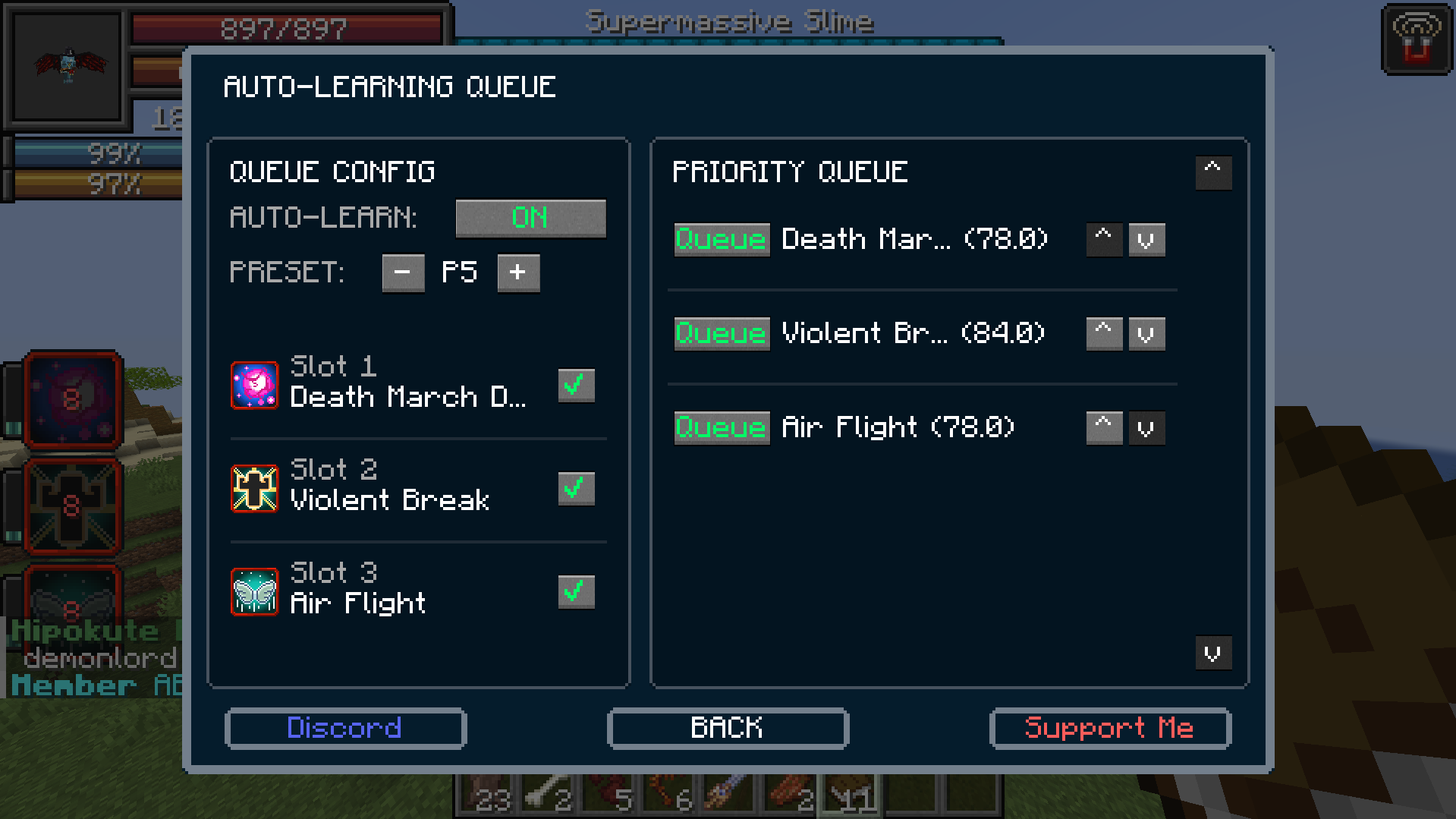
🔄 Auto-Learning Queue
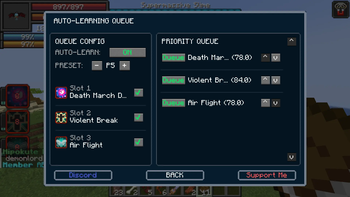
Never manually swap skills to learn them again! Clicking Queue Setup opens the priority-queue manager:
- Auto-Learn Toggle: Toggle the queue ON/OFF.
- Preset Selector: Choose a target preset (P1-P9) to use for learning.
- Slot Selectors: Check which of the 3 slots the mod is allowed to use for swapping (unchecked slots are left untouched to preserve your main active skills).
- Priority Queue: Order all your unlearned skills. The mod will automatically equip the highest priority skill, train it until it is learned, and then swap in the next unlearned skill in the queue.
- Smart Auto-Shutoff: Once all skills in the queue are learned, the system turns itself off, resets the configuration, and alerts you in chat:
Queue turned Off reason : No more skills to learn.
⚠️ Version Support Notice (1.19.2 vs 1.21.1)
We have officially abandoned development for Minecraft 1.19.2 and will be focusing solely on Minecraft 1.21.1 (Fabric & NeoForge).
- Why? To bring you the latest UI features, optimization, and bug fixes on the most active modding platforms.
- Need 1.19.2? If there is substantial demand for a backport, we might consider updating it, so feel free to let us know.
💬 Support & Bug Reports
If you encounter any bugs, crashes, or have feature suggestions, please do not post them in the comments!
Join our official Discord Server to get help, report issues, and chat with the community:
☕ Support My Work
Developing and maintaining mods takes a lot of time. If you enjoy this mod and want to support its development, you can buy me a coffee here:
Available Versions
How to Install Tensura Skill Trainer on Your Server
Order Server
Order a Minecraft Java server with at least 3 GB RAM (4 GB recommended).
Set fabric Loader
In the panel under "Egg", select the fabric loader and matching Minecraft version (1.21.1).
Install Mod
Open the mod browser in the dashboard and search for "Tensura Skill Trainer". Click "Install" – done! Alternatively, upload the .jar via SFTP to the /mods folder.
Compatibility
Mod Loaders
Minecraft Versions
1.21.1, 1.19.4, 1.19.3 (+1 more)
Server-side
~ OptionalRecommended RAM
4 GB(min. 3 GB)Frequently Asked Questions
Tensura Skill Trainer server crashes on startup – what to do?
Most common cause: wrong fabric version or insufficient RAM. Check the server log (latest.log) for "OutOfMemoryError" or "Mixin" errors. With Mado Hosting: ensure at least 3 GB RAM is allocated and the loader matches the mod version (1.21.1). You can switch loaders with one click in the panel.
Is Tensura Skill Trainer compatible with fabric and forge and neoforge?
Tensura Skill Trainer officially supports fabric, forge, neoforge for Minecraft 1.21.1, 1.19.4, 1.19.3. Note: Forge and Fabric mods are NOT cross-compatible – pick one loader and stick with it. The Mado dashboard automatically detects incompatible loader combinations.
Server lagging with Tensura Skill Trainer – how to optimize performance?
Recommended RAM: 4 GB (per 8 players). Use /spark profiler to check if Tensura Skill Trainer consumes the most tick time. Common fixes: reduce server view-distance to 8-10, install "performant" or "starlight" as supplementary mods on Forge. With Mado Hosting, your server runs on NVMe SSDs with dedicated CPU cores for minimal latency.
Similar Mods




Rent Modded Server
Install Tensura Skill Trainer with just one click on your server.