
About this Mod
TexTweaks
TexTweaks is a mod that has various features for modifying textures and how they are handled in Minecraft.
Texture Scaling
Upscale or downscale textures at runtime with customizable algorithm (linear/nearest neighbor). This is useful for:
- Creating complete mipmaps (more about this down below)
- Reducing the hardware requirements of texture packs that are only available at very high resolutions
- Playing Minecraft using 1x1 textures
Better Mipmaps
By default, Minecraft allows you to set mipmap levels up to 4 in the options. This is enough for the default 16x16 textures. But, if you are using a higher resolution texture pack, the mipmaps will not be complete (not going all the way down to 1x1). This causes distant textures to become significantly more aliased than normal.
It's not so easy to just force the game to generate more levels, as it requires all textures to be equal or larger than 2 to the power of the mipmap level, and most high resolution texture packs don't have all textures (including items) done. However, by upscaling all textures to the same size in game, it's now possible to generate higher level mipmaps easily, without bothering with any image tools.
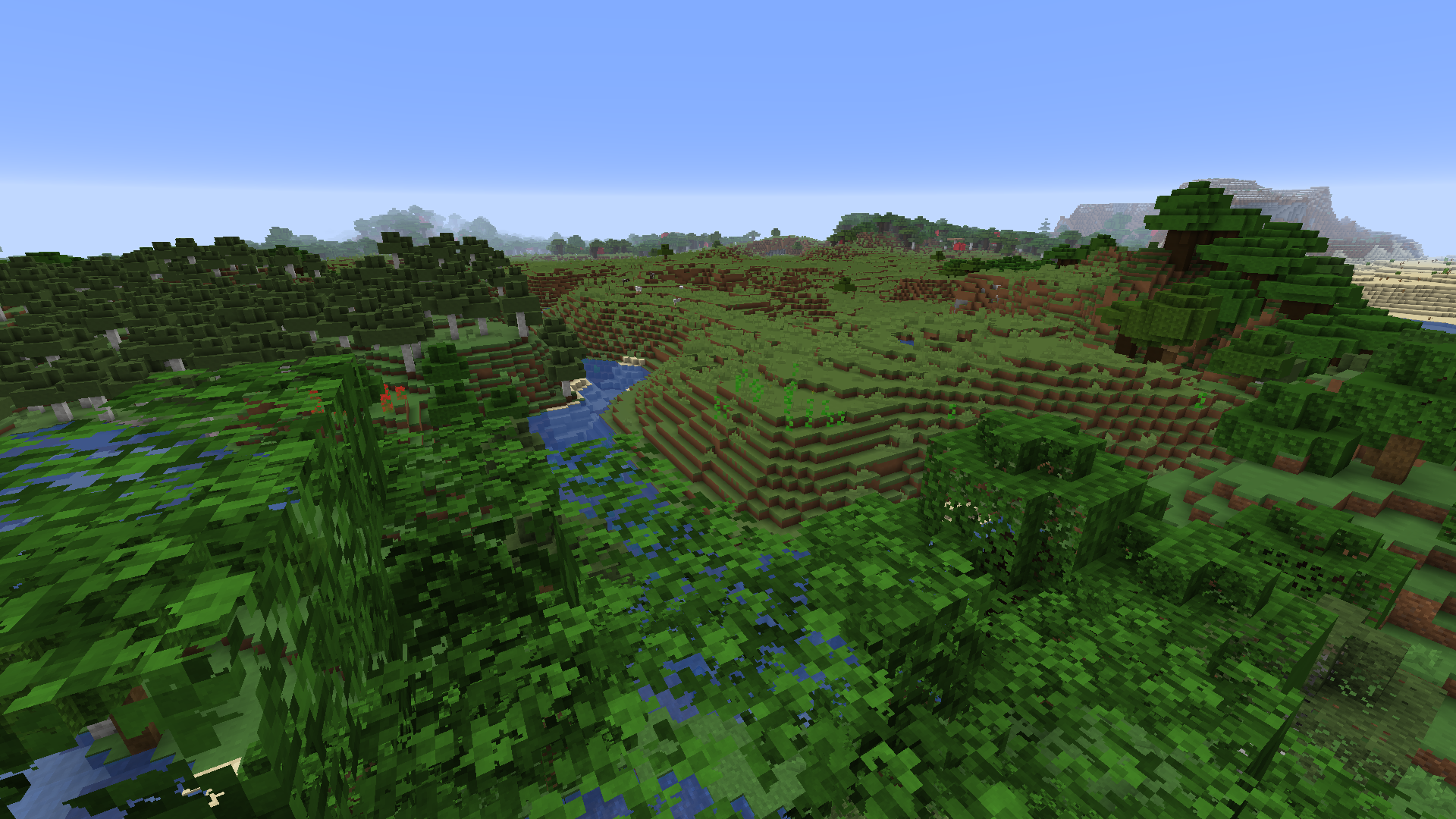
Here is a comparison of 4x mipmapping vs 8x mipmapping using a 256x resource pack: 4x 8x (please view at native resolution for accuracy)
To test if this is working, press the "Show Texture Info" keybind (unbound by default) and check the mipmap level for the block.png atlas.
LOD Bias
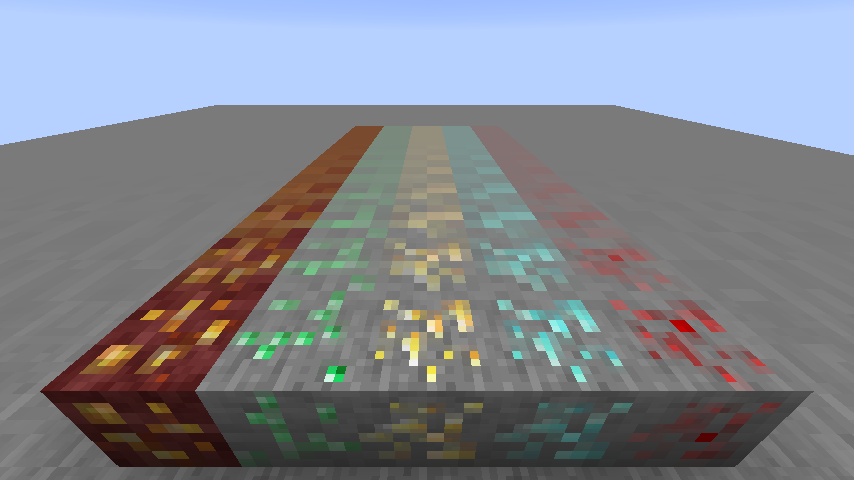
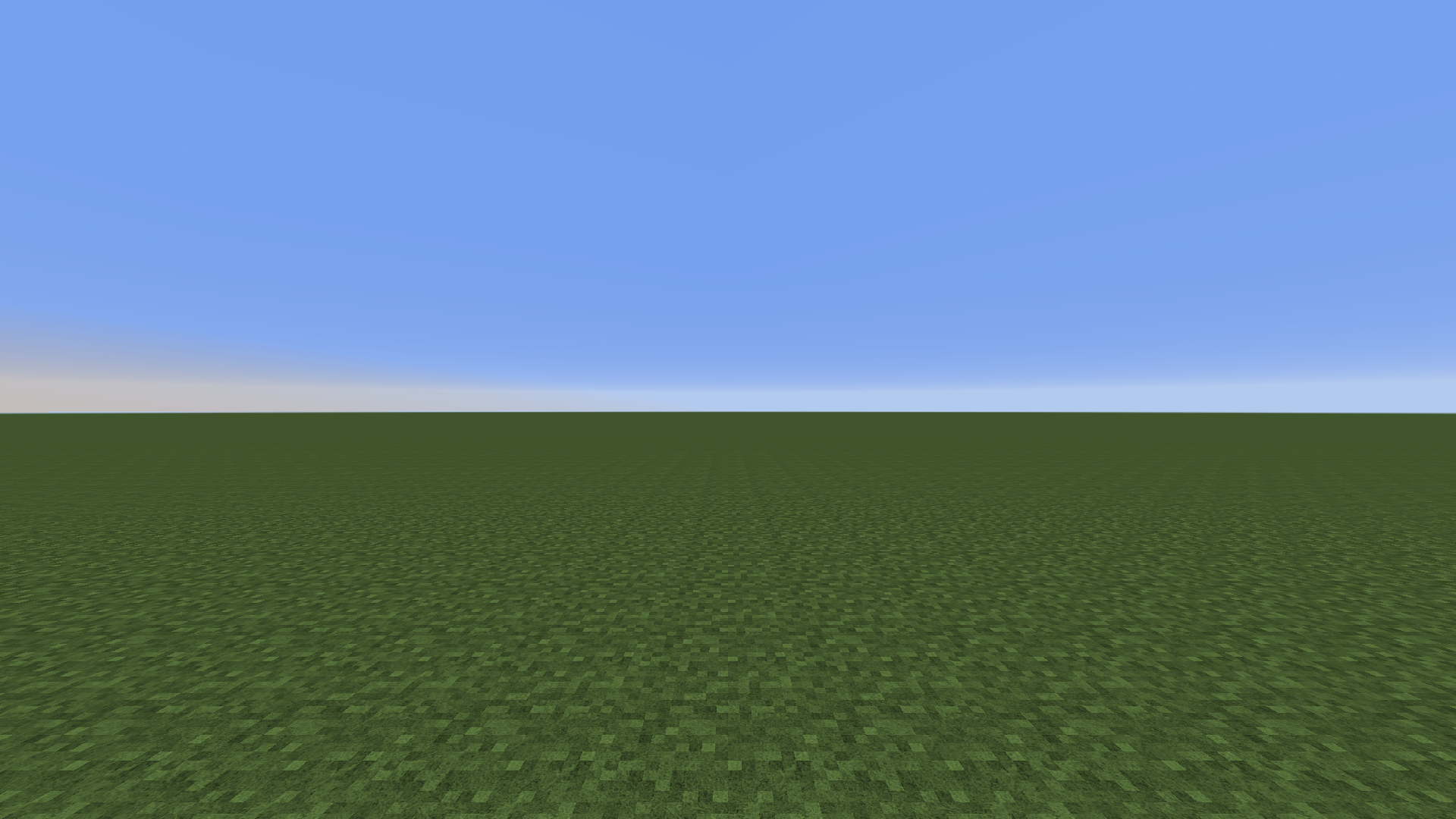
LOD Bias changes how far before the next mipmap level is used. This can be used for fine-tuning sharpness and aliasing of the textures, or as a way to give Minecraft an interesting look.
This is what happens when you set LOD Bias very high:
Compatibility
TexTweaks is tested to work with optifine, sodium, iris and canvas renderer. There are no conflicts found so far at least in the main features. If you found a bug or conflict, please report to the issue tracker.
Available Versions
How to Install TexTweaks on Your Server
Order Server
Order a Minecraft Java server with at least 3 GB RAM (4 GB recommended).
Set fabric Loader
In the panel under "Egg", select the fabric loader and matching Minecraft version (1.16.5).
Install Mod
Open the mod browser in the dashboard and search for "TexTweaks". Click "Install" – done! Alternatively, upload the .jar via SFTP to the /mods folder.
Compatibility
Mod Loaders
Minecraft Versions
1.16.5, 1.16.4, 1.16.3 (+1 more)
Server-side
✗ UnsupportedRecommended RAM
4 GB(min. 3 GB)Frequently Asked Questions
TexTweaks server crashes on startup – what to do?
Most common cause: wrong fabric version or insufficient RAM. Check the server log (latest.log) for "OutOfMemoryError" or "Mixin" errors. With Mado Hosting: ensure at least 3 GB RAM is allocated and the loader matches the mod version (1.16.5). You can switch loaders with one click in the panel.
Is TexTweaks compatible with fabric?
TexTweaks officially supports fabric for Minecraft 1.16.5, 1.16.4, 1.16.3. The Mado dashboard automatically detects incompatible loader combinations.
Server lagging with TexTweaks – how to optimize performance?
Recommended RAM: 4 GB (per 8 players). Use /spark profiler to check if TexTweaks consumes the most tick time. Common fixes: reduce server view-distance to 8-10, install "performant" or "starlight" as supplementary mods on Forge. With Mado Hosting, your server runs on NVMe SSDs with dedicated CPU cores for minimal latency.
Similar Mods




![[ETF] Entity Texture Features](https://cdn.modrinth.com/data/BVzZfTc1/af683d206d50b05258d865b0d6e4aa2f2cee12f2_96.webp)
![[EMF] Entity Model Features](https://cdn.modrinth.com/data/4I1XuqiY/6e5bbd0d06b1741bfdab6c0cfab6de8fdaf0064c_96.webp)
Rent Modded Server
Install TexTweaks with just one click on your server.