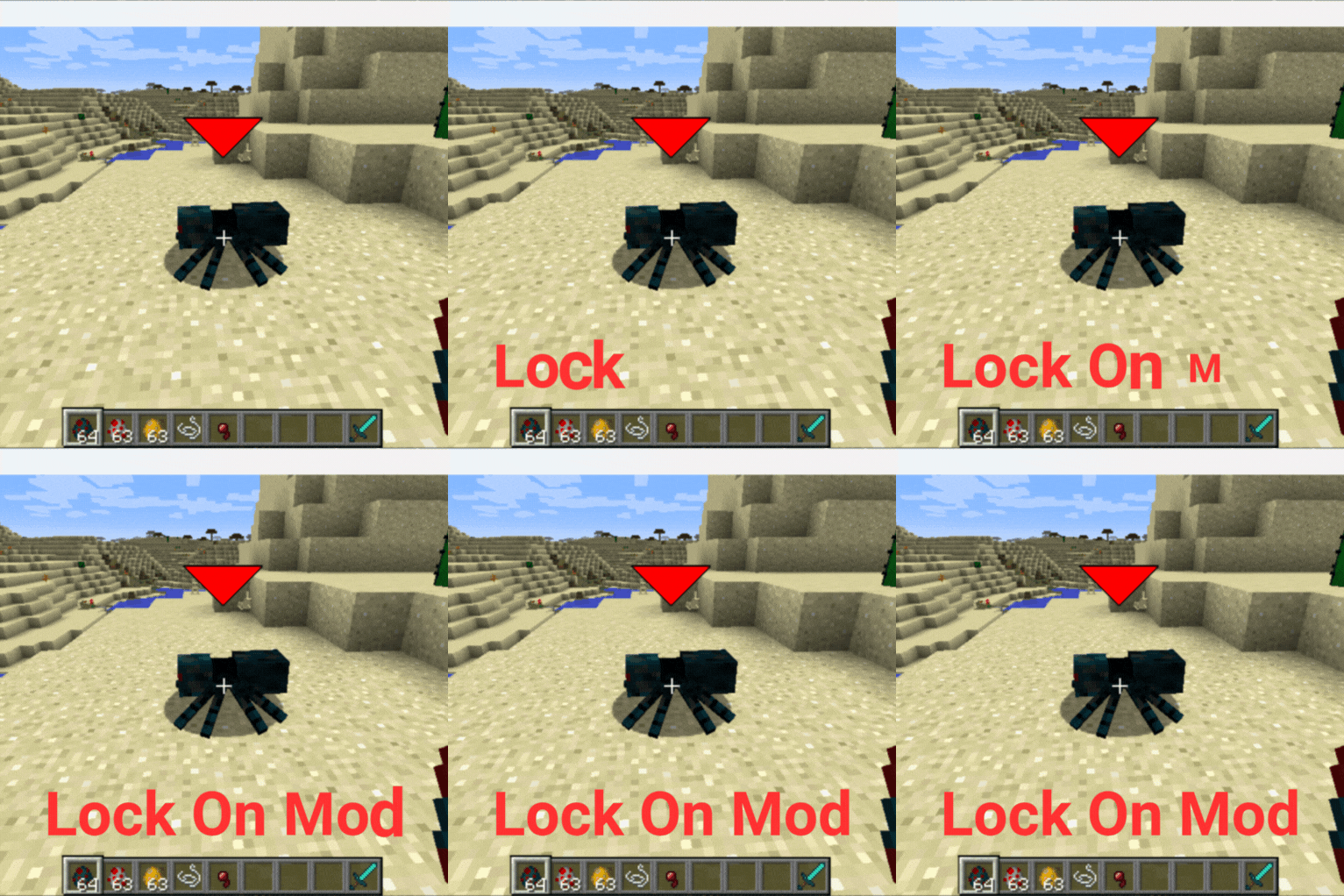
The Lock On Mod
A mod that I made because I think its needed in 1.12.2. Especially to use with combat mods.
Screenshots

About this Mod
🎯 Enhanced Target Lock-On System
The definitive targeting mod that 1.12.2 has been missing
Transform your Minecraft combat with modern targeting mechanics, complete audio feedback, and intelligent visual cues.
🎮 Key Features
🎨 Advanced Visuals
Animated Targeting Reticles with real-time health bars
Damage Prediction & Lethal Highlighting - Know when enemies are in kill range
Smart HUD Positioning - Prevents UI cut-off at screen edges
Distance tracking and entity identification
🔊 Complete Audio System
4 Distinct Sound Types - Lock-on, target switch, release, and error feedback
Individual Volume Controls for each sound effect
Professional audio design enhances immersion
📹 Intelligent Camera
Seamless third-person integration with smooth transitions
Better Third Person compatibility
Configurable smoothness and movement limits
🔧 Smart Configuration
3-Page GUI with intuitive controls (left/right click, shift for fine-tuning)
Entity filtering (hostile/neutral/passive)
Performance optimization for any hardware
🎮 Quick Start
Press R to lock onto nearest enemy
Use Q/E to cycle between targets
Press R again to unlock
Customize in Mod Options
⚙️ Configuration Highlights
Targeting: 5-50 block range, 15-180° detection angle
Visuals: Scalable reticles, damage prediction, lethal indicators
Audio: Individual volume sliders for all 4 sound types
Camera: Smoothness control, auto third-person mode
🔧 Technical Excellence
Universal Mod Compatibility - Works with weapon mods, entity mods, and modpacks
Multiplayer ready with optimized performance
Zero dependencies - Complete standalone functionality
📋 Requirements
Minecraft: 1.12.2
Forge: 14.23.5.2859+
Java: 8+
Available Versions
How to Install The Lock On Mod on Your Server
Order Server
Order a Minecraft Java server with at least 3 GB RAM (4 GB recommended).
Set forge Loader
In the panel under "Egg", select the forge loader and matching Minecraft version (1.12.2).
Install Mod
Open the mod browser in the dashboard and search for "The Lock On Mod". Click "Install" – done! Alternatively, upload the .jar via SFTP to the /mods folder.
Compatibility
Mod Loaders
Minecraft Versions
1.12.2
Server-side
~ OptionalRecommended RAM
4 GB(min. 3 GB)Frequently Asked Questions
The Lock On Mod server crashes on startup – what to do?
Most common cause: wrong forge version or insufficient RAM. Check the server log (latest.log) for "OutOfMemoryError" or "Mixin" errors. With Mado Hosting: ensure at least 3 GB RAM is allocated and the loader matches the mod version (1.12.2). You can switch loaders with one click in the panel.
Is The Lock On Mod compatible with forge?
The Lock On Mod officially supports forge for Minecraft 1.12.2. The Mado dashboard automatically detects incompatible loader combinations.
Server lagging with The Lock On Mod – how to optimize performance?
Recommended RAM: 4 GB (per 8 players). Use /spark profiler to check if The Lock On Mod consumes the most tick time. Common fixes: reduce server view-distance to 8-10, install "performant" or "starlight" as supplementary mods on Forge. With Mado Hosting, your server runs on NVMe SSDs with dedicated CPU cores for minimal latency.
Similar Mods




Rent Modded Server
Install The Lock On Mod with just one click on your server.