
The Printer
Duplicate items at the cost of experience and time
Screenshots
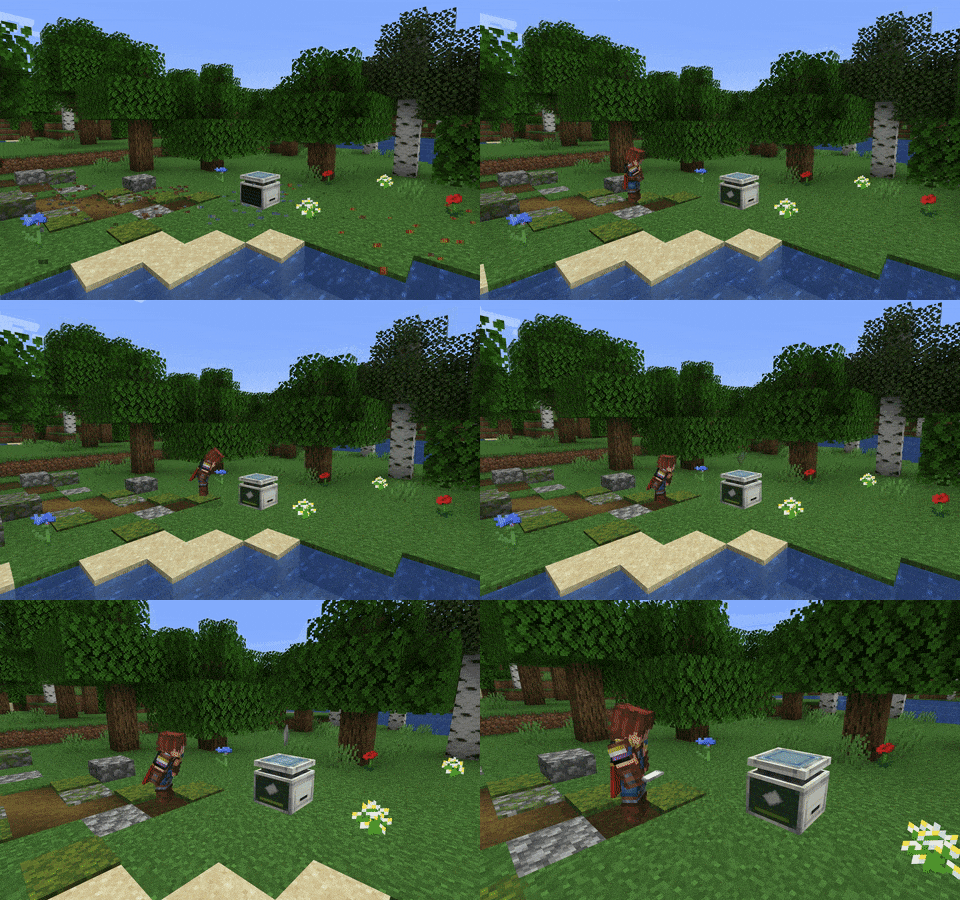

About this Mod
This mod adds a machine into the game that can print any item from XP. Place an item into an empty printer and start sneaking to deposit experience! Jumping while sneaking lets you deposit more XP at a time.
When the XP bar is full, the printing process begins! A translucent item will appear above the machine and slowly become more opaque over time. You can take it out once it's completely solid!
Created for ModFest: Singularity
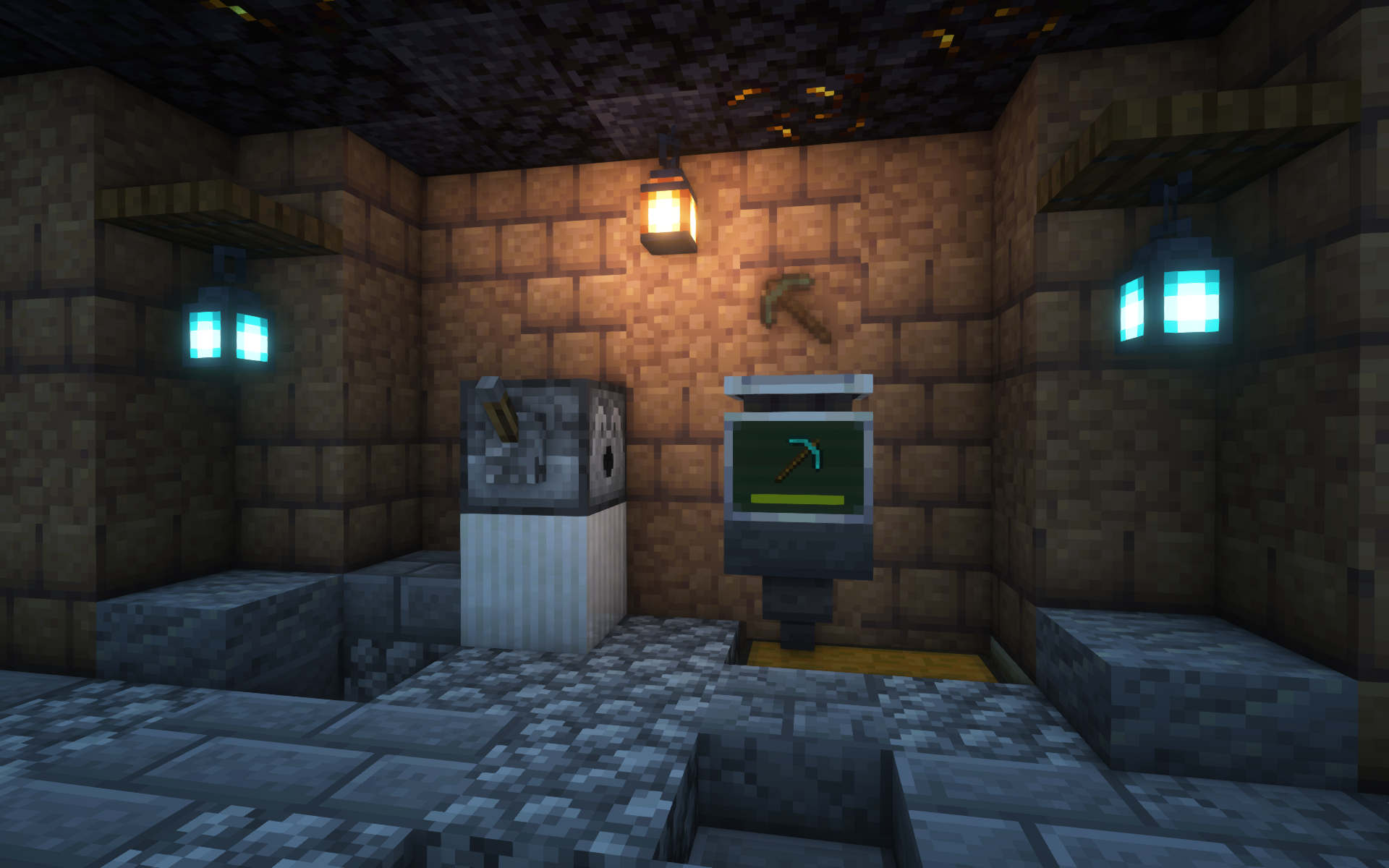
Additional Features
- EMI and WTHIT integration
- The Printer can pick up lingering XP orbs on its own
- Hoppers can take printed items from machines
- The printed stack is an exact duplicate of whatever you put in, preserving enchantments, name, etc.
enablePrintergamerule for whether to allow use of The Printer by default- Shader-compatible; the image above uses Iris and Complementary Reimagined
...and more!
Customization
The cost and printing duration for a stack depend on various factors, including:
- Material or item type
- Item rarity
- NBT contents
They can also be heavily extended and customized with Printer Rules, a fully data-driven system to modify values depending on the item.
Visit the Wiki for more info on customization features!
License
MIT © spadeteam
Available Versions
How to Install The Printer on Your Server
Order Server
Order a Minecraft Java server with at least 3 GB RAM (4 GB recommended).
Set fabric Loader
In the panel under "Egg", select the fabric loader and matching Minecraft version (1.20.4).
Install Mod
Open the mod browser in the dashboard and search for "The Printer". Click "Install" – done! Alternatively, upload the .jar via SFTP to the /mods folder.
Compatibility
Mod Loaders
Minecraft Versions
1.20.4, 1.20.1, 1.20 (+5 more)
Server-side
✓ RequiredRecommended RAM
4 GB(min. 3 GB)Frequently Asked Questions
The Printer server crashes on startup – what to do?
Most common cause: wrong fabric version or insufficient RAM. Check the server log (latest.log) for "OutOfMemoryError" or "Mixin" errors. With Mado Hosting: ensure at least 3 GB RAM is allocated and the loader matches the mod version (1.20.4). You can switch loaders with one click in the panel.
Is The Printer compatible with fabric and quilt?
The Printer officially supports fabric, quilt for Minecraft 1.20.4, 1.20.1, 1.20. The Mado dashboard automatically detects incompatible loader combinations.
Server lagging with The Printer – how to optimize performance?
Recommended RAM: 4 GB (per 8 players). Use /spark profiler to check if The Printer consumes the most tick time. Common fixes: reduce server view-distance to 8-10, install "performant" or "starlight" as supplementary mods on Forge. With Mado Hosting, your server runs on NVMe SSDs with dedicated CPU cores for minimal latency.
Similar Mods




Rent Modded Server
Install The Printer with just one click on your server.