
The Sixth Sense
Provides clean and simple visual alerts for incoming threats.
About this Mod
The Sixth Sense
The Sixth Sense is a minimalist warning mod that alerts you to dangers approaching from behind or outside your field of view without cluttering the vanilla UI. The icons only appear at the bottom of your screen when there is immediate danger.
Skeleton Warning: Appears when a skeleton is aiming at you nearby. The icon fills up based on the bow's draw speed, allowing you to anticipate exactly when the arrow will be fired.
Skeleton
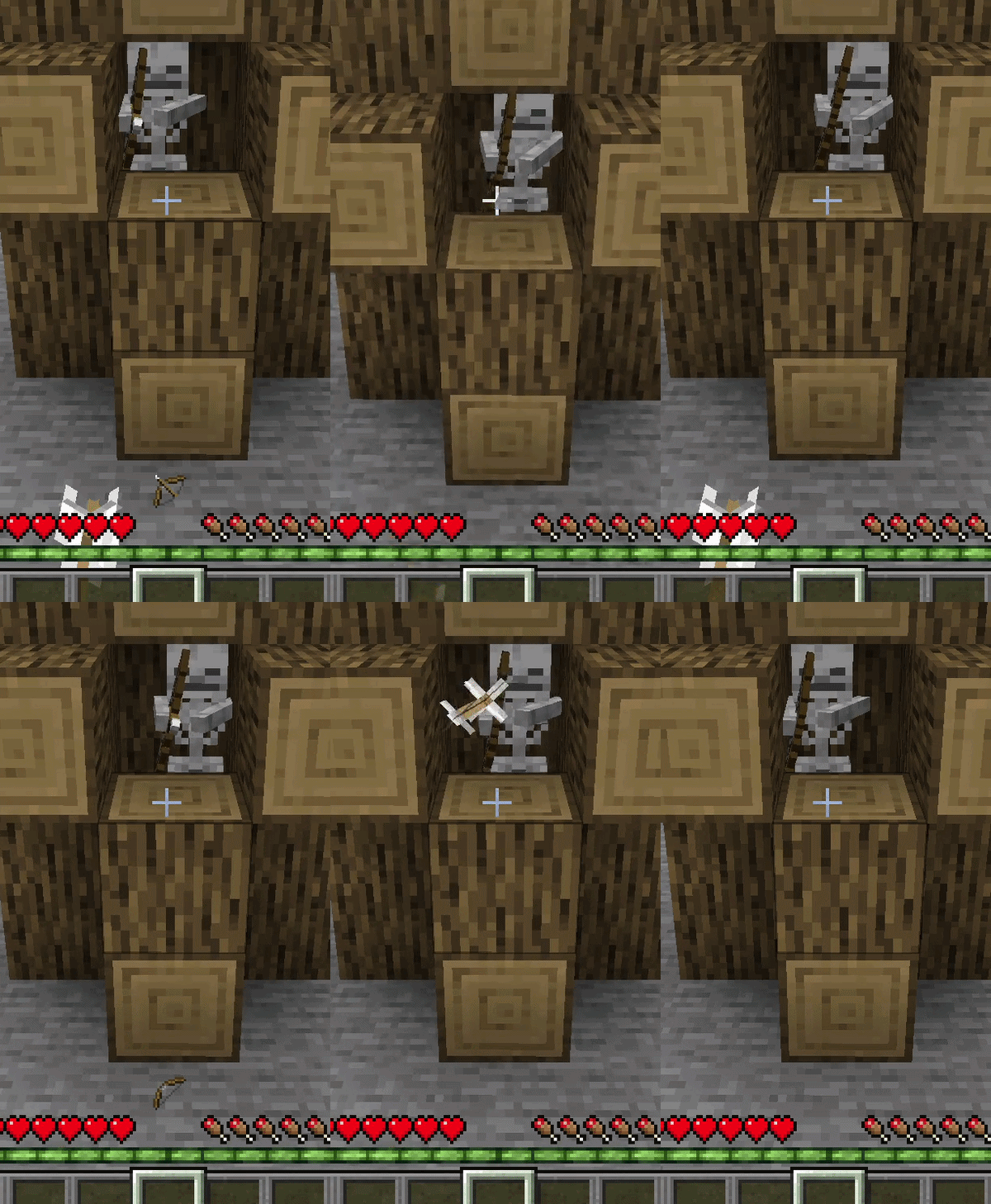 !
!
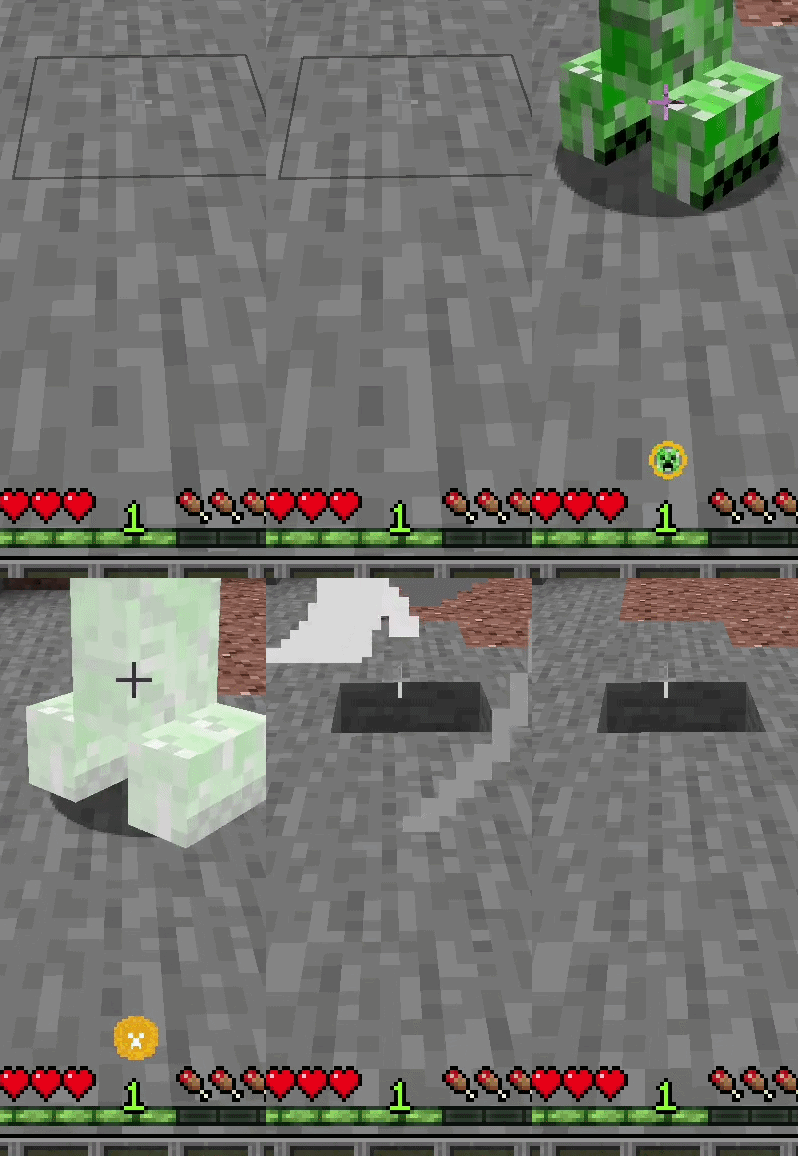
Creeper Warning: Appears on screen if a Creeper is silently sneaking up behind you and is about to explode. The warning icon becomes more intense as the explosion moment approaches.
Creeper
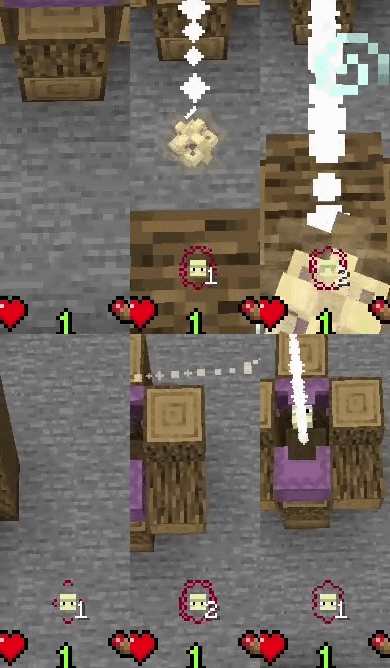
Shulker Warning: Detects incoming Shulker bullets flying towards you. A small counter next to the icon allows you to track exactly how many bullets are chasing you.
Shulker
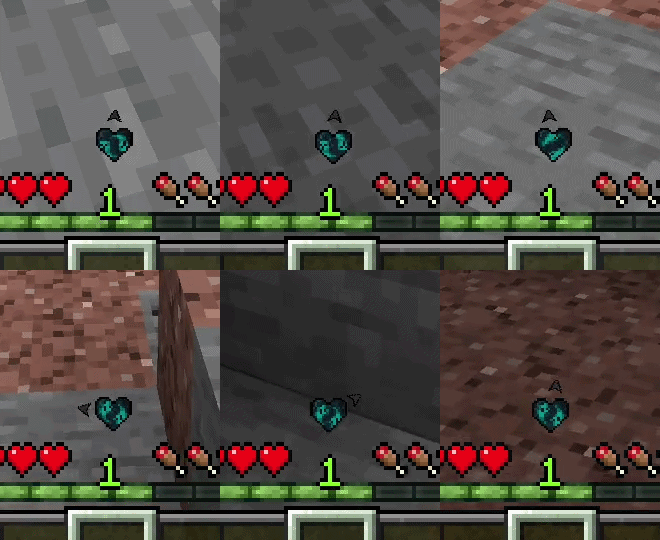
Warden Warning & Compass: Displays a beating heart on your screen when a Warden is nearby. As the Warden gets closer, the heartbeat speeds up and starts shaking. A small arrow orbiting the heart acts as a compass, pointing in the direction the Warden is hiding or approaching from.
Warden
Ghast Warning: Appears when a Ghast is preparing to shoot or a fireball is flying towards you. The warning features a smooth, spinning fireball animation and displays the exact distance of the threat in meters. If you dodge the fireball and it flies past you, the alert instantly disappears.
Ghast
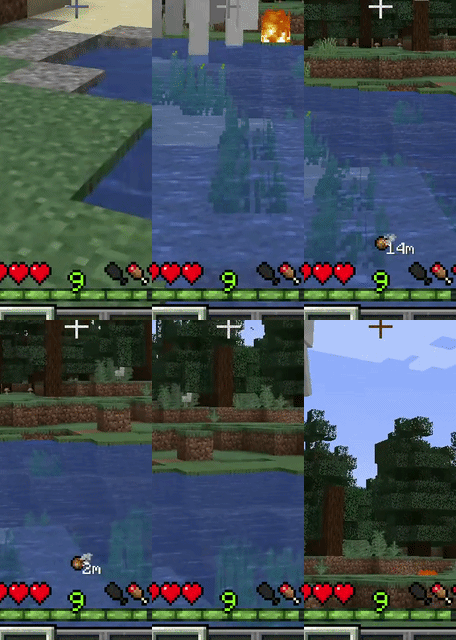
Quick Toggle: You can completely enable or disable the mod's HUD at any time with a single keybind (Default: Numpad 0).
Optional Customization: Through the mod's config file, you can disable any warnings you don't want or enable an optional feature that shows the Warden's exact distance from you in meters.
Available Versions
How to Install The Sixth Sense on Your Server
Order Server
Order a Minecraft Java server with at least 3 GB RAM (4 GB recommended).
Set fabric Loader
In the panel under "Egg", select the fabric loader and matching Minecraft version (1.21.10).
Install Mod
Open the mod browser in the dashboard and search for "The Sixth Sense". Click "Install" – done! Alternatively, upload the .jar via SFTP to the /mods folder.
Compatibility
Mod Loaders
Minecraft Versions
1.21.10, 1.21.1, 1.20.1
Server-side
✗ UnsupportedRecommended RAM
4 GB(min. 3 GB)Frequently Asked Questions
The Sixth Sense server crashes on startup – what to do?
Most common cause: wrong fabric version or insufficient RAM. Check the server log (latest.log) for "OutOfMemoryError" or "Mixin" errors. With Mado Hosting: ensure at least 3 GB RAM is allocated and the loader matches the mod version (1.21.10). You can switch loaders with one click in the panel.
Is The Sixth Sense compatible with fabric and forge?
The Sixth Sense officially supports fabric, forge for Minecraft 1.21.10, 1.21.1, 1.20.1. Note: Forge and Fabric mods are NOT cross-compatible – pick one loader and stick with it. The Mado dashboard automatically detects incompatible loader combinations.
Server lagging with The Sixth Sense – how to optimize performance?
Recommended RAM: 4 GB (per 8 players). Use /spark profiler to check if The Sixth Sense consumes the most tick time. Common fixes: reduce server view-distance to 8-10, install "performant" or "starlight" as supplementary mods on Forge. With Mado Hosting, your server runs on NVMe SSDs with dedicated CPU cores for minimal latency.
Similar Mods
![[EMF] Entity Model Features](https://cdn.modrinth.com/data/4I1XuqiY/6e5bbd0d06b1741bfdab6c0cfab6de8fdaf0064c_96.webp)


Rent Modded Server
Install The Sixth Sense with just one click on your server.