TotemGrabber
Smart offhand management mod that auto-focuses Totems, supports instant Shift-click swapping, and falls back to a shield when needed - keeping you PvP-ready at all times.
Screenshots
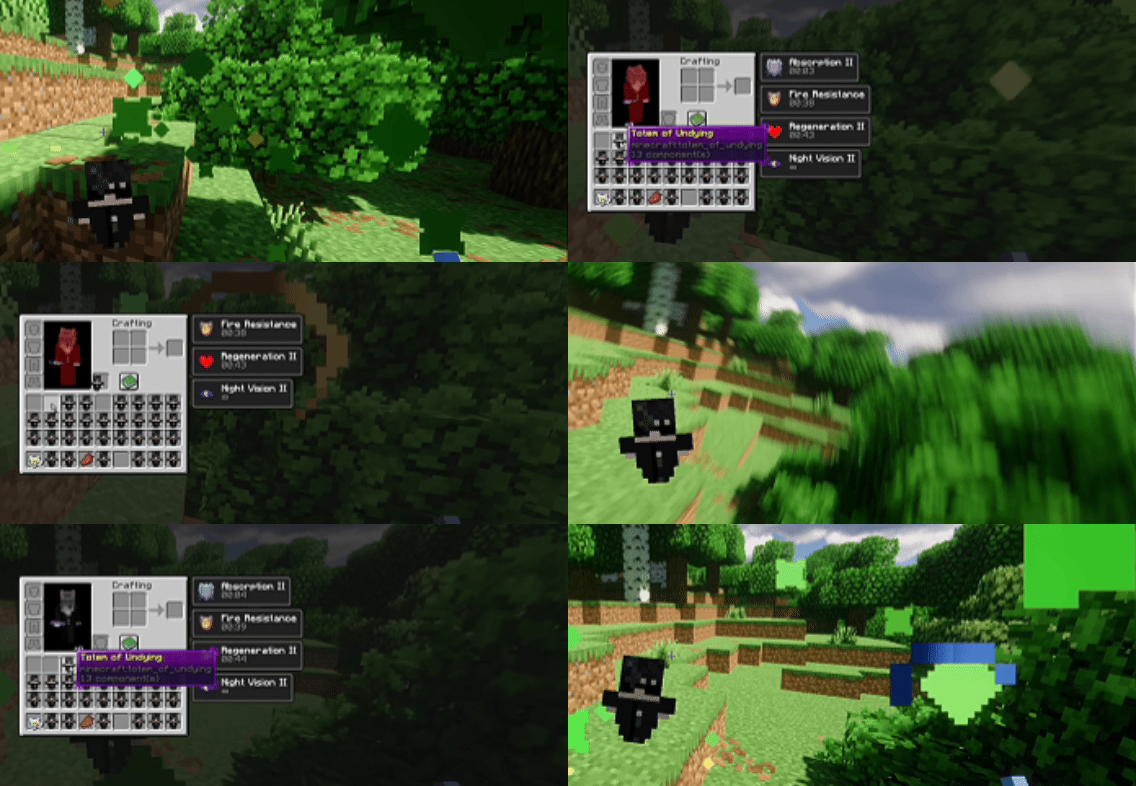
About this Mod
TotemGrabber

A small utility mod for PvP players who want faster offhand management without the fumbling.
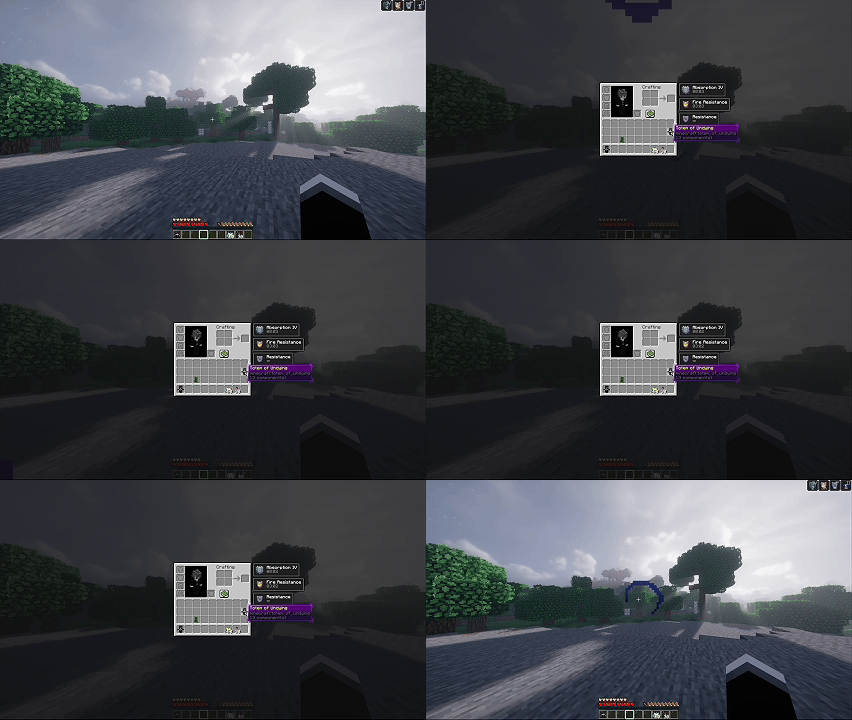
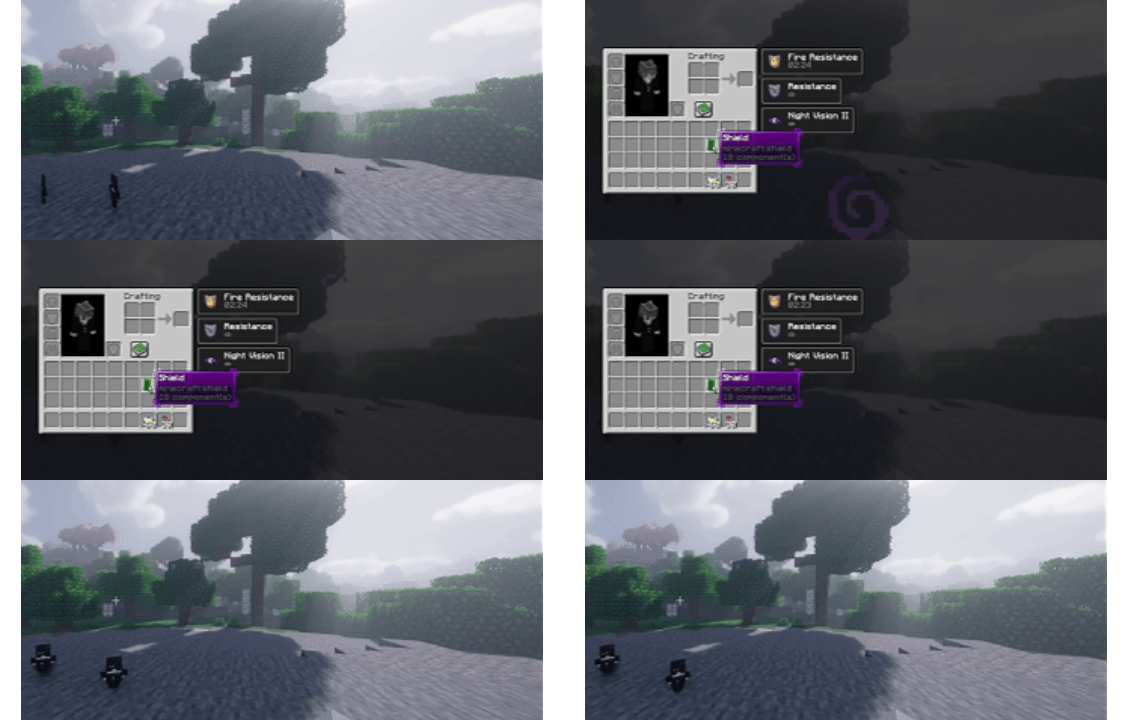
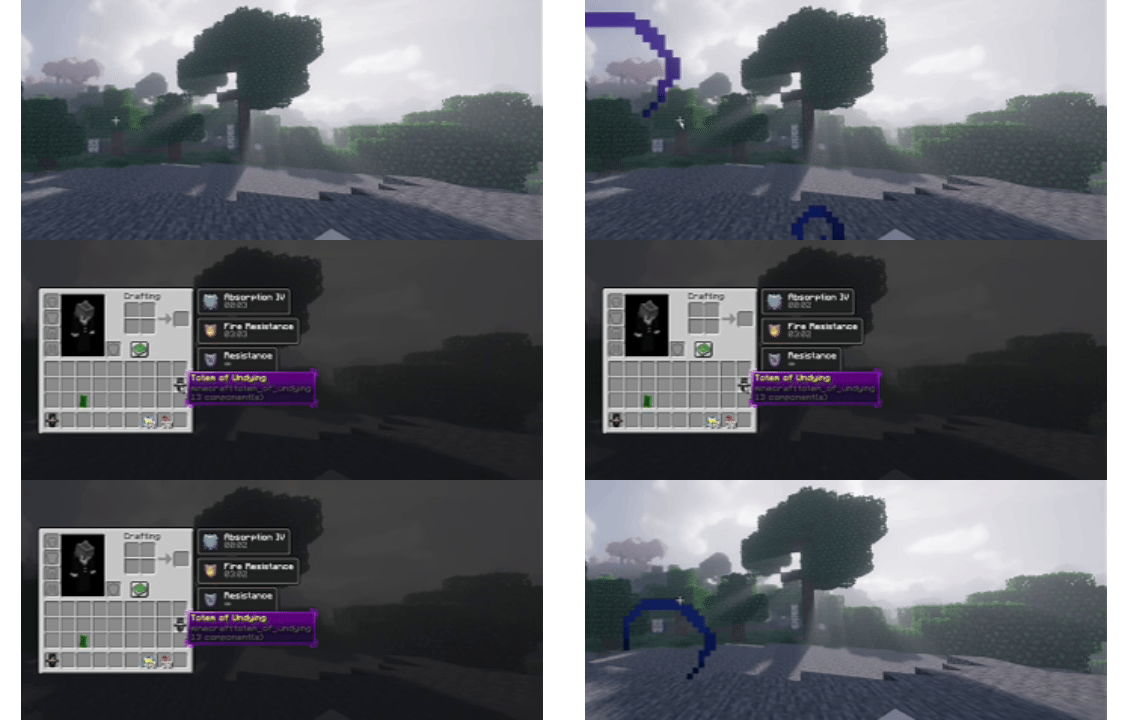
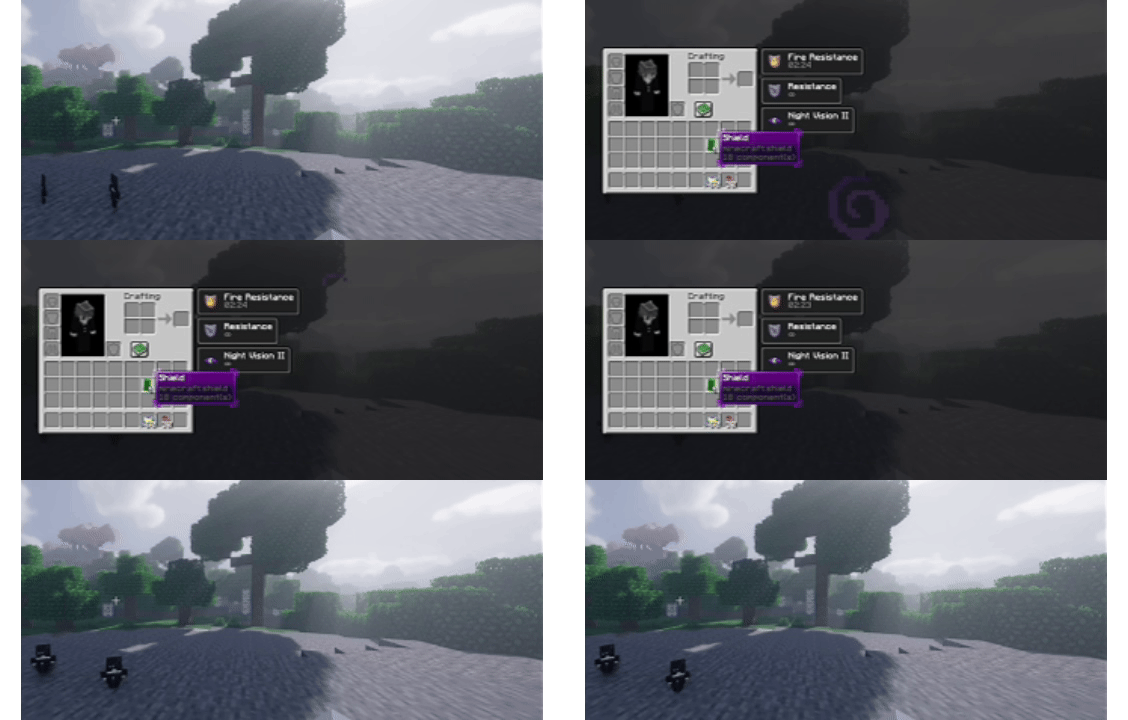
When you open your inventory, TotemGrabber automatically focuses a Totem of Undying so you can swap it to your offhand in one click. No totem? It falls back to your shield instead. That's it - no config screens, no keybinds to memorize, just faster swaps when it counts.
Features
- Auto-focuses a totem when inventory opens
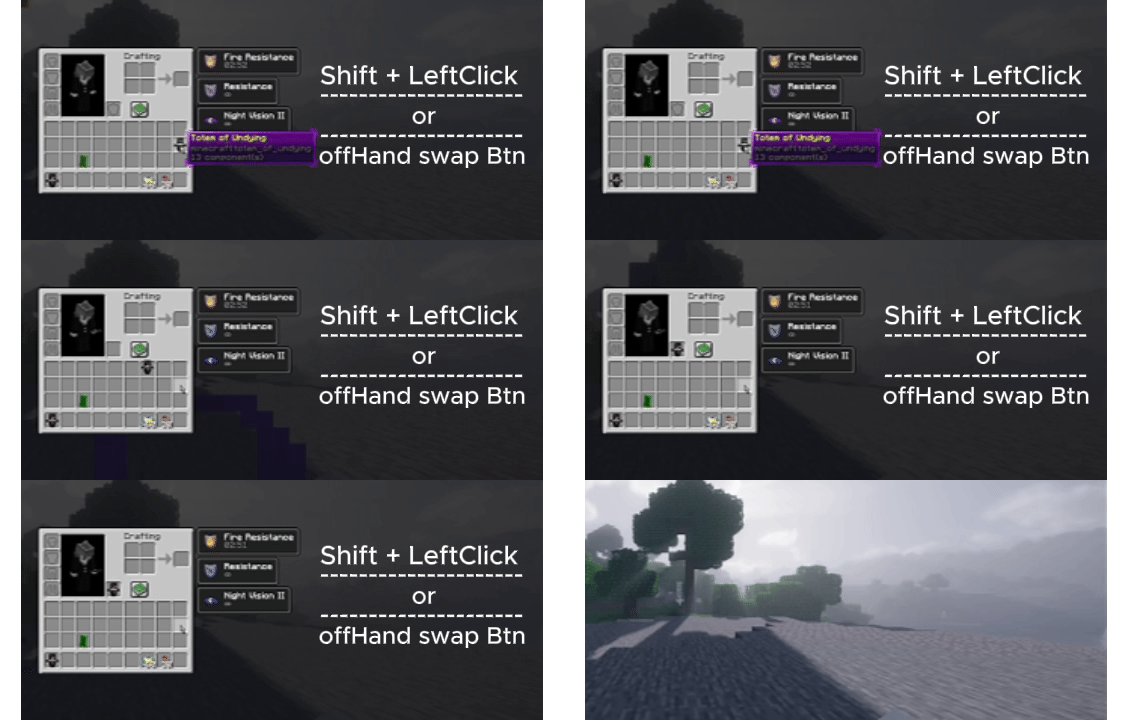
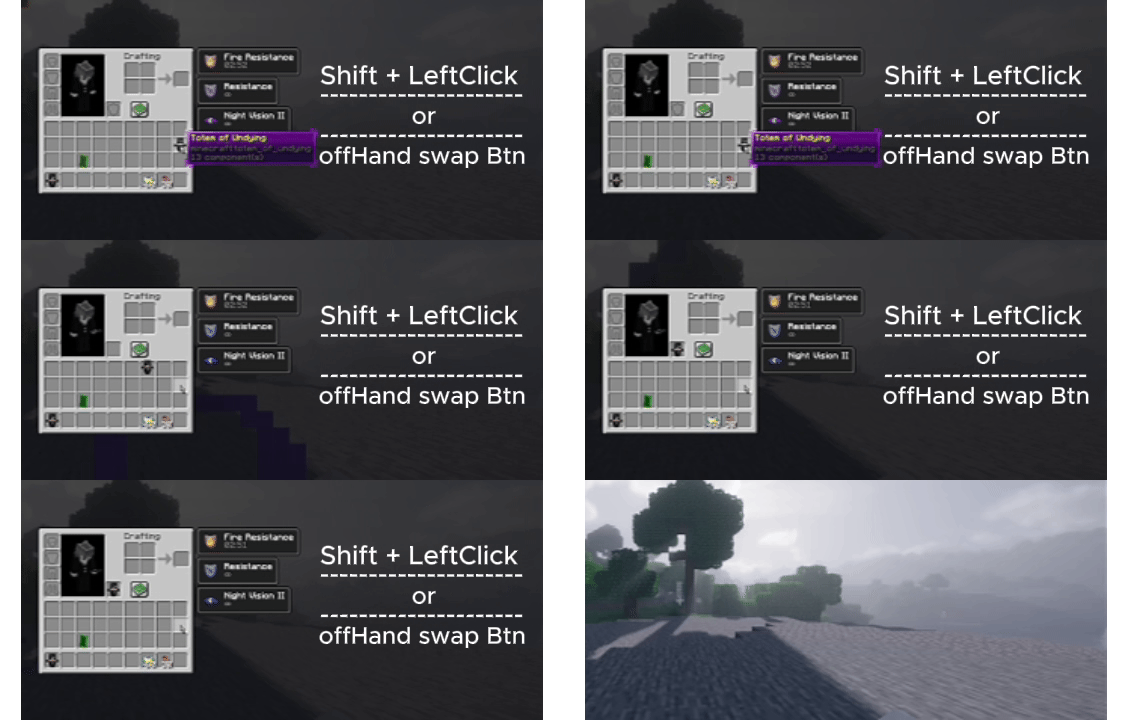
- Shift + Left Click to move it to offhand instantly
- Falls back to shield if no totems are available
- Adjustable delay via command
- Lightweight - no overhead during normal gameplay
Commands
/totemgrabber on
/totemgrabber off
/totemgrabber toggle
/totemgrabber status
/totemgrabber delay <ms>
Delay range: 50ms → 2000ms — Default: 50ms
How it works
Open inventory → totem gets focused → Shift + Click → offhand. If no totem is found, the mod selects your shield automatically instead, This not work like AutoTotem Instant Totem hold, user took almost <500ms-1s to hold new totem, maybe more time for new user...
Useful for
- Crystal PvP
- Survival combat
- 1v1 fights
- Any situation where a slow offhand swap gets you killed
Compatibility
- Fabric only
- Works with most PvP mods
- May conflict with other auto-offhand mods
- Not recommended for competitive servers with strict anti-cheat rules — use responsibly
Contact
📧 Email | ☕ Buy Me a Coffee
Made by TheKeyZyke and Divyansh - if you find it useful, a follow or share helps a lot.
Available Versions
How to Install TotemGrabber on Your Server
Order Server
Order a Minecraft Java server with at least 3 GB RAM (4 GB recommended).
Set fabric Loader
In the panel under "Egg", select the fabric loader and matching Minecraft version (1.21.11).
Install Mod
Open the mod browser in the dashboard and search for "TotemGrabber". Click "Install" – done! Alternatively, upload the .jar via SFTP to the /mods folder.
Compatibility
Mod Loaders
Minecraft Versions
1.21.11
Server-side
✗ UnsupportedRecommended RAM
4 GB(min. 3 GB)Frequently Asked Questions
TotemGrabber server crashes on startup – what to do?
Most common cause: wrong fabric version or insufficient RAM. Check the server log (latest.log) for "OutOfMemoryError" or "Mixin" errors. With Mado Hosting: ensure at least 3 GB RAM is allocated and the loader matches the mod version (1.21.11). You can switch loaders with one click in the panel.
Is TotemGrabber compatible with fabric?
TotemGrabber officially supports fabric for Minecraft 1.21.11. The Mado dashboard automatically detects incompatible loader combinations.
Server lagging with TotemGrabber – how to optimize performance?
Recommended RAM: 4 GB (per 8 players). Use /spark profiler to check if TotemGrabber consumes the most tick time. Common fixes: reduce server view-distance to 8-10, install "performant" or "starlight" as supplementary mods on Forge. With Mado Hosting, your server runs on NVMe SSDs with dedicated CPU cores for minimal latency.
Similar Mods




Rent Modded Server
Install TotemGrabber with just one click on your server.
Details
- License
- Creative Commons Attribution Non Commercial No Derivatives 4.0 International
- Server-side
- Unsupported