
Trims on Tools
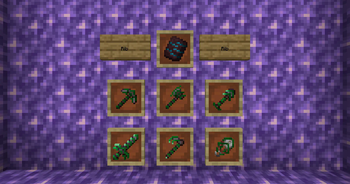
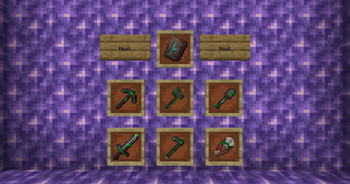
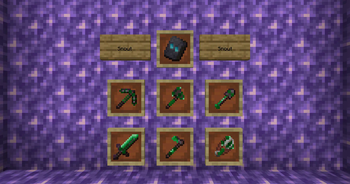
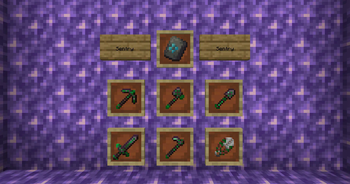
More use for trims such as making them glowy, or applying trims on tools.
Screenshots
About this Mod
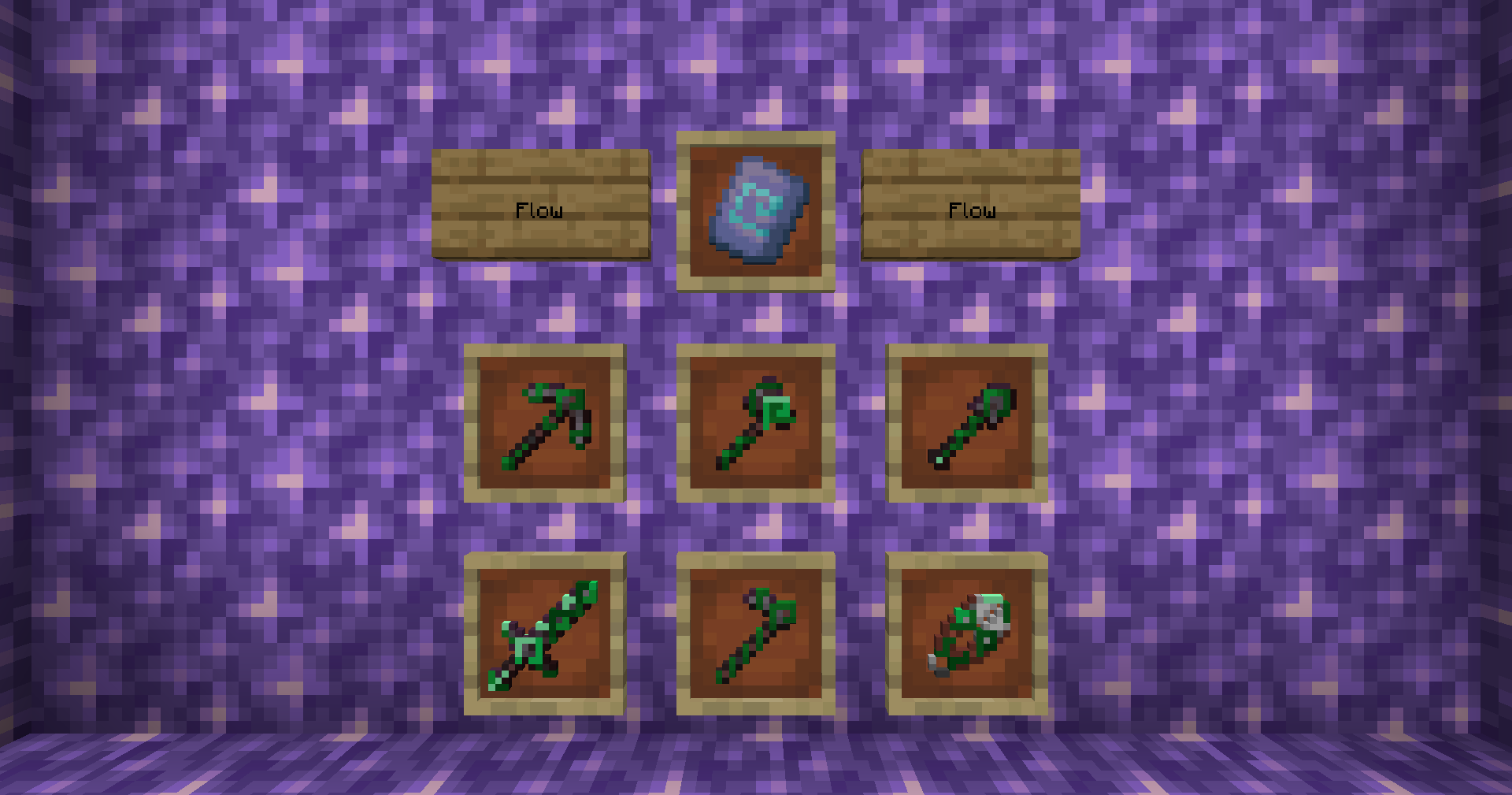
This mod empowers users to add trims onto items besides armor. This supports all vanilla pickaxes, axes, shovels, swords, hoes, and shears out of the box.
Check out the expansions for the mod here!
Additionally, you can find a new smithing template that will make your trims glow in the dark when combined with armor or tools and a glow ink sac.
Trims on Tools supports these mods out of box:
 Biomes O' Plenty
 Elytra Trims

Permissions:
- You can use this mod in your modpack.
- You are not allowed to re-publish this mod to other sites without providing a CurseForge/Modrinth download link and my permission (PM to
 Zeitheron, or via Discord)
 - You are not allowed to include this (or any other mods of the DragonForge team) in your own mod. Building add-ons, however, is allowed, but a friendly PM would be good.
Note:
- The only supported version of Minecraft is the latest one that this mod exists for. DO NOT ASK TO DOWNGRADE!

Want to discuss anything? Need help with APIs?
Join the discord server and follow Zeitheron on 
If you would like to support my work, you can become a patron via  Patreon.
Available Versions
How to Install Trims on Tools on Your Server
Order Server
Order a Minecraft Java server with at least 3 GB RAM (4 GB recommended).
Set forge Loader
In the panel under "Egg", select the forge loader and matching Minecraft version (1.21.1).
Install Mod
Open the mod browser in the dashboard and search for "Trims on Tools". Click "Install" – done! Alternatively, upload the .jar via SFTP to the /mods folder.
Compatibility
Mod Loaders
Minecraft Versions
1.21.1, 1.21, 1.20.1
Server-side
✓ RequiredRecommended RAM
4 GB(min. 3 GB)Frequently Asked Questions
Trims on Tools server crashes on startup – what to do?
Most common cause: wrong forge version or insufficient RAM. Check the server log (latest.log) for "OutOfMemoryError" or "Mixin" errors. With Mado Hosting: ensure at least 3 GB RAM is allocated and the loader matches the mod version (1.21.1). You can switch loaders with one click in the panel.
Is Trims on Tools compatible with forge and neoforge?
Trims on Tools officially supports forge, neoforge for Minecraft 1.21.1, 1.21, 1.20.1. The Mado dashboard automatically detects incompatible loader combinations.
Server lagging with Trims on Tools – how to optimize performance?
Recommended RAM: 4 GB (per 8 players). Use /spark profiler to check if Trims on Tools consumes the most tick time. Common fixes: reduce server view-distance to 8-10, install "performant" or "starlight" as supplementary mods on Forge. With Mado Hosting, your server runs on NVMe SSDs with dedicated CPU cores for minimal latency.
Similar Mods

![[ETF] Entity Texture Features](https://cdn.modrinth.com/data/BVzZfTc1/af683d206d50b05258d865b0d6e4aa2f2cee12f2_96.webp)
![[EMF] Entity Model Features](https://cdn.modrinth.com/data/4I1XuqiY/6e5bbd0d06b1741bfdab6c0cfab6de8fdaf0064c_96.webp)



Rent Modded Server
Install Trims on Tools with just one click on your server.