
Twemoji
Pixelated Twemoji emojis in chat, with a picker, shortcodes, animated emojis, and datapack support.
About this Mod
Twemoji
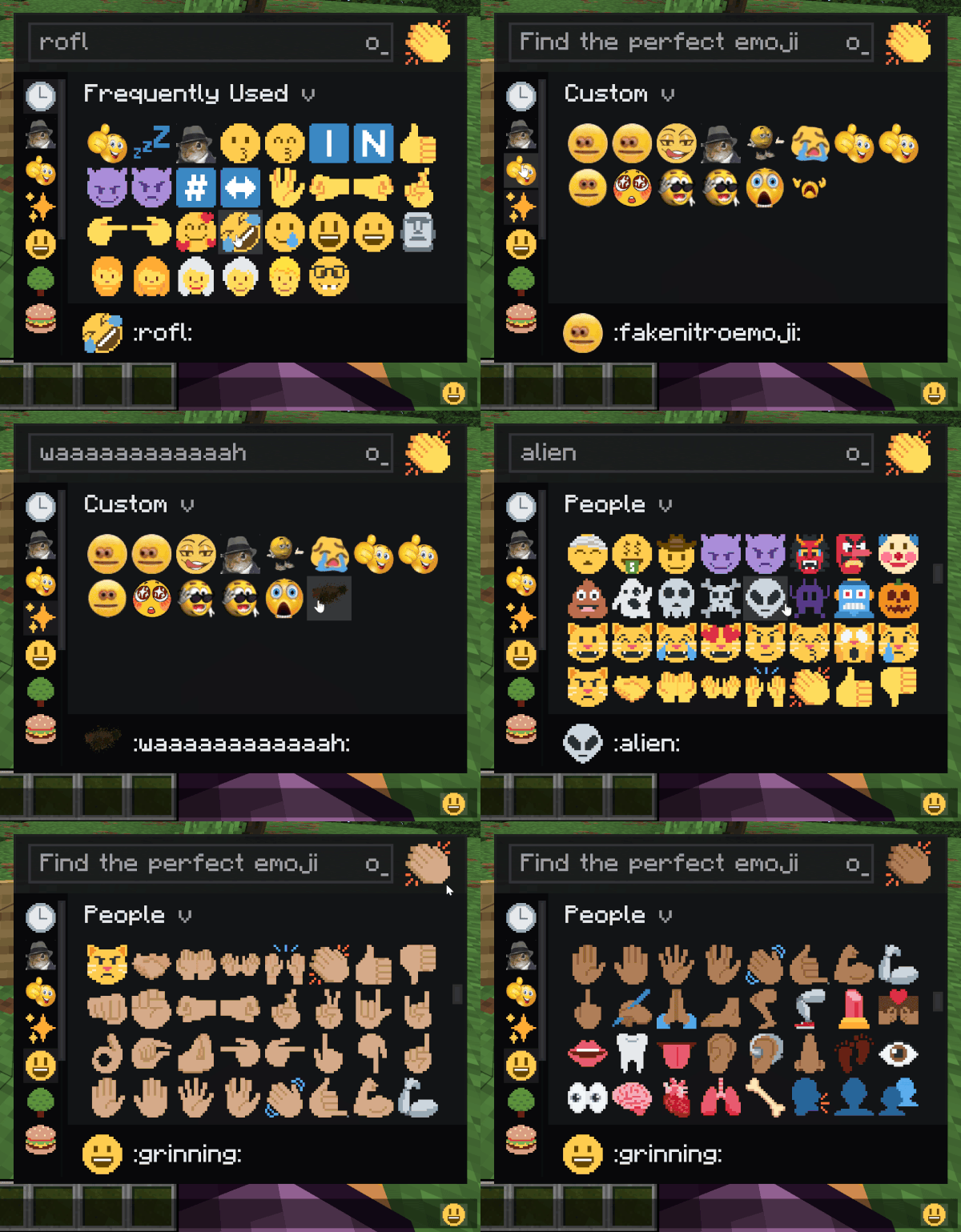
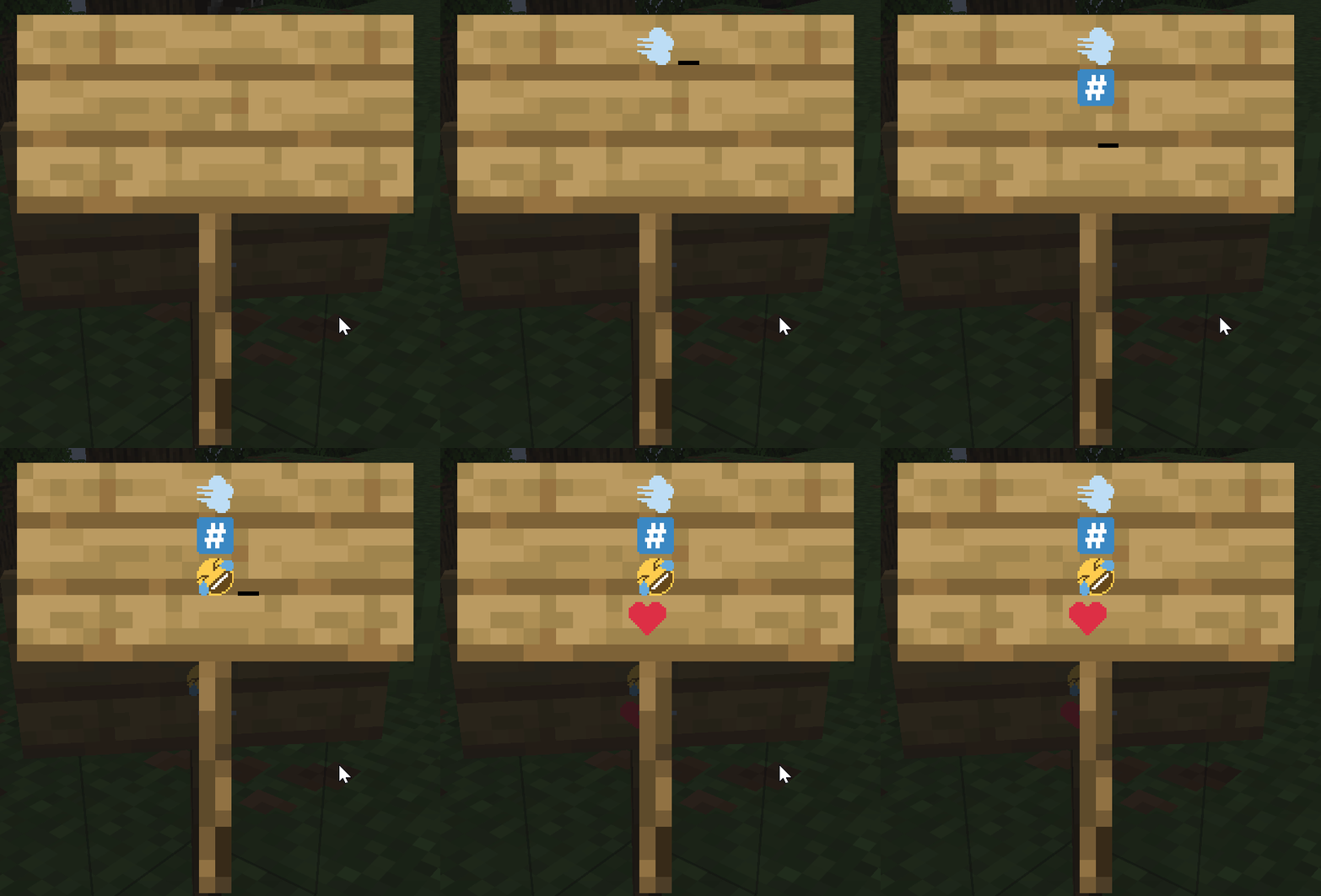
Adds Pixelated Twitter-style emoji to Minecraft chat, signs, books, and tooltips. Type :name: to insert one.
Features
- The full Twemoji set built in : smileys, hands, flags, symbols, all of it.
- Live shortcode conversion: type
:smile:and it pops in as you close the colon or hit space. - Skin tone preference for hand and people emojis.
- Animated emojis via datapack.
- Server datapacks can add custom emojis that sync to every connected client.
- Emoji rain command for fun (
/twemoji rain <emoji>), works in singleplayer and on servers. 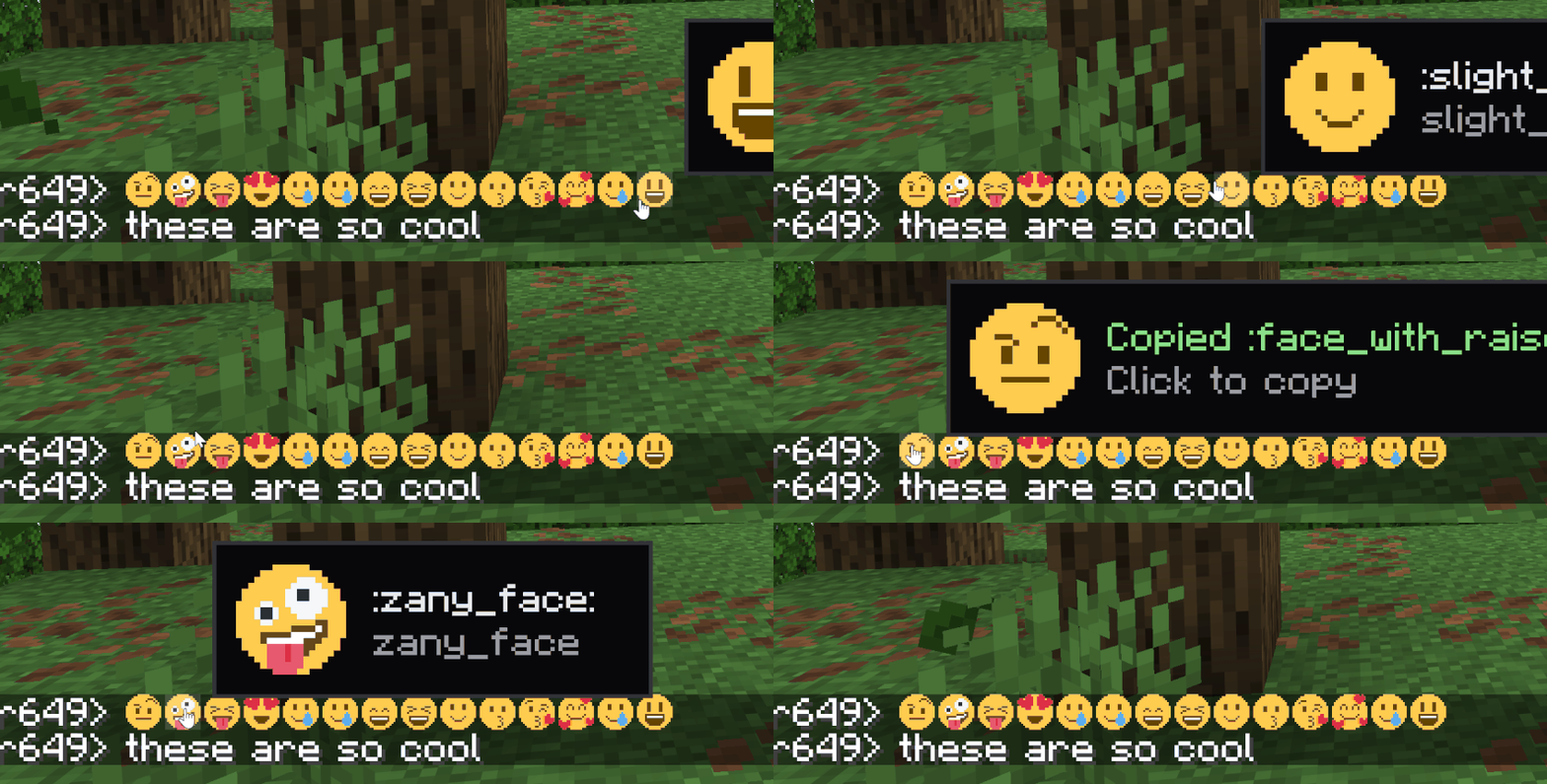
How to type emojis
Open chat, type : and start typing the name. A suggestion list appears. Or open the picker with the keybind (rebindable in Controls).
Custom emojis (server datapacks)
Drop a PNG into a datapack at data/<namespace>/twemoji/emoji/<name>.png. The file name is the shortcode. Static and animated both supported (animated uses the same .png.mcmeta format as vanilla animated textures).
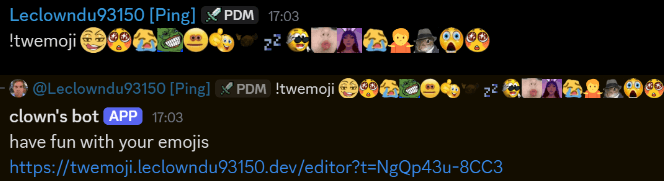
There's also a discord bot and website available in my Discord Server with a built-in datapack editor
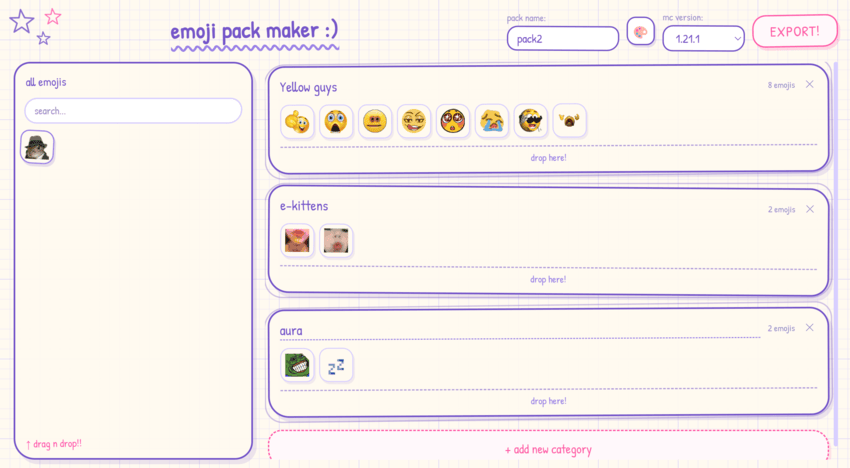
Singleplayer and dedicated servers work the same — the integrated server pushes the set to your client on join.
Full datapack format and examples are in the project README on GitHub.
Commands
/twemoji skin <0-5>- set your skin tone (0 = default) can also be done in the picker./twemoji rain <emoji> [seconds]- emoji rain on your screen./twemoji rain <emoji> [seconds] <players>- admins only, trigger rain for someone else./twemoji button <true|false>- show/hide the picker button next to the chat input./twemoji flags <true|false>- toggle regional indicator flag emoji rendering./twemoji render <size> <emoji>- export an emoji to a PNG file./emoji upload <name> <file>- admin command to add a server-wide emoji at runtime.
License & attribution
Source code is All Rights Reserved. View and fork for PRs only - no redistribution or derivative works without written permission.
Bundled image assets and shortcode data are CC-BY 4.0:
- Twemoji graphics - Copyright © 2018 Twitter, Inc. and other contributors, CC-BY 4.0.
- Pixel art adaptation and resource pack layout - Copyright © 2020 Amber (PixelTwemojiMC), CC-BY 4.0.
When redistributing, the asset attribution above must be preserved.
Support on Discord
!
Available Versions
How to Install Twemoji on Your Server
Order Server
Order a Minecraft Java server with at least 3 GB RAM (4 GB recommended).
Set fabric Loader
In the panel under "Egg", select the fabric loader and matching Minecraft version (26.1.2).
Install Mod
Open the mod browser in the dashboard and search for "Twemoji". Click "Install" – done! Alternatively, upload the .jar via SFTP to the /mods folder.
Compatibility
Mod Loaders
Minecraft Versions
26.1.2, 1.21.11, 1.21.1 (+1 more)
Server-side
✗ UnsupportedRecommended RAM
4 GB(min. 3 GB)Frequently Asked Questions
Twemoji server crashes on startup – what to do?
Most common cause: wrong fabric version or insufficient RAM. Check the server log (latest.log) for "OutOfMemoryError" or "Mixin" errors. With Mado Hosting: ensure at least 3 GB RAM is allocated and the loader matches the mod version (26.1.2). You can switch loaders with one click in the panel.
Is Twemoji compatible with fabric and forge and neoforge?
Twemoji officially supports fabric, forge, neoforge for Minecraft 26.1.2, 1.21.11, 1.21.1. Note: Forge and Fabric mods are NOT cross-compatible – pick one loader and stick with it. The Mado dashboard automatically detects incompatible loader combinations.
Server lagging with Twemoji – how to optimize performance?
Recommended RAM: 4 GB (per 8 players). Use /spark profiler to check if Twemoji consumes the most tick time. Common fixes: reduce server view-distance to 8-10, install "performant" or "starlight" as supplementary mods on Forge. With Mado Hosting, your server runs on NVMe SSDs with dedicated CPU cores for minimal latency.
Similar Mods

![[ETF] Entity Texture Features](https://cdn.modrinth.com/data/BVzZfTc1/af683d206d50b05258d865b0d6e4aa2f2cee12f2_96.webp)
![[EMF] Entity Model Features](https://cdn.modrinth.com/data/4I1XuqiY/6e5bbd0d06b1741bfdab6c0cfab6de8fdaf0064c_96.webp)



Rent Modded Server
Install Twemoji with just one click on your server.