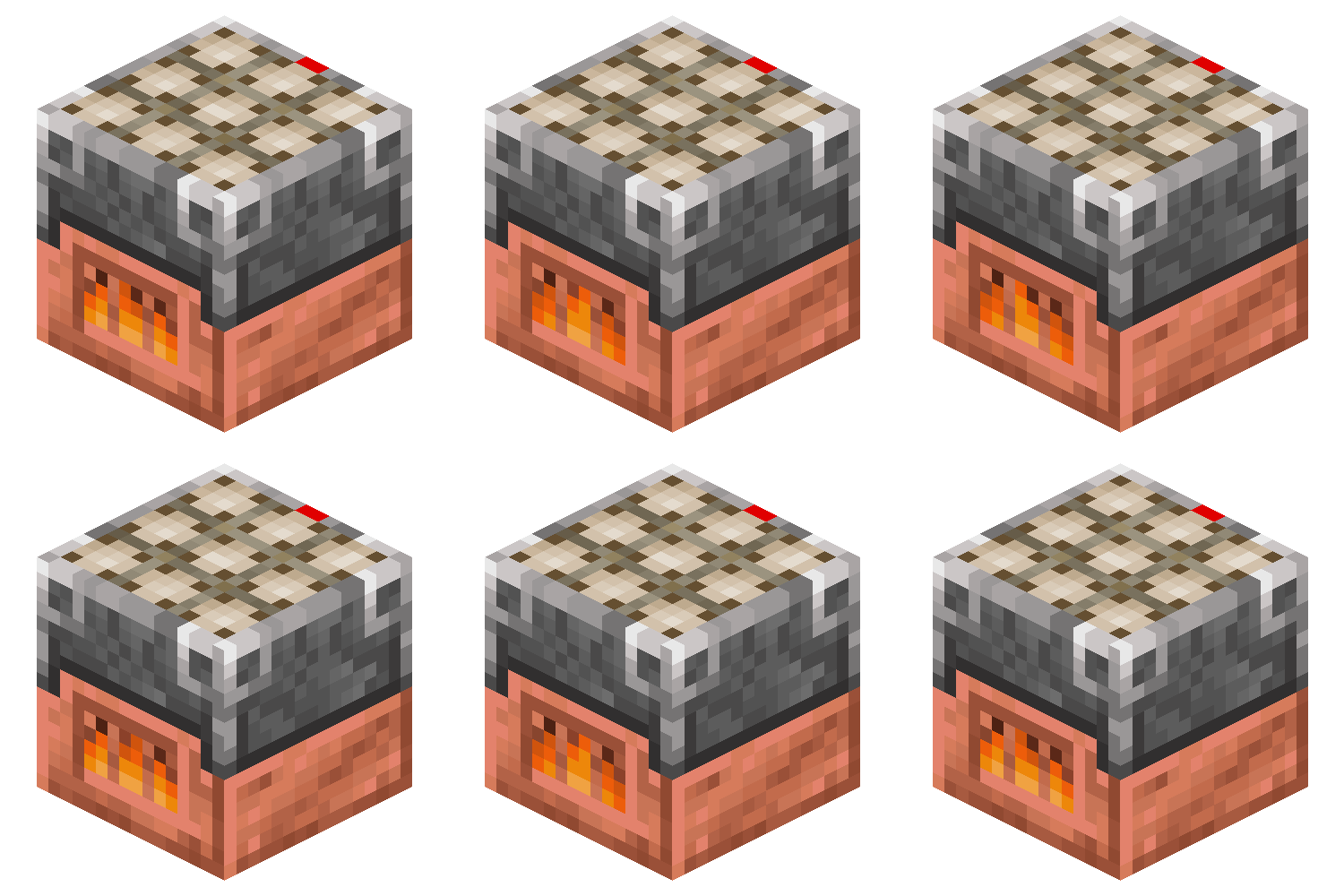
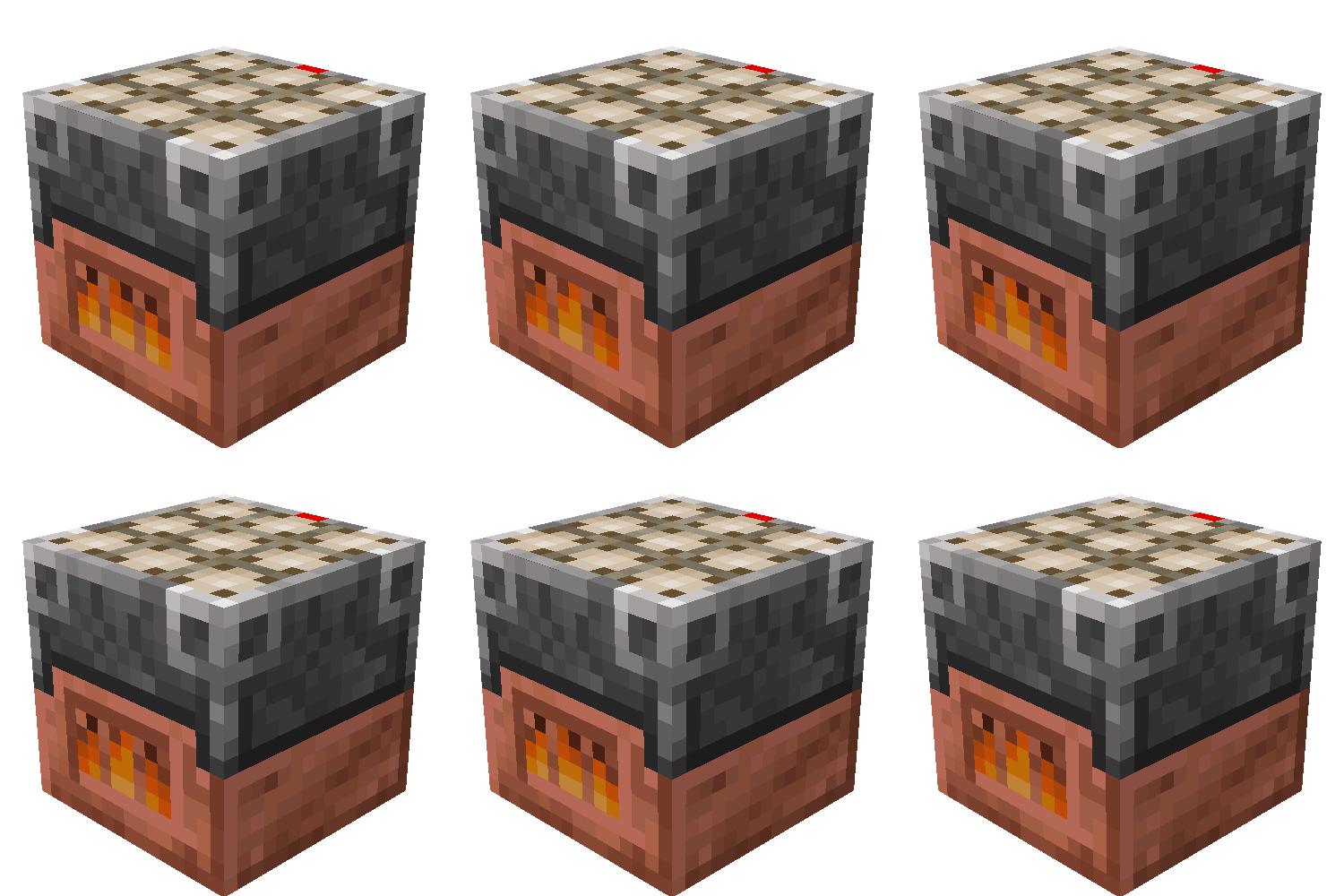
Ultimate Furnace
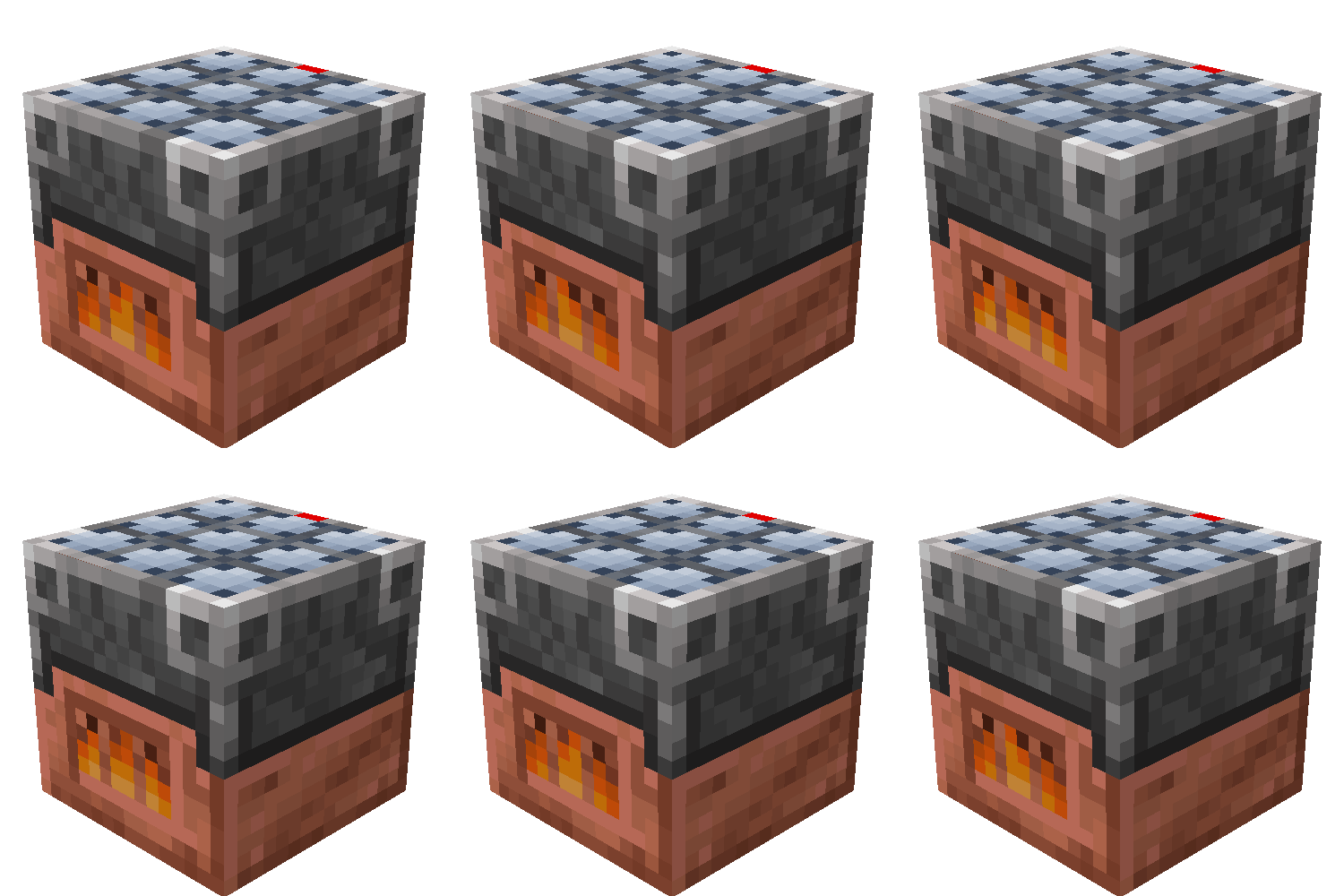
The Ultimate Furnace Mod adds a fuel-free, solar-powered furnace that levels up to smelt faster and store more energy. At night, it uses stored power. The mod also adds the Copper Plate Block, which reacts to temperature.
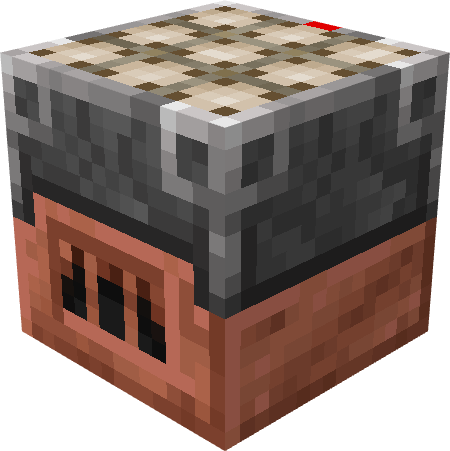
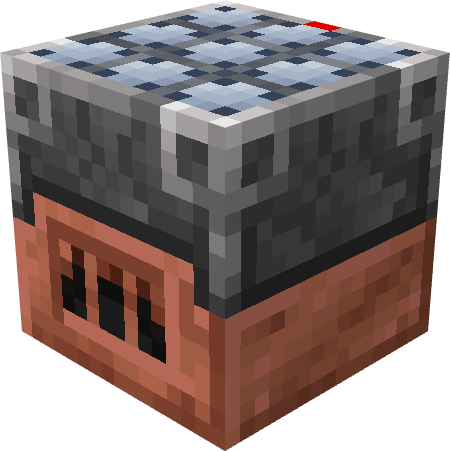
Screenshots
About this Mod
Ultimate Furnace Mod
Overview
The Ultimate Furnace Mod introduces a powerful, self-sustaining furnace to Minecraft, featuring a leveling system and unique functionality designed to streamline smelting while adding a progression element. Additionally, the mod introduces the Copper Plate Block, which dynamically reacts to its environment.
Ultimate Furnace
Self-Sustaining Smelting
The Ultimate Furnace doesn’t require traditional fuel. Instead:
- It remains active during the day, automatically smelting items using sunlight.
- At night, it utilizes stored solar power from the day. If storage runs out, the furnace temporarily halts operation.
Leveling and Upgrades
The furnace features a leveling system, allowing it to improve over time:
- More items smelted → Faster smelting speed.
- Increased sunlight absorption rate.
- Expanded power storage capacity.
Custom GUI Design
The Ultimate Furnace comes with a unique yet intuitive GUI, featuring:
- A progress bar that tracks experience toward the next level.
- A fire icon that appears only when actively smelting.
- A power storage indicator, letting players monitor available energy at a glance.
- A progress bar for letting players know how much time is left of the items' smelting time.
Command Functionality
The mod also provides a command interface to manage your furnace stats conveniently:
- Getting Stats: Use
/ultimatefurnace getto display current statistics, including level, smelt count, and stored power. - Setting Stats: Use
/ultimatefurnace setfollowed by the stat (level, smeltcount, or storedPower) and the desired value to adjust your furnace's attributes.
This mod enhances Minecraft’s smelting mechanics by providing a fuel-free alternative while introducing a rewarding progression system. Perfect for players looking for greater control over their smelting efficiency without constant resource management.
Copper Plate Block
Environmental Interaction
The mod also introduces the Copper Plate Block, a versatile block that changes its state dynamically based on the block beneath it:
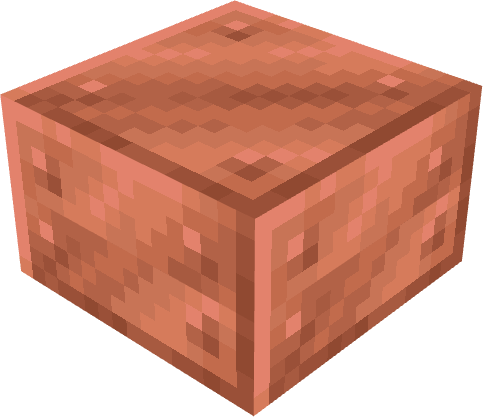
Copper Plate: This block has no other use that for crafting the Ultimate Furnace or in use for decoraion.
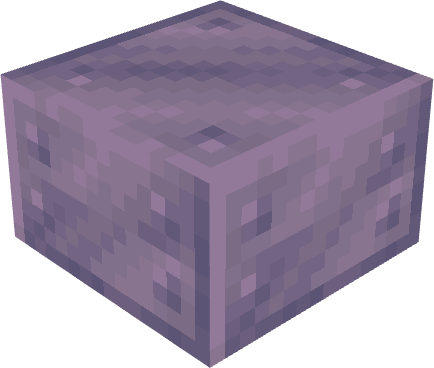
Cold Copper Plate: Activated when placed on cold blocks (e.g., ice, snow).
- Effect: Freezes entities that come into contact.
Hot Copper Plate: Activated when placed on warm blocks (e.g., lava, magma).
- Effect: Burns entities that come into contact.
This feature adds a strategic element to the game, allowing players to harness environmental conditions for both utility and trap mechanisms.
Disclaimer
- A version for Minecraft 1.19.2 is available, but some key functionalities are missing.
- For more details, visit the Version 1.19.2!
Available Versions
How to Install Ultimate Furnace on Your Server
Order Server
Order a Minecraft Java server with at least 3 GB RAM (4 GB recommended).
Set fabric Loader
In the panel under "Egg", select the fabric loader and matching Minecraft version (1.21.5).
Install Mod
Open the mod browser in the dashboard and search for "Ultimate Furnace". Click "Install" – done! Alternatively, upload the .jar via SFTP to the /mods folder.
Compatibility
Mod Loaders
Minecraft Versions
1.21.5, 1.21.4, 1.21.3 (+4 more)
Server-side
✓ RequiredRecommended RAM
4 GB(min. 3 GB)Frequently Asked Questions
Ultimate Furnace server crashes on startup – what to do?
Most common cause: wrong fabric version or insufficient RAM. Check the server log (latest.log) for "OutOfMemoryError" or "Mixin" errors. With Mado Hosting: ensure at least 3 GB RAM is allocated and the loader matches the mod version (1.21.5). You can switch loaders with one click in the panel.
Is Ultimate Furnace compatible with fabric and quilt?
Ultimate Furnace officially supports fabric, quilt for Minecraft 1.21.5, 1.21.4, 1.21.3. The Mado dashboard automatically detects incompatible loader combinations.
Server lagging with Ultimate Furnace – how to optimize performance?
Recommended RAM: 4 GB (per 8 players). Use /spark profiler to check if Ultimate Furnace consumes the most tick time. Common fixes: reduce server view-distance to 8-10, install "performant" or "starlight" as supplementary mods on Forge. With Mado Hosting, your server runs on NVMe SSDs with dedicated CPU cores for minimal latency.
Similar Mods

![[ETF] Entity Texture Features](https://cdn.modrinth.com/data/BVzZfTc1/af683d206d50b05258d865b0d6e4aa2f2cee12f2_96.webp)
![[EMF] Entity Model Features](https://cdn.modrinth.com/data/4I1XuqiY/6e5bbd0d06b1741bfdab6c0cfab6de8fdaf0064c_96.webp)



Rent Modded Server
Install Ultimate Furnace with just one click on your server.