
Unlocked Typing
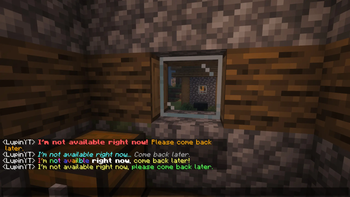
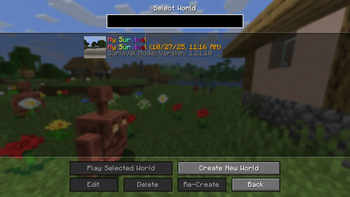
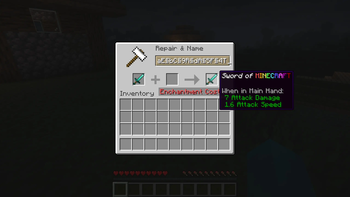
This mod allows you to use Minecraft’s classic color and formatting codes (§) in every text input, chat, world names, anvils, books, signs, and more!
Screenshots
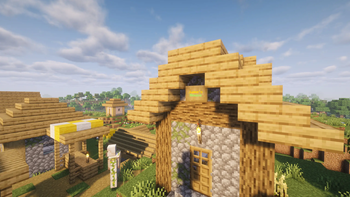
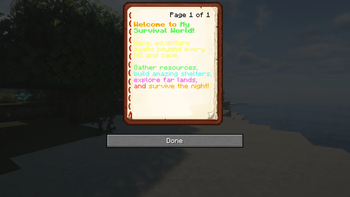
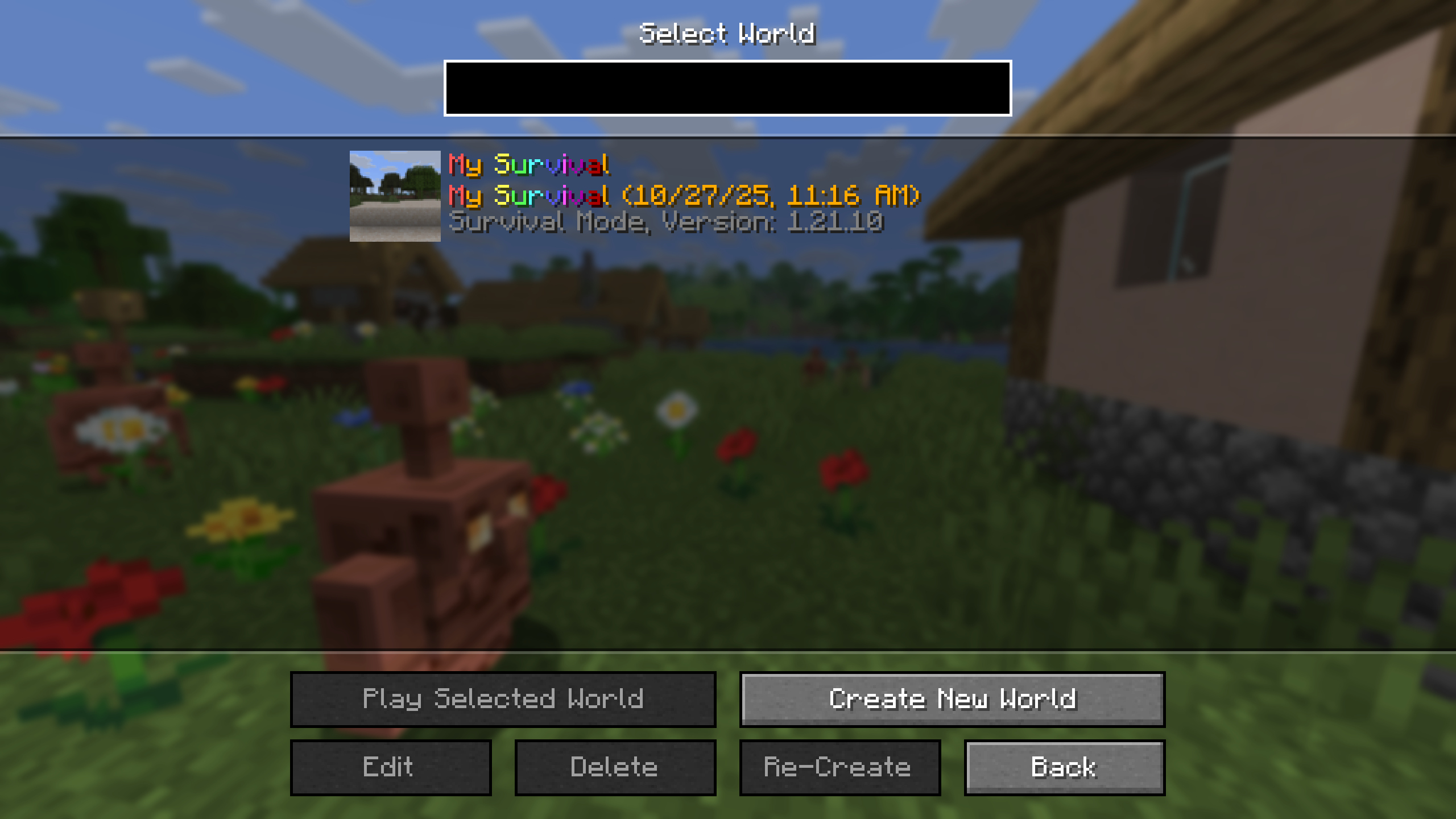
About this Mod
!
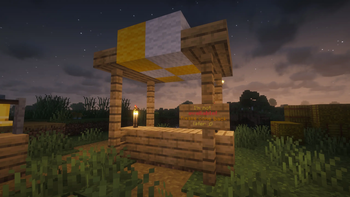
With Unlocked Typing, you can freely use § color and format codes in text boxes that normally block them, including:
🪧 Signs.
📘 Books and Quills.
⚒ Anvils.
🌍 World Names.
💬 Chat.
Supported color and formatting codes include:
§0-§f for colors and §l, §o, §n, §m, §k, §r for formatting.
Do you need a server to play with your friends?
For exceptional server hosting services, look no further than ****. Of course, you can install all the mods or modpacks you want, and their support team is always available to help you.
!
With Unlocked Typing allows you to freely use color and formatting codes (§) in text boxes that normally block them, including signs, books and quills, anvils, world names, and chat. It supports color codes §0–§f and formatting codes §l, §o, §n, §m, §k, and §r, giving you full freedom to customize your text with unique colors and styles.
!
Does it work on servers?
Sure! Remember that the best way to play with mods and friends is with BisectHosting, and by .
Can this mod be used in modpacks?
Of course! As long as it is published only on Modrinth or CurseForge. Uploading it to any other platform would be violating our rights and is not allowed at all.
However, we are really grateful if you consider adding it to your Modrinth or CurseForge modpack. If you need any small changes or have any questions, contact us!
!


](https://discord.gg/X8VY5WMbe4)
.
Available Versions
How to Install Unlocked Typing on Your Server
Order Server
Order a Minecraft Java server with at least 3 GB RAM (4 GB recommended).
Set fabric Loader
In the panel under "Egg", select the fabric loader and matching Minecraft version (1.21.10).
Install Mod
Open the mod browser in the dashboard and search for "Unlocked Typing". Click "Install" – done! Alternatively, upload the .jar via SFTP to the /mods folder.
Compatibility
Mod Loaders
Minecraft Versions
1.21.10, 1.21.9, 1.21.1 (+2 more)
Server-side
✓ RequiredRecommended RAM
4 GB(min. 3 GB)Frequently Asked Questions
Unlocked Typing server crashes on startup – what to do?
Most common cause: wrong fabric version or insufficient RAM. Check the server log (latest.log) for "OutOfMemoryError" or "Mixin" errors. With Mado Hosting: ensure at least 3 GB RAM is allocated and the loader matches the mod version (1.21.10). You can switch loaders with one click in the panel.
Is Unlocked Typing compatible with fabric and forge and neoforge?
Unlocked Typing officially supports fabric, forge, neoforge for Minecraft 1.21.10, 1.21.9, 1.21.1. Note: Forge and Fabric mods are NOT cross-compatible – pick one loader and stick with it. The Mado dashboard automatically detects incompatible loader combinations.
Server lagging with Unlocked Typing – how to optimize performance?
Recommended RAM: 4 GB (per 8 players). Use /spark profiler to check if Unlocked Typing consumes the most tick time. Common fixes: reduce server view-distance to 8-10, install "performant" or "starlight" as supplementary mods on Forge. With Mado Hosting, your server runs on NVMe SSDs with dedicated CPU cores for minimal latency.
Similar Mods

![[ETF] Entity Texture Features](https://cdn.modrinth.com/data/BVzZfTc1/af683d206d50b05258d865b0d6e4aa2f2cee12f2_96.webp)
![[EMF] Entity Model Features](https://cdn.modrinth.com/data/4I1XuqiY/6e5bbd0d06b1741bfdab6c0cfab6de8fdaf0064c_96.webp)



Rent Modded Server
Install Unlocked Typing with just one click on your server.