
UTIL HUD
Utility, regular updates
Screenshots
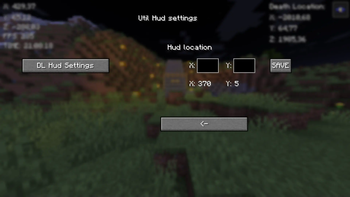
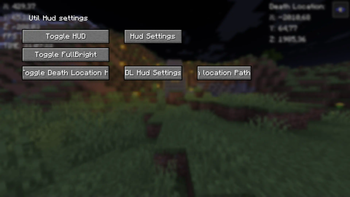
About this Mod
New Fabric mod. I'm going to upgrade this mod regularily.
It has button {B} with it you can Go to GUI (Graphical User Interface) And {G} to copy current coordinates. I will keep this mod up for some time and upgrade it.
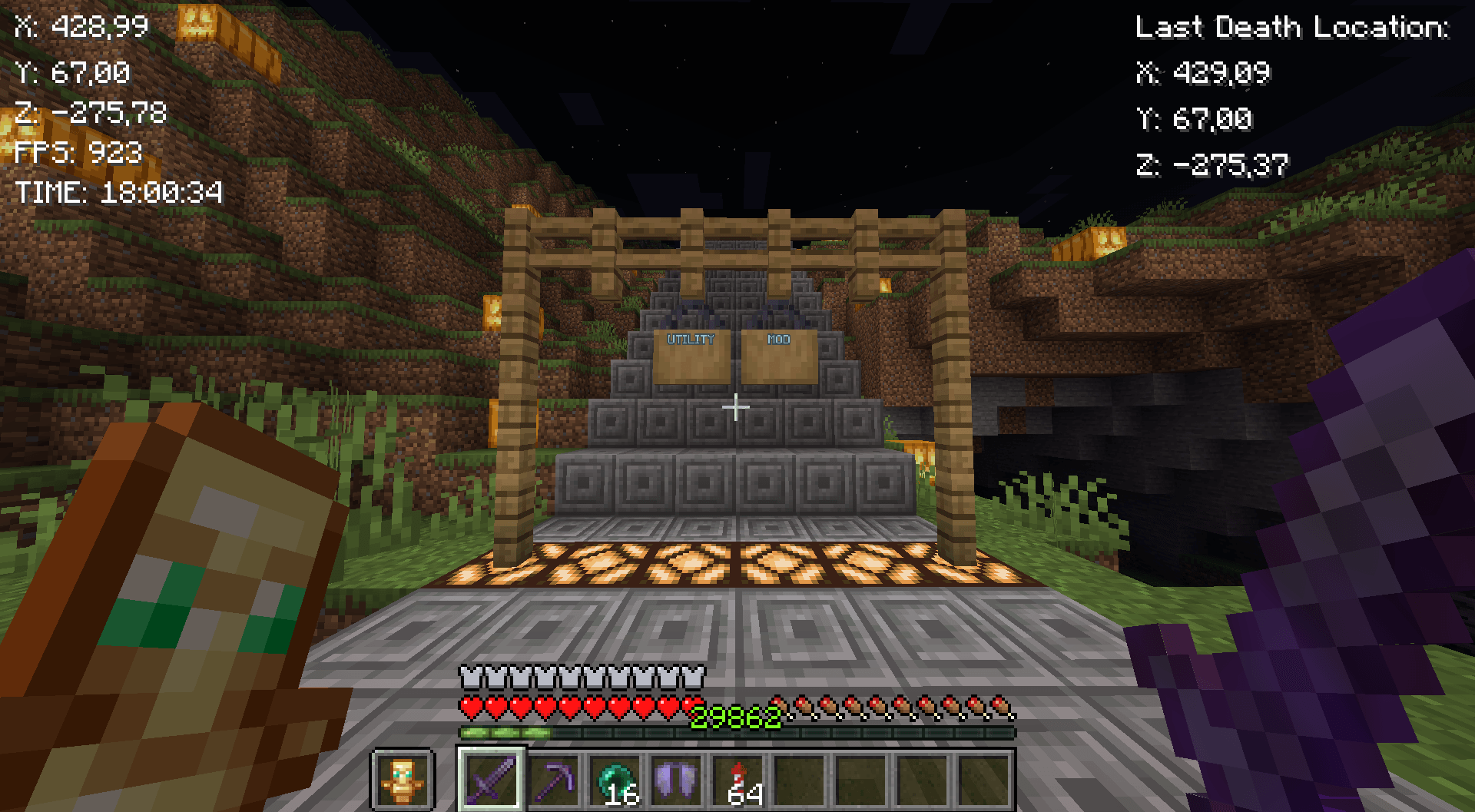
Mod features:
Customizable button {B}
Coordinates
Copy coordintes {G}
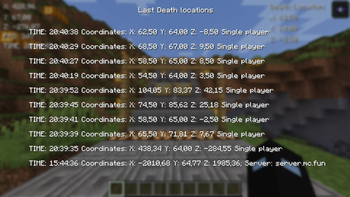
10 last death locations in GUI {L}
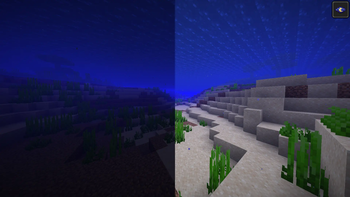
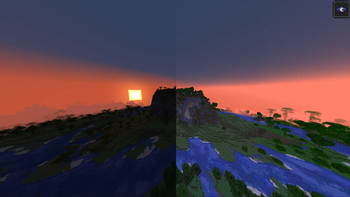
Fullbright
FPS
Time
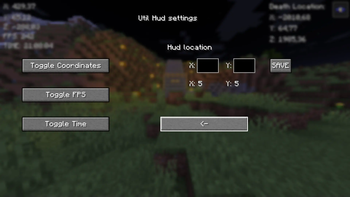
GUI
Fabric loader version: 0.16.7 or newer!
Quick guide:
Press B to go to GUI
Press the Toggle HUD to turn the hud on
Then turn on things you want to see on HUD
Lastly configure the positions of the HUDs
Copy your death-coordinates-util-hud.txt path with Button in GUI (Show death locations)
You will have to go then to file explorer and paste the path to search bar or press windows key + R and paste the path there and press enter. You will see the following info:
Tips:
X: 5 & Y: 5 in GUI means the current position of the HUD
Be aware of the last death position that If you died in other world it will show you those coordinates I will update this in future!
Visit regularily curseforge.com/minecraft/mc-mods/utility-mod to see new updates first
Notice:
If you remove/rename the file called util-hud-config.json, you will have to do things in quick guide again!
-- I will take all feedback and ideas. Fabric mod -- This Mod was programmed by NSI21 --
Support me at: ko-fi.com/nsi21![Util HUD]
Available Versions
How to Install UTIL HUD on Your Server
Order Server
Order a Minecraft Java server with at least 3 GB RAM (4 GB recommended).
Set fabric Loader
In the panel under "Egg", select the fabric loader and matching Minecraft version (1.21.4).
Install Mod
Open the mod browser in the dashboard and search for "UTIL HUD". Click "Install" – done! Alternatively, upload the .jar via SFTP to the /mods folder.
Compatibility
Mod Loaders
Minecraft Versions
1.21.4, 1.21.3, 1.21.2 (+2 more)
Server-side
✗ UnsupportedRecommended RAM
4 GB(min. 3 GB)Frequently Asked Questions
UTIL HUD server crashes on startup – what to do?
Most common cause: wrong fabric version or insufficient RAM. Check the server log (latest.log) for "OutOfMemoryError" or "Mixin" errors. With Mado Hosting: ensure at least 3 GB RAM is allocated and the loader matches the mod version (1.21.4). You can switch loaders with one click in the panel.
Is UTIL HUD compatible with fabric?
UTIL HUD officially supports fabric for Minecraft 1.21.4, 1.21.3, 1.21.2. The Mado dashboard automatically detects incompatible loader combinations.
Server lagging with UTIL HUD – how to optimize performance?
Recommended RAM: 4 GB (per 8 players). Use /spark profiler to check if UTIL HUD consumes the most tick time. Common fixes: reduce server view-distance to 8-10, install "performant" or "starlight" as supplementary mods on Forge. With Mado Hosting, your server runs on NVMe SSDs with dedicated CPU cores for minimal latency.
Similar Mods




Rent Modded Server
Install UTIL HUD with just one click on your server.