
Variant Swap
Quickly cycle through block and item variants by holding a key and scrolling your mouse wheel (works with mods too!)
Screenshots
About this Mod

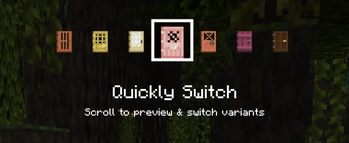
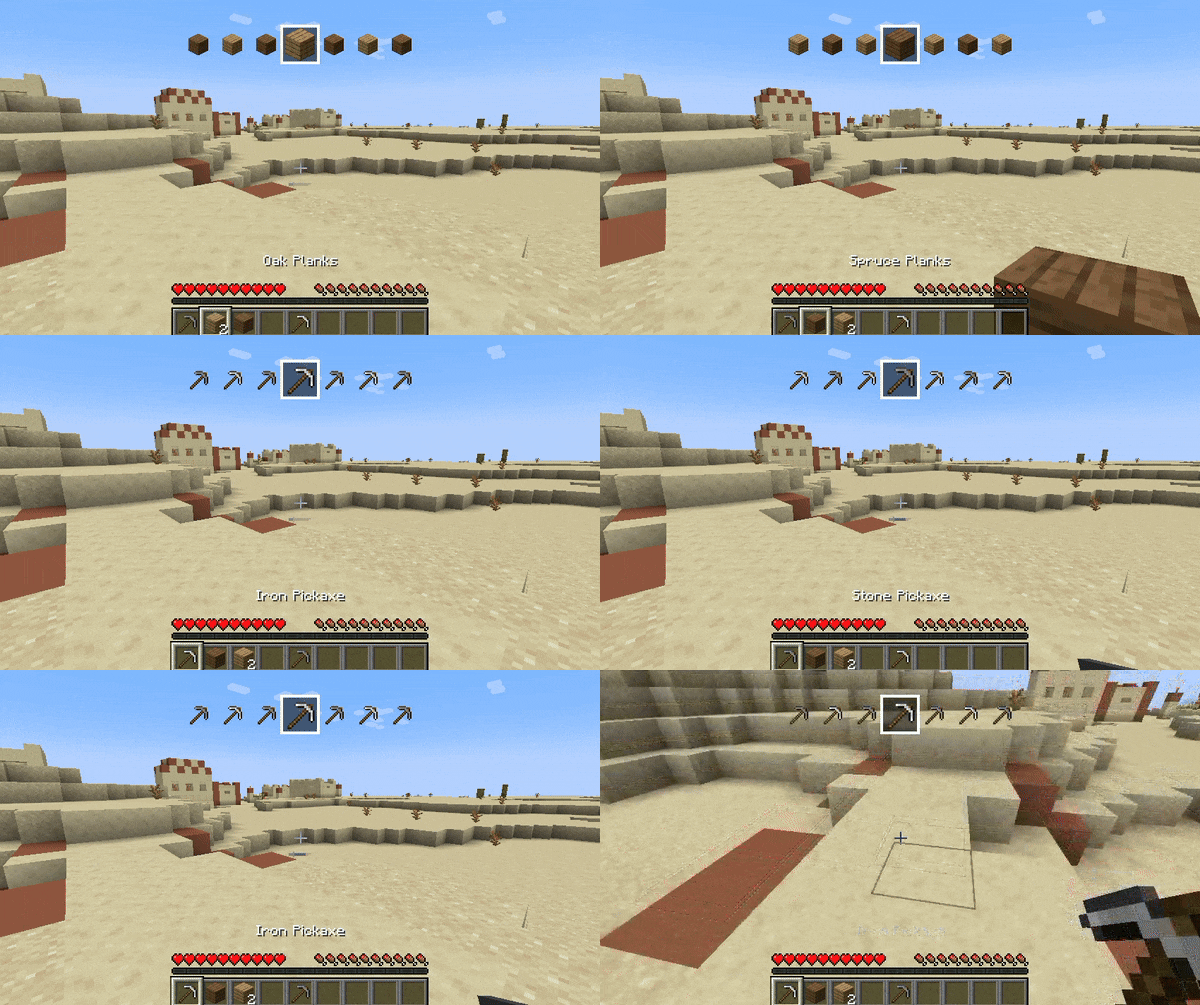
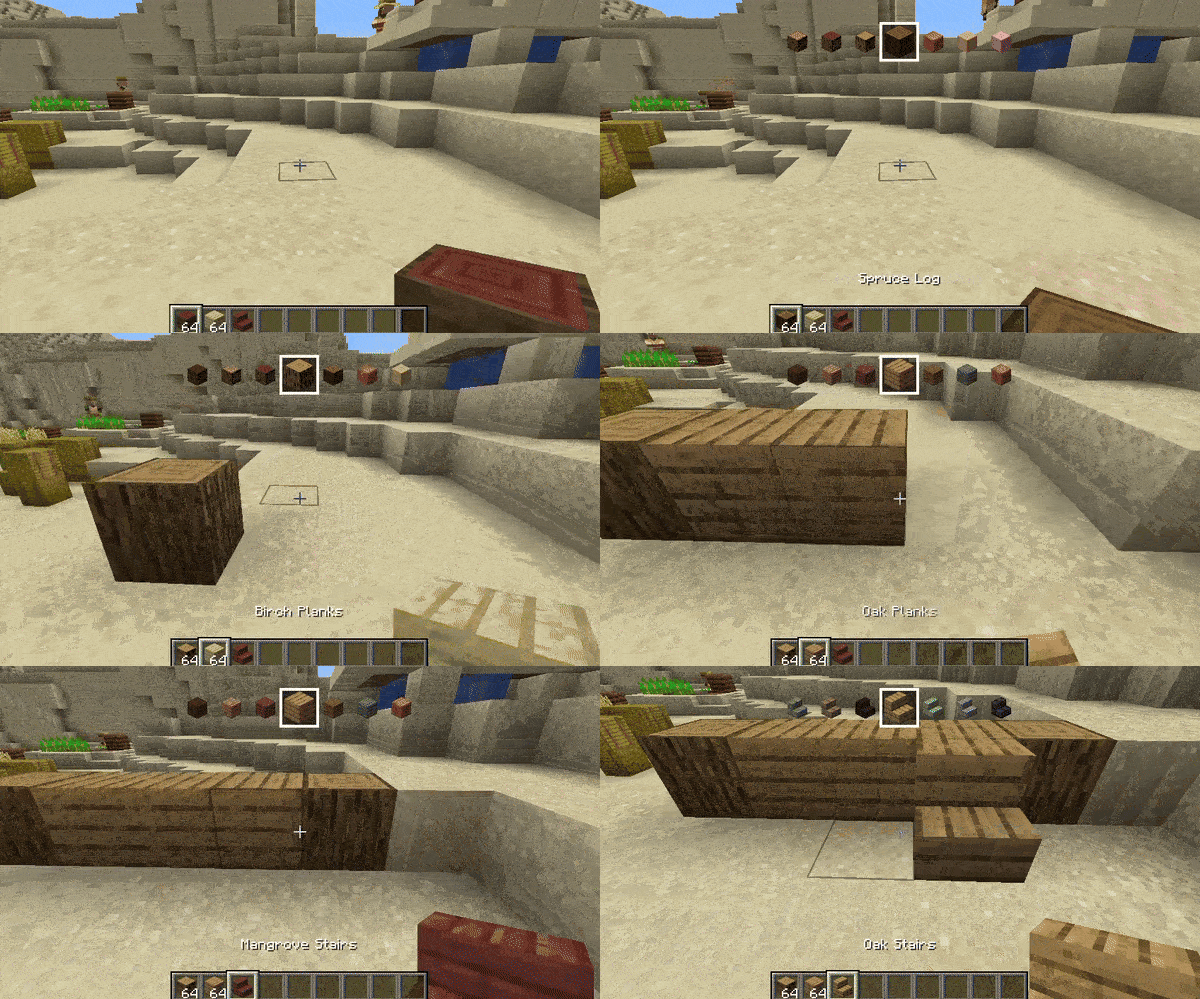
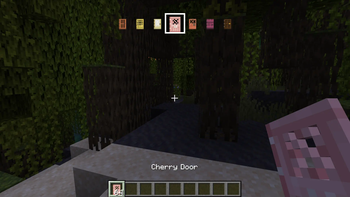
Variant Swap is a mod that lets you change the variant of the item you're holding by using a customizable key (Z by default) and scrolling. When you scroll, you'll also see at the top of the screen a quick preview of what's before and after the selected item (for a few seconds).
In Creative mode, you can switch through every available variant of the item, while in Survival mode it only shows items you have in your inventory. It works with both vanilla and modded items!

Customization
The mod's generated mappings and configuration file are located in your Minecraft (or server) folder under /config/Variant Swap/.
Available settings in config.json:
- OP level (4 by default) - for the
/variant-swapcommand - Delay (50ms by default) - this is to throttle the scrolling
On servers it is recommended to change the OP level as desired. The /variant-swap command can be used to reset the delay (cooldown) to its default value or to change it to another value (still in ms).
For Developers
If your mod adds items or blocks and you want to organize them into specific custom categories, add a variant_swap tag to each item/block. This tag will determine the group in which the item is categorized.
For example, imagine you have a mod that adds various furniture items, and you want to categorize them by wood type instead of grouping all chairs together. You could tag all oak items with variant_swap:oak (so oak or whatever you wanna call the category), all spruce items with variant_swap:spruce, and so on.
Available Versions
How to Install Variant Swap on Your Server
Order Server
Order a Minecraft Java server with at least 3 GB RAM (4 GB recommended).
Set fabric Loader
In the panel under "Egg", select the fabric loader and matching Minecraft version (1.21.5).
Install Mod
Open the mod browser in the dashboard and search for "Variant Swap". Click "Install" – done! Alternatively, upload the .jar via SFTP to the /mods folder.
Compatibility
Mod Loaders
Minecraft Versions
1.21.5, 1.21.5-rc2, 1.21.5-rc1 (+11 more)
Server-side
✓ RequiredRecommended RAM
4 GB(min. 3 GB)Frequently Asked Questions
Variant Swap server crashes on startup – what to do?
Most common cause: wrong fabric version or insufficient RAM. Check the server log (latest.log) for "OutOfMemoryError" or "Mixin" errors. With Mado Hosting: ensure at least 3 GB RAM is allocated and the loader matches the mod version (1.21.5). You can switch loaders with one click in the panel.
Is Variant Swap compatible with fabric?
Variant Swap officially supports fabric for Minecraft 1.21.5, 1.21.5-rc2, 1.21.5-rc1. The Mado dashboard automatically detects incompatible loader combinations.
Server lagging with Variant Swap – how to optimize performance?
Recommended RAM: 4 GB (per 8 players). Use /spark profiler to check if Variant Swap consumes the most tick time. Common fixes: reduce server view-distance to 8-10, install "performant" or "starlight" as supplementary mods on Forge. With Mado Hosting, your server runs on NVMe SSDs with dedicated CPU cores for minimal latency.
Similar Mods




Rent Modded Server
Install Variant Swap with just one click on your server.