
Various Oddities
The Minecraft Monster Manual
Screenshots
About this Mod
The Monster Manual of Minecraft!
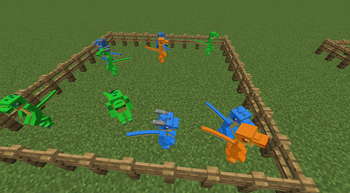
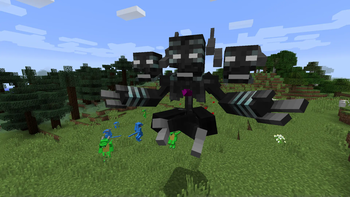
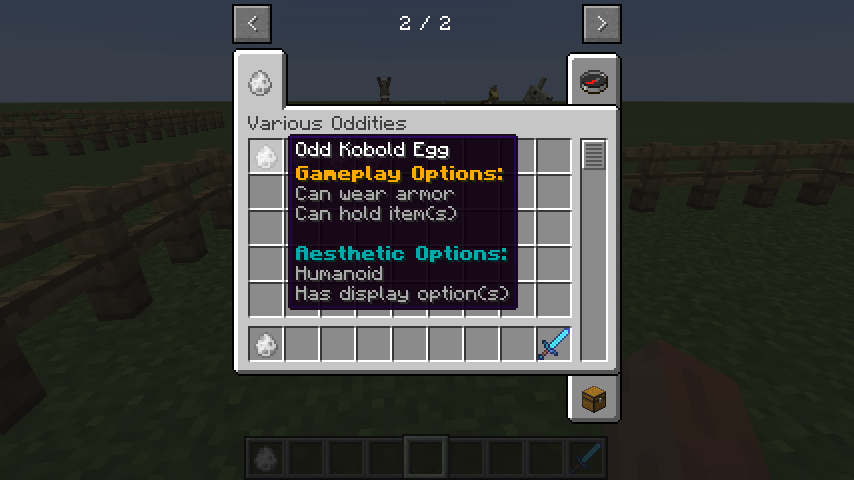
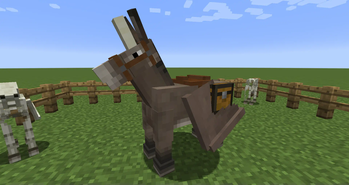
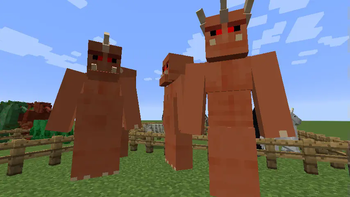
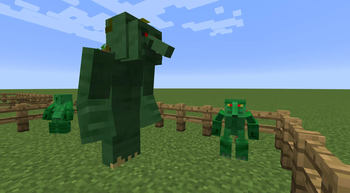
Various Oddities provides a colourful and diverse selection of mobs to populate your world, complete with config and customisation options to fine tune them for regular play or for adventure maps!
With a diverse and colourful array of mobs, you're sure to find the world far more alive and certainly far more dangerous, so Various Oddities also comes with a plethora of new and expanded gameplay features to help you keep pace with the velociraptors munching on your chickens. Invest in early-game alchemical brews with the alembic, hold off the hordes of undead with a quick holy symbol, and terrorise the local village by inscribing magical spells to rain doom upon them.
Care and attention is paid to keep the mod as config-friendly as possible, allowing you to tailor your experience as you desire be it for personal enjoyment or for a challenging multiplayer run! This includes minor tweaks like the special creature types of different mobs and players, to the removal of certain magic spells, to the spawning details of different oddities.
Modpacks
You absolutely have permission to use this mod in your pack.
Support
New oddities and features are frequently teased and spoiled on my Twitter and are occasionally developed live on stream over on Twitch. Various Oddities, and all my other projects, are exclusively supported by all the wonderful people supporting me on Patreon.
Available Versions
How to Install Various Oddities on Your Server
Order Server
Order a Minecraft Java server with at least 3 GB RAM (4 GB recommended).
Set forge Loader
In the panel under "Egg", select the forge loader and matching Minecraft version (1.16.5).
Install Mod
Open the mod browser in the dashboard and search for "Various Oddities". Click "Install" – done! Alternatively, upload the .jar via SFTP to the /mods folder.
Compatibility
Mod Loaders
Minecraft Versions
1.16.5, 1.12.2
Server-side
✓ RequiredRecommended RAM
4 GB(min. 3 GB)Frequently Asked Questions
Various Oddities server crashes on startup – what to do?
Most common cause: wrong forge version or insufficient RAM. Check the server log (latest.log) for "OutOfMemoryError" or "Mixin" errors. With Mado Hosting: ensure at least 3 GB RAM is allocated and the loader matches the mod version (1.16.5). You can switch loaders with one click in the panel.
Is Various Oddities compatible with forge?
Various Oddities officially supports forge for Minecraft 1.16.5, 1.12.2. The Mado dashboard automatically detects incompatible loader combinations.
Server lagging with Various Oddities – how to optimize performance?
Recommended RAM: 4 GB (per 8 players). Use /spark profiler to check if Various Oddities consumes the most tick time. Common fixes: reduce server view-distance to 8-10, install "performant" or "starlight" as supplementary mods on Forge. With Mado Hosting, your server runs on NVMe SSDs with dedicated CPU cores for minimal latency.
Similar Mods




Rent Modded Server
Install Various Oddities with just one click on your server.