
Verbose Subtitles
Provides options for more verbose in-game subtitles.
Screenshots
About this Mod
Verbose Subtitles
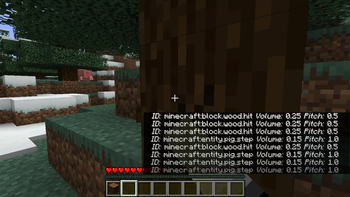
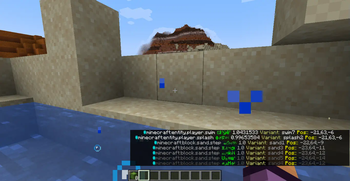
View additional information for the various sounds played in game. Replaces vanilla subtitles when enabled.
Have Feedback or Questions?
Connect with me directly on Discord:
@Vince the Animator#2359
or
join my support server (the server is for all of my coding projects, so navigate to the #projects forum channel and search for the Verbose Subtitles post):

Features
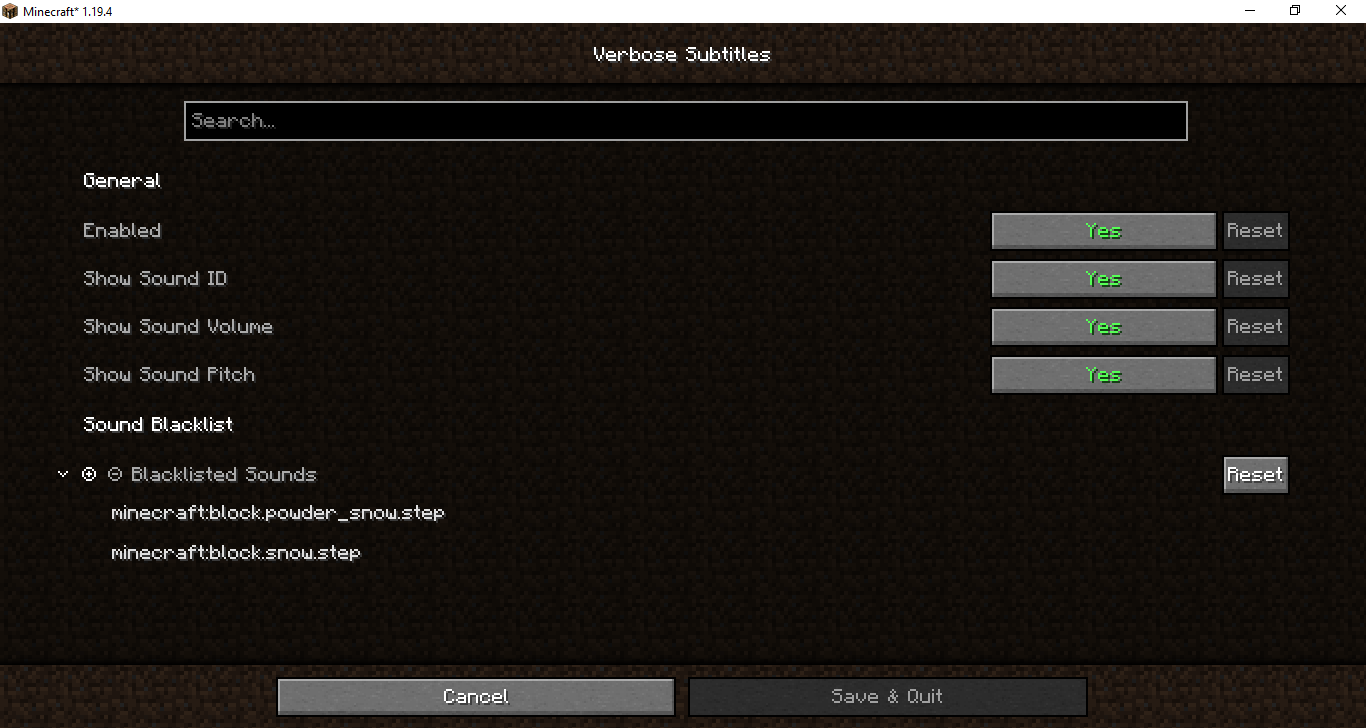
- Can be disabled in-game without removing mod
- Robust set of customization options
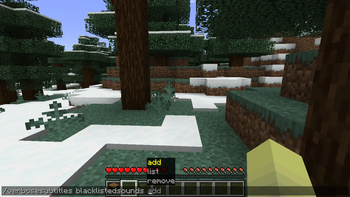
- Blacklist to prevent certain sounds from displaying at all
- Client-side commands for managing sound blacklist
Available sound properties
- sound ID
- sound Display Name (the vanilla subtitle)
- sound Volume
- sound Pitch
- sound Variant (the exact variant of the sound based on the actual sound file played)
- sound Position (relative to the player)
Planned Features
- Ignore list to fallback to vanilla behavior for certain sounds
- Fallback to custom config system when
cloth-configis not installed - Client-side commands for managing all config options
Disclaimer
- I am new to the Fabric modding community, and this is my first mod. It is likely that I have and will make mistakes, so definitely do try to connect with me or submit an issue if you encounter any bugs.
Additional Credits
- Nia for posting the mod idea
- dicedpixels for creating the initial core mixin
- Felix14_v2 for Russian localization
- DerpDerpling for updating the mod to 1.20
- Amirhan-Taipovjan-Greatest-I for Tatar localization
Available Versions
How to Install Verbose Subtitles on Your Server
Order Server
Order a Minecraft Java server with at least 3 GB RAM (4 GB recommended).
Set fabric Loader
In the panel under "Egg", select the fabric loader and matching Minecraft version (1.21.6).
Install Mod
Open the mod browser in the dashboard and search for "Verbose Subtitles". Click "Install" – done! Alternatively, upload the .jar via SFTP to the /mods folder.
Compatibility
Mod Loaders
Minecraft Versions
1.21.6, 1.21.3, 1.20.4 (+4 more)
Server-side
✗ UnsupportedRecommended RAM
4 GB(min. 3 GB)Frequently Asked Questions
Verbose Subtitles server crashes on startup – what to do?
Most common cause: wrong fabric version or insufficient RAM. Check the server log (latest.log) for "OutOfMemoryError" or "Mixin" errors. With Mado Hosting: ensure at least 3 GB RAM is allocated and the loader matches the mod version (1.21.6). You can switch loaders with one click in the panel.
Is Verbose Subtitles compatible with fabric?
Verbose Subtitles officially supports fabric for Minecraft 1.21.6, 1.21.3, 1.20.4. The Mado dashboard automatically detects incompatible loader combinations.
Server lagging with Verbose Subtitles – how to optimize performance?
Recommended RAM: 4 GB (per 8 players). Use /spark profiler to check if Verbose Subtitles consumes the most tick time. Common fixes: reduce server view-distance to 8-10, install "performant" or "starlight" as supplementary mods on Forge. With Mado Hosting, your server runs on NVMe SSDs with dedicated CPU cores for minimal latency.
Similar Mods




![[ETF] Entity Texture Features](https://cdn.modrinth.com/data/BVzZfTc1/af683d206d50b05258d865b0d6e4aa2f2cee12f2_96.webp)
![[EMF] Entity Model Features](https://cdn.modrinth.com/data/4I1XuqiY/6e5bbd0d06b1741bfdab6c0cfab6de8fdaf0064c_96.webp)
Rent Modded Server
Install Verbose Subtitles with just one click on your server.