
Villager Trade Reroller
Quickly reroll villager trades instantly using a hotkey or button without breaking workstations.
Screenshots
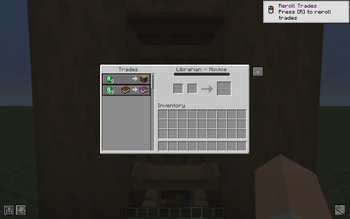
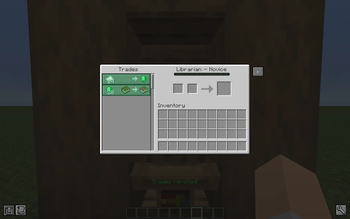
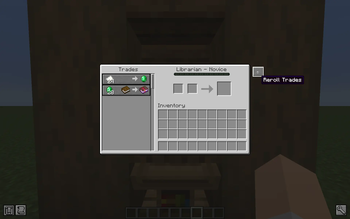
About this Mod
🔄 Villager Trade Reroll
Stop breaking lecterns.
Finding the right villager trades normally means breaking and replacing workstations over and over.
Villager Trade Reroll lets you instantly reroll villager trades directly from the trading screen using a hotkey or a button.
No more workstation breaking.
No more villager juggling.
Just reroll until you find the trade you want.
✨ Features
- 🔄 Instant trade rerolling
- ⌨️ Hotkey support
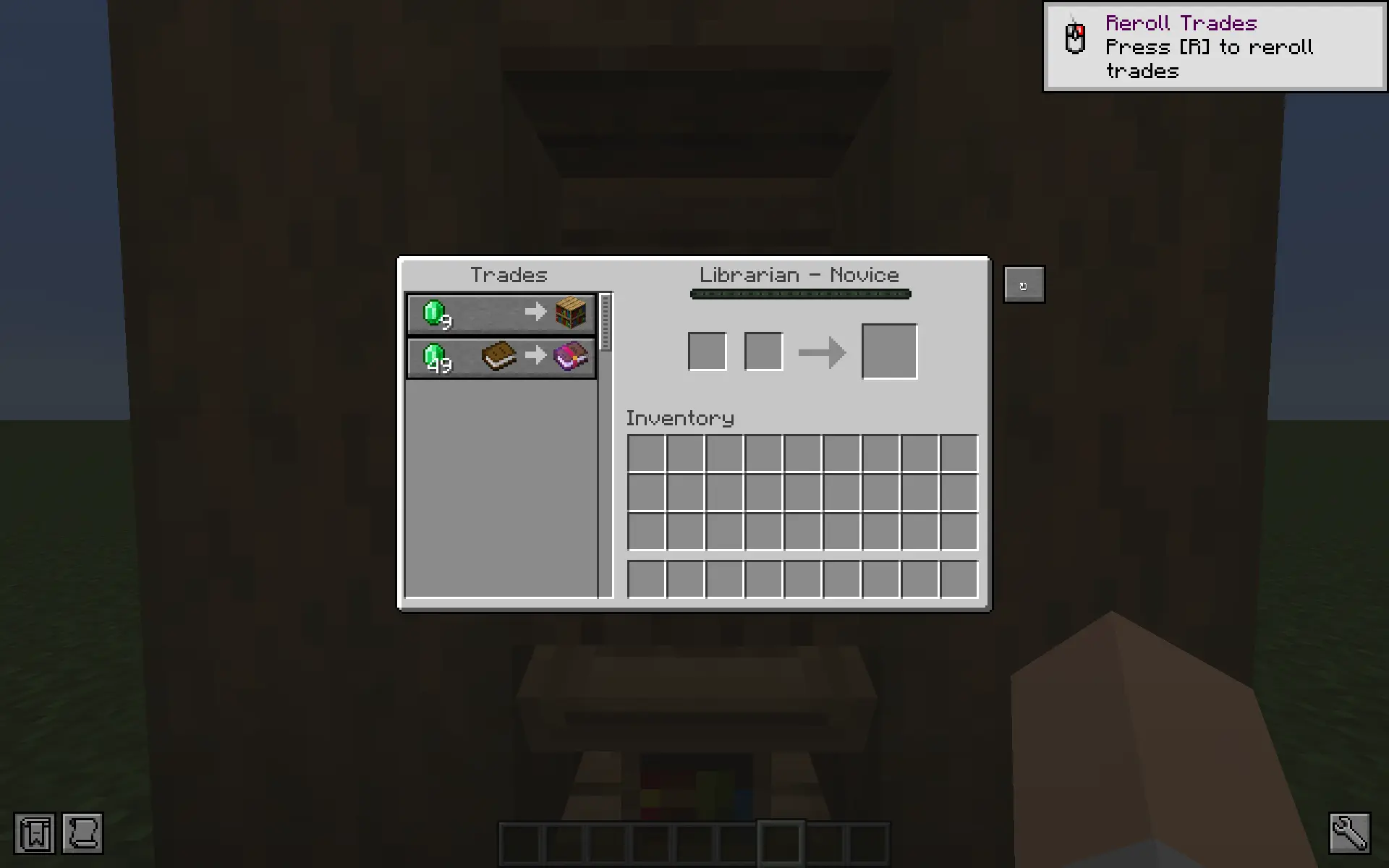
- 🖱️ Reroll button inside the trading GUI
- 🟢 Visual highlight showing which trades changed
- ✨ Particle effects when rerolling
- 🔊 Villager profession work sounds
- 📢 Action bar feedback
- 🚫 Prevents rerolling after a villager has been traded with
- 🧠 First-time tutorial toast for new players
- 📊 Reroll counter to track attempts
🎮 How To Use
- Open a villager trading screen
- Press the reroll hotkey or click the reroll button
- The villager will generate new trades instantly
Villagers can only be rerolled before they have been traded with, preserving normal vanilla progression.
💡 Why Use This Mod?
Searching for trades like Mending, Unbreaking, or Efficiency can take a long time.
This mod removes the tedious workstation breaking loop while keeping villager mechanics intact.
The result is a faster and more enjoyable villager trading experience.
📸 Images
⭐ If you enjoy the mod, consider saving/or follwing the project to help others discover it!
Available Versions
How to Install Villager Trade Reroller on Your Server
Order Server
Order a Minecraft Java server with at least 3 GB RAM (4 GB recommended).
Set fabric Loader
In the panel under "Egg", select the fabric loader and matching Minecraft version (26.1.1).
Install Mod
Open the mod browser in the dashboard and search for "Villager Trade Reroller". Click "Install" – done! Alternatively, upload the .jar via SFTP to the /mods folder.
Compatibility
Mod Loaders
Minecraft Versions
26.1.1, 26.1, 1.21.11
Server-side
✓ RequiredRecommended RAM
4 GB(min. 3 GB)Frequently Asked Questions
Villager Trade Reroller server crashes on startup – what to do?
Most common cause: wrong fabric version or insufficient RAM. Check the server log (latest.log) for "OutOfMemoryError" or "Mixin" errors. With Mado Hosting: ensure at least 3 GB RAM is allocated and the loader matches the mod version (26.1.1). You can switch loaders with one click in the panel.
Is Villager Trade Reroller compatible with fabric?
Villager Trade Reroller officially supports fabric for Minecraft 26.1.1, 26.1, 1.21.11. The Mado dashboard automatically detects incompatible loader combinations.
Server lagging with Villager Trade Reroller – how to optimize performance?
Recommended RAM: 4 GB (per 8 players). Use /spark profiler to check if Villager Trade Reroller consumes the most tick time. Common fixes: reduce server view-distance to 8-10, install "performant" or "starlight" as supplementary mods on Forge. With Mado Hosting, your server runs on NVMe SSDs with dedicated CPU cores for minimal latency.
Similar Mods




![[ETF] Entity Texture Features](https://cdn.modrinth.com/data/BVzZfTc1/af683d206d50b05258d865b0d6e4aa2f2cee12f2_96.webp)
![[EMF] Entity Model Features](https://cdn.modrinth.com/data/4I1XuqiY/6e5bbd0d06b1741bfdab6c0cfab6de8fdaf0064c_96.webp)
Rent Modded Server
Install Villager Trade Reroller with just one click on your server.