Visual Snowy Leaves
Snowy leaves that work for you, everywhere (not required on servers).
Screenshots

About this Mod
Snowy leaves that works for you, everywhere (especially servers).
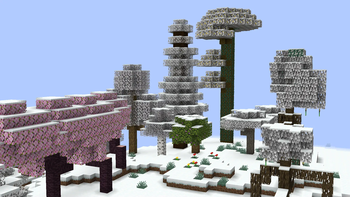
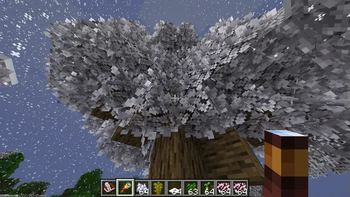
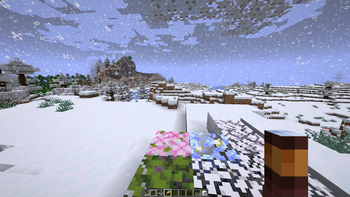
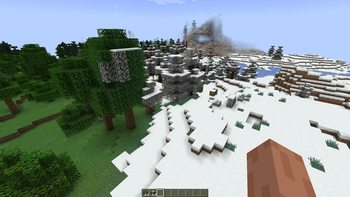
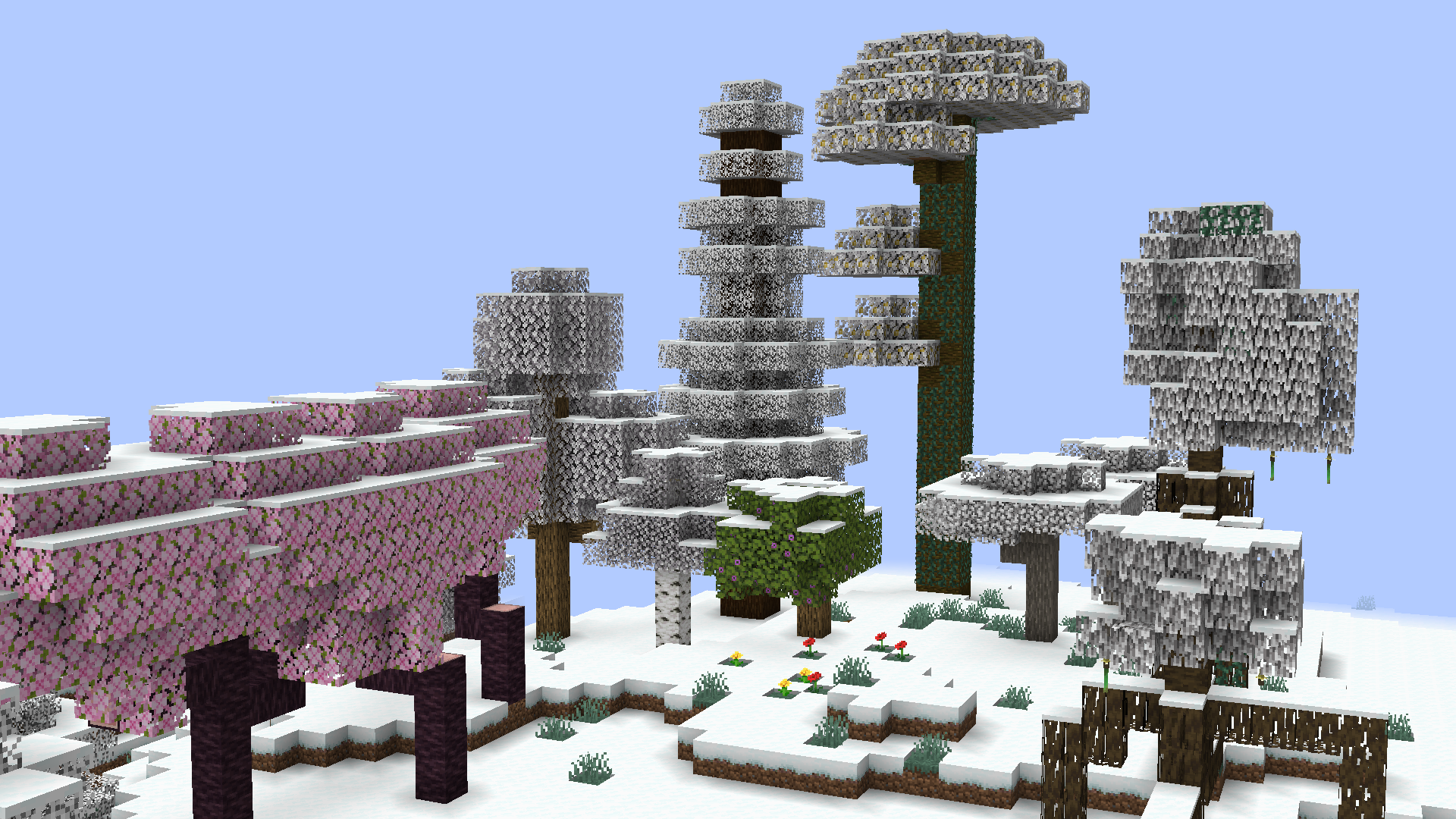
Leaves will slowly fade into their snowy colors during snowfall comprable to the same feature found at Minecraft: Bedrock Edition. Timings ang transition conditions are fully configurable!
Soon for version 0.6.0 (currently in Beta):
- This mods modifies Minecraft core shaders.
This is to achieve smooth transition instead of the former reliance on the more demanding and clunky chunk rebuilds. - This mod will not work when Iris shaders is enabled.
A fallback render is being considered at the moment.
See also: https://github.com/IrisShaders/Iris/blob/1.21.11/docs/development/compatibility/core-shaders.md
Compared to other snowy leaves mods, this one is fully client-side! You can join servers with no worries with things like registry mismatch and weird blocks that shouldn't be rendered there! Improvements through texture modifications allows leaves to reach true white at their fully frosted state instead of just gray leaves.
Configuration
The Visual Snowy Leaves configuration can be accessed through three ways:
- with Fabric API installed, you can bind a key to open the config screen
- with ModMenu, the same config screen can be accessed through the mod menu instead
- in any case, the configuration can still be accessed at
<.minecraft>/config/visual-snowy-leaves.json
Available Versions
How to Install Visual Snowy Leaves on Your Server
Order Server
Order a Minecraft Java server with at least 3 GB RAM (4 GB recommended).
Set fabric Loader
In the panel under "Egg", select the fabric loader and matching Minecraft version (26.1-snapshot-2).
Install Mod
Open the mod browser in the dashboard and search for "Visual Snowy Leaves". Click "Install" – done! Alternatively, upload the .jar via SFTP to the /mods folder.
Compatibility
Mod Loaders
Minecraft Versions
26.1-snapshot-2, 26.1-snapshot-1, 1.21.11 (+57 more)
Server-side
✗ UnsupportedRecommended RAM
4 GB(min. 3 GB)Frequently Asked Questions
Visual Snowy Leaves server crashes on startup – what to do?
Most common cause: wrong fabric version or insufficient RAM. Check the server log (latest.log) for "OutOfMemoryError" or "Mixin" errors. With Mado Hosting: ensure at least 3 GB RAM is allocated and the loader matches the mod version (26.1-snapshot-2). You can switch loaders with one click in the panel.
Is Visual Snowy Leaves compatible with fabric?
Visual Snowy Leaves officially supports fabric for Minecraft 26.1-snapshot-2, 26.1-snapshot-1, 1.21.11. The Mado dashboard automatically detects incompatible loader combinations.
Server lagging with Visual Snowy Leaves – how to optimize performance?
Recommended RAM: 4 GB (per 8 players). Use /spark profiler to check if Visual Snowy Leaves consumes the most tick time. Common fixes: reduce server view-distance to 8-10, install "performant" or "starlight" as supplementary mods on Forge. With Mado Hosting, your server runs on NVMe SSDs with dedicated CPU cores for minimal latency.
Similar Mods

![[ETF] Entity Texture Features](https://cdn.modrinth.com/data/BVzZfTc1/af683d206d50b05258d865b0d6e4aa2f2cee12f2_96.webp)
![[EMF] Entity Model Features](https://cdn.modrinth.com/data/4I1XuqiY/6e5bbd0d06b1741bfdab6c0cfab6de8fdaf0064c_96.webp)



Rent Modded Server
Install Visual Snowy Leaves with just one click on your server.