VR Throwing Extensions
Minecraft mod allowing Vivecraft players to throw and catch any item!
Screenshots


About this Mod

Minecraft mod allowing Vivecraft players to throw and catch any item!
Available on CurseForge and Modrinth.
How to Use:
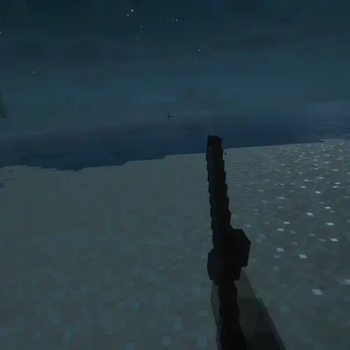
Simply hold the attack/destroy keybind, make a throwing motion, and release!
Hold the place/use keybind at the same time to throw the whole stack.
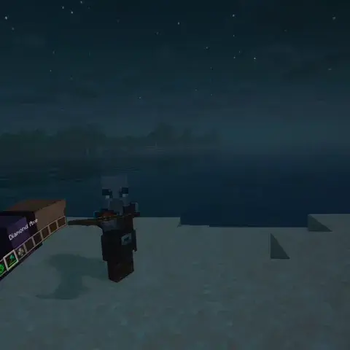
To catch a thrown item, reach towards it with an empty hand and simply hold the attack/destroy keybind. Like an opposite throw!
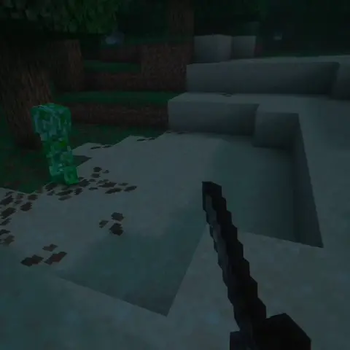
There are multiple weapon effects, boomerang, embedding, and off. The boomerang effect will have weapons/tools arc back (default). Embedding will embed any weapon or tool into the entity and apply a bleeding effect doing 1 damage every 1.5 seconds. Great against creepers! Off will simply make the weapon drop on impact, similarly to throwing a regular item like dirt.
There are several other features including throwable TNT, placing blocks, offhand throwing, and immersively throwing vanilla and modded projectiles.
More info is available on the wiki: VTE Wiki
Server Owners:
The serverside configuration is authoritative. Whatever you set there will be what the mod does for everyone. There is an option as of 1.4.0 to disable this in the main config.
See the wiki for all settings and more info: VTE Wiki - Server Owners
Requires Vivecraft Mod 1.3.3+. Mod Menu recommended to change clientside settings on Fabric.
Actively Supported Versions
1.20.1, 1.21.1, 1.21.5, 1.21.10, 1.21.11, 26.1+
Builds available for Fabric, Forge, and NeoForge
Other Awesome Stuff for VR
- 🍎 Fresh Food VR
- 📚 Better, Fresher 3D Books VR
- 🪣 Fresh Buckets VR
- 🪴 Fresh Flowers and Plants VR
- 💿 Fresh Music Discs VR
- 🖼️ Fresh Paintings VR
- 💎 Fresh Ores and Ingots VR
- 🏃 VR Swing Sprint
Contact
For any questions/issues/ideas, feel free to contact me on Discord or Matrix :)
Available Versions
How to Install VR Throwing Extensions on Your Server
Order Server
Order a Minecraft Java server with at least 3 GB RAM (4 GB recommended).
Set fabric Loader
In the panel under "Egg", select the fabric loader and matching Minecraft version (26.1.2).
Install Mod
Open the mod browser in the dashboard and search for "VR Throwing Extensions". Click "Install" – done! Alternatively, upload the .jar via SFTP to the /mods folder.
Compatibility
Mod Loaders
Minecraft Versions
26.1.2, 26.1.1, 26.1 (+8 more)
Server-side
✓ RequiredRecommended RAM
4 GB(min. 3 GB)Frequently Asked Questions
VR Throwing Extensions server crashes on startup – what to do?
Most common cause: wrong fabric version or insufficient RAM. Check the server log (latest.log) for "OutOfMemoryError" or "Mixin" errors. With Mado Hosting: ensure at least 3 GB RAM is allocated and the loader matches the mod version (26.1.2). You can switch loaders with one click in the panel.
Is VR Throwing Extensions compatible with fabric and forge and neoforge?
VR Throwing Extensions officially supports fabric, forge, neoforge for Minecraft 26.1.2, 26.1.1, 26.1. Note: Forge and Fabric mods are NOT cross-compatible – pick one loader and stick with it. The Mado dashboard automatically detects incompatible loader combinations.
Server lagging with VR Throwing Extensions – how to optimize performance?
Recommended RAM: 4 GB (per 8 players). Use /spark profiler to check if VR Throwing Extensions consumes the most tick time. Common fixes: reduce server view-distance to 8-10, install "performant" or "starlight" as supplementary mods on Forge. With Mado Hosting, your server runs on NVMe SSDs with dedicated CPU cores for minimal latency.
Similar Mods




Rent Modded Server
Install VR Throwing Extensions with just one click on your server.