
Warp Portals ─ Portal teleportation
Create Warp Portals between your favorite locations. This datapack is made to be balanced, simple to use and lightweight.
Screenshots
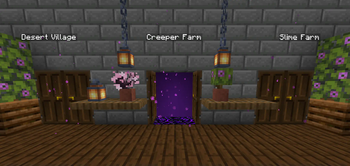
About this Mod
Warp Portals
Create Warp Portals between your favorite locations. This datapack is made to be balanced, simple to use and lightweight.
Warp Portals supports Multiplayer and uses the best practices for datapacks to insure compatibility with other datapacks.
This datapack doesn't use chunk loading, unlike most teleportation datapacks, which makes it lightweight no matter how many portals you have.
Usage
Forging the Portal Wand
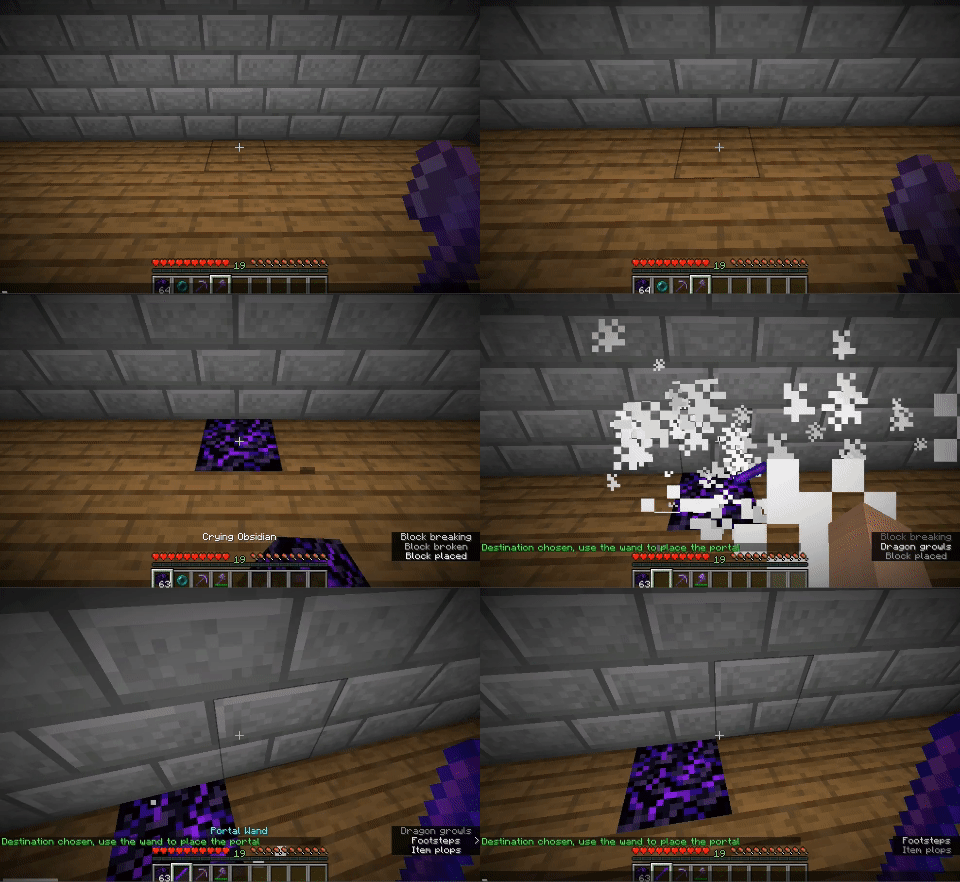
To create a Warp Portal, you need to forge a Portal Wand. To do so, you need to drop an Ender Pearl in a Crying Obsidian block. They will turn into a portal and and the Crying Obsidian will be the destination of the portal created by the wand.

Creating the Portal
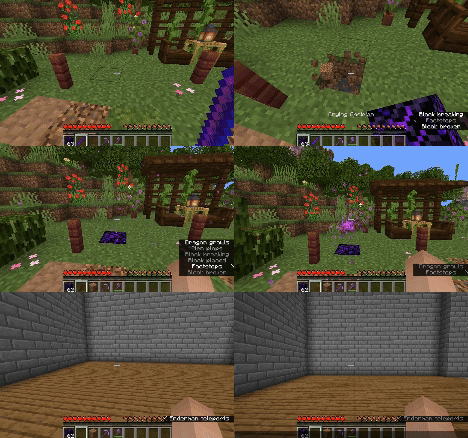
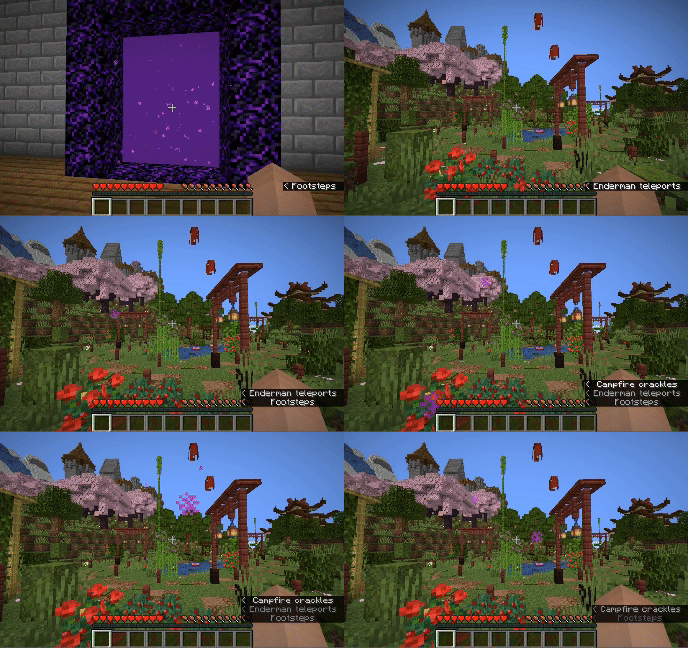
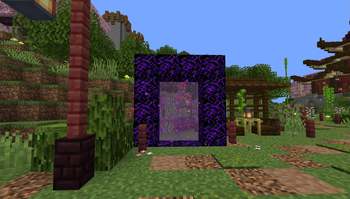
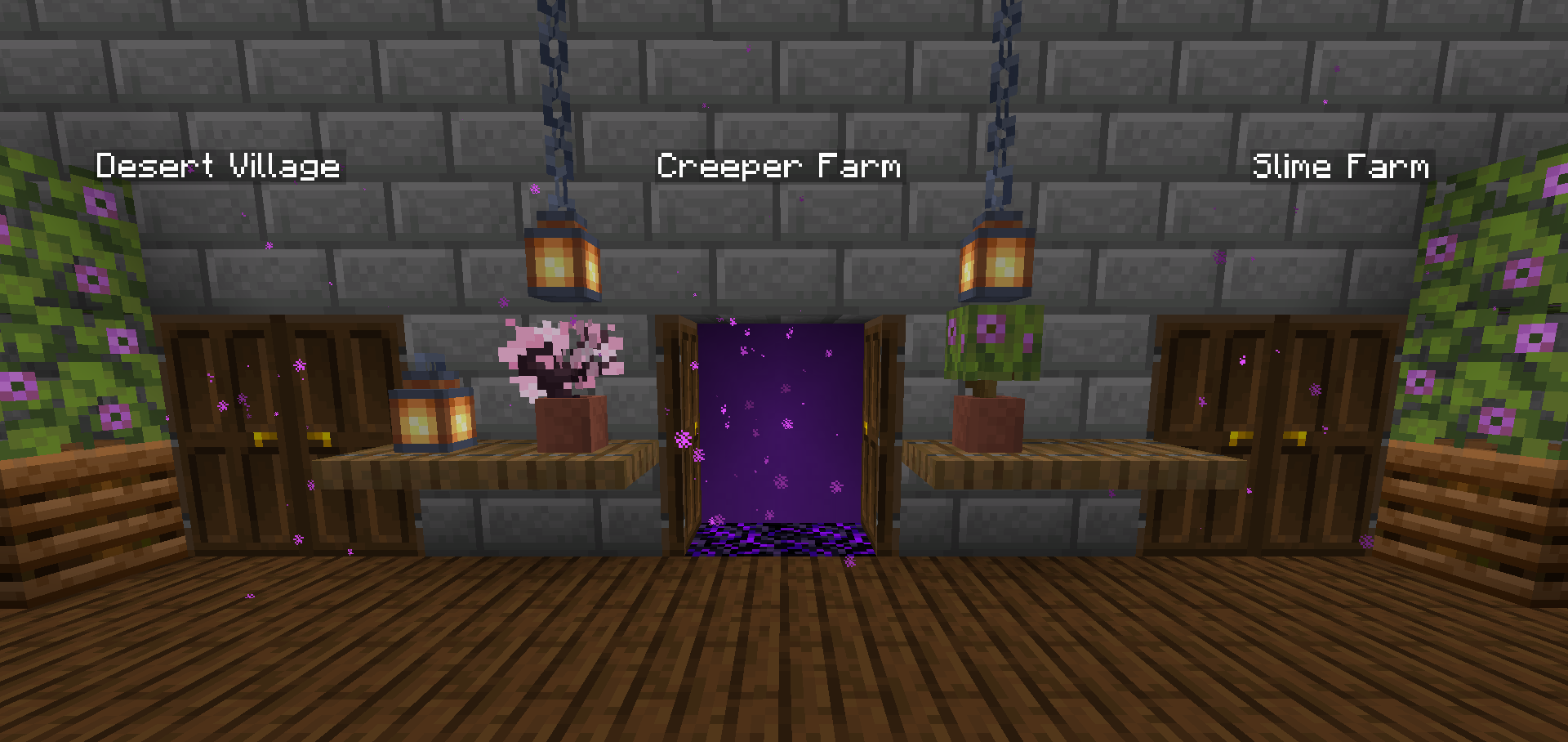
To create a portal, you need to right-click above a Crying Obsidian block with the Portal Wand. The portal will be created and stepping into it will teleport you to the place where that Wand was forged. You can add more Crying Obsidian or Obsidian blocks around the portal to make it bigger, they will also teleport you when you step on them, you can use any shape, pads, rectangles, etc.

Destroying the Portal
To destroy the portal, simply break the Crying Obsidian block in the entrance (where you see the particles) and the portal will be destroyed. The Ender Pearl used to create the wand will drop above.
Installation
After downloading the Warp Portals vX.Y.Z.zip file (vX.Y.Z is the version number), you can install it by one of the following methods:
- New SinglePlayer World: When creating a new world, in the
Moretab, click onData Packs, and drop theWarp Portals vX.Y.Z.zipfile. The datapack will appear in theAvailablelist, click in the arrow to add it to theSelectedlist and clickDone. - Existing SinglePlayer World: Click
Editin the world selection screen, clickOpen World Folder, go to thedatapacksfolder and drop theWarp Portals vX.Y.Z.zipfile. - Multiplayer Server: Drop the
Warp Portals vX.Y.Z.zipfile in thedatapacksfolder inside the world folder.
Uninstalling
To uninstall Warp Portals, execute the command /function warp_portals:uninstall in the world where you installed the datapack, then remove the Warp Portals vX.Y.Z.zip file from the datapacks folder.
Note that Minecraft doesn't provide the necessary tools to actually remove the entirety of a datapack. This function will break (and drop the Ender Pearls) of all portals in currently loaded chunks.
Available Versions
How to Install Warp Portals ─ Portal teleportation on Your Server
Order Server
Order a Minecraft Java server with at least 3 GB RAM (4 GB recommended).
Set datapack Loader
In the panel under "Egg", select the datapack loader and matching Minecraft version (1.21).
Install Mod
Open the mod browser in the dashboard and search for "Warp Portals ─ Portal teleportation". Click "Install" – done! Alternatively, upload the .jar via SFTP to the /mods folder.
Compatibility
Mod Loaders
Minecraft Versions
1.21, 1.20.6, 1.20.5 (+14 more)
Server-side
✓ RequiredRecommended RAM
4 GB(min. 3 GB)Frequently Asked Questions
Warp Portals ─ Portal teleportation server crashes on startup – what to do?
Most common cause: wrong datapack version or insufficient RAM. Check the server log (latest.log) for "OutOfMemoryError" or "Mixin" errors. With Mado Hosting: ensure at least 3 GB RAM is allocated and the loader matches the mod version (1.21). You can switch loaders with one click in the panel.
Is Warp Portals ─ Portal teleportation compatible with datapack and fabric and forge and quilt?
Warp Portals ─ Portal teleportation officially supports datapack, fabric, forge, quilt for Minecraft 1.21, 1.20.6, 1.20.5. Note: Forge and Fabric mods are NOT cross-compatible – pick one loader and stick with it. The Mado dashboard automatically detects incompatible loader combinations.
Server lagging with Warp Portals ─ Portal teleportation – how to optimize performance?
Recommended RAM: 4 GB (per 8 players). Use /spark profiler to check if Warp Portals ─ Portal teleportation consumes the most tick time. Common fixes: reduce server view-distance to 8-10, install "performant" or "starlight" as supplementary mods on Forge. With Mado Hosting, your server runs on NVMe SSDs with dedicated CPU cores for minimal latency.
Similar Mods




Rent Modded Server
Install Warp Portals ─ Portal teleportation with just one click on your server.