Wind Launch
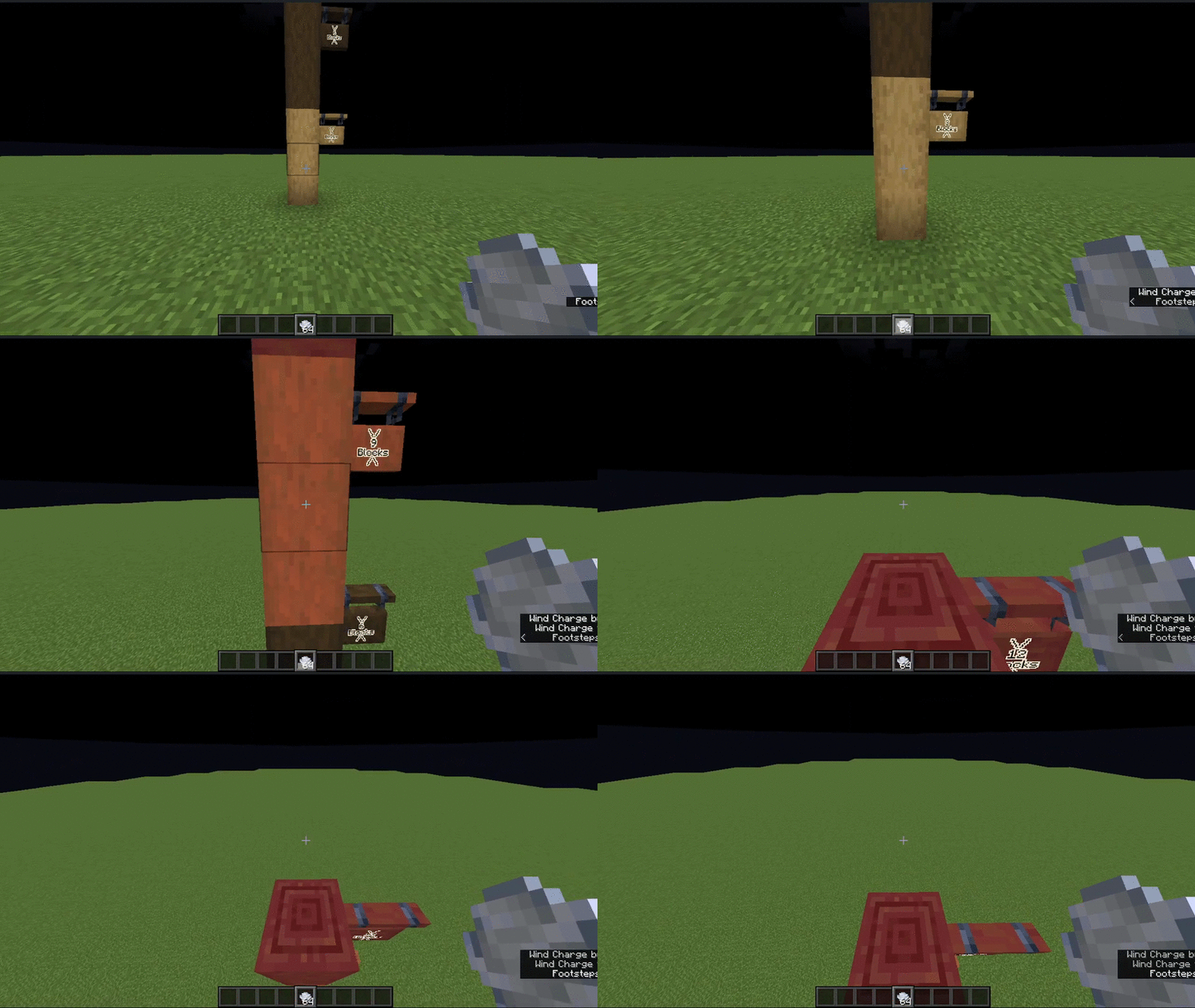
Launch Wind Charges right bellow you with a single click of a button, auto switch switch to MACE and auto move wind charges to Hotbar
Screenshots
About this Mod
WindLaunch Mod
📢 Mod Version Update
- Version 2 is available here on Modrinth due to platform terms and conditions.
- Version 1 with full features is available on our Official GitHub repository & Official Curseforge mod page
Visit GitHub for the latest releases!





WindLaunch is a Minecraft mod that enhances gameplay with wind charges, providing quick vertical mobility and customizable controls.
Features
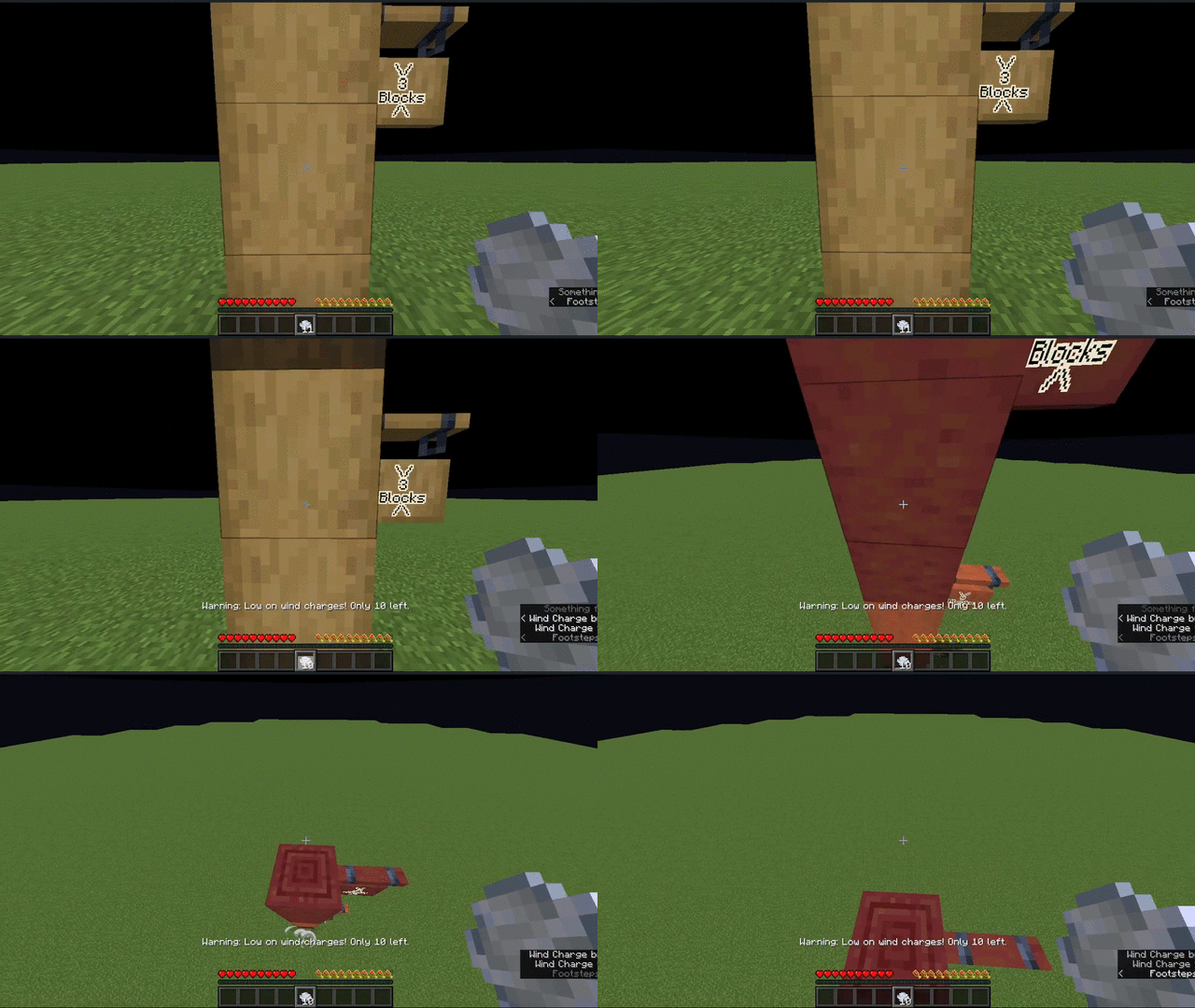
- Wind Charge Launch: Quickly launch yourself into the air using wind charges.
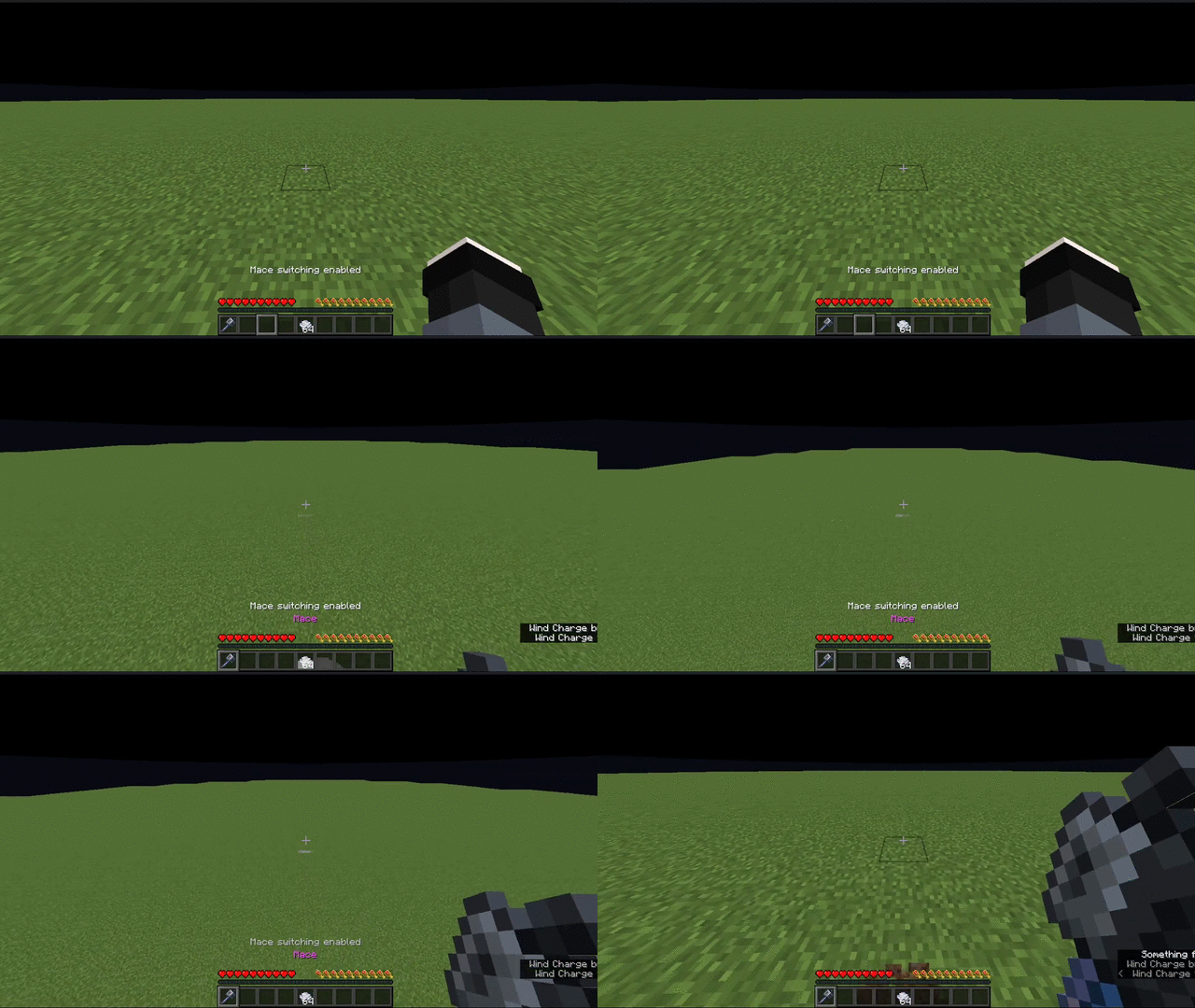
- Auto-switch to Mace: Automatically switch to a mace after launching (toggleable).
- Auto-move Wind Charges: Automatically move wind charges from your inventory to your hotbar (toggleable).
- Low Wind Charge Warning: Receive warnings when your wind charge supply is running low.
Installation
- Ensure you have Fabric Loader installed.
- Download the latest version of the WindLaunch mod from the releases page.
- Place the downloaded .jar file in your Minecraft
modsfolder. - Launch Minecraft with the Fabric profile.
Usage
Key Bindings
The mod adds three new key bindings, which can be configured in the Minecraft controls settings:
- Launch Key: Activates the wind charge launch.
- Switch to Mace Key: Toggles the auto-switch to mace feature.
- Auto Move Key: Toggles the auto-move wind charges feature.
How to Use
- Ensure you have wind charges in your hotbar.
- Press the configured launch key to use a wind charge and launch into the air.
- If enabled, the mod will automatically switch to a mace after launching.
- The mod will warn you when you're running low on wind charges.
Configuration
You can toggle two main features using their respective key bindings:
- Auto-switch to Mace: When enabled, automatically switches to a mace after launching.
- Auto-move Wind Charges: When enabled, automatically moves wind charges from your inventory to your hotbar.
Compatibility
This mod is built for Fabric and requires the Fabric API. It should be compatible with other Fabric mods, but please report any issues you encounter.
Contributing
Contributions are welcome! Please feel free to submit a Pull Request.
Releases
Check out our releases page for the latest versions of WindLaunch.
Issues and Feature Requests
If you encounter any problems or have suggestions for improvements, please open an issue on our GitHub repository.
Available Versions
How to Install Wind Launch on Your Server
Order Server
Order a Minecraft Java server with at least 3 GB RAM (4 GB recommended).
Set fabric Loader
In the panel under "Egg", select the fabric loader and matching Minecraft version (1.21.11).
Install Mod
Open the mod browser in the dashboard and search for "Wind Launch". Click "Install" – done! Alternatively, upload the .jar via SFTP to the /mods folder.
Compatibility
Mod Loaders
Minecraft Versions
1.21.11, 1.21.10, 1.21.9 (+1 more)
Server-side
✗ UnsupportedRecommended RAM
4 GB(min. 3 GB)Frequently Asked Questions
Wind Launch server crashes on startup – what to do?
Most common cause: wrong fabric version or insufficient RAM. Check the server log (latest.log) for "OutOfMemoryError" or "Mixin" errors. With Mado Hosting: ensure at least 3 GB RAM is allocated and the loader matches the mod version (1.21.11). You can switch loaders with one click in the panel.
Is Wind Launch compatible with fabric?
Wind Launch officially supports fabric for Minecraft 1.21.11, 1.21.10, 1.21.9. The Mado dashboard automatically detects incompatible loader combinations.
Server lagging with Wind Launch – how to optimize performance?
Recommended RAM: 4 GB (per 8 players). Use /spark profiler to check if Wind Launch consumes the most tick time. Common fixes: reduce server view-distance to 8-10, install "performant" or "starlight" as supplementary mods on Forge. With Mado Hosting, your server runs on NVMe SSDs with dedicated CPU cores for minimal latency.
Similar Mods




Rent Modded Server
Install Wind Launch with just one click on your server.