
Screenshots

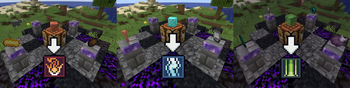
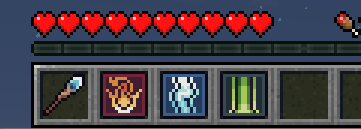
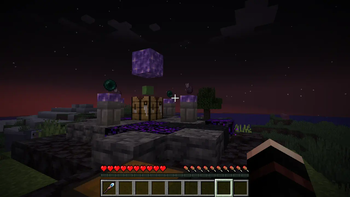

About this Mod

Wand and Focuses
A Wand is a versatile tool! You can combine it with focuses by having some focuses in your inventory and pressing [LEFT ALT] to cycle through them.
Starshooter focus
Have you ever wanted to shoot stars at your enemies? Now you can!
Stars explode your enemy, but don't explode blocks (a.k.a. building-safe :D)
Lightning focus
Now, how about playing a Zeus? You can do that with Lightning focus!
For some charge you can easily shoot lightning left and right!
Comet Warp focus
Everyone has to venture into a crowd of enemies sometimes. Or to just teleport home without hassle.
Use the nifty Comet Warp focus to setup a recall point and then teleport to it from any location
or dimension for just some wand charge!
Energy Veil focus
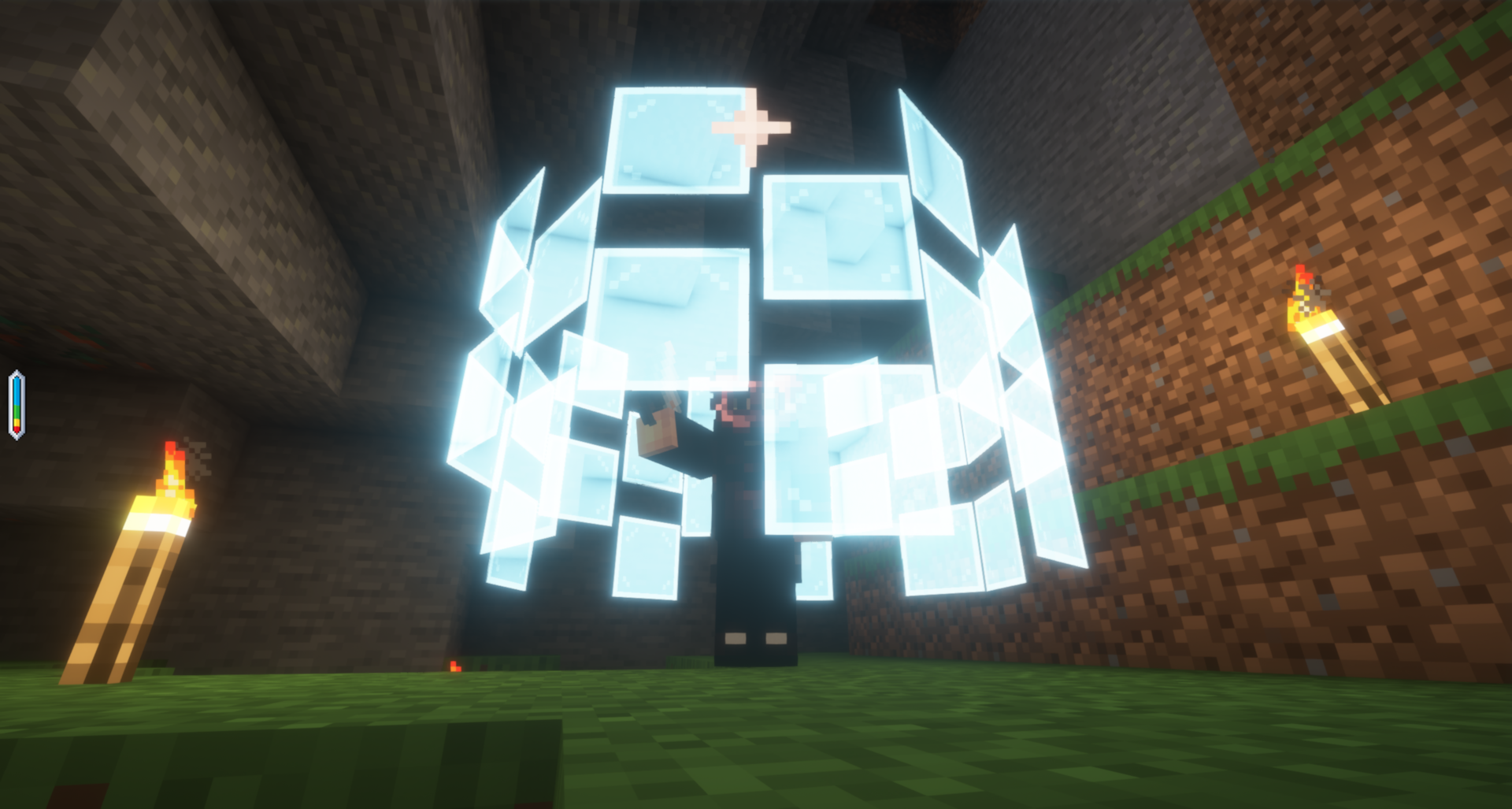
Just because you don't have armor, doesn't mean you can't have protection! Use this focus to create a barrier
made of concentrated energy panels around yourself which will repel projectiles and any nasties coming your way!
Be careful not to use up all your charge though :)
Trueseer Goggles and Focuses pouch
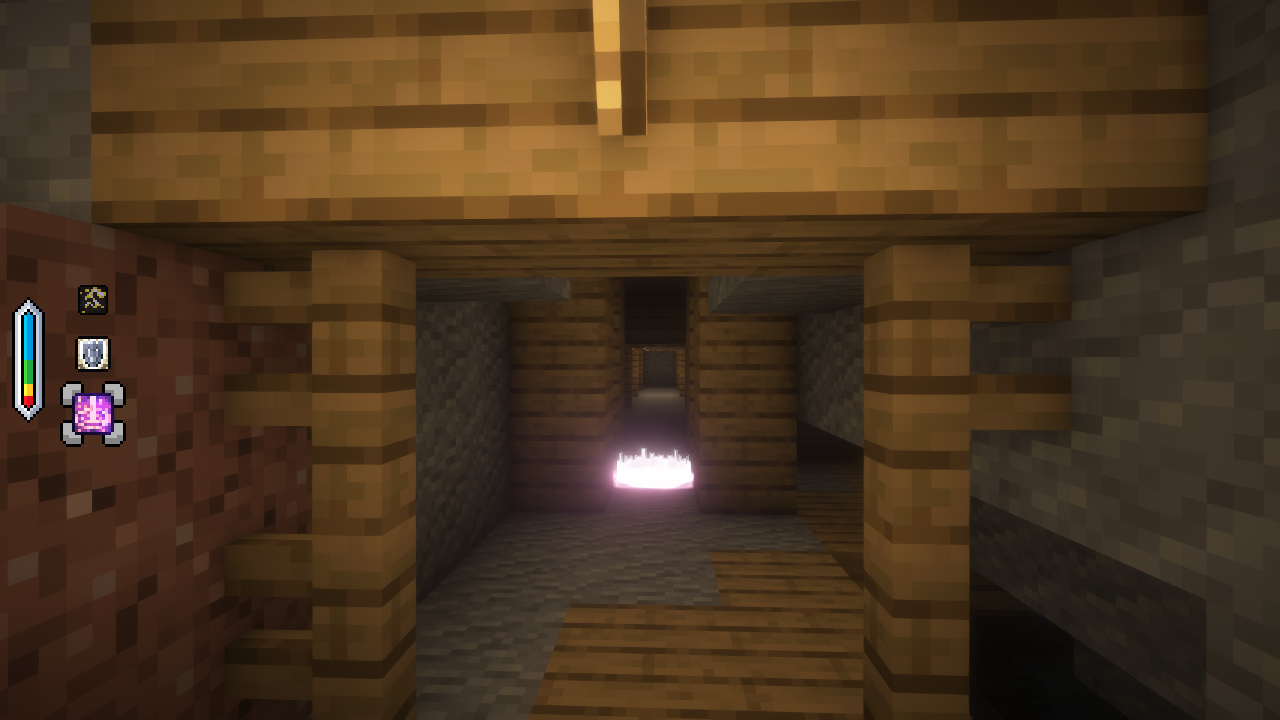
These are your best friends when dealing with focuses! You can use them to store every focus in just one Trinket slot, as well as see the remaining charge on your Wand. Maybe even more!
Lensed Worktable and Crucible
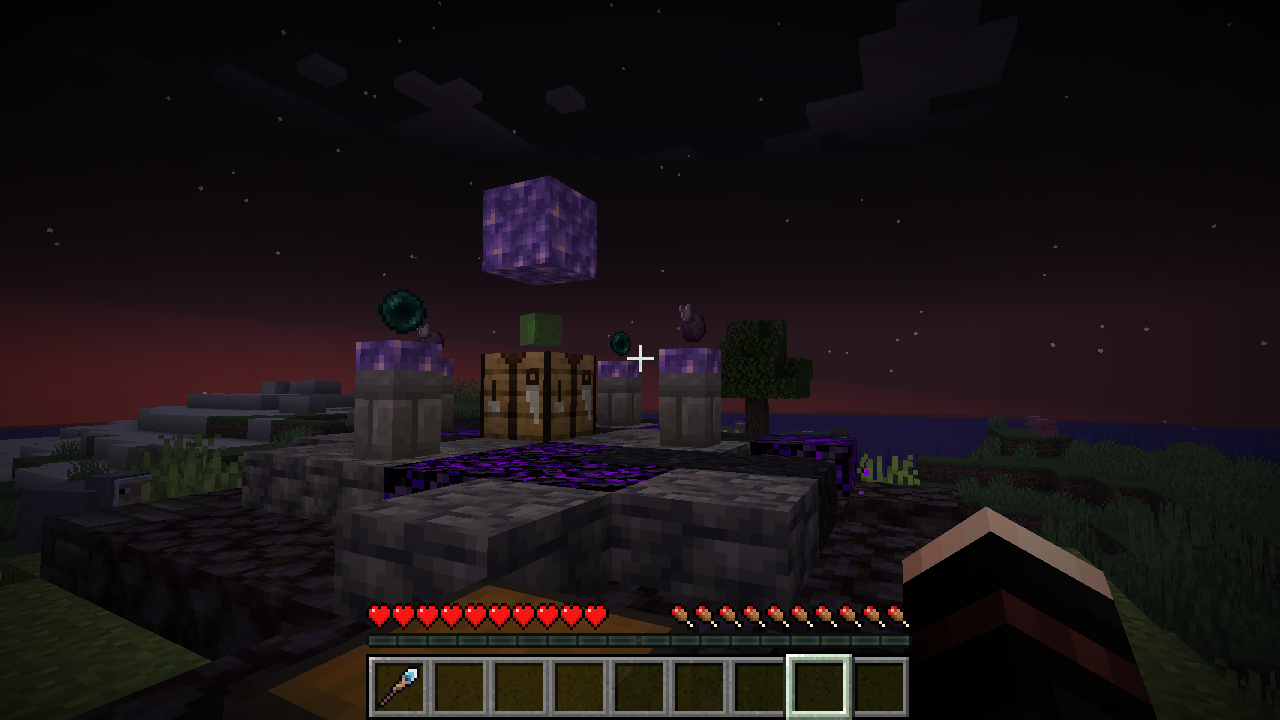
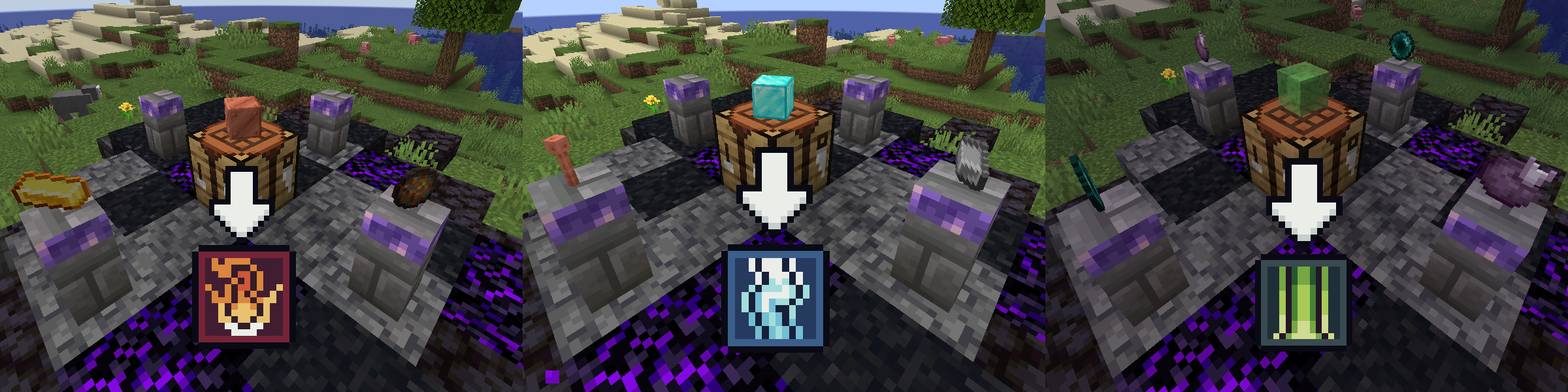
Craft focuses using a lensed worktable setup: A worktable surrounded by 4 lensing pedestals. And don't mess up the order of components on the pedestals!
Lensed Worktable recipes
Credits
The current version has been built with the help of great people at the Fabric and Modfest Discord servers.
Additionally, I have used assets, libraries and pieces of code by these wonderful people and projects:
- Some item textures by kayillustrations @ itch.io
- Some item textures by Atelier Pixeleria @ itch.io
- Some GUI/HUD textures by BDragon1727 @ itch.io
- Some item & GUI/HUD textures by Devillas @ itch.io
- Some classes and tidbits of code are taken from owo-lib
- And finally, there are also acknowledgements in the code for the times I needed to use code from StackOverflow and Wiki lol
Available Versions
How to Install Wizcraft on Your Server
Order Server
Order a Minecraft Java server with at least 3 GB RAM (4 GB recommended).
Set fabric Loader
In the panel under "Egg", select the fabric loader and matching Minecraft version (1.21.1).
Install Mod
Open the mod browser in the dashboard and search for "Wizcraft". Click "Install" – done! Alternatively, upload the .jar via SFTP to the /mods folder.
Compatibility
Mod Loaders
Minecraft Versions
1.21.1, 1.20.4
Server-side
✓ RequiredRecommended RAM
4 GB(min. 3 GB)Frequently Asked Questions
Wizcraft server crashes on startup – what to do?
Most common cause: wrong fabric version or insufficient RAM. Check the server log (latest.log) for "OutOfMemoryError" or "Mixin" errors. With Mado Hosting: ensure at least 3 GB RAM is allocated and the loader matches the mod version (1.21.1). You can switch loaders with one click in the panel.
Is Wizcraft compatible with fabric?
Wizcraft officially supports fabric for Minecraft 1.21.1, 1.20.4. The Mado dashboard automatically detects incompatible loader combinations.
Server lagging with Wizcraft – how to optimize performance?
Recommended RAM: 4 GB (per 8 players). Use /spark profiler to check if Wizcraft consumes the most tick time. Common fixes: reduce server view-distance to 8-10, install "performant" or "starlight" as supplementary mods on Forge. With Mado Hosting, your server runs on NVMe SSDs with dedicated CPU cores for minimal latency.
Similar Mods





Rent Modded Server
Install Wizcraft with just one click on your server.