
The Wool Collection
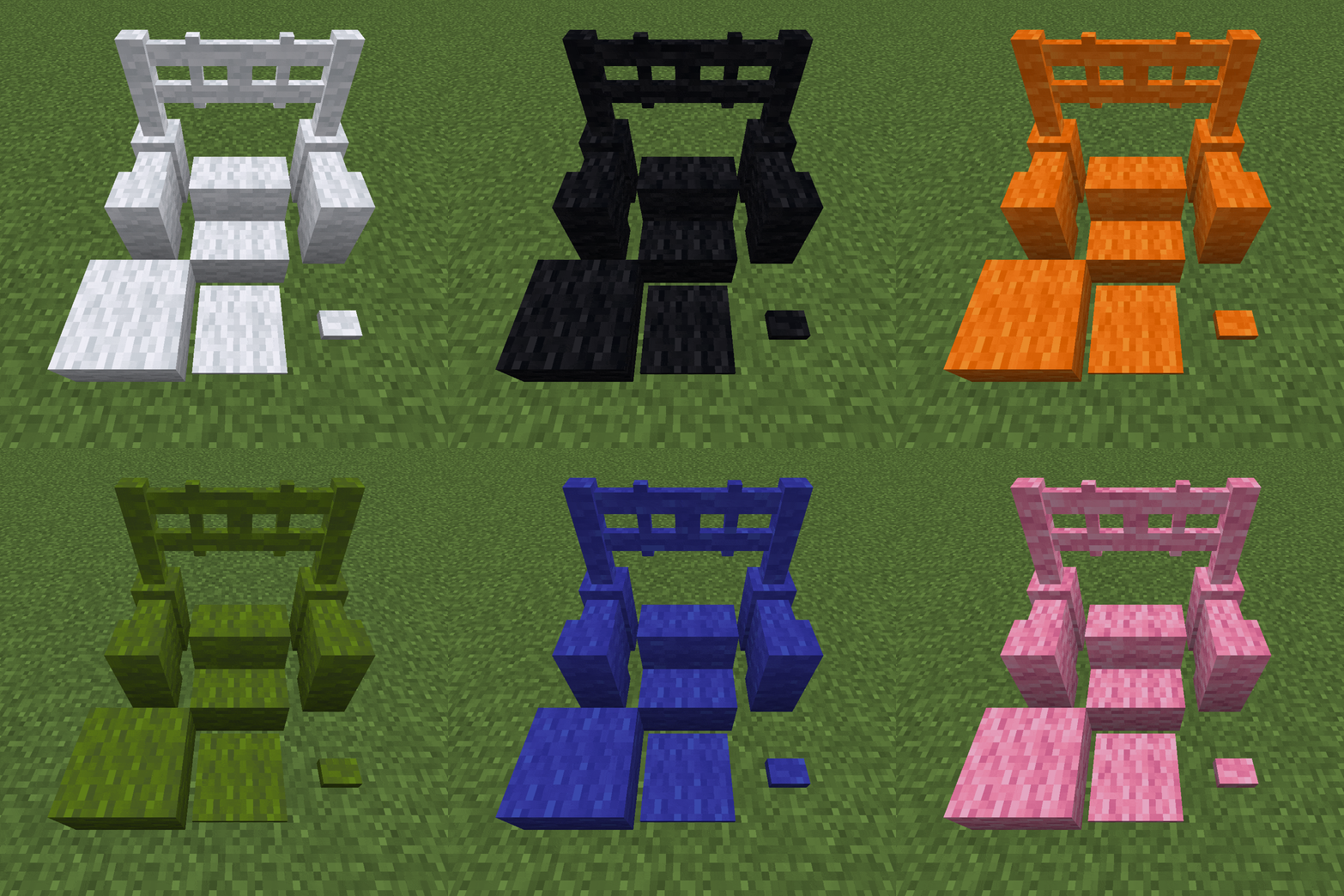
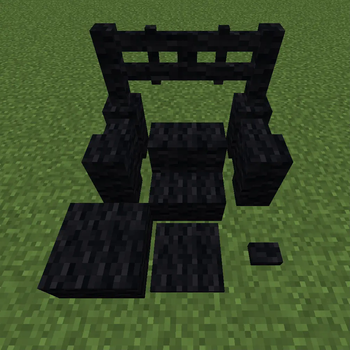
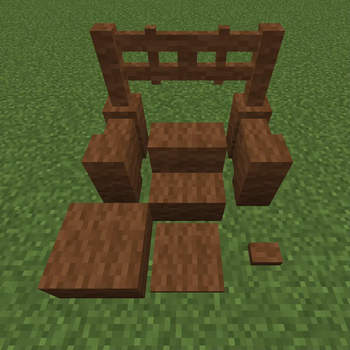
adds wool variants for various blocks, like fences, stairs, gates, buttons and more
Screenshots
About this Mod
The Wool Collection
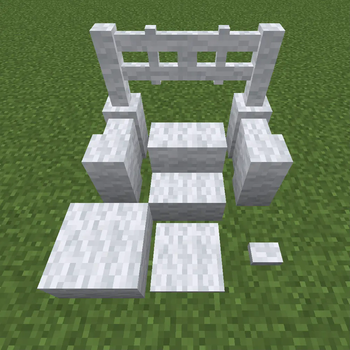
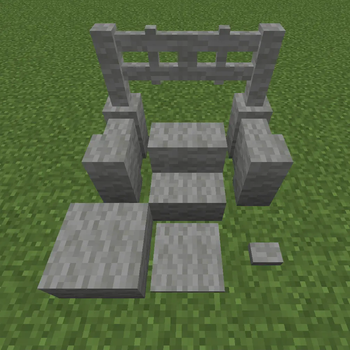
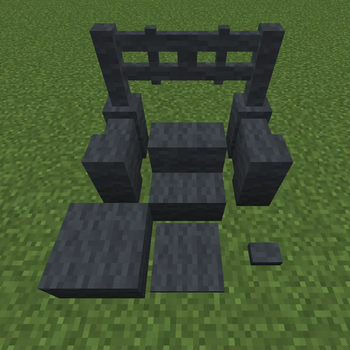
Adds wool variants for various blocks, like fences, stairs, gates, buttons and more!
New Wool Variants
- added new wool variants
- 16 new wool fences
- 16 new wool fences gates
- 16 new wool stairs
- 16 new wool slabs
- 16 new wool walls
- 16 new wool buttons
- 16 new wool pressure plates
- right clicking with shears will drop them instantly
- right clicking with a dye will change the color of the block
Recipes
all newly added blocks are crafted within the weaving station
Weaving Station

any type of wool and wood_planks can be used
| Normal Recipes | Dyed Recipes |
 |
 |
| placing any color of wool in the top slot lets you craft the corresponding colored blocks | placing any color of wool in the top slot, and a dye in the bottom slot, lets you craft the corresponding colored blocks |
Recoloring Recipes
all blocks added by this mod can be simply recolored by placing any color of dye in the crafting grid with the block

example gif: any colored fence can be recolored to orange with orange dye
if you have any questions about the mod, or you want a few insights about upcoming features:
feel free to join the Discord

link
Available Versions
How to Install The Wool Collection on Your Server
Order Server
Order a Minecraft Java server with at least 3 GB RAM (4 GB recommended).
Set fabric Loader
In the panel under "Egg", select the fabric loader and matching Minecraft version (1.21.1).
Install Mod
Open the mod browser in the dashboard and search for "The Wool Collection". Click "Install" – done! Alternatively, upload the .jar via SFTP to the /mods folder.
Compatibility
Mod Loaders
Minecraft Versions
1.21.1, 1.21, 1.20.6 (+10 more)
Server-side
✓ RequiredRecommended RAM
4 GB(min. 3 GB)Frequently Asked Questions
The Wool Collection server crashes on startup – what to do?
Most common cause: wrong fabric version or insufficient RAM. Check the server log (latest.log) for "OutOfMemoryError" or "Mixin" errors. With Mado Hosting: ensure at least 3 GB RAM is allocated and the loader matches the mod version (1.21.1). You can switch loaders with one click in the panel.
Is The Wool Collection compatible with fabric and forge and neoforge?
The Wool Collection officially supports fabric, forge, neoforge for Minecraft 1.21.1, 1.21, 1.20.6. Note: Forge and Fabric mods are NOT cross-compatible – pick one loader and stick with it. The Mado dashboard automatically detects incompatible loader combinations.
Server lagging with The Wool Collection – how to optimize performance?
Recommended RAM: 4 GB (per 8 players). Use /spark profiler to check if The Wool Collection consumes the most tick time. Common fixes: reduce server view-distance to 8-10, install "performant" or "starlight" as supplementary mods on Forge. With Mado Hosting, your server runs on NVMe SSDs with dedicated CPU cores for minimal latency.
Similar Mods

![[ETF] Entity Texture Features](https://cdn.modrinth.com/data/BVzZfTc1/af683d206d50b05258d865b0d6e4aa2f2cee12f2_96.webp)
![[EMF] Entity Model Features](https://cdn.modrinth.com/data/4I1XuqiY/6e5bbd0d06b1741bfdab6c0cfab6de8fdaf0064c_96.webp)



Rent Modded Server
Install The Wool Collection with just one click on your server.
Details
- License
- Creative Commons Attribution Non Commercial No Derivatives 4.0 International
- Server-side
- Required