
World Flags
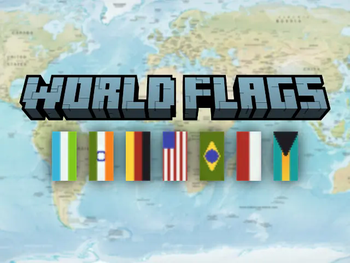
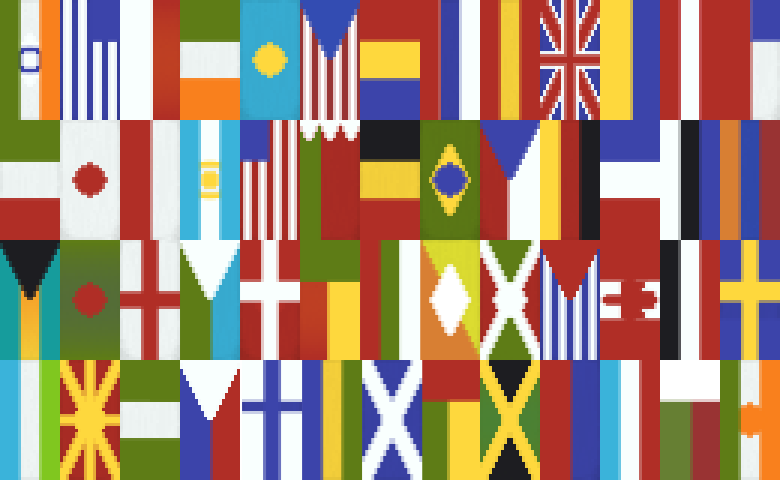
Adds 50+ handy Recipes for Banners in the Design of Flags.
Screenshots
About this Mod




Disclaimer: The Banners are selected on how good they are able to be re-created ingame. The Selection of Flags holds no political meaning. The eventual Goal is to add every flag to this Datapack to have a collection available for everyone.
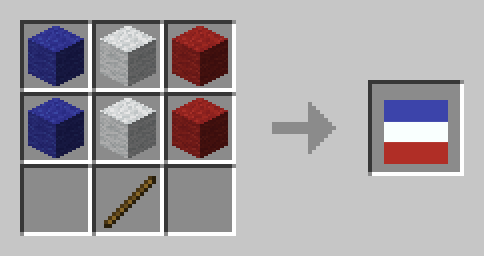
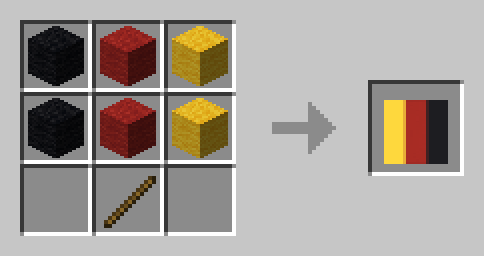
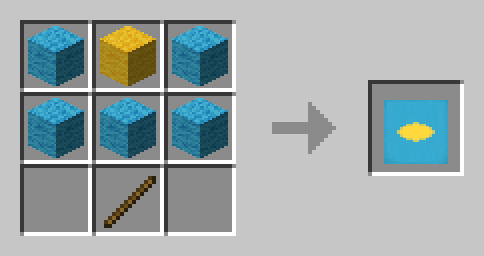
This Datapack adds more than 50 handy Recipes to quickly craft Flags of different Countries.
📃 List of All Recipes
Europe
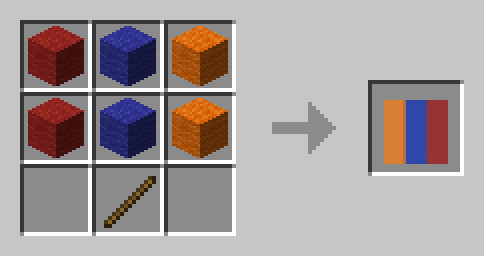
Armenia 🇦🇲
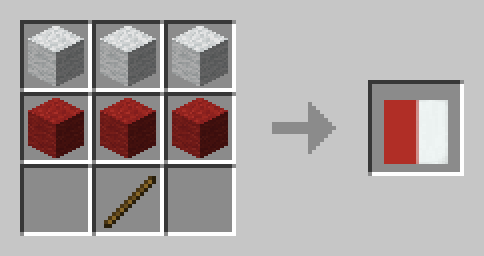
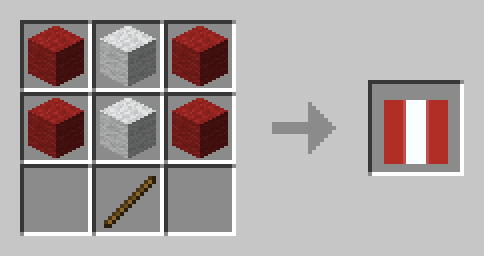
Austria 🇦🇹
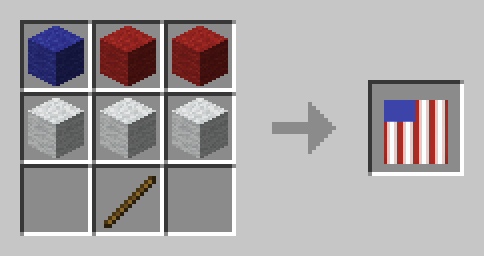
Bulgaria 🇧🇬
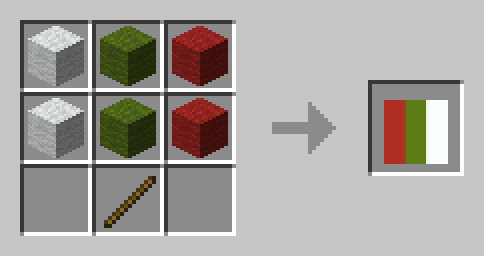
Belarus 🇧🇾
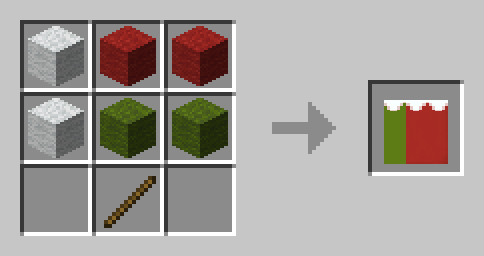
Belgium 🇧🇪
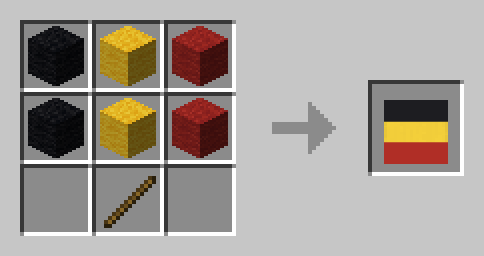
Czechia 🇨🇿
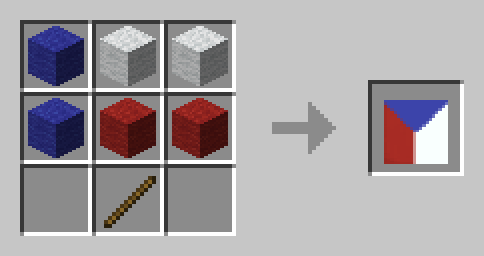
Denmark 🇩🇰
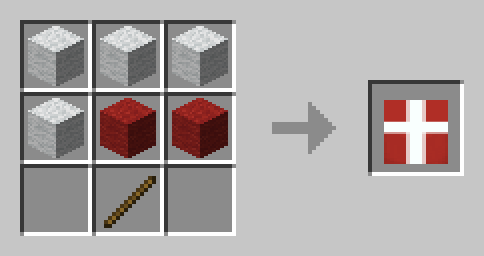
England 🏴
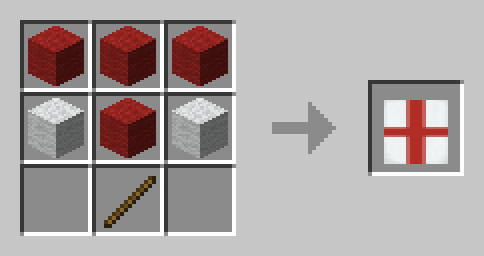
Estonia 🇪🇪
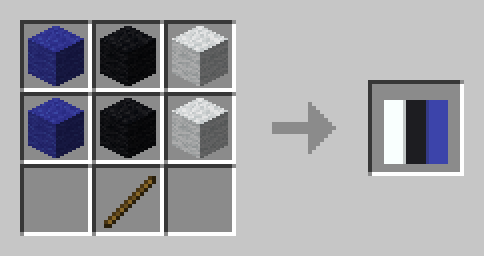
Finland 🇫🇮
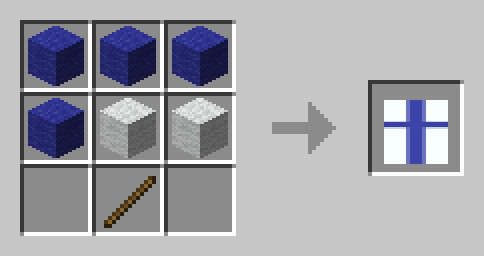
France 🇫🇷
Germany 🇩🇪
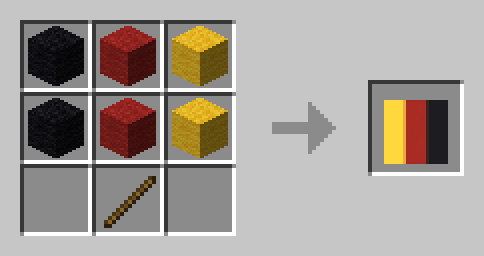
Greece 🇬🇷
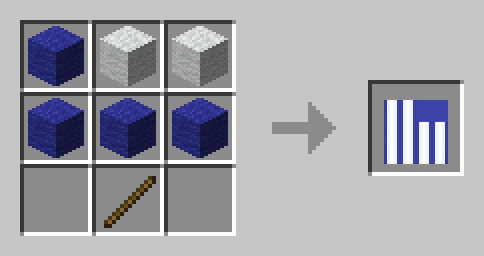
Ireland 🇮🇪
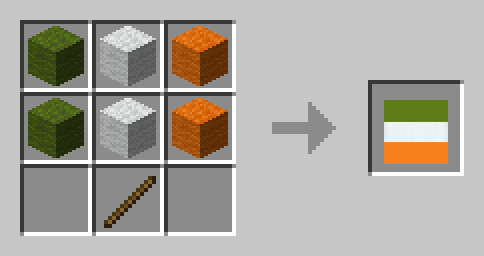
Italy 🇮🇹
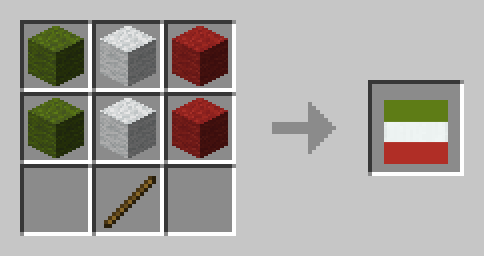
Liechtenstein 🇱🇮
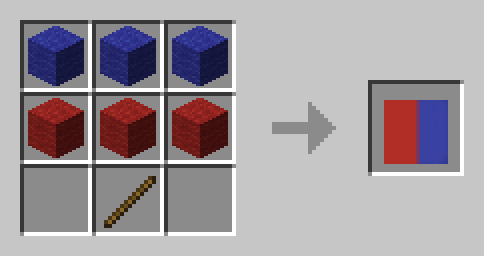
Luxembourg 🇱🇺
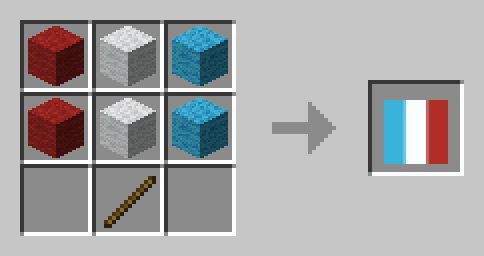
North Macedonia 🇲🇰
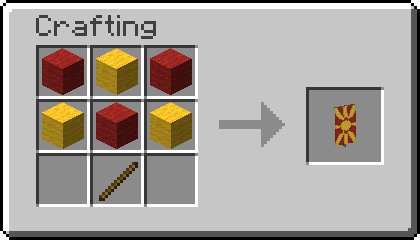
Poland 🇵🇱
Romania 🇷🇴
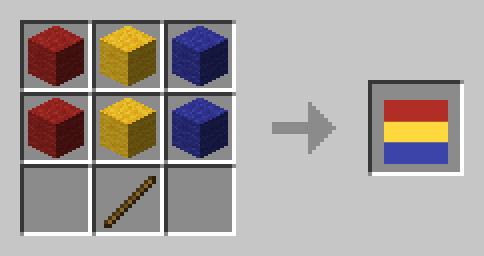
Russia 🇷🇺
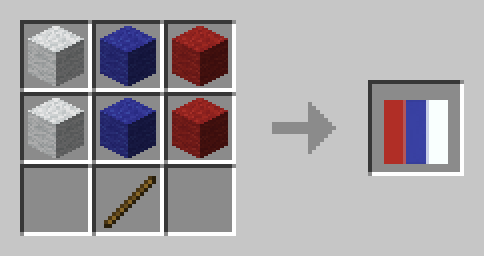
Scotland 🏴
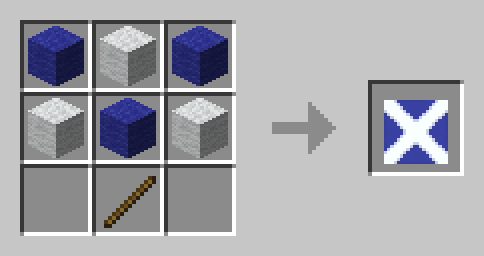
Spain 🇪🇸
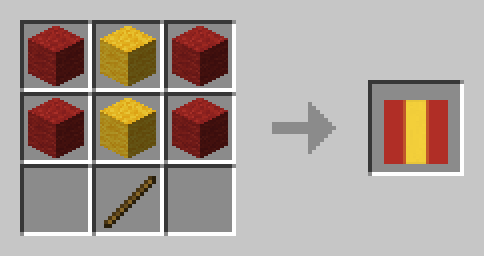
Sweden 🇸🇪
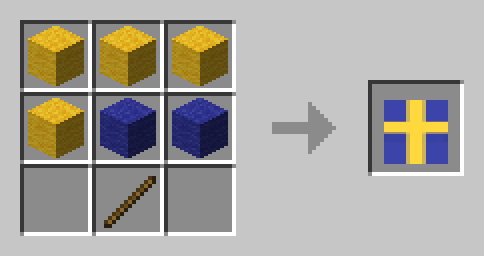
Switzerland 🇨🇭
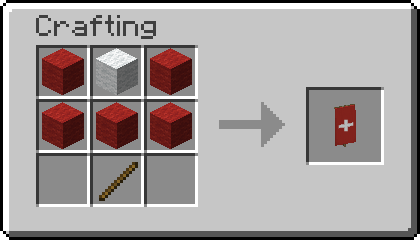
United Kingdom 🇬🇧
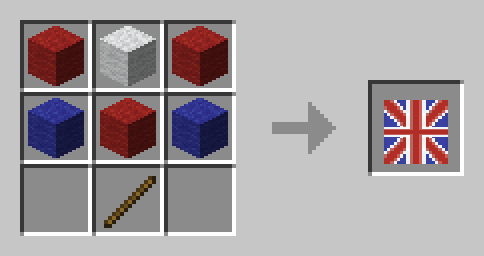
Ukraine 🇺🇦
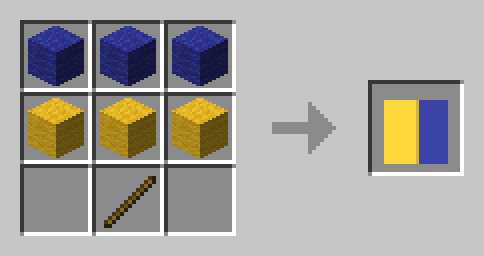
North America
Bahamas 🇧🇸
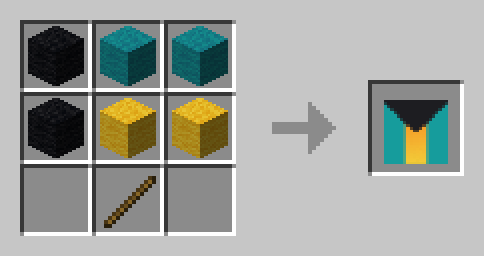
Canada 🇨🇦
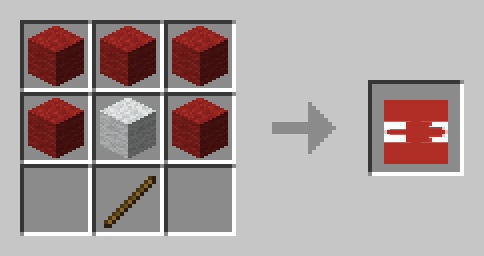
Cuba 🇨🇺
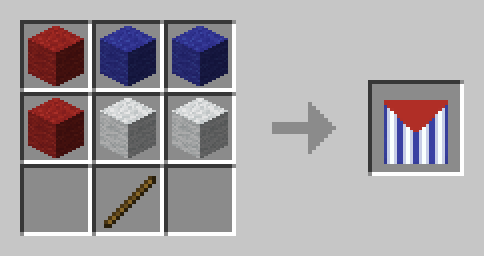
Jamaica 🇯🇲
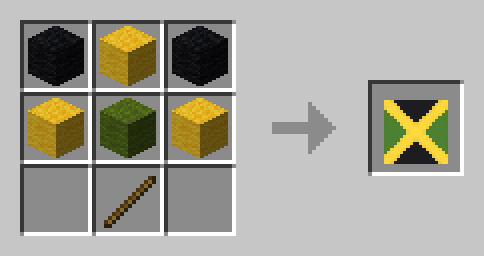
Puerto Rico 🇵🇷
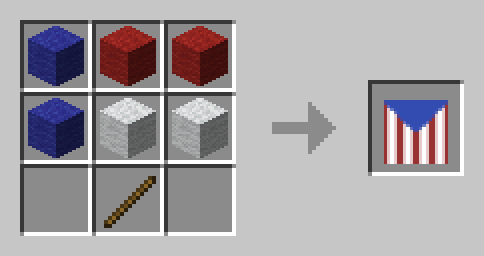
United States 🇺🇸
South America
Argentina 🇦🇷
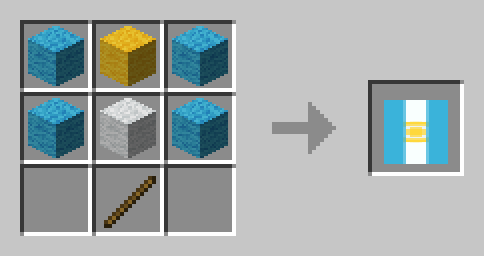
Brazil 🇧🇷
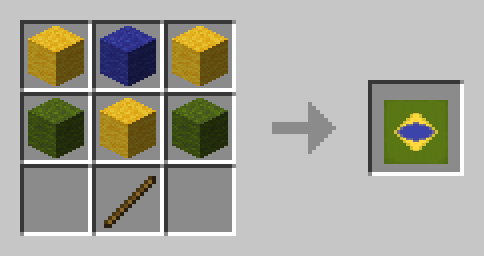
Chile 🇨🇱
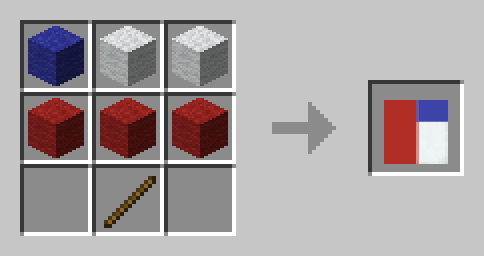
Peru
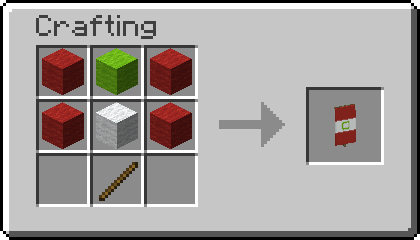
Asia
Azerbaijan 🇦🇿
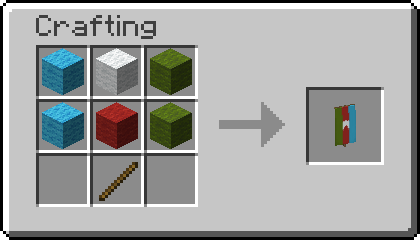
Bangladesh 🇧🇩
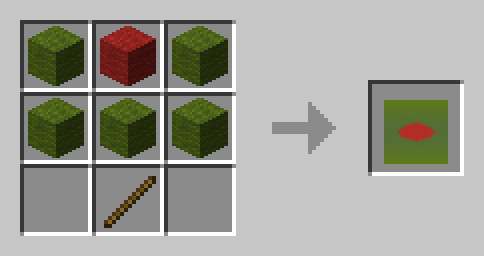
Bahrain 🇧🇭
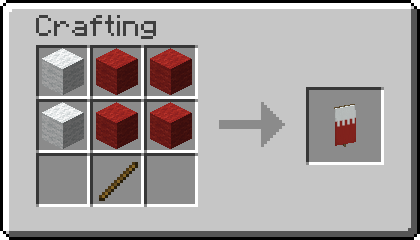
Bhutan 🇧🇹
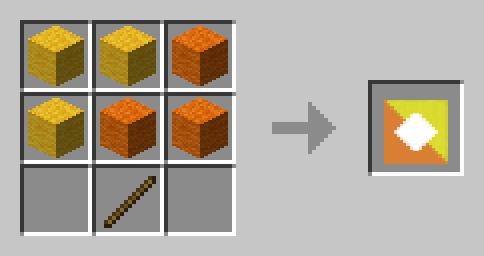
India 🇮🇳
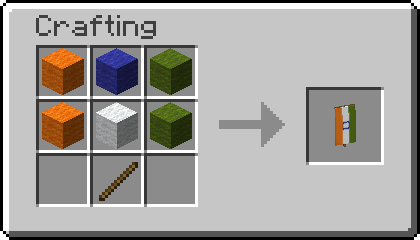
Indonesia 🇮🇩
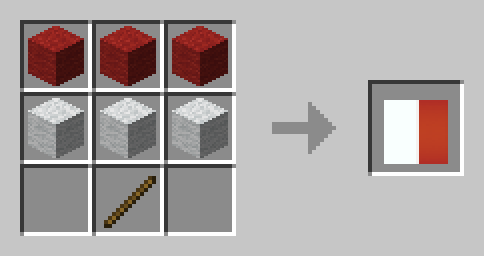
Iran 🇮🇷
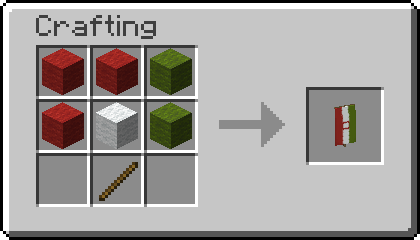
Iraq 🇮🇶
It is currently mirrored even though not protocol, might be changed eventually. 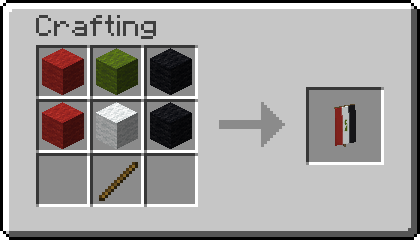
Japan 🇯🇵
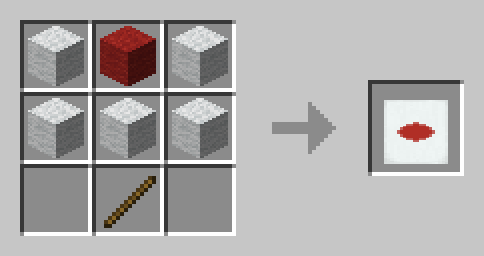
Pakistan 🇵🇰
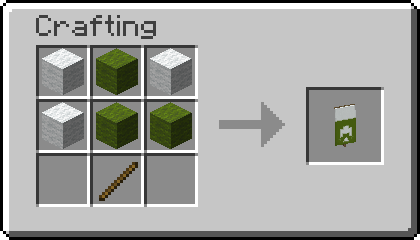
Philippines 🇵🇭
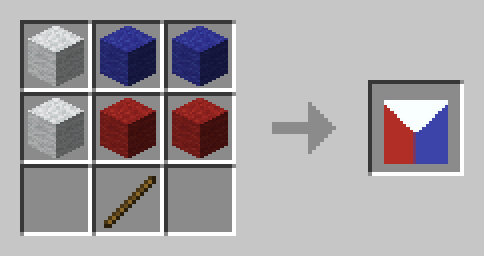
Russia 🇷🇺
Syria 🇸🇾
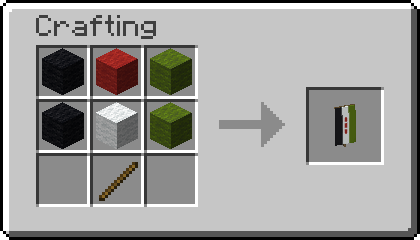
Yemen 🇾🇪
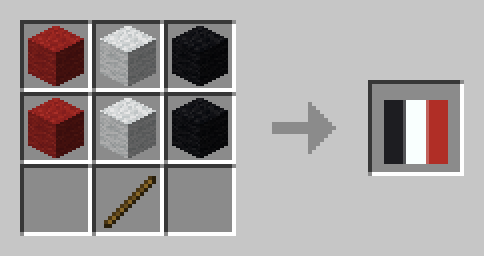
Africa
Algeria 🇩🇿
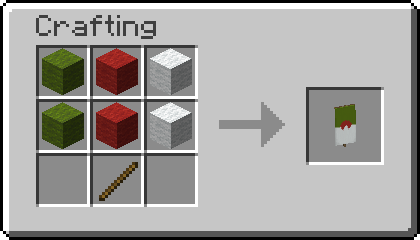
Benin 🇧🇯
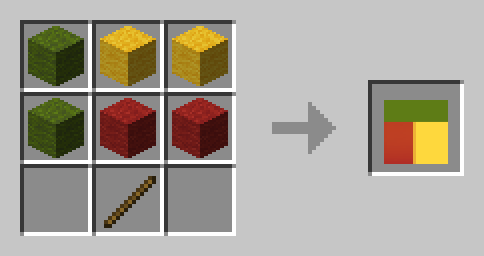
Burundi 🇧🇮
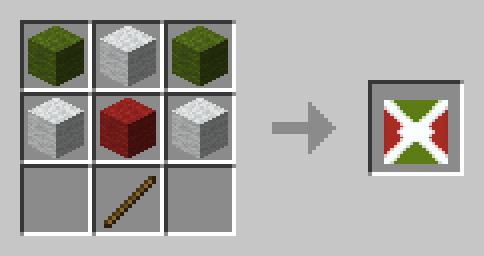
Djibouti 🇩🇯
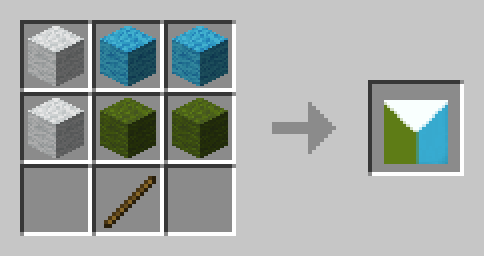
Egypt 🇪🇬
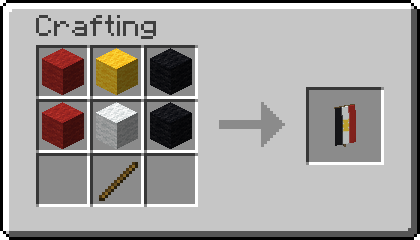
Gabon 🇬🇦
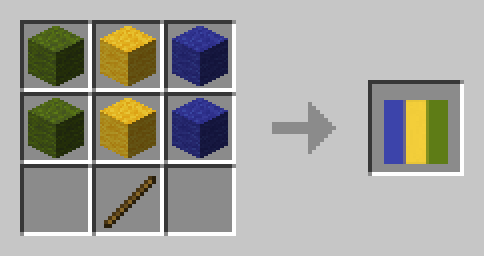
Guinea-Bissau 🇬🇼
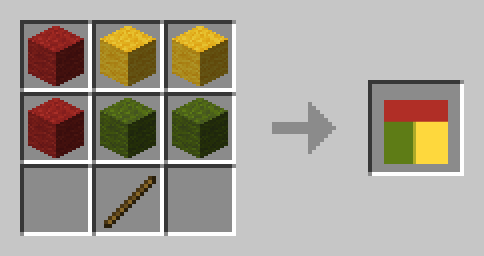
Madagascar 🇲🇬
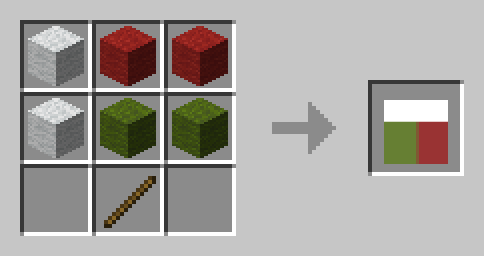
Niger 🇳🇪
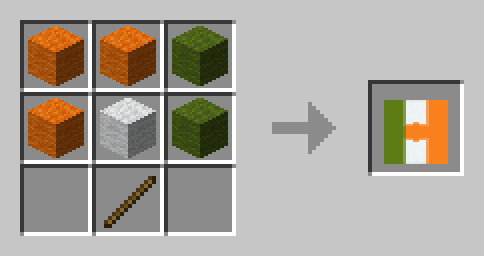
Nigeria 🇳🇬
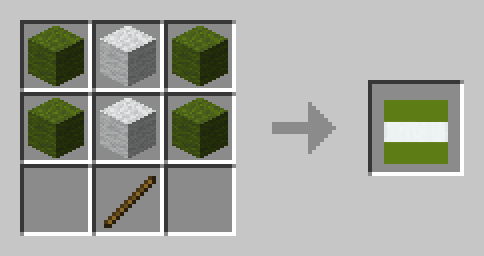
Sierra Leone 🇸🇱
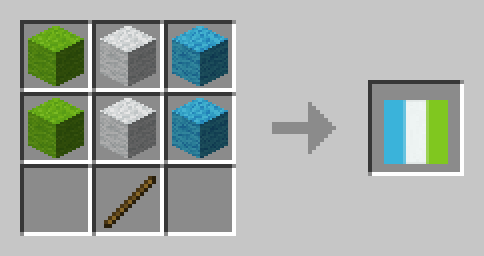
Oceania
Palau 🇵🇼
📗 How to add all Recipes to the Recipe Book?
Without Commands
Craft the World Flags Knowledge Book. Right click it to consume it and gain all the recipes without a command.
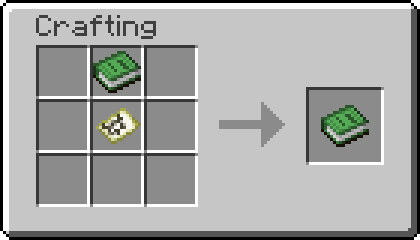
To craft Knowledge Books, you will need "Craftable Knowledge Book".
With Commands
You can add all recipes to the Recipe Book by using the command /function world_flags:unlock_all_recipes. If you want to give all players all Recipes, use /execute as @a run function world_flags:unlock_all_recipes instead.
🤝 Special Thanks & Attributions
Thanks to all the Members of Planet Minecraft who inspired many of the more complex Banner Designs!
🛠️ Installation
Datapack Installation Guide
Copy the .zip archive into the ".minecraft/saves/yourworldname/datapacks" folder, where yourworldname is the name of your world.
Mod installation Guide
Copy the .jar archive into the folder your Mod Loader of choice provides.
❗Issues and Suggestions
Please report issues on My Discord.
🔁 Optional Dependencies
- Craftable Knowledge Book (recommended)
Available Versions
How to Install World Flags on Your Server
Order Server
Order a Minecraft Java server with at least 3 GB RAM (4 GB recommended).
Set datapack Loader
In the panel under "Egg", select the datapack loader and matching Minecraft version (1.21.4).
Install Mod
Open the mod browser in the dashboard and search for "World Flags". Click "Install" – done! Alternatively, upload the .jar via SFTP to the /mods folder.
Compatibility
Mod Loaders
Minecraft Versions
1.21.4, 1.21.3, 1.21.2 (+2 more)
Server-side
✓ RequiredRecommended RAM
4 GB(min. 3 GB)Frequently Asked Questions
World Flags server crashes on startup – what to do?
Most common cause: wrong datapack version or insufficient RAM. Check the server log (latest.log) for "OutOfMemoryError" or "Mixin" errors. With Mado Hosting: ensure at least 3 GB RAM is allocated and the loader matches the mod version (1.21.4). You can switch loaders with one click in the panel.
Is World Flags compatible with datapack and fabric and forge and neoforge and quilt?
World Flags officially supports datapack, fabric, forge, neoforge, quilt for Minecraft 1.21.4, 1.21.3, 1.21.2. Note: Forge and Fabric mods are NOT cross-compatible – pick one loader and stick with it. The Mado dashboard automatically detects incompatible loader combinations.
Server lagging with World Flags – how to optimize performance?
Recommended RAM: 4 GB (per 8 players). Use /spark profiler to check if World Flags consumes the most tick time. Common fixes: reduce server view-distance to 8-10, install "performant" or "starlight" as supplementary mods on Forge. With Mado Hosting, your server runs on NVMe SSDs with dedicated CPU cores for minimal latency.
Similar Mods

![[ETF] Entity Texture Features](https://cdn.modrinth.com/data/BVzZfTc1/af683d206d50b05258d865b0d6e4aa2f2cee12f2_96.webp)
![[EMF] Entity Model Features](https://cdn.modrinth.com/data/4I1XuqiY/6e5bbd0d06b1741bfdab6c0cfab6de8fdaf0064c_96.webp)



Rent Modded Server
Install World Flags with just one click on your server.