
I DONT WANT PARTICLES!!!
Hate the lag when particles clog your screen? This mod kills every particle effect, so you get buttery‑smooth FPS without any visual noise.
About this Mod
No Particles
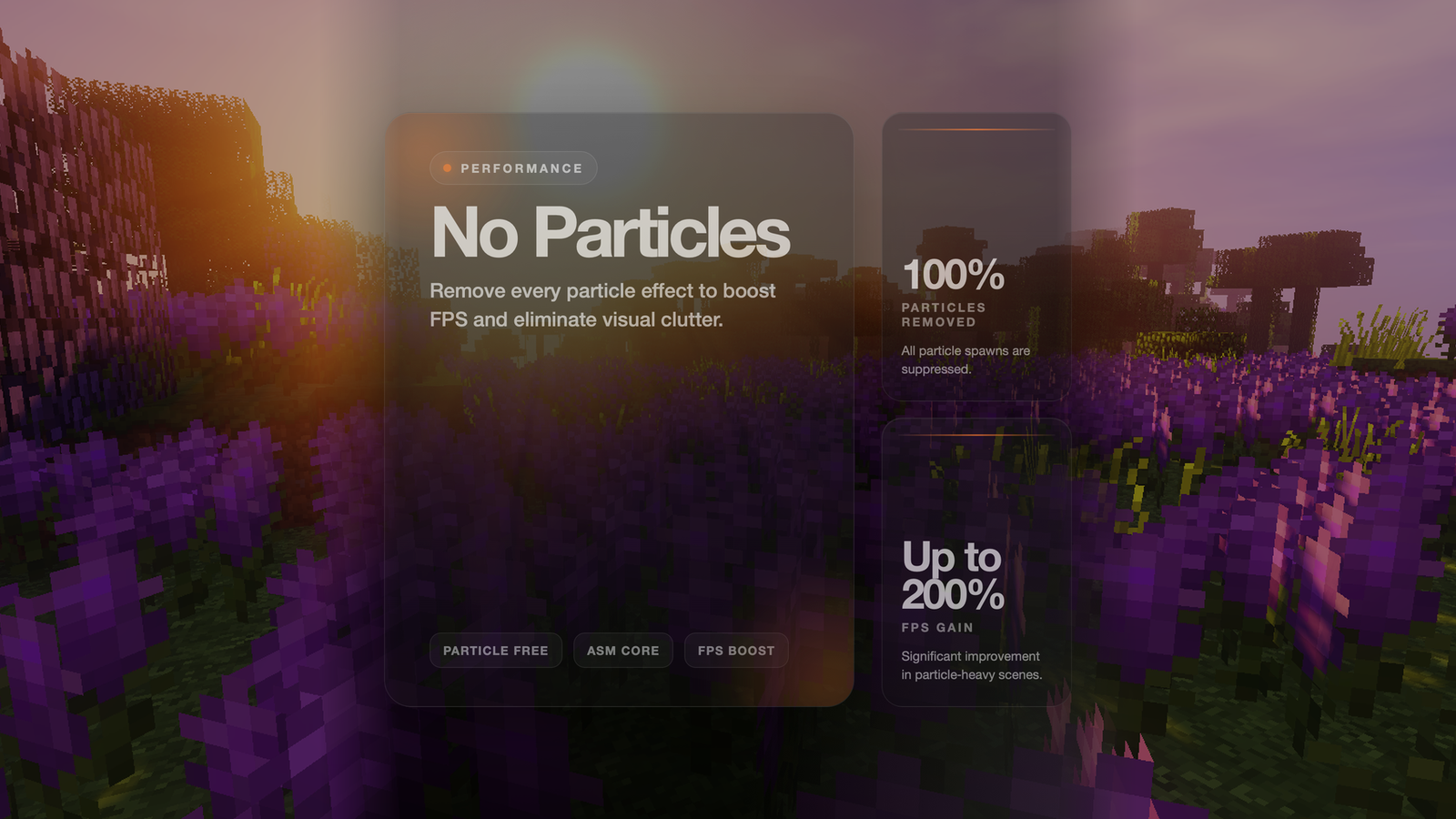
Get massive FPS improvements by completely disabling all particle effects! This core mod uses ASM bytecode transformation to prevent particles from spawning at the lowest level.
Features
- ✅ Complete Particle Removal - No particles spawn at all
- ✅ Core Mod Technology - Uses ASM bytecode transformation for maximum effectiveness
- ✅ Massive Performance Boost - Huge FPS gains in particle-heavy situations
- ✅ Zero Overhead - No performance cost, only benefits
How It Works
This mod uses ASM (bytecode manipulation) to patch Minecraft's core particle system:.
Patches World.spawnParticle - Intercepts all particle spawn calls and returns immediately.
This approach is far more effective than event-based cancellation because it happens at the bytecode level before particles are even created.
Available Versions
How to Install I DONT WANT PARTICLES!!! on Your Server
Order Server
Order a Minecraft Java server with at least 3 GB RAM (4 GB recommended).
Set fabric Loader
In the panel under "Egg", select the fabric loader and matching Minecraft version (26.1.2).
Install Mod
Open the mod browser in the dashboard and search for "I DONT WANT PARTICLES!!!". Click "Install" – done! Alternatively, upload the .jar via SFTP to the /mods folder.
Compatibility
Mod Loaders
Minecraft Versions
26.1.2, 26.1.1, 26.1 (+32 more)
Server-side
✗ UnsupportedRecommended RAM
4 GB(min. 3 GB)Frequently Asked Questions
I DONT WANT PARTICLES!!! server crashes on startup – what to do?
Most common cause: wrong fabric version or insufficient RAM. Check the server log (latest.log) for "OutOfMemoryError" or "Mixin" errors. With Mado Hosting: ensure at least 3 GB RAM is allocated and the loader matches the mod version (26.1.2). You can switch loaders with one click in the panel.
Is I DONT WANT PARTICLES!!! compatible with fabric and forge and neoforge?
I DONT WANT PARTICLES!!! officially supports fabric, forge, neoforge for Minecraft 26.1.2, 26.1.1, 26.1. Note: Forge and Fabric mods are NOT cross-compatible – pick one loader and stick with it. The Mado dashboard automatically detects incompatible loader combinations.
Server lagging with I DONT WANT PARTICLES!!! – how to optimize performance?
Recommended RAM: 4 GB (per 8 players). Use /spark profiler to check if I DONT WANT PARTICLES!!! consumes the most tick time. Common fixes: reduce server view-distance to 8-10, install "performant" or "starlight" as supplementary mods on Forge. With Mado Hosting, your server runs on NVMe SSDs with dedicated CPU cores for minimal latency.
Similar Mods


Rent Modded Server
Install I DONT WANT PARTICLES!!! with just one click on your server.