
WynnCompare
Side-by-side tooltip comparison for Wynncraft equipment
Screenshots
About this Mod
WynnCompare
A client-side Fabric mod that adds equipment tooltip comparison for Wynncraft.
Features
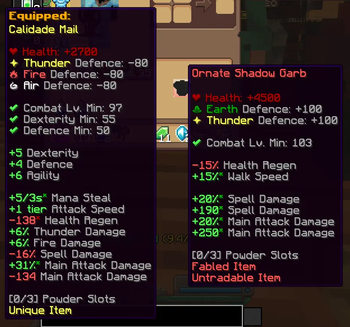
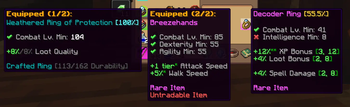
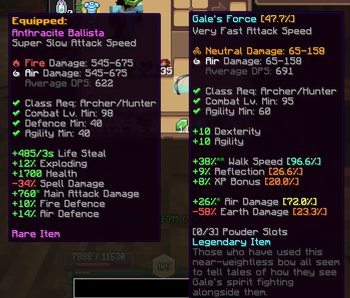
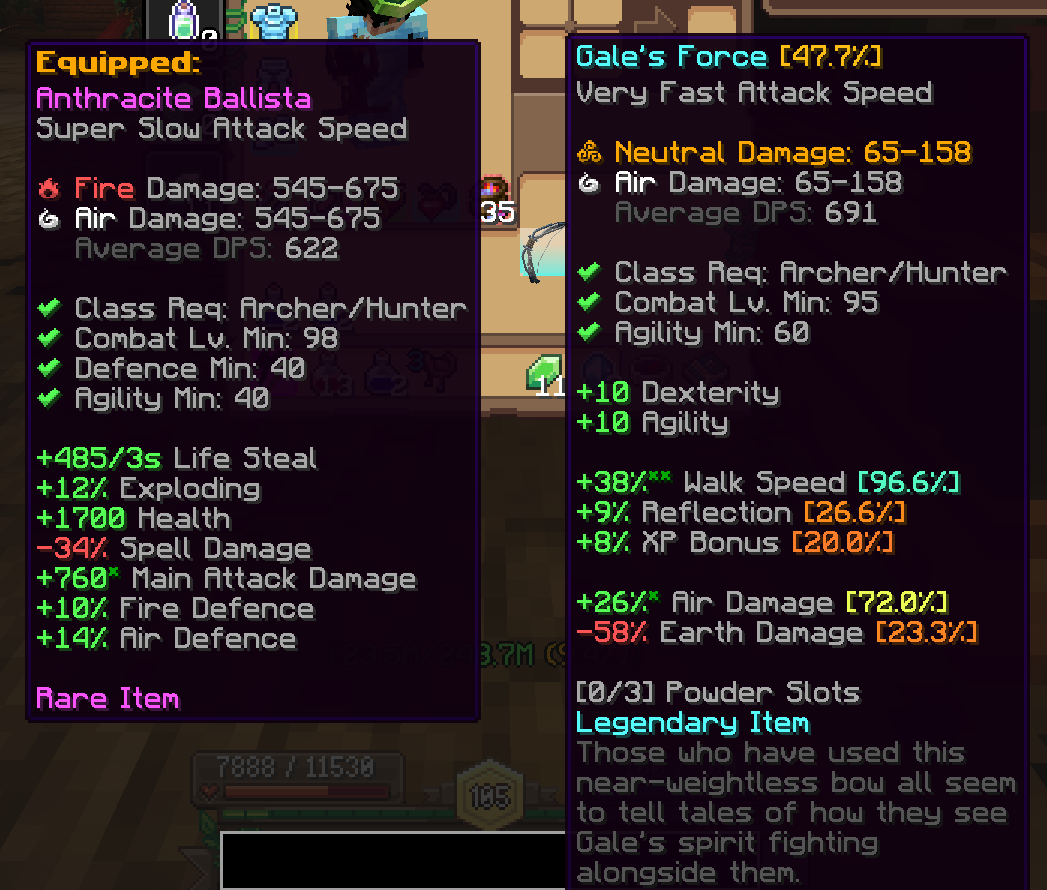
Equipped Tooltip (Hold C)
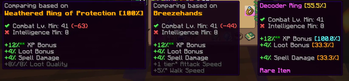
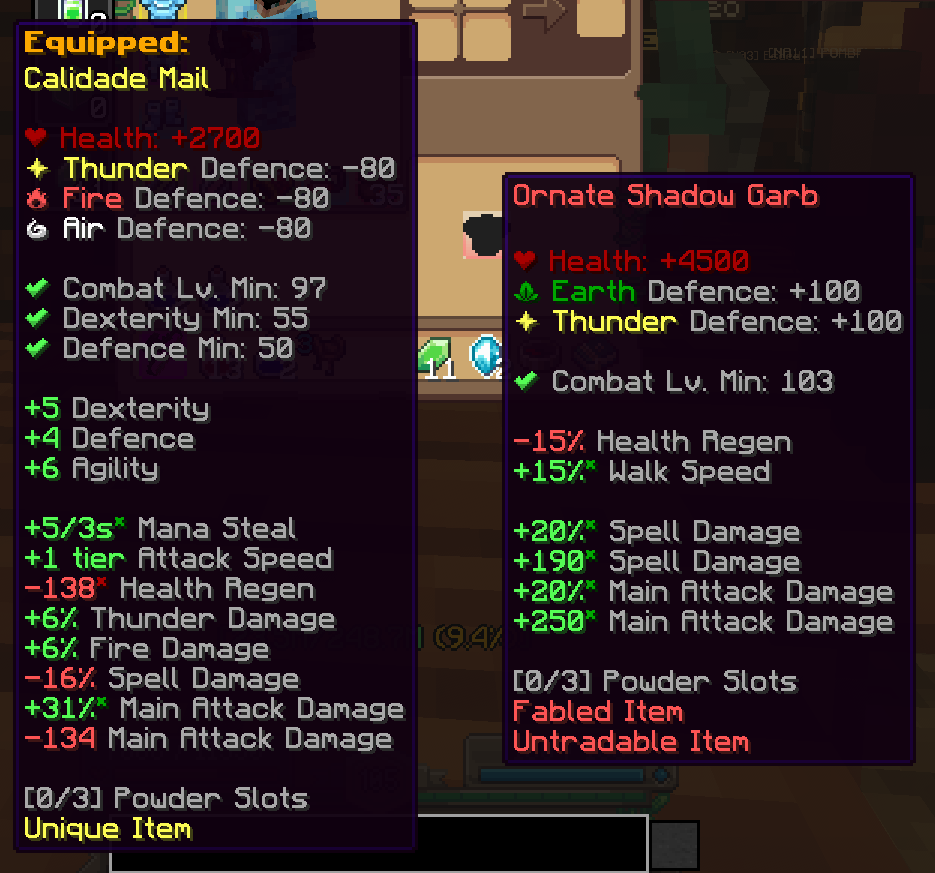
See your currently equipped item's full tooltip alongside the one you're hovering over. When multiple items match (e.g., two rings), all are shown side-by-side with indicators like Equipped (1/2).
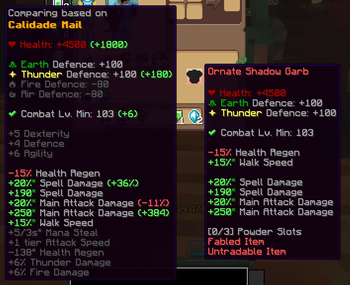
Stat Comparison (Hold X)
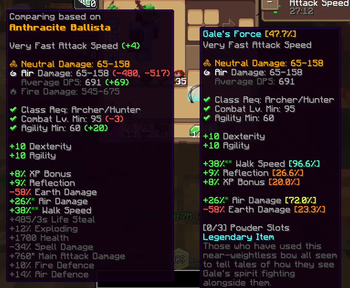
Get a stat-by-stat breakdown comparing the hovered item against your equipped gear.
If the two items share the same stats you can see the difference highlighted in different colors:
- Green for improvements
- Red for downgrades
- Gray for no change
- Yellow for mixed results (range stats)
Stats that are not on the hovered item are shown in gray.
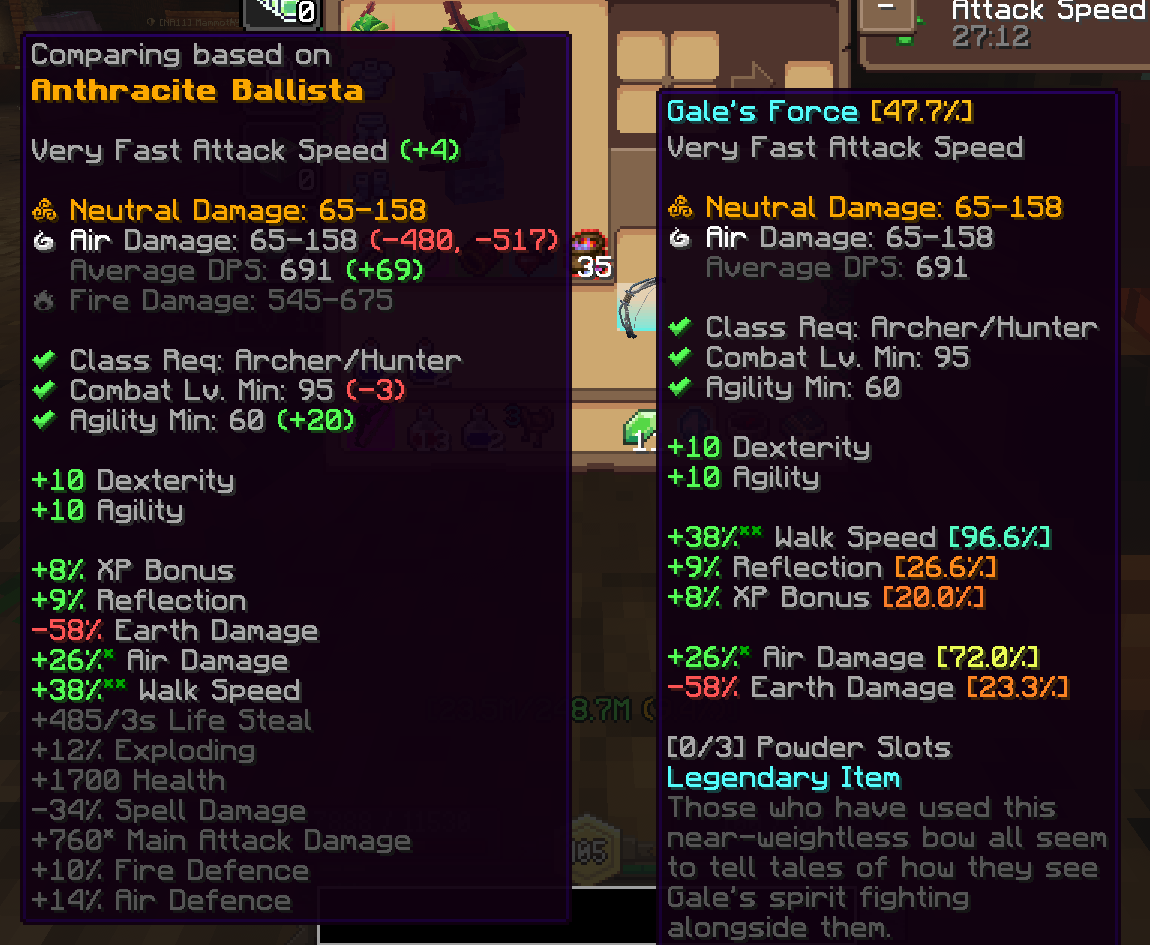
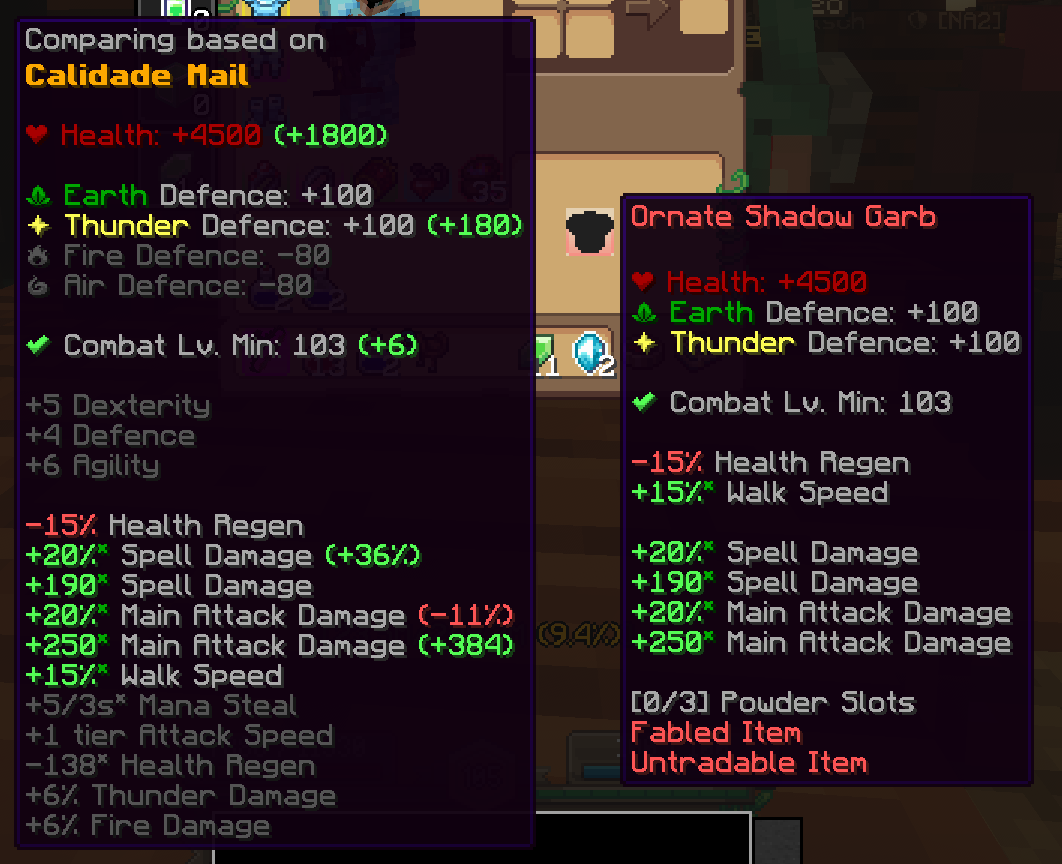
Compared stats include:
- Health, Defence, Damage (including ranges)
- Attack Speed (with tier difference, e.g.
+2) - Attributes (Strength, Dexterity, Intelligence, Agility, Defence)
- All other stats (XP Bonus, Mana Regen, etc.)
- Abilities (shown as
+AbilityName)
Smart Positioning
Tooltips are displayed to the left of the cursor and automatically clamped to stay within screen bounds.
Configurable Keybindings
Both keys can be rebound in Options > Controls > Key Binds under the WynnCompare category.
| Action | Default Key |
|---|---|
| Show Equipped Tooltip | C |
| Show Stat Comparison | X |
When both keys are held, the comparison tooltip takes priority.
Supported Equipment
- Armor (Helmet, Chestplate, Leggings, Boots)
- Weapons (Bow, Dagger, Wand, Spear, Relik)
- Accessories (Ring, Bracelet, Necklace)
Available Versions
How to Install WynnCompare on Your Server
Order Server
Order a Minecraft Java server with at least 3 GB RAM (4 GB recommended).
Set fabric Loader
In the panel under "Egg", select the fabric loader and matching Minecraft version (1.21.11).
Install Mod
Open the mod browser in the dashboard and search for "WynnCompare". Click "Install" – done! Alternatively, upload the .jar via SFTP to the /mods folder.
Compatibility
Mod Loaders
Minecraft Versions
1.21.11
Server-side
✗ UnsupportedRecommended RAM
4 GB(min. 3 GB)Frequently Asked Questions
WynnCompare server crashes on startup – what to do?
Most common cause: wrong fabric version or insufficient RAM. Check the server log (latest.log) for "OutOfMemoryError" or "Mixin" errors. With Mado Hosting: ensure at least 3 GB RAM is allocated and the loader matches the mod version (1.21.11). You can switch loaders with one click in the panel.
Is WynnCompare compatible with fabric?
WynnCompare officially supports fabric for Minecraft 1.21.11. The Mado dashboard automatically detects incompatible loader combinations.
Server lagging with WynnCompare – how to optimize performance?
Recommended RAM: 4 GB (per 8 players). Use /spark profiler to check if WynnCompare consumes the most tick time. Common fixes: reduce server view-distance to 8-10, install "performant" or "starlight" as supplementary mods on Forge. With Mado Hosting, your server runs on NVMe SSDs with dedicated CPU cores for minimal latency.
Similar Mods




![[ETF] Entity Texture Features](https://cdn.modrinth.com/data/BVzZfTc1/af683d206d50b05258d865b0d6e4aa2f2cee12f2_96.webp)
![[EMF] Entity Model Features](https://cdn.modrinth.com/data/4I1XuqiY/6e5bbd0d06b1741bfdab6c0cfab6de8fdaf0064c_96.webp)
Rent Modded Server
Install WynnCompare with just one click on your server.