
XBRGB-DyeCraft
DyeCraft is a Fabric and Neoforeg mod that introduces a complete RGB dyeing system with five dyeable block variants, an advanced Dyeing Station supporting HEX, RGB, and HSB color inputs, and dyeable crop farming for red, green, and blue dyes.
Screenshots
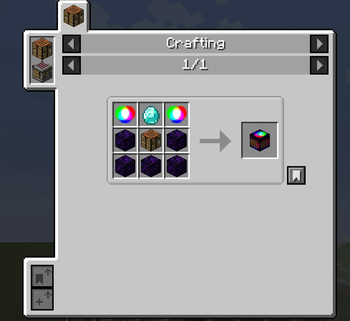
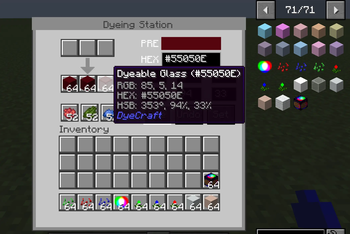
About this Mod
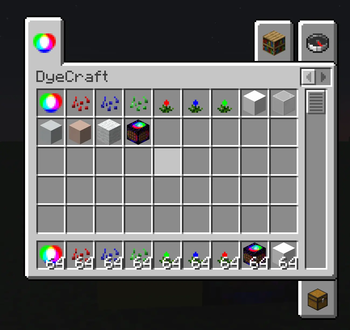
DyeCraft brings a comprehensive RGB dyeing system to Minecraft (Fabric and Neoforge~~~~ 1.21.1), enabling players to apply millions of custom color shades to five different block types: stone, glass, concrete, terracotta, and wool. Colors are freely mixed through either an intuitive in-game GUI or by using precisely adjustable HEX, RGB, and HSB value input.
The centerpiece of the mod is the Dyeing Station, which allows players to dye up to 16 blocks per set of red, green, and blue vanilla dyes. It provides a real-time color preview and supports bulk dyeing that automatically calculates the required dye amount. A built-in undo feature allows reverting the most recent dye operations (up to five steps), making color correction straightforward.
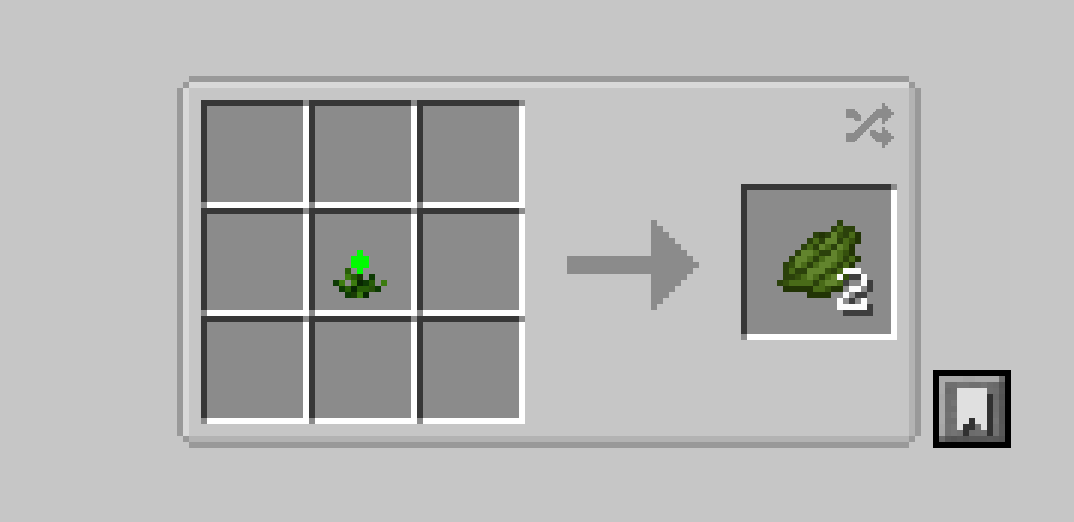
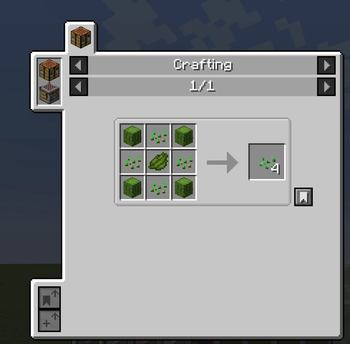
To obtain the necessary dye materials, players can grow three types of dye flowers (red, green, blue) from seeds on farmland, harvest the plants, and craft them into standard Minecraft dyes. Dye plants can also be composted.
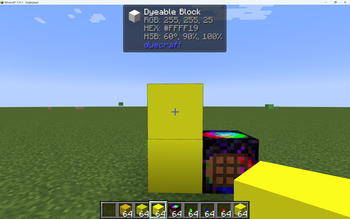
All dyeable blocks stack perfectly regardless of their source (crafting, breaking, or creative mode) and the mod integrates with Jade to display the current color’s HEX, RGB, and HSB values directly in the world. Full English and Chinese language support is included.
Available Versions
How to Install XBRGB-DyeCraft on Your Server
Order Server
Order a Minecraft Java server with at least 3 GB RAM (4 GB recommended).
Set fabric Loader
In the panel under "Egg", select the fabric loader and matching Minecraft version (1.21.1).
Install Mod
Open the mod browser in the dashboard and search for "XBRGB-DyeCraft". Click "Install" – done! Alternatively, upload the .jar via SFTP to the /mods folder.
Compatibility
Mod Loaders
Minecraft Versions
1.21.1
Server-side
✓ RequiredRecommended RAM
4 GB(min. 3 GB)Frequently Asked Questions
XBRGB-DyeCraft server crashes on startup – what to do?
Most common cause: wrong fabric version or insufficient RAM. Check the server log (latest.log) for "OutOfMemoryError" or "Mixin" errors. With Mado Hosting: ensure at least 3 GB RAM is allocated and the loader matches the mod version (1.21.1). You can switch loaders with one click in the panel.
Is XBRGB-DyeCraft compatible with fabric and neoforge?
XBRGB-DyeCraft officially supports fabric, neoforge for Minecraft 1.21.1. The Mado dashboard automatically detects incompatible loader combinations.
Server lagging with XBRGB-DyeCraft – how to optimize performance?
Recommended RAM: 4 GB (per 8 players). Use /spark profiler to check if XBRGB-DyeCraft consumes the most tick time. Common fixes: reduce server view-distance to 8-10, install "performant" or "starlight" as supplementary mods on Forge. With Mado Hosting, your server runs on NVMe SSDs with dedicated CPU cores for minimal latency.
Similar Mods

![[ETF] Entity Texture Features](https://cdn.modrinth.com/data/BVzZfTc1/af683d206d50b05258d865b0d6e4aa2f2cee12f2_96.webp)
![[EMF] Entity Model Features](https://cdn.modrinth.com/data/4I1XuqiY/6e5bbd0d06b1741bfdab6c0cfab6de8fdaf0064c_96.webp)



Rent Modded Server
Install XBRGB-DyeCraft with just one click on your server.