
XDeathsBans
Configurable death-based ban system for Minecraft servers. Set death limits, enable temp bans, and manage bans easily.
Screenshots

About this Mod
XDeathsBan
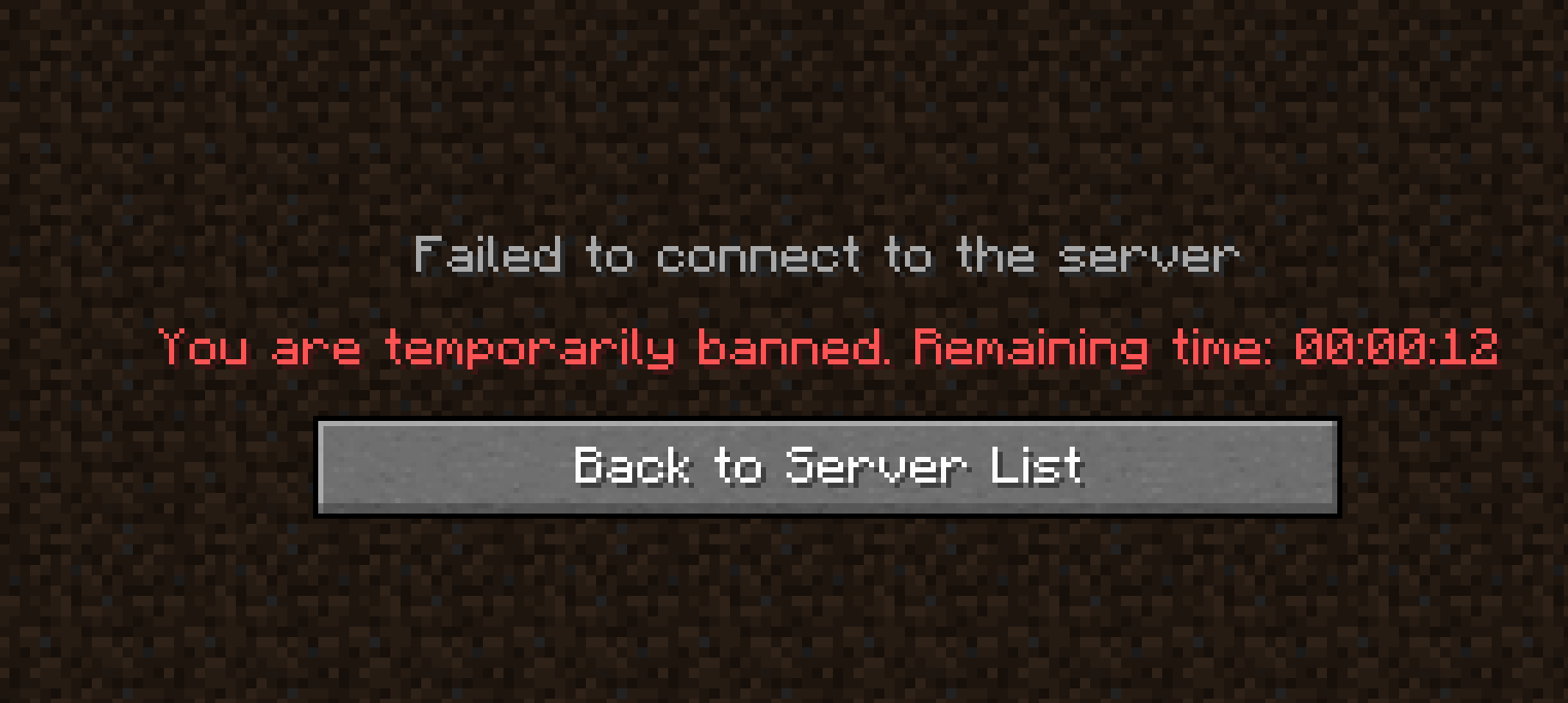
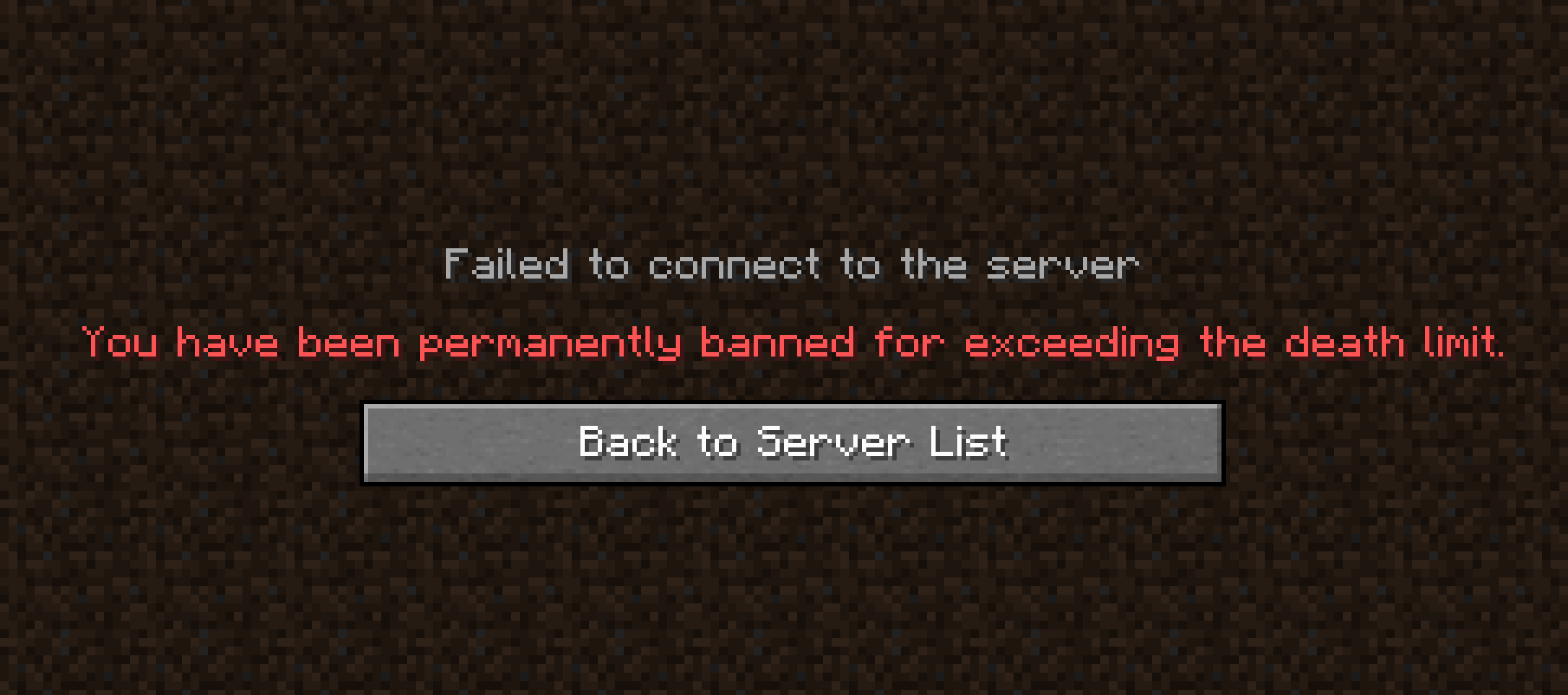
XDeathsBan is a mod designed for Minecraft servers that introduces a ban system based on the number of times a player dies. With this mod, server administrators can set a maximum death limit before a player is banned, configure whether only PvP deaths count, and customize the ban duration.
This mod is perfect for hardcore or advanced survival servers where death has real consequences, forcing players to be more strategic to avoid getting banned.
🛠️ Key Features
✅ Automatic Bans: Players will be banned upon reaching the configured death limit.
✅ PvP Mode: Allows you to configure whether only PvP deaths count towards the ban.
✅ Temporary Bans: Option to enable bans with a custom duration in ticks.
✅ Ban Management: Commands to unban individual or all players.
✅ Configurable Settings: Adjust ban settings in-game without restarting the server.
🎮 Commands and Usage
📋 Mod Configuration
Administrators can modify the mod settings in real time using the following commands:
📌 Check the current settings:
/xdeathsban settings status
💬 Displays the allowed death count, whether bans are temporary, ban duration, and if only PvP deaths count.
📌 Set the maximum number of deaths before a ban:
/xdeathsban settings maxdeaths <number>
💬 Defines how many times a player can die before being banned.
📌 Enable or disable PvP-only death counting:
/xdeathsban settings onlypvp <true|false>
💬 If enabled (true), only PvP deaths will count towards banning a player.
🚫 Ban Configuration
📌 Enable or disable temporary bans:
/xdeathsban ban bantemp <true|false>
💬 Activates or deactivates temporary bans. If set to false, bans will be permanent.
📌 Set the temporary ban duration:
/xdeathsban ban bantime <ticks>
💬 Defines how long a player will remain banned before they can rejoin.
(1 second = 20 ticks, 1 minute = 1200 ticks)
🔓 Ban Management
📌 Unban a specific player:
/xdeathsban unban <player>
💬 Removes the ban for a specific player.
📌 Unban all players:
/xdeathsban unban all
💬 Lifts the ban for all currently banned players.
📌 List all banned players:
/xdeathsban util listbans
💬 Displays a list of all currently banned players.
📌 Reload the mod configuration:
/xdeathsban util reload
💬 Reloads the settings from the JSON file without restarting the server.
🎯 Ideal Server Types
✔ Hardcore and Semi-Hardcore: Where death should have serious consequences.
✔ Competitive Survival: Encouraging strategy and caution.
✔ PvP and War Servers: To enforce bans on players who lose too many battles.
✔ Survival Events: Eliminating players from an event after a set number of deaths.
Available Versions
How to Install XDeathsBans on Your Server
Order Server
Order a Minecraft Java server with at least 3 GB RAM (4 GB recommended).
Set fabric Loader
In the panel under "Egg", select the fabric loader and matching Minecraft version (1.20.1).
Install Mod
Open the mod browser in the dashboard and search for "XDeathsBans". Click "Install" – done! Alternatively, upload the .jar via SFTP to the /mods folder.
Compatibility
Mod Loaders
Minecraft Versions
1.20.1, 1.19.2
Server-side
✓ RequiredRecommended RAM
4 GB(min. 3 GB)Frequently Asked Questions
XDeathsBans server crashes on startup – what to do?
Most common cause: wrong fabric version or insufficient RAM. Check the server log (latest.log) for "OutOfMemoryError" or "Mixin" errors. With Mado Hosting: ensure at least 3 GB RAM is allocated and the loader matches the mod version (1.20.1). You can switch loaders with one click in the panel.
Is XDeathsBans compatible with fabric?
XDeathsBans officially supports fabric for Minecraft 1.20.1, 1.19.2. The Mado dashboard automatically detects incompatible loader combinations.
Server lagging with XDeathsBans – how to optimize performance?
Recommended RAM: 4 GB (per 8 players). Use /spark profiler to check if XDeathsBans consumes the most tick time. Common fixes: reduce server view-distance to 8-10, install "performant" or "starlight" as supplementary mods on Forge. With Mado Hosting, your server runs on NVMe SSDs with dedicated CPU cores for minimal latency.
Similar Mods




Rent Modded Server
Install XDeathsBans with just one click on your server.