
Ytones
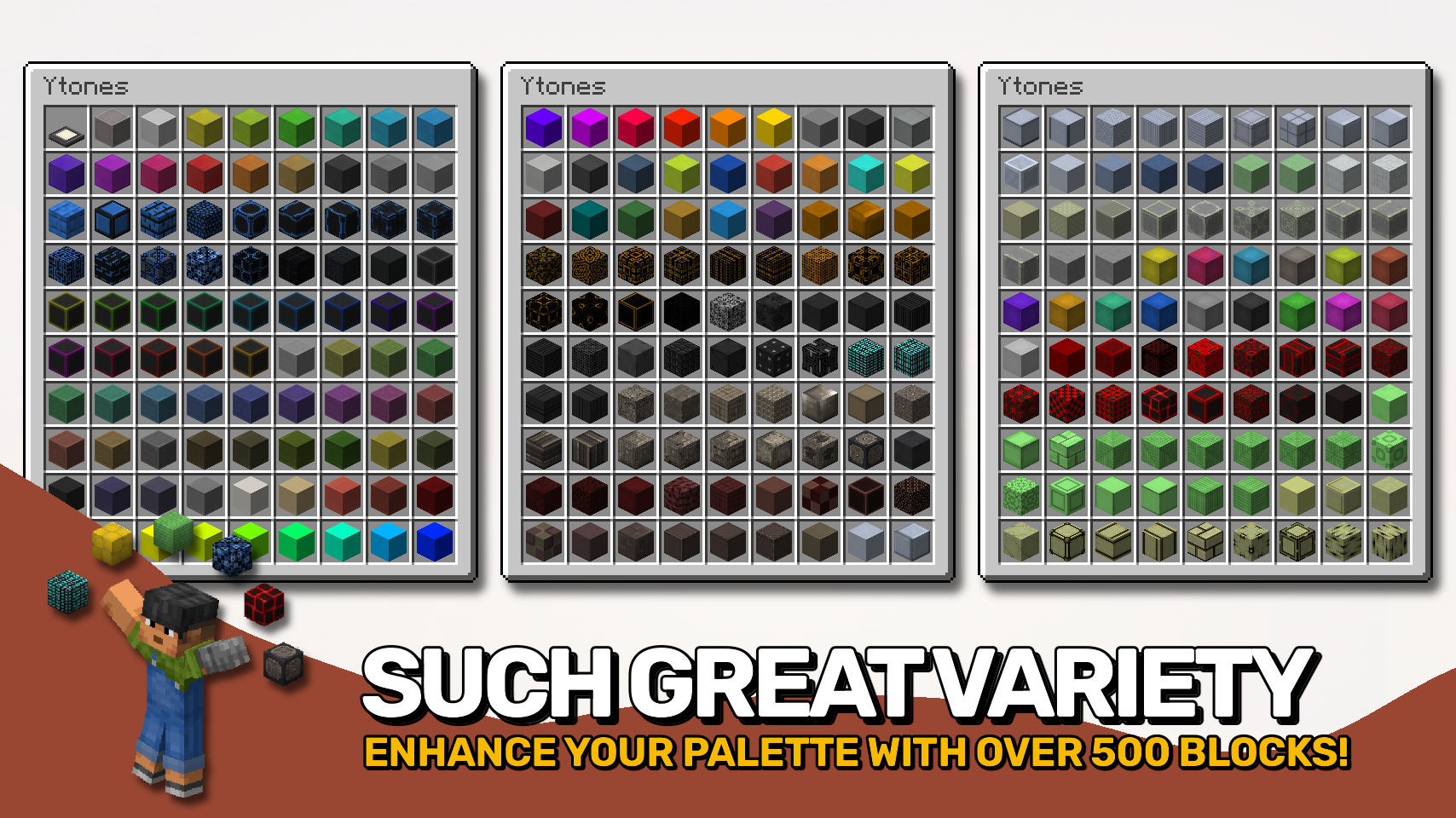
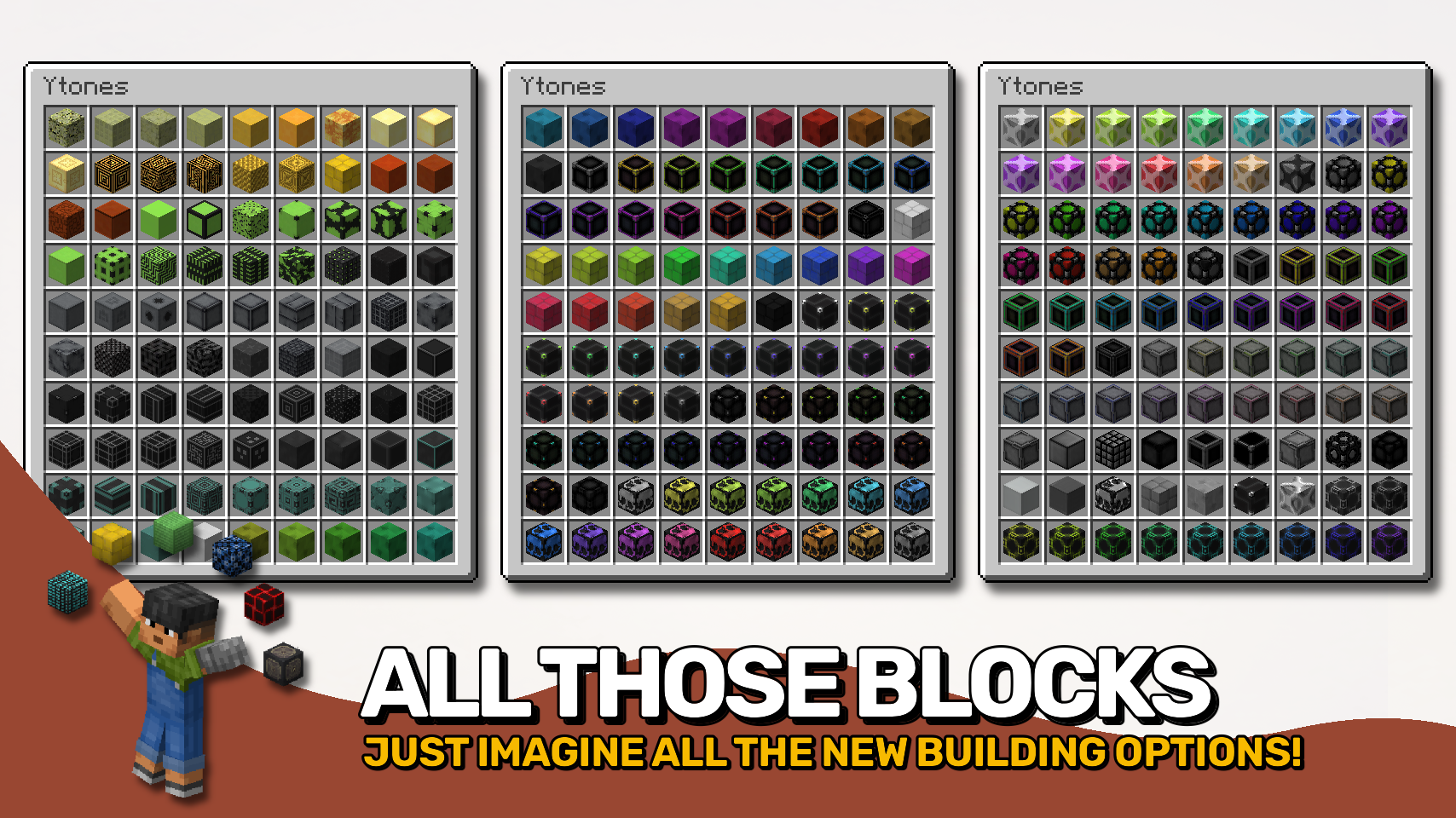
Many modern, futuristic and fantasy-styled decorative building blocks to enjoy. A continuation of Z/Xtones.
Screenshots

About this Mod
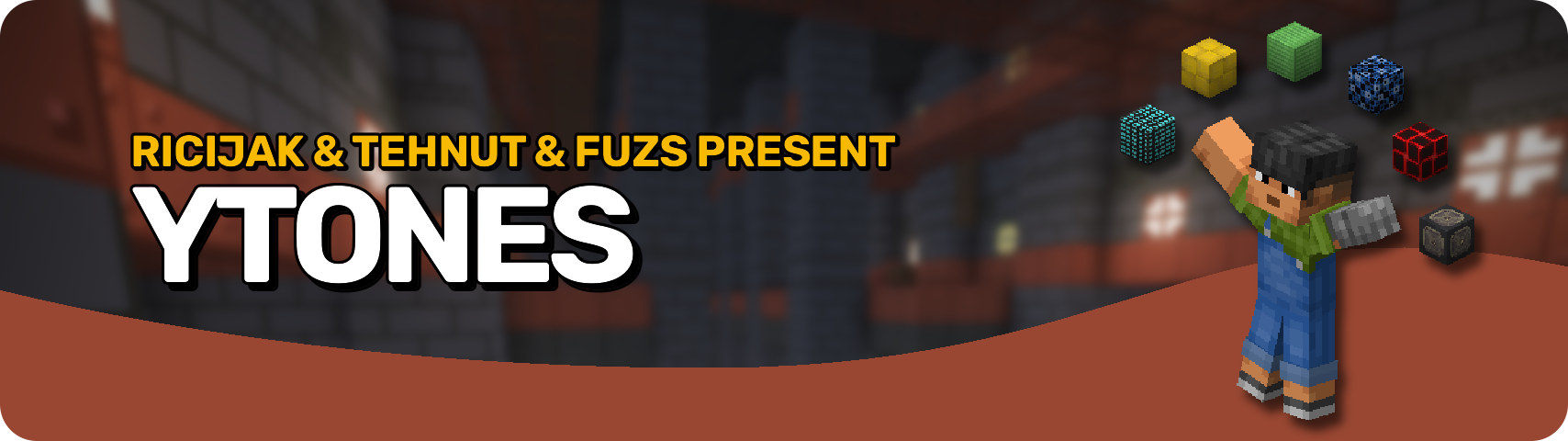








Ytones is the ultimate toolkit for builders who like their blocks sleek, futuristic, and endlessly versatile. 🧱 With dozens of stone-like block sets — each featuring 16 stylish variations — you'll never run out of ways to spice up your builds. Whether you're designing a sci-fi lab, a modern metropolis, or just want something cooler than cobblestone, this mod has you covered. 💡
Craft the base blocks using a key ingredient, then use the stonecutter to access all variations — or even better, cycle them on the fly right in your hotbar! 🔄 Just use two keys (G and H by default) to cycle through styles, hold Alt and scroll (fully configurable), or tap the hotbar key again (1–9) to swap instantly. No menus, no mess — just building flow. 🛠️
Perfect for survival bases and creative builds that don't look like they were made in 2011. 💅 Whether you're an aesthetic perfectionist or just love having options, this mod helps you build smarter, faster, and without the inventory clutter. ✨


⏩ INSTALLATION REQUIRED ON CLIENT & REQUIRED ON SERVER
⏩ REQUIRES PUZZLES LIB TO BE INSTALLED (FABRIC & NEOFORGE)
⏩ REQUIRES FABRIC API TO BE INSTALLED (FABRIC)
⏩ REQUIRES FORGE CONFIG API PORT TO BE INSTALLED (FABRIC)

If available for a mod, configuration is possible directly from in-game using the mod menu (requires Mod Menu by Prospector to be installed on Fabric). Please note that on older Minecraft versions installing Forge Config Screens is also a requirement.
For manual configuration using an external text editor all files are found at .minecraft/config, named as MOD_ID-client.toml, MOD_ID-common.toml, or MOD_ID-server.toml, depending on the type of config. Not all types might exist for a mod, if any at all.

🌟 Huge thanks to RiciJak for creating the original Ztones mod with all those amazing textures.
🌟 Huge thanks to TehNut for picking up the mod as Xtones and polishing it for modern Minecraft versions.


Available Versions
How to Install Ytones on Your Server
Order Server
Order a Minecraft Java server with at least 3 GB RAM (4 GB recommended).
Set fabric Loader
In the panel under "Egg", select the fabric loader and matching Minecraft version (1.21.10).
Install Mod
Open the mod browser in the dashboard and search for "Ytones". Click "Install" – done! Alternatively, upload the .jar via SFTP to the /mods folder.
Compatibility
Mod Loaders
Minecraft Versions
1.21.10, 1.21.9, 1.21.8 (+8 more)
Server-side
✓ RequiredRecommended RAM
4 GB(min. 3 GB)Frequently Asked Questions
Ytones server crashes on startup – what to do?
Most common cause: wrong fabric version or insufficient RAM. Check the server log (latest.log) for "OutOfMemoryError" or "Mixin" errors. With Mado Hosting: ensure at least 3 GB RAM is allocated and the loader matches the mod version (1.21.10). You can switch loaders with one click in the panel.
Is Ytones compatible with fabric and forge and neoforge?
Ytones officially supports fabric, forge, neoforge for Minecraft 1.21.10, 1.21.9, 1.21.8. Note: Forge and Fabric mods are NOT cross-compatible – pick one loader and stick with it. The Mado dashboard automatically detects incompatible loader combinations.
Server lagging with Ytones – how to optimize performance?
Recommended RAM: 4 GB (per 8 players). Use /spark profiler to check if Ytones consumes the most tick time. Common fixes: reduce server view-distance to 8-10, install "performant" or "starlight" as supplementary mods on Forge. With Mado Hosting, your server runs on NVMe SSDs with dedicated CPU cores for minimal latency.
Similar Mods

![[ETF] Entity Texture Features](https://cdn.modrinth.com/data/BVzZfTc1/af683d206d50b05258d865b0d6e4aa2f2cee12f2_96.webp)
![[EMF] Entity Model Features](https://cdn.modrinth.com/data/4I1XuqiY/6e5bbd0d06b1741bfdab6c0cfab6de8fdaf0064c_96.webp)



Rent Modded Server
Install Ytones with just one click on your server.