
Zoomify (Zoom)
A zoom mod with infinite customizability.
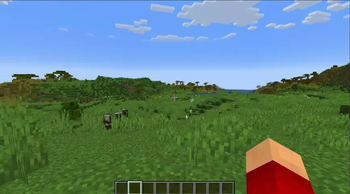
Screenshots
About this Mod

Zoomify






A zoom mod with infinite customizability.
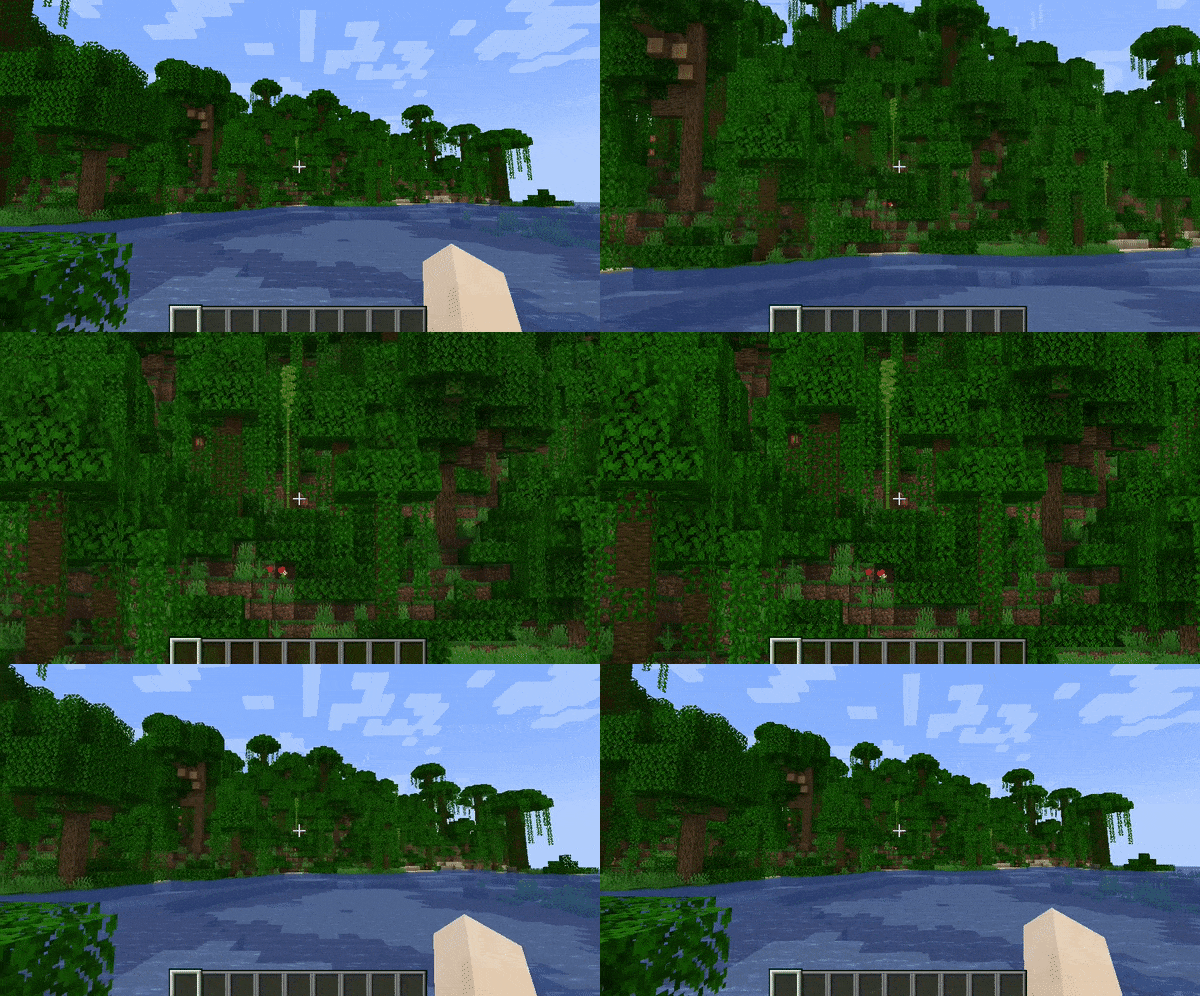
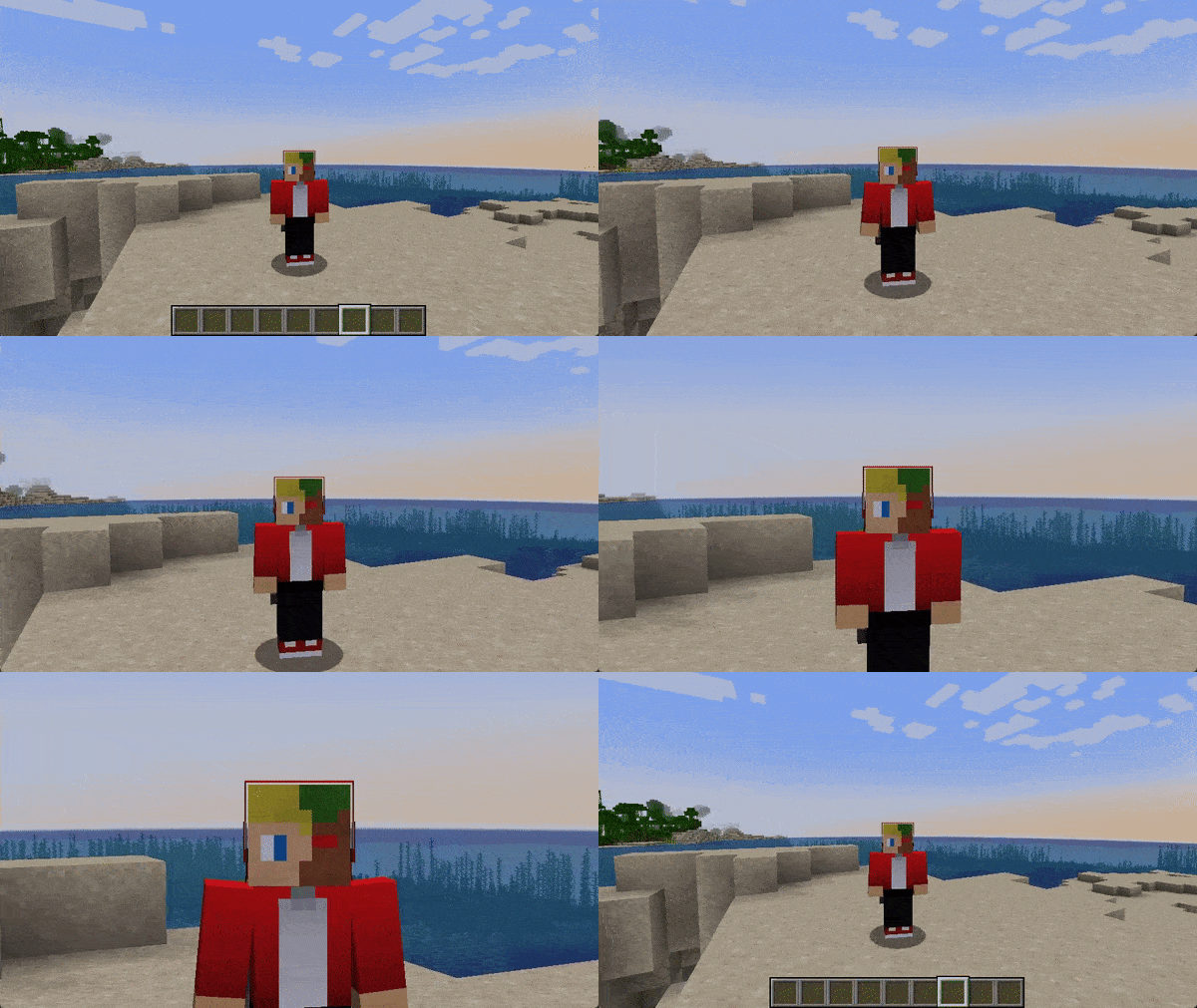
Zoomify aims to provide the easiest, most configurable and most sexy looking zoom mod you will ever find.
How to use
Keybind
Initially, Minecraft has a keybind that overrides Zoomify by default.
Go to the controls menu and make sure the Zoomify keybind (default C)
isn't conflicting (goes red).
Open settings menu
You can access the settings menu with two ways.
- The client command
/zoomify - Mod Menu settings button
Features
Scroll Zoom
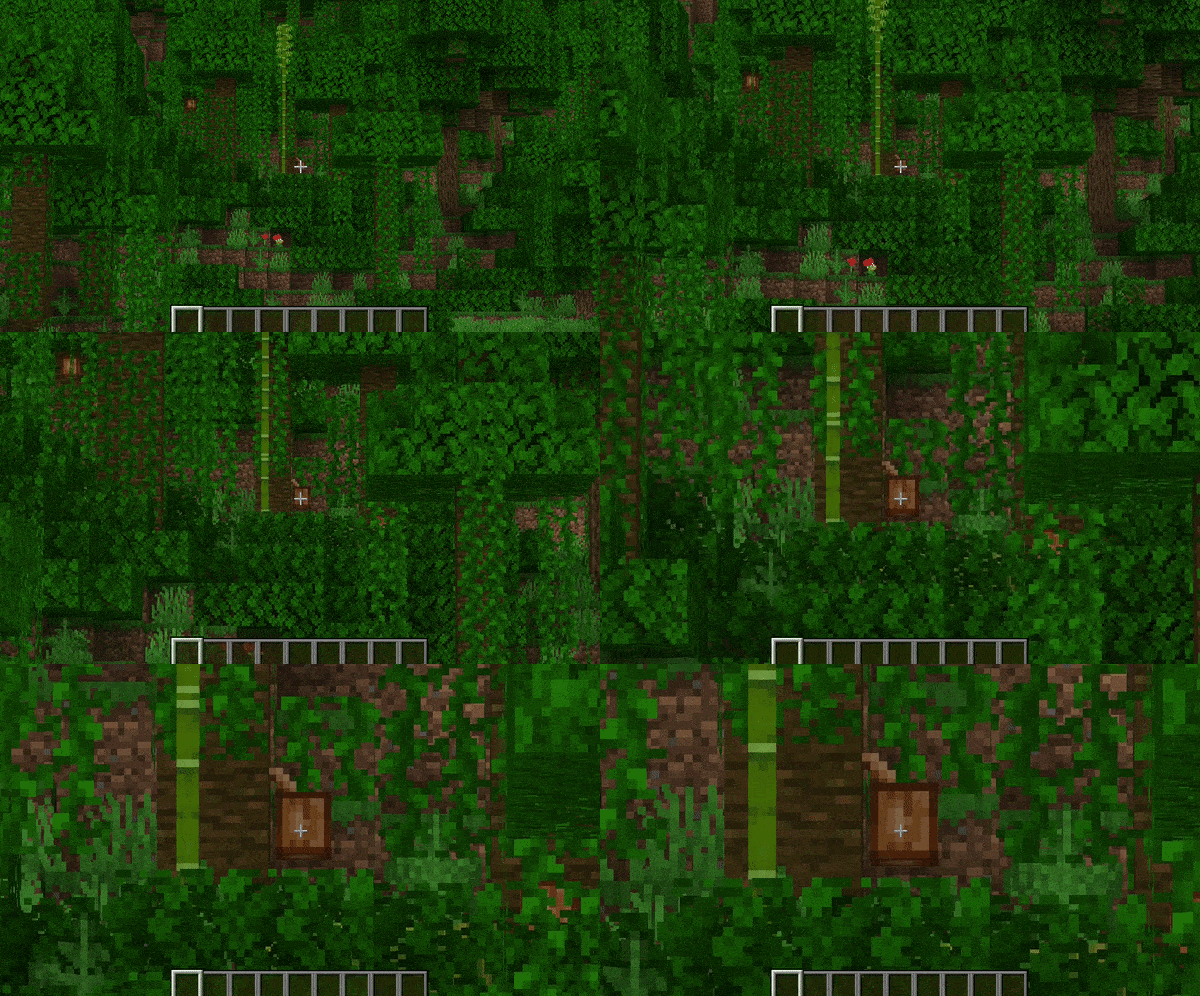
You can zoom in further using your scroll wheel.
Spyglass Integration
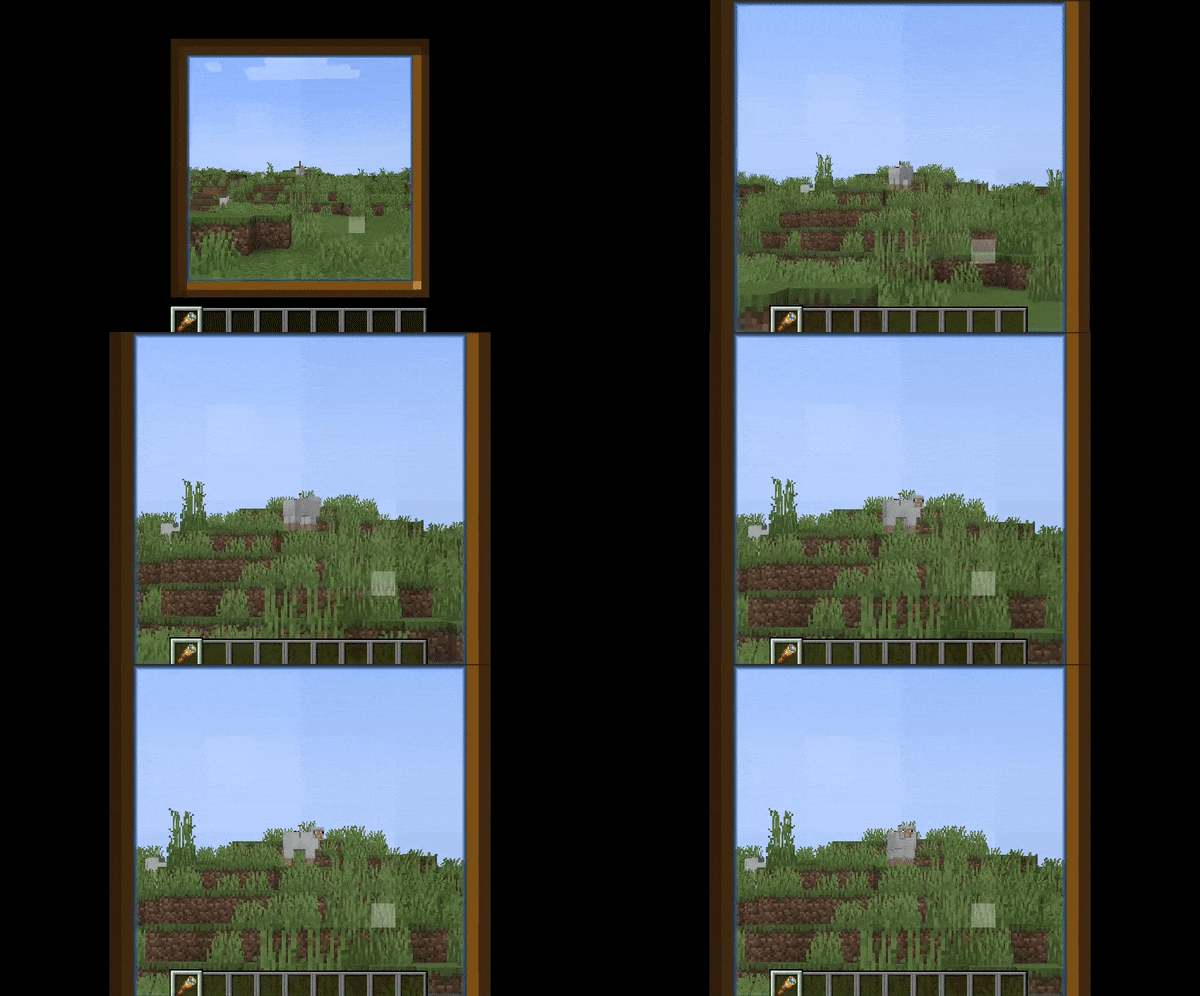
You can configure Zoomify to only be able to zoom in when you are holding or carrying a spyglass.
Or even just override the spyglass zoom with Zoomify!
Show the spyglass overlay and play spyglass sound effects when using Zoomify.
Transitions
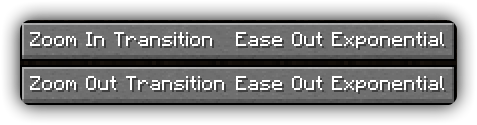
14 different transitions to choose from!
- Instant
- Linear
- Ease in Sine
- Ease out Sine
- Ease in/out Sine
- Ease in Quad
- Ease out Quad
- Ease in/out Quad
- Ease in Cubic
- Ease out Cubic
- Ease in/out Cubic
- Ease in Exponential
- Ease out Exponential
- Ease in/out Exponential
You can even pick what transition you would like for zooming in and out individually!
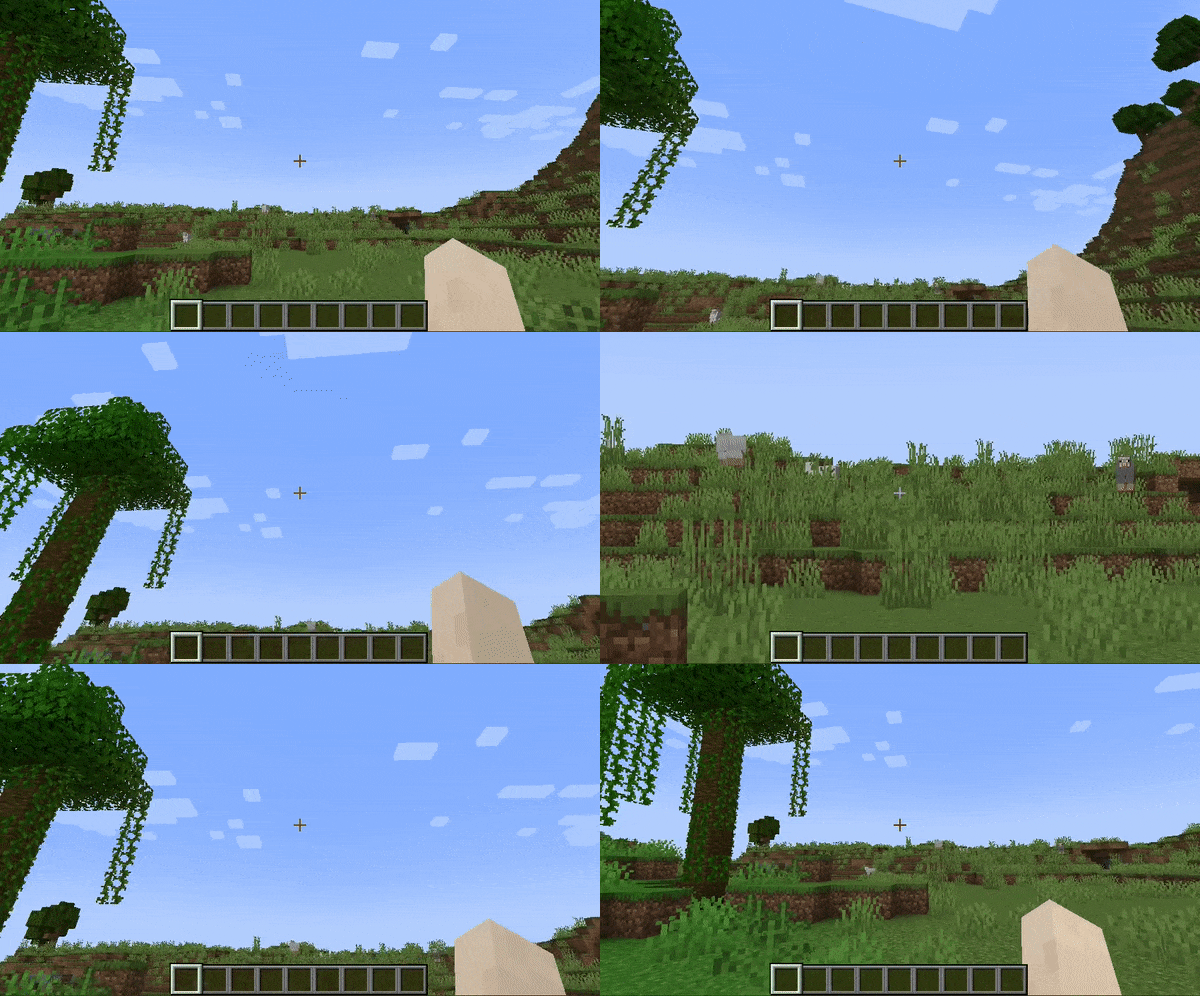
Relative Sensitivity
Reduce your mouse sensitivity based on the amount of zoom,
so you have fine control over your player.
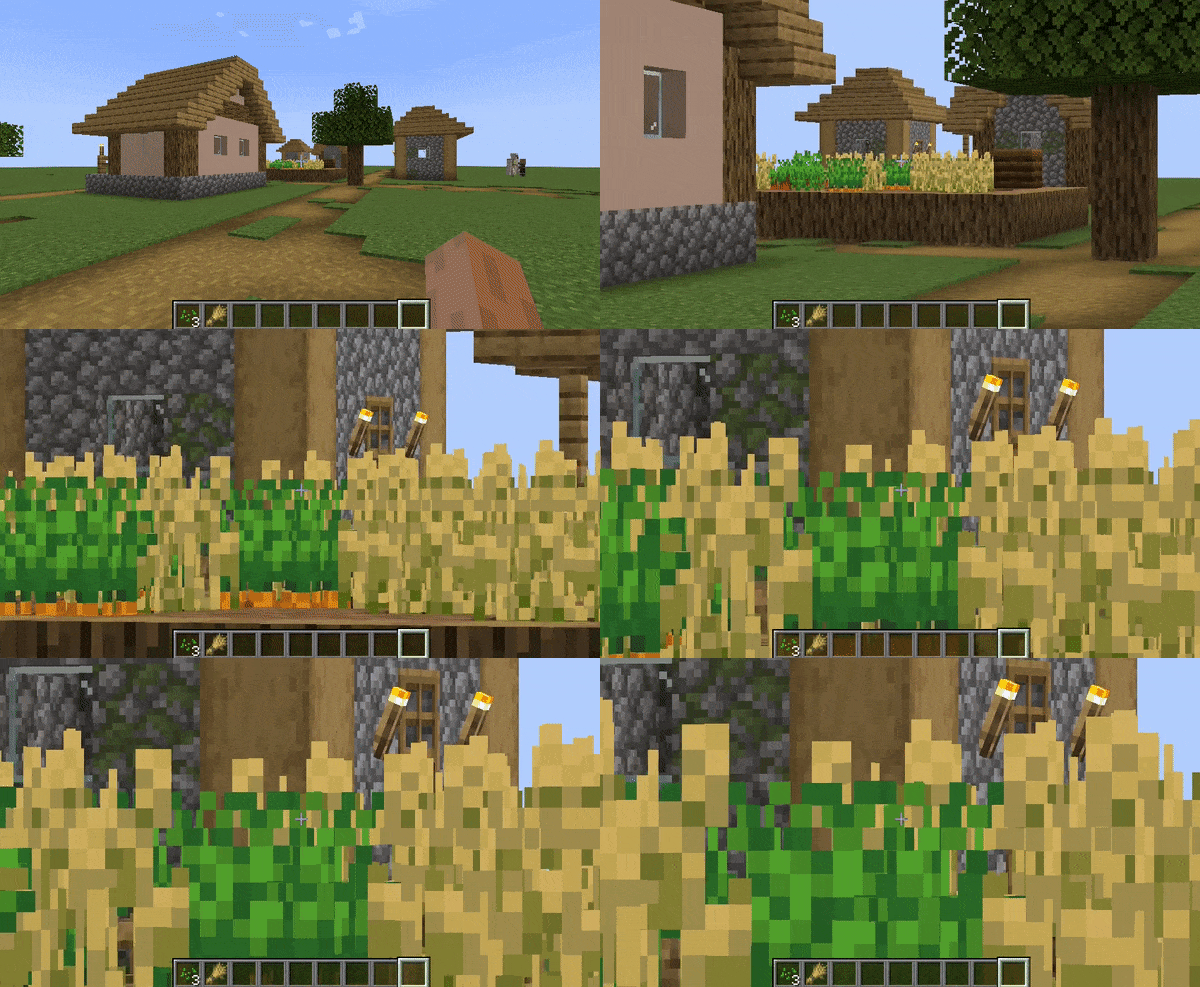
Relative View Bobbing
Reduce the view bobbing effect based on the amount of zoom,
so you can walk and zoom at the same time!
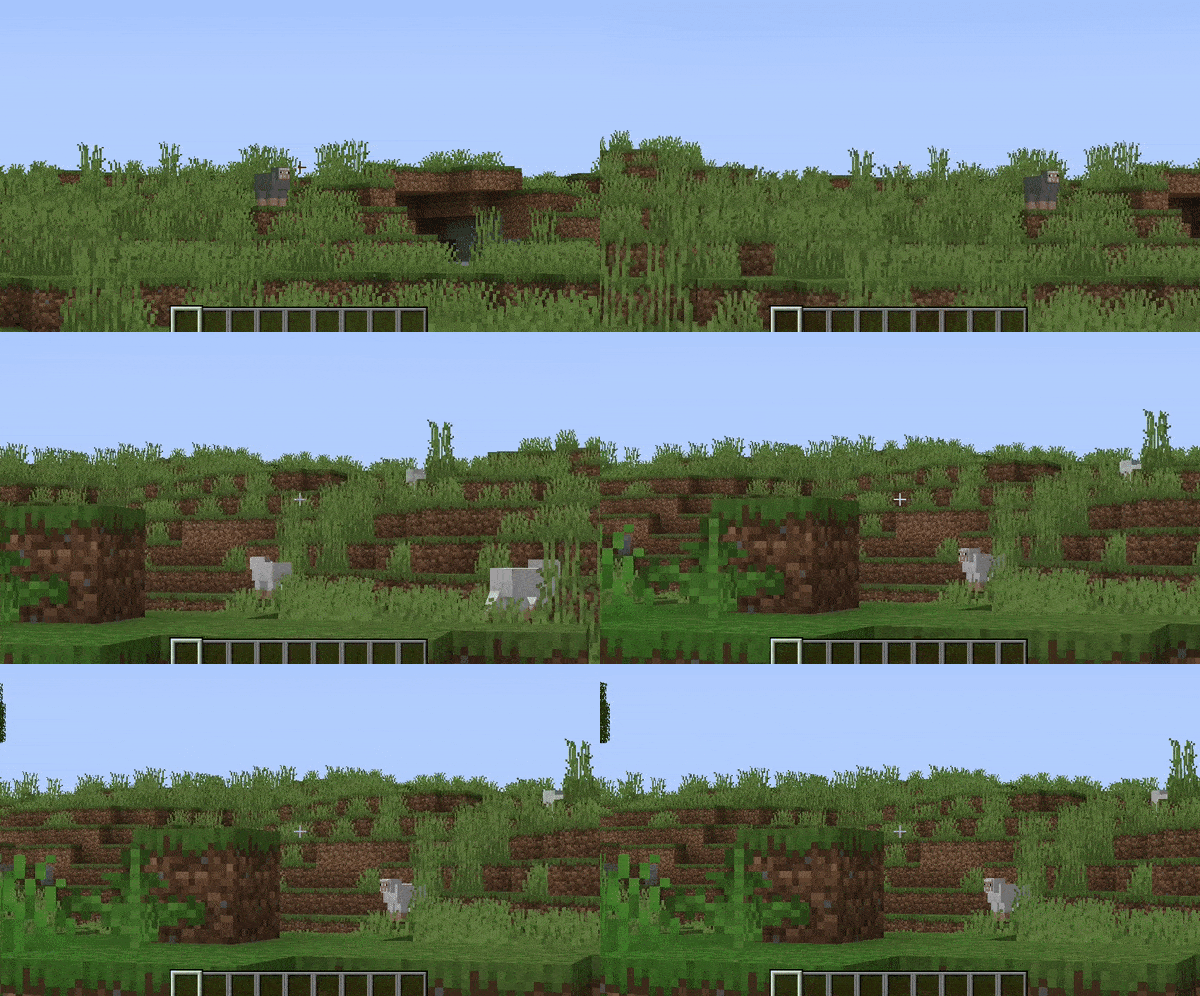
Cinematic Camera
Make the mouse/camera smooth, like the zoom in OptiFine.
Affect Hand FOV
Turn off this setting to prevent your hand from also being zoomed in!

Secondary Zoom
Completely separate zoom from normal Zoomify.
Aimed for content creators, features Hide HUD While Zooming option and longer zoom in times.
Presets
You can reset to default, make Zoomify behave like OptiFine and others!
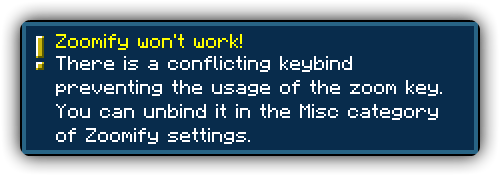
Smart Keybinding Detection
On first launch, if a keybinding is conflicting with Zoomify's zoom, a notification will appear notifying them of this.
Highly configurable
Absolutely NO hard-coded values. Everything about your zoom is configurable!
Control the zoom speed with seconds
Instead of some stupid arbitrary value such as zoom speed, you can pick
the exact amount of seconds it will take to zoom in, with a separate setting for zooming out.
Credits
Translators
Languages in alphabetical order
- 神枪968 - 简体中文 / Chinese (Simplified)
- Xander - English (United Kingdom)
- Madis0 - eesti keel / Estonian
- co-91 - 日本語 / Japanese
- Rodrigo Appelt - Português / Portuguese
- SyberiaK - Русский / Russian
- Felix14-v2 - Русский / Russian
- Zetsphiron - Español (mexicano) / Spanish (Mexico)
- Zetsphiron - Español (españa) / Spanish (Spain)
- localfossa - Türkçe / Turkish
- Im Vietnam - Tiếng Việt / Vietnamese
Available Versions
How to Install Zoomify (Zoom) on Your Server
Order Server
Order a Minecraft Java server with at least 3 GB RAM (4 GB recommended).
Set fabric Loader
In the panel under "Egg", select the fabric loader and matching Minecraft version (26.1.2).
Install Mod
Open the mod browser in the dashboard and search for "Zoomify (Zoom)". Click "Install" – done! Alternatively, upload the .jar via SFTP to the /mods folder.
Compatibility
Mod Loaders
Minecraft Versions
26.1.2, 26.1.1, 26.1 (+27 more)
Server-side
✗ UnsupportedRecommended RAM
4 GB(min. 3 GB)Frequently Asked Questions
Zoomify (Zoom) server crashes on startup – what to do?
Most common cause: wrong fabric version or insufficient RAM. Check the server log (latest.log) for "OutOfMemoryError" or "Mixin" errors. With Mado Hosting: ensure at least 3 GB RAM is allocated and the loader matches the mod version (26.1.2). You can switch loaders with one click in the panel.
Is Zoomify (Zoom) compatible with fabric and quilt?
Zoomify (Zoom) officially supports fabric, quilt for Minecraft 26.1.2, 26.1.1, 26.1. The Mado dashboard automatically detects incompatible loader combinations.
Server lagging with Zoomify (Zoom) – how to optimize performance?
Recommended RAM: 4 GB (per 8 players). Use /spark profiler to check if Zoomify (Zoom) consumes the most tick time. Common fixes: reduce server view-distance to 8-10, install "performant" or "starlight" as supplementary mods on Forge. With Mado Hosting, your server runs on NVMe SSDs with dedicated CPU cores for minimal latency.
Similar Mods




![[ETF] Entity Texture Features](https://cdn.modrinth.com/data/BVzZfTc1/af683d206d50b05258d865b0d6e4aa2f2cee12f2_96.webp)
![[EMF] Entity Model Features](https://cdn.modrinth.com/data/4I1XuqiY/6e5bbd0d06b1741bfdab6c0cfab6de8fdaf0064c_96.webp)
Rent Modded Server
Install Zoomify (Zoom) with just one click on your server.