
Zxygo's Anchor Util
Anchor Util that helps you learn how anchors work and the damage you can take at different positions relative to a anchor and different armor and enchantments
Screenshots
About this Mod
Business email: [email protected] |
Business discord: zxygomc.mod
Open to partnerships/sponsors ^
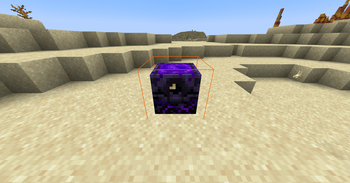
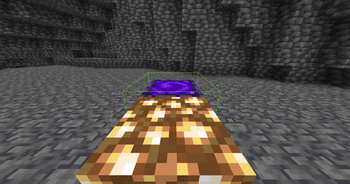
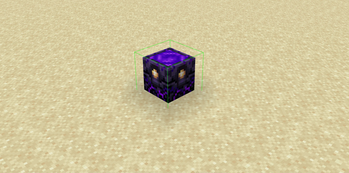
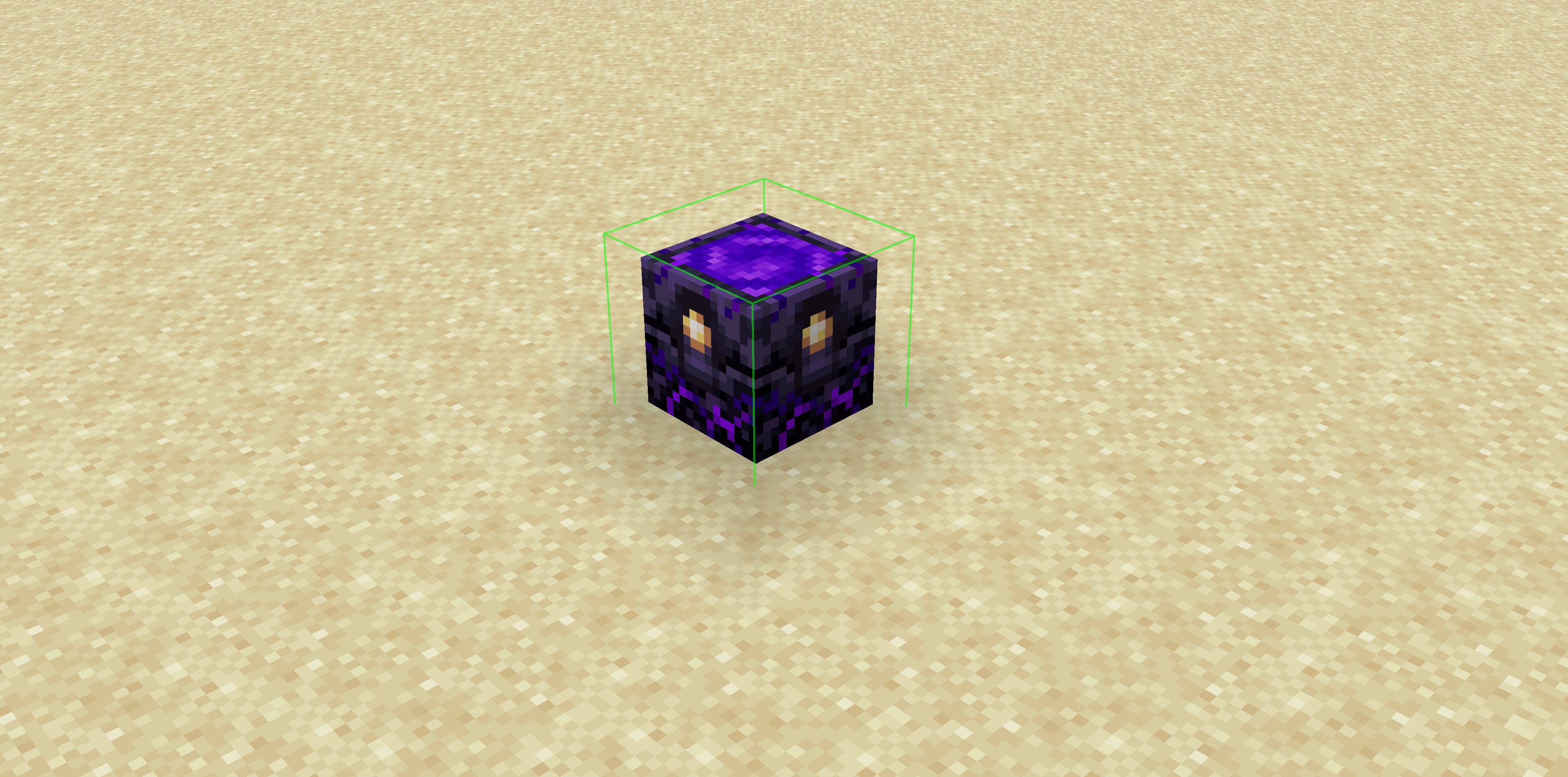
Zxygo's Anchor Util is a utility mod that shows people a relative damage indicator of a anchor comapred to the position and distance of a player compared to a anchor, along with taking in factors like the armor and enchantments a player is using. It shows a simple box outline that changes color depending on your relative position and distance, along with armor and enchantments, and it allows for many uses.
Check out my other mod: Zxygo's Crystal Util
NOTE: This mod may be seen as cheating on some servers and provides a unfair advantage. This mod is simply to be used as a learning tool for people getting into Crystal PVP. It exists as a tool that players can use, not a cheat. I don't support hacking or cheating of any kind
Features
Color-Coded Danger Levels
Red: (deadly)
Yellow: (dangerous)
Green: (safe)
Fully Customizable
- Toggle the indicator on/off anytime
Clean & Optimized
Minimal performance impact
Works seamlessly in multiplayer
Mod Menu Integration
- Simple Mod Menu Integration
How It Works
Zxygo's Anchor Util analyzes the position and distance of anchors relative to your player, along with the other factors like blocks placed between you and the anchor, armor, and enchantments like protection on the armor. This allows for a calculation for the indicator and then a color depending on the calculation.
For example, if you have a obsidian block in front of the anchor between you, then it will be a green (least damage).
Available Versions
How to Install Zxygo's Anchor Util on Your Server
Order Server
Order a Minecraft Java server with at least 3 GB RAM (4 GB recommended).
Set fabric Loader
In the panel under "Egg", select the fabric loader and matching Minecraft version (1.21.4).
Install Mod
Open the mod browser in the dashboard and search for "Zxygo's Anchor Util". Click "Install" – done! Alternatively, upload the .jar via SFTP to the /mods folder.
Compatibility
Mod Loaders
Minecraft Versions
1.21.4, 1.21.1, 1.21
Server-side
✗ UnsupportedRecommended RAM
4 GB(min. 3 GB)Frequently Asked Questions
Zxygo's Anchor Util server crashes on startup – what to do?
Most common cause: wrong fabric version or insufficient RAM. Check the server log (latest.log) for "OutOfMemoryError" or "Mixin" errors. With Mado Hosting: ensure at least 3 GB RAM is allocated and the loader matches the mod version (1.21.4). You can switch loaders with one click in the panel.
Is Zxygo's Anchor Util compatible with fabric?
Zxygo's Anchor Util officially supports fabric for Minecraft 1.21.4, 1.21.1, 1.21. The Mado dashboard automatically detects incompatible loader combinations.
Server lagging with Zxygo's Anchor Util – how to optimize performance?
Recommended RAM: 4 GB (per 8 players). Use /spark profiler to check if Zxygo's Anchor Util consumes the most tick time. Common fixes: reduce server view-distance to 8-10, install "performant" or "starlight" as supplementary mods on Forge. With Mado Hosting, your server runs on NVMe SSDs with dedicated CPU cores for minimal latency.
Similar Mods




Rent Modded Server
Install Zxygo's Anchor Util with just one click on your server.