Aeromatic: Cafe in the Sky
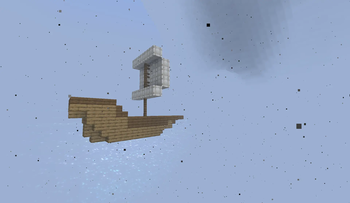
Explore the Skylands with Gliders and Airships
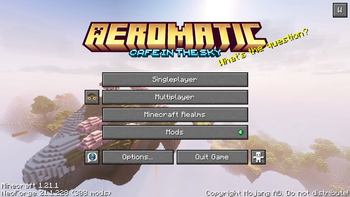
Screenshots
Über dieses Modpack
Build an Airship, Explore the Skylands, Master the Skies
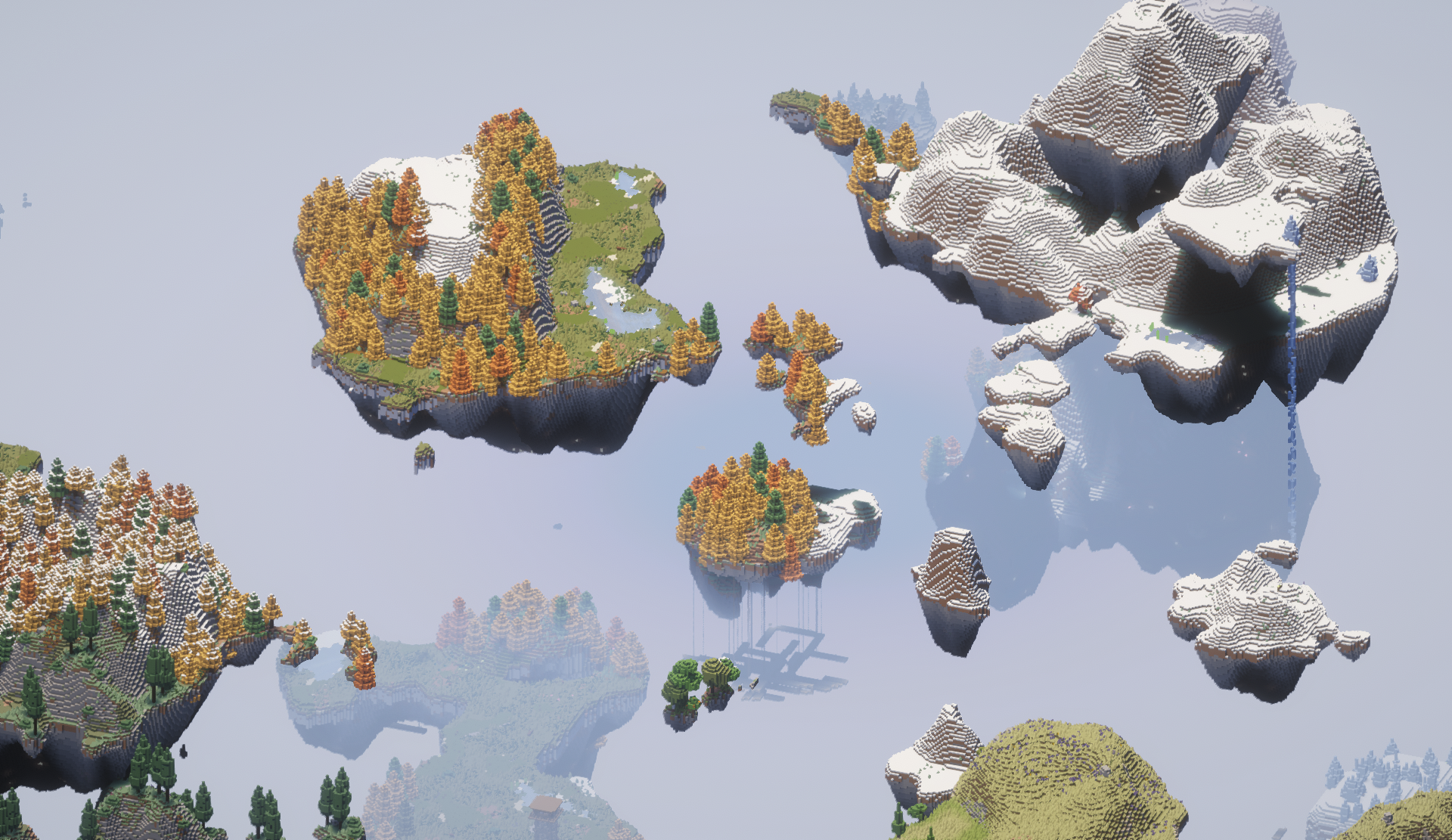
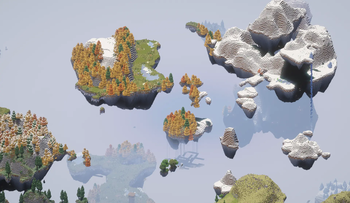
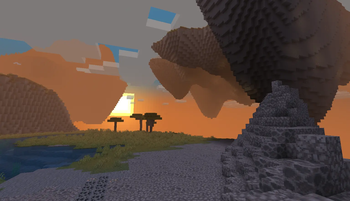
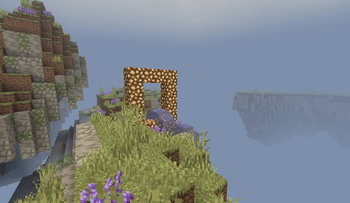
This pack combines the impressive landscapes of Aetherial Islands with the potential of Create: Aeronautics to give you a wide open world perfectly suited for sky travel!
Airships
This modpack has an assortment of Create addons to further enrich your Aeromatic journey.
- Big Cannons, bringing battle straight to the skies! Collect a crew, and pillage the heavens together!
- Create Escalated, the perfect way to bring players up to any landing platform
- Ars Creo and Applied Kinetics, helping bridge the gaps between Create and Ars Nouveau and Applied Energistics
- Create Deco, adding further customization to those ships bound for the skies
Casual Play
More interested in settling down? There's plenty of furniture and farming mods for you to make any island your home!
- Handcrafted
- Another Furniture
- Let's Do Furniture
- Cluttered
- Croptopia
- Let's Do Vinery
- Kaleidoscope Cookery
- Kaleidoscope Tavern
Play With Friends
Aeromatics is intended as a social experience, with in-game voice chat, the ability to send mail to your friends, Exposure to document your adventures, and additional mods to assist with server administration!
Server Admin Mods
- Chunky for pre-generating the world
- Grief Logger
- Maintenance Mode
- Lootr
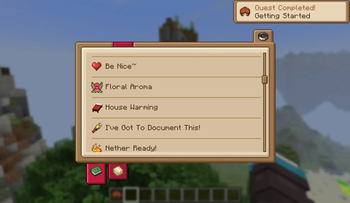
Enjoy exploring these vast skylands, find new flowers and mushrooms from Serene Shrubbery and Mushroom Quest, document the flora and fauna with Field Guide, and progress through a full questline created using QuestLog!
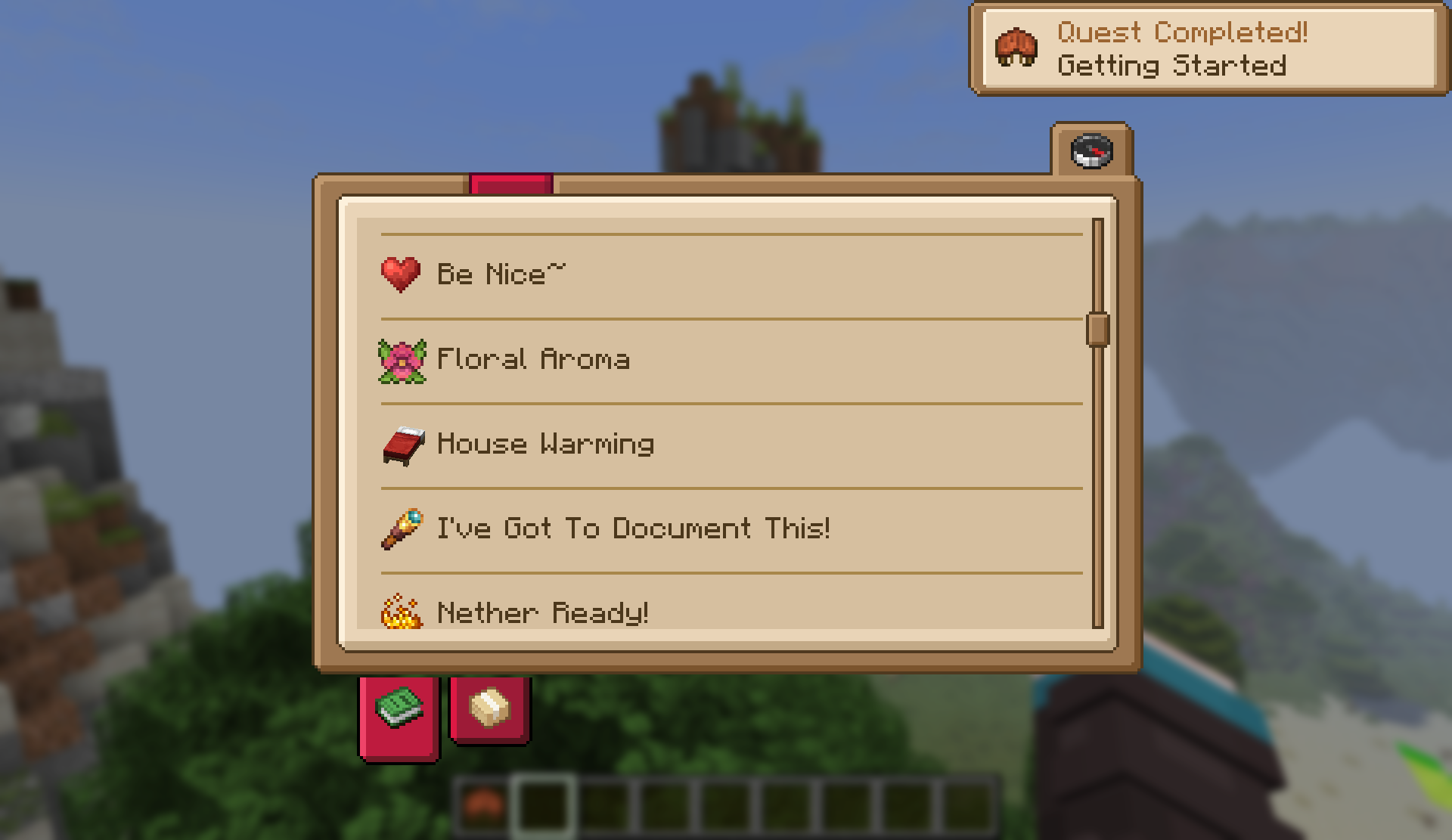
Plus plenty more to find and explore!
maybe even an alternate sky dimension...
Modlist Overview
Major mods not previously listed above:
Aether
Utility & QoL
- Context Tool Swapping
- Sun Fade
- Bobby
- Bridging Mod
- What Are They Up To
- Party Creepers
- Sophisticated Backpacks
- 3D Skin Layers
- AFK Cinematics
- Supplementaries
- Supplementaries 2
- Amendments
- Apple Skin
- Better Clouds
- Corpse
- Forgiving Void
- Gliders
Decor
Flora and Fauna
- Crop Critters
- Longwings
- Critters and Companions
- Golem Overhaul
- Ghosts
- Better Archeology
- Variants & Ventures
Lets Do
Kaleidoscope
EMI
Ars Nouveau
Create
Verfügbare Versionen
Aeromatic: Cafe in the Sky Server einrichten
Server bestellen
Wähle mindestens 6 GB RAM (8 GB empfohlen für Aeromatic: Cafe in the Sky). Je nach Spieleranzahl: +1 GB pro 5 Spieler.
Modpack im Dashboard installieren
Öffne den Modpack-Browser im Dashboard, suche nach "Aeromatic: Cafe in the Sky" und klicke "Installieren". Der neoforge-Loader und Minecraft 1.21.1 werden automatisch konfiguriert.
Server starten & spielen
Starte den Server – alle Mods werden automatisch geladen. Teile die Server-IP mit Freunden und spielt zusammen!
Häufige Fragen
Aeromatic: Cafe in the Sky Server crasht oder startet nicht – was tun?
Häufigste Ursachen: zu wenig RAM oder falscher neoforge-Loader. Prüfe latest.log auf "OutOfMemoryError" → erhöhe RAM auf mindestens 8 GB. Bei "Mixin" oder "ClassNotFoundException": Modpack-Version und Loader stimmen nicht überein. Bei Mado Hosting werden Loader und Minecraft-Version beim Modpack-Install automatisch konfiguriert – das verhindert die meisten Startprobleme.
Wie viel RAM braucht ein Aeromatic: Cafe in the Sky Server wirklich?
Minimum 6 GB, empfohlen 8 GB für stabile Performance. +1 GB pro 5 Spieler. Wichtig: Minecraft-Modpacks brauchen mehr RAM als Vanilla – plane pro zusätzlichem Spieler extra ein. Bei Mado Hosting kannst du den RAM jederzeit live hochskalieren, ohne Datenverlust (ab €7.800000000000001/Monat).
Kann ich eigene Mods zu Aeromatic: Cafe in the Sky hinzufügen, ohne Konflikte?
Ja, aber achte auf die Kompatibilität: Nutze nur Mods für den gleichen Loader (neoforge) und die gleiche Minecraft-Version (1.21.1). Häufige Probleme: ID-Konflikte bei Rezept-Mods und inkompatible Coremod-Versionen. Im Mado Dashboard zeigt der Mod-Browser nur kompatible Mods an und warnt bei bekannten Konflikten.
Aeromatic: Cafe in the Sky Server laggt – Performance-Tipps
1) RAM auf 8 GB+ erhöhen. 2) Server-View-Distance auf 8 reduzieren (server.properties). 3) Pre-Generiere Chunks mit dem "Chunky" Plugin. 4) Prüfe mit /spark profiler welche Mods die meiste Tick-Time verbrauchen. Bei Mado Hosting laufen alle Server auf NVMe-SSDs mit dedizierten CPU-Kernen – das eliminiert Hardware als Engpass.
Ähnliche Modpacks
![Cobblemon Official Modpack [Fabric]](https://cdn.modrinth.com/data/5FFgwNNP/e7f9ee2e9d361623847853fe2ddce42f519ee64f.png)
![COBBLEVERSE - Pokemon Adventure [Cobblemon]](https://cdn.modrinth.com/data/Jkb29YJU/581ecf54530972afb18a04660afd820f2f24f6c7.png)
![Better MC [FABRIC] - BMC2](https://cdn.modrinth.com/data/shFhR8Vx/a19c2bcb51d38f32f138d3607e91cb2b7b8e387f_96.webp)


![Better MC [FORGE] - BMC4](https://cdn.modrinth.com/data/4BV47HRn/7f5ef7cc61b2593609aabef3ed07a866a4f11b73_96.webp)

Aeromatic: Cafe in the Sky Server mieten
Starte deinen eigenen Server mit automatischer Modpack-Installation.
Unterstützte Versionen
Starte deinen Aeromatic: Cafe in the Sky Server jetzt
Ab €7.80/Monat; für die beste Performance werden 8 GB RAM empfohlen.
Server konfigurieren →