Aeromatic: Cafe in the Sky
Explore the Skylands with Gliders and Airships
Screenshots
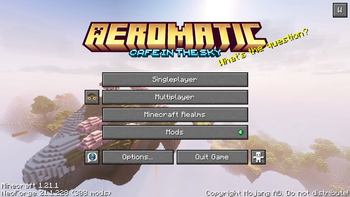
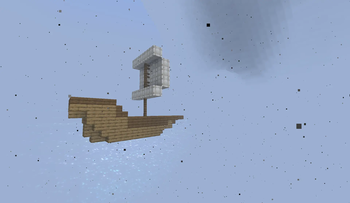
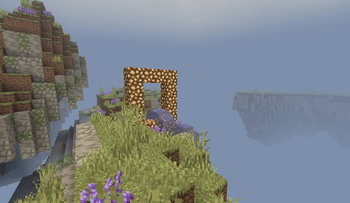
About this Modpack
Build an Airship, Explore the Skylands, Master the Skies
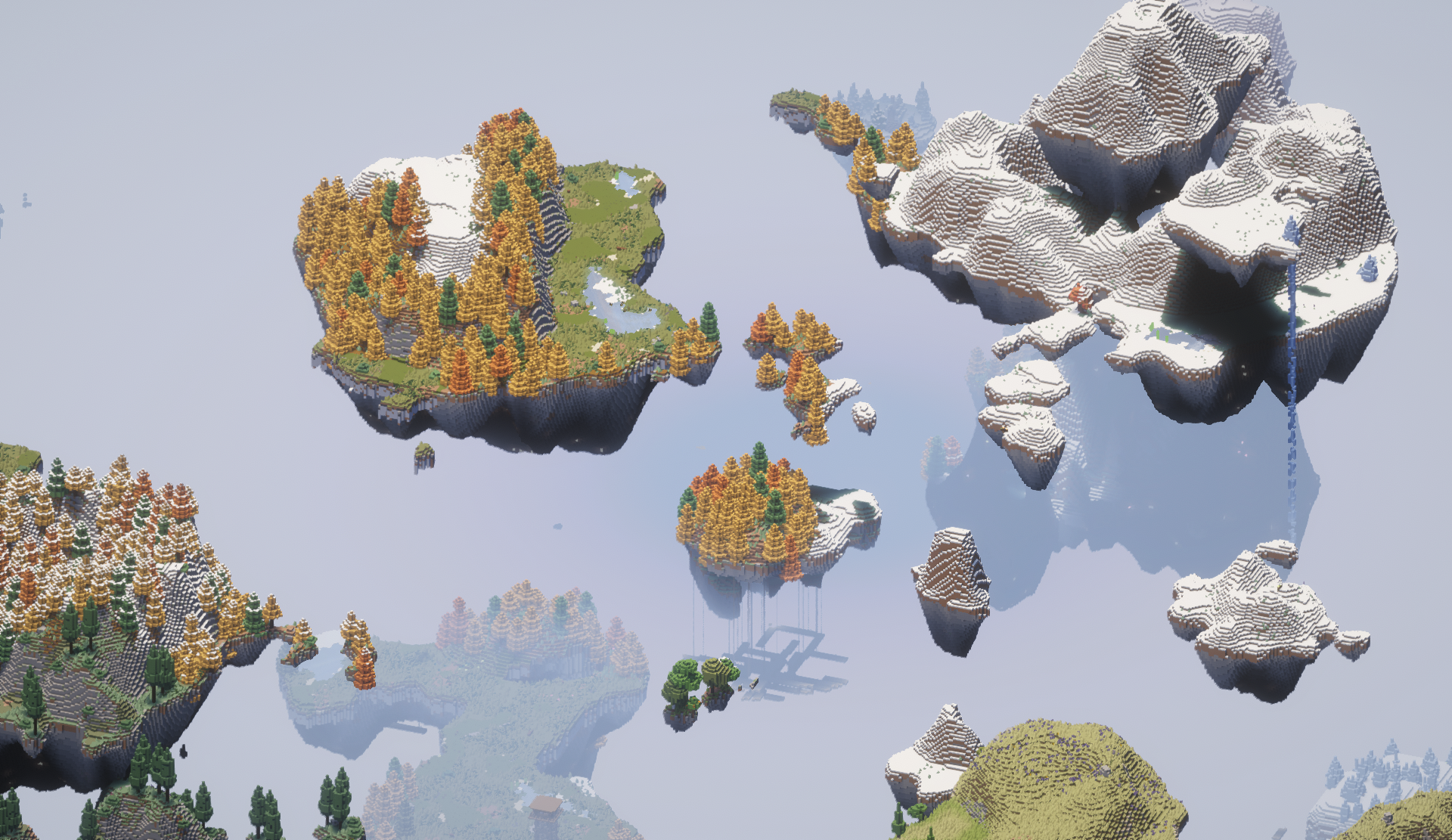
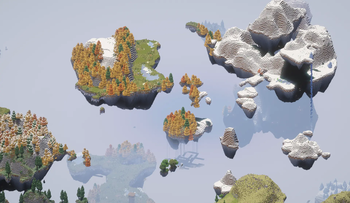
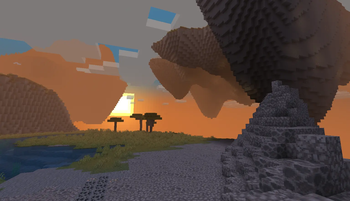
This pack combines the impressive landscapes of Aetherial Islands with the potential of Create: Aeronautics to give you a wide open world perfectly suited for sky travel!
Airships
This modpack has an assortment of Create addons to further enrich your Aeromatic journey.
- Big Cannons, bringing battle straight to the skies! Collect a crew, and pillage the heavens together!
- Create Escalated, the perfect way to bring players up to any landing platform
- Ars Creo and Applied Kinetics, helping bridge the gaps between Create and Ars Nouveau and Applied Energistics
- Create Deco, adding further customization to those ships bound for the skies
Casual Play
More interested in settling down? There's plenty of furniture and farming mods for you to make any island your home!
- Handcrafted
- Another Furniture
- Let's Do Furniture
- Cluttered
- Croptopia
- Let's Do Vinery
- Kaleidoscope Cookery
- Kaleidoscope Tavern
Play With Friends
Aeromatics is intended as a social experience, with in-game voice chat, the ability to send mail to your friends, Exposure to document your adventures, and additional mods to assist with server administration!
Server Admin Mods
- Chunky for pre-generating the world
- Grief Logger
- Maintenance Mode
- Lootr
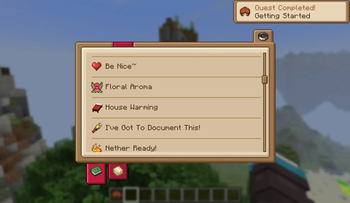
Enjoy exploring these vast skylands, find new flowers and mushrooms from Serene Shrubbery and Mushroom Quest, document the flora and fauna with Field Guide, and progress through a full questline created using QuestLog!
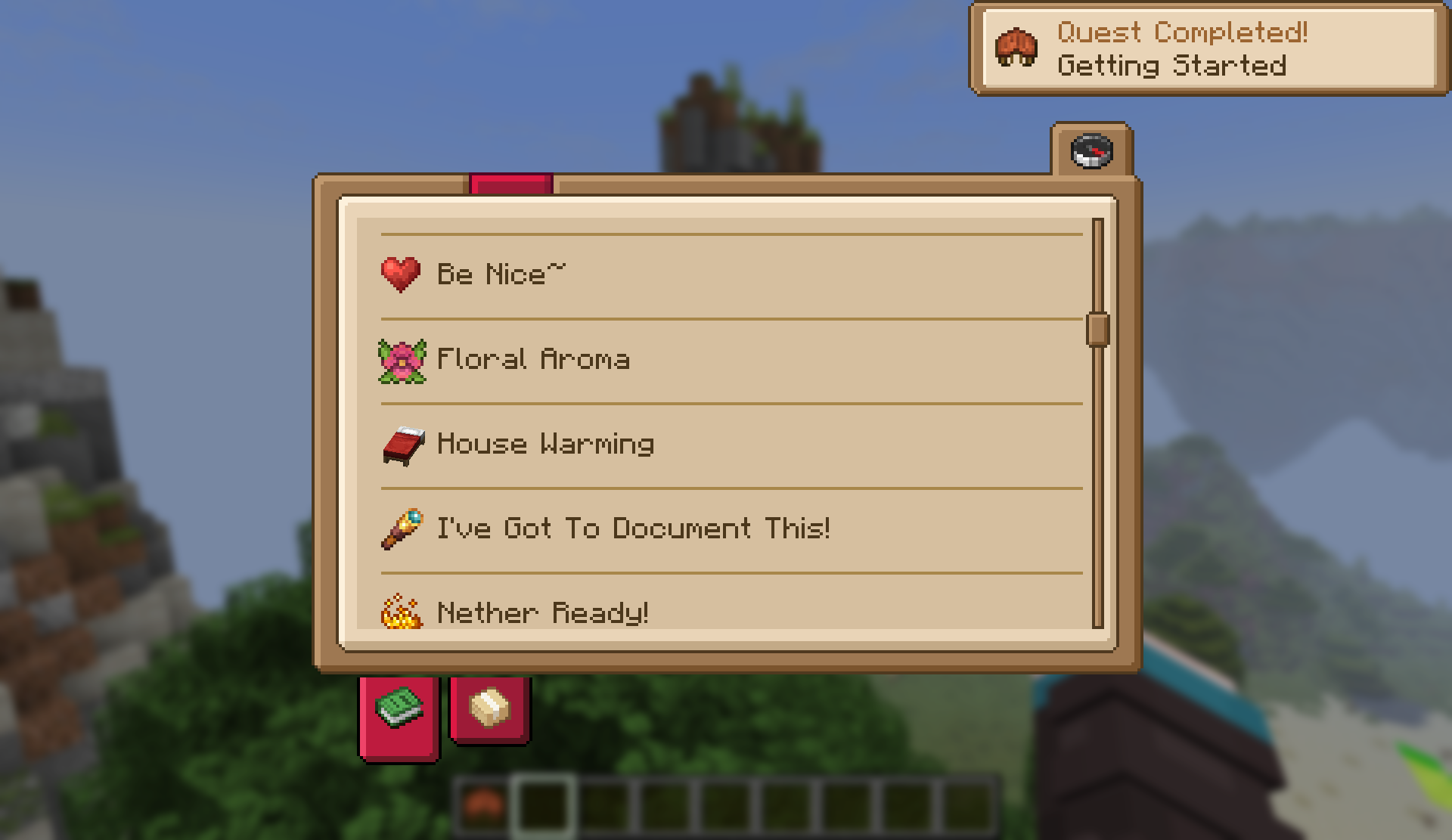
Plus plenty more to find and explore!
maybe even an alternate sky dimension...
Modlist Overview
Major mods not previously listed above:
Aether
Utility & QoL
- Context Tool Swapping
- Sun Fade
- Bobby
- Bridging Mod
- What Are They Up To
- Party Creepers
- Sophisticated Backpacks
- 3D Skin Layers
- AFK Cinematics
- Supplementaries
- Supplementaries 2
- Amendments
- Apple Skin
- Better Clouds
- Corpse
- Forgiving Void
- Gliders
Decor
Flora and Fauna
- Crop Critters
- Longwings
- Critters and Companions
- Golem Overhaul
- Ghosts
- Better Archeology
- Variants & Ventures
Lets Do
Kaleidoscope
EMI
Ars Nouveau
Create
Available Versions
How to Set Up a Aeromatic: Cafe in the Sky Server
Order Server
Choose at least 6 GB RAM (8 GB recommended for Aeromatic: Cafe in the Sky). Based on player count: per 5 players.
Install Modpack in Dashboard
Open the modpack browser in the dashboard, search for "Aeromatic: Cafe in the Sky" and click "Install". The neoforge loader and Minecraft 1.21.1 are configured automatically.
Start Server & Play
Start the server – all mods are loaded automatically. Share the server IP with friends and play together!
Frequently Asked Questions
Aeromatic: Cafe in the Sky server crashes or won't start – what to do?
Most common causes: insufficient RAM or wrong neoforge loader. Check latest.log for "OutOfMemoryError" → increase RAM to at least 8 GB. For "Mixin" or "ClassNotFoundException" errors: modpack version and loader don't match. With Mado Hosting, loader and Minecraft version are auto-configured on modpack install – preventing most startup issues.
How much RAM does a Aeromatic: Cafe in the Sky server really need?
Minimum 6 GB, recommended 8 GB for stable performance. per 5 players. Important: Minecraft modpacks need more RAM than vanilla – plan extra per additional player. With Mado Hosting, you can scale RAM up live at any time without data loss (from €7.800000000000001/month).
Can I add custom mods to Aeromatic: Cafe in the Sky without conflicts?
Yes, but check compatibility: only use mods for the same loader (neoforge) and same Minecraft version (1.21.1). Common issues: ID conflicts with recipe mods and incompatible coremod versions. The Mado dashboard mod browser only shows compatible mods and warns about known conflicts.
Aeromatic: Cafe in the Sky server lagging – performance tips
1) Increase RAM to 8 GB+. 2) Reduce server view-distance to 8 (server.properties). 3) Pre-generate chunks with the "Chunky" plugin. 4) Use /spark profiler to check which mods consume the most tick time. With Mado Hosting, all servers run on NVMe SSDs with dedicated CPU cores – eliminating hardware as a bottleneck.
Similar Modpacks
![Cobblemon Official Modpack [Fabric]](https://cdn.modrinth.com/data/5FFgwNNP/e7f9ee2e9d361623847853fe2ddce42f519ee64f.png)
![COBBLEVERSE - Pokemon Adventure [Cobblemon]](https://cdn.modrinth.com/data/Jkb29YJU/581ecf54530972afb18a04660afd820f2f24f6c7.png)
![Better MC [FABRIC] - BMC2](https://cdn.modrinth.com/data/shFhR8Vx/a19c2bcb51d38f32f138d3607e91cb2b7b8e387f_96.webp)


![Better MC [FORGE] - BMC4](https://cdn.modrinth.com/data/4BV47HRn/7f5ef7cc61b2593609aabef3ed07a866a4f11b73_96.webp)

Rent Aeromatic: Cafe in the Sky Server
Start your own server with automatic modpack installation.
Supported Versions
Start your Aeromatic: Cafe in the Sky Server now
From €7.80/month; 8 GB RAM is recommended for best performance.
Configure Server →