
Atmos: Minecraft Edition
Roguelike Map inspired by Hades and ULTRAKILL
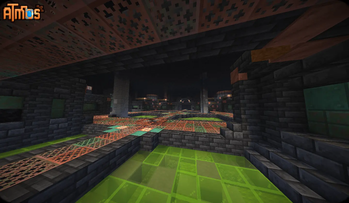
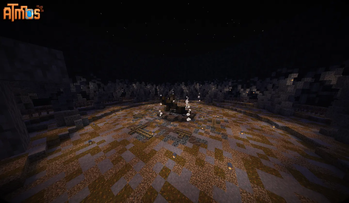
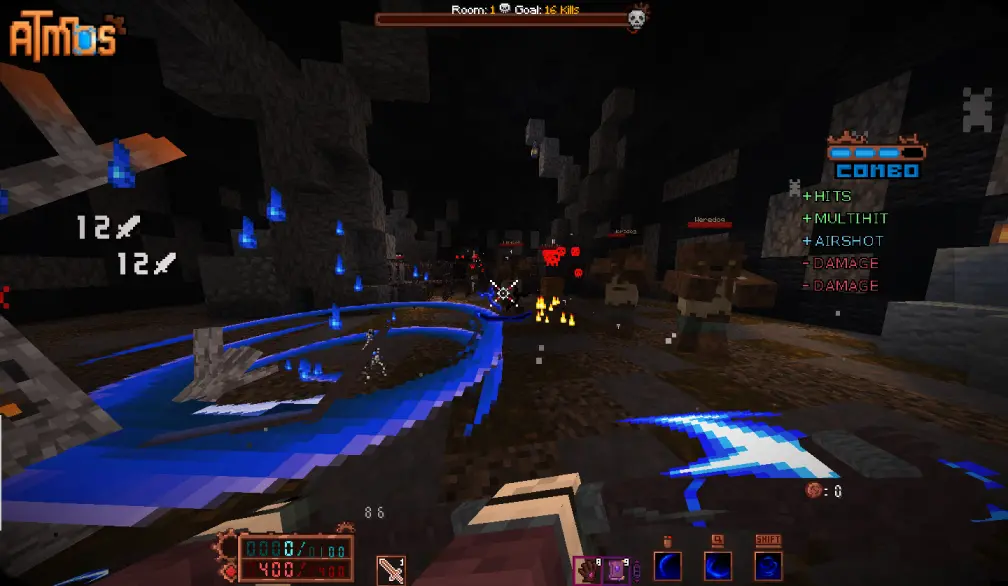
Screenshots




Über dieses Modpack
DISCLAIMER: THIS MAP CONTAINS OCCASIONAL SWEARING!!!
Welcome to ⚙Atmos⚙!
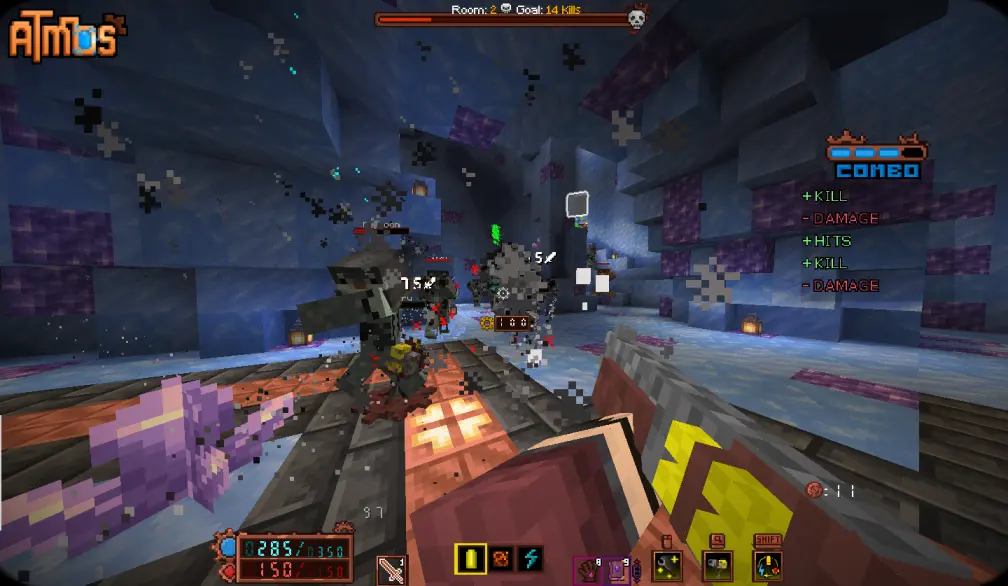
Atmos: Minecraft Edition - is a fast paced action Rougelike made entirely in vanilla Minecraft. It's basically a separate game, inspired by Hades with some elements from ULTRAKILL.
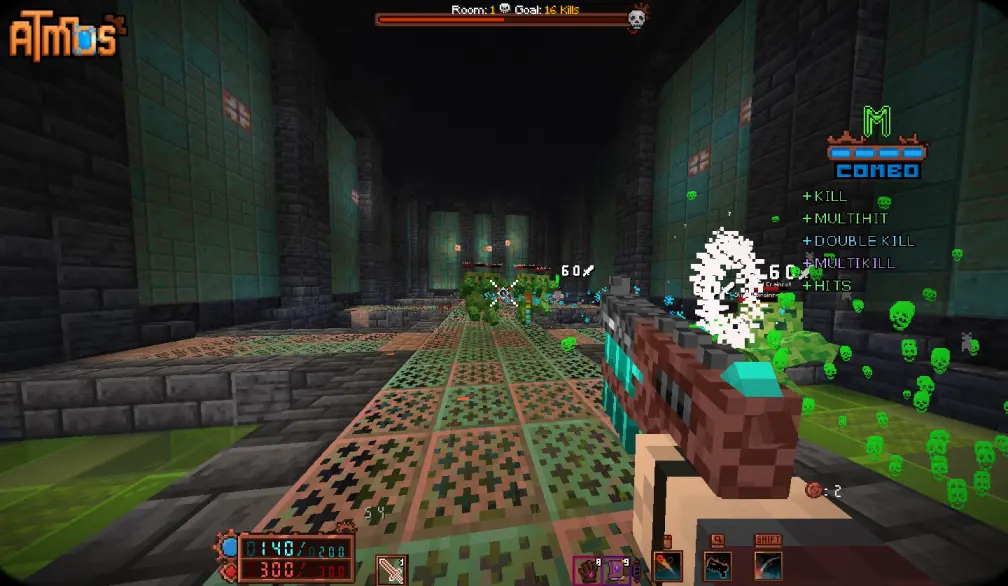
Travel into various domains to fight numerous foes that are standing in your way. Collect relics, items, upgrades and fight dozen and dozens of enemies that are there to stop you!

Map features:
- 8 completely unique classes
- 130+ artifacts and collectible items
- 4 stages with unique enemies and mechanics
- 4 boss fights + 1 miniboss fight
- 5 difficulty levels
- and a story to become a part of
Save system has been implemented!
Starting from 1.0.3.1 and onwards, updating to a new version will keep your progress intact!
‼️If you want to retain your save file during transition to modpack (or in general) follow these steps‼️
- Go to your modpack instance and press the kebab button (three dots)
- Open modpack folder, and go to saves/Atmos
- Copy data and advancements folders to somewhere else (throw it onto the Desktop or something)
- Install a new patch, launch the map and quit to the main menu.
- Replace the data and advancements in saves/Atmos of your Modpack to the ones you saved locally.
- Enjoy! This also works for when you want to transition to using Modrinth. Just copying those 2 folders will retain your save data and you can use it in any other version!
On Install: Some in-game settings must be changed for the best experience. This pack comes with FancyMenu preinstalled, so clicking "Auto-Settings" would set the game up for you. ANY type of custom shaders is NOT RECOMMENDED, as they conflict with the vanilla core shaders, used to render a huge portion of the map and a lot of different mechanics. If something breaks because you enabled a custom shader - it's entirely on you.
JOIN MY Discord to chat or follow the updates on the STEAM version of this map!
Credits:
- pinkius - Lead Dev
- LZ - Creative Assistance
Additional Help:
- ActuallyBlue - Optimization
- Reyn - Extra Modeling
Shaders:
- thederdiscohund
- Nathanael_
- ioblackshaw
Music:
- DavidKBD
- fardifferent
- Infraction
- void1gaming
Beta Testers:
- Nodibell
- BigPapi13
- carl7879
- ZeroIceBear
- ChaoticImme
- seba808
- Teratical
- Omega gamer
- Yu_Wan
- Tiniff
- Haikis
- DANAST
- Reyn
- TheOnlyMann
- Budged
- Kohfee
- The Bread Giver
- Lord
- Gnirekcip
- InfiniteX
- HedenNyx
Verfügbare Versionen
Atmos: Minecraft Edition Server einrichten
Server bestellen
Wähle mindestens 8 GB RAM (12 GB empfohlen für Atmos: Minecraft Edition). Je nach Spieleranzahl: +1 GB pro 3 Spieler.
Modpack im Dashboard installieren
Öffne den Modpack-Browser im Dashboard, suche nach "Atmos: Minecraft Edition" und klicke "Installieren". Der fabric-Loader und Minecraft 1.21.4 werden automatisch konfiguriert.
Server starten & spielen
Starte den Server – alle Mods werden automatisch geladen. Teile die Server-IP mit Freunden und spielt zusammen!
Häufige Fragen
Atmos: Minecraft Edition Server crasht oder startet nicht – was tun?
Häufigste Ursachen: zu wenig RAM oder falscher fabric-Loader. Prüfe latest.log auf "OutOfMemoryError" → erhöhe RAM auf mindestens 12 GB. Bei "Mixin" oder "ClassNotFoundException": Modpack-Version und Loader stimmen nicht überein. Bei Mado Hosting werden Loader und Minecraft-Version beim Modpack-Install automatisch konfiguriert – das verhindert die meisten Startprobleme.
Wie viel RAM braucht ein Atmos: Minecraft Edition Server wirklich?
Minimum 8 GB, empfohlen 12 GB für stabile Performance. +1 GB pro 3 Spieler. Wichtig: Minecraft-Modpacks brauchen mehr RAM als Vanilla – plane pro zusätzlichem Spieler extra ein. Bei Mado Hosting kannst du den RAM jederzeit live hochskalieren, ohne Datenverlust (ab €10.4/Monat).
Kann ich eigene Mods zu Atmos: Minecraft Edition hinzufügen, ohne Konflikte?
Ja, aber achte auf die Kompatibilität: Nutze nur Mods für den gleichen Loader (fabric) und die gleiche Minecraft-Version (1.21.4). Häufige Probleme: ID-Konflikte bei Rezept-Mods und inkompatible Coremod-Versionen. Im Mado Dashboard zeigt der Mod-Browser nur kompatible Mods an und warnt bei bekannten Konflikten.
Atmos: Minecraft Edition Server laggt – Performance-Tipps
1) RAM auf 12 GB+ erhöhen. 2) Server-View-Distance auf 8 reduzieren (server.properties). 3) Pre-Generiere Chunks mit dem "Chunky" Plugin. 4) Prüfe mit /spark profiler welche Mods die meiste Tick-Time verbrauchen. Bei Mado Hosting laufen alle Server auf NVMe-SSDs mit dedizierten CPU-Kernen – das eliminiert Hardware als Engpass.
Ähnliche Modpacks
![Cobblemon Official Modpack [Fabric]](https://cdn.modrinth.com/data/5FFgwNNP/e7f9ee2e9d361623847853fe2ddce42f519ee64f.png)
![COBBLEVERSE - Pokemon Adventure [Cobblemon]](https://cdn.modrinth.com/data/Jkb29YJU/581ecf54530972afb18a04660afd820f2f24f6c7.png)
![Better MC [FABRIC] - BMC2](https://cdn.modrinth.com/data/shFhR8Vx/a19c2bcb51d38f32f138d3607e91cb2b7b8e387f_96.webp)


![Better MC [FORGE] - BMC4](https://cdn.modrinth.com/data/4BV47HRn/7f5ef7cc61b2593609aabef3ed07a866a4f11b73_96.webp)
Atmos: Minecraft Edition Server mieten
Starte deinen eigenen Server mit automatischer Modpack-Installation.
Details
- Lizenz
- LicenseRef-All-Rights-Reserved
- Server-seitig
- Erforderlich
- Client-seitig
- Erforderlich
Unterstützte Versionen
Starte deinen Atmos: Minecraft Edition Server jetzt
Ab €10.40/Monat; für die beste Performance werden 12 GB RAM empfohlen.
Server konfigurieren →