
Atmos: Minecraft Edition
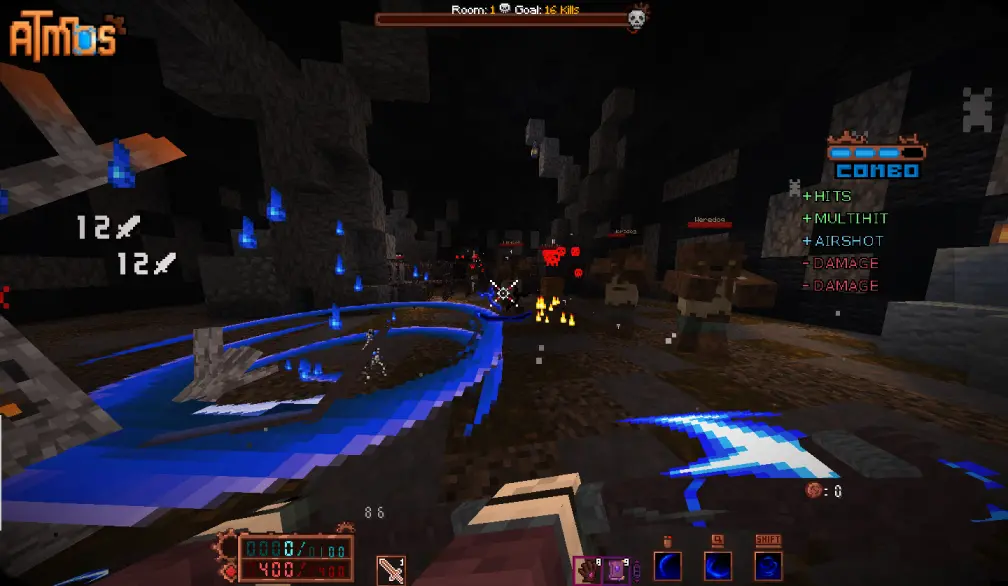
Roguelike Map inspired by Hades and ULTRAKILL
Screenshots

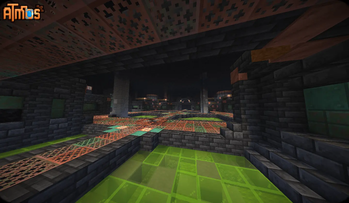


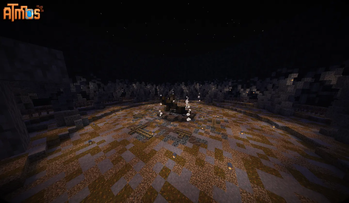

About this Modpack
DISCLAIMER: THIS MAP CONTAINS OCCASIONAL SWEARING!!!
Welcome to ⚙Atmos⚙!
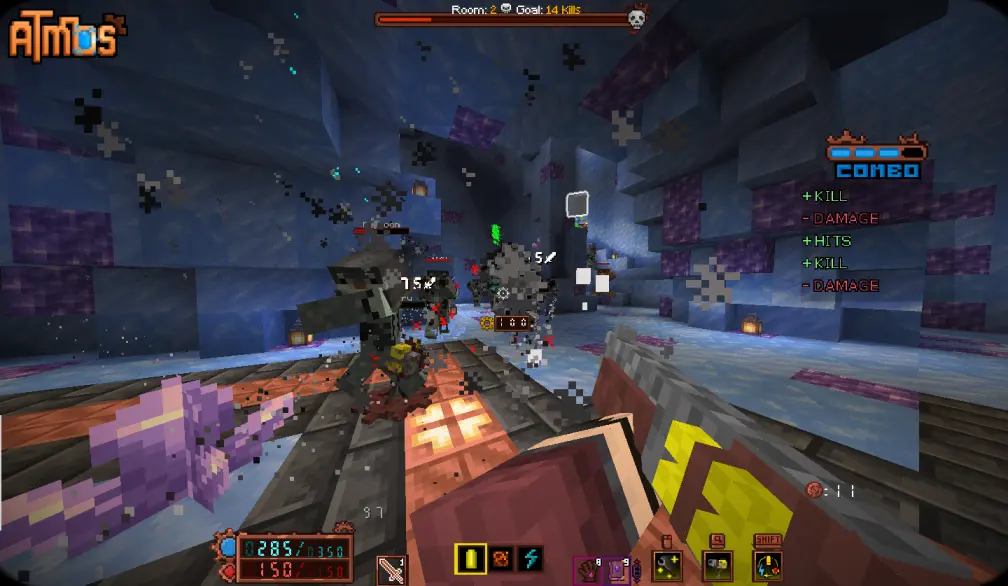
Atmos: Minecraft Edition - is a fast paced action Rougelike made entirely in vanilla Minecraft. It's basically a separate game, inspired by Hades with some elements from ULTRAKILL.
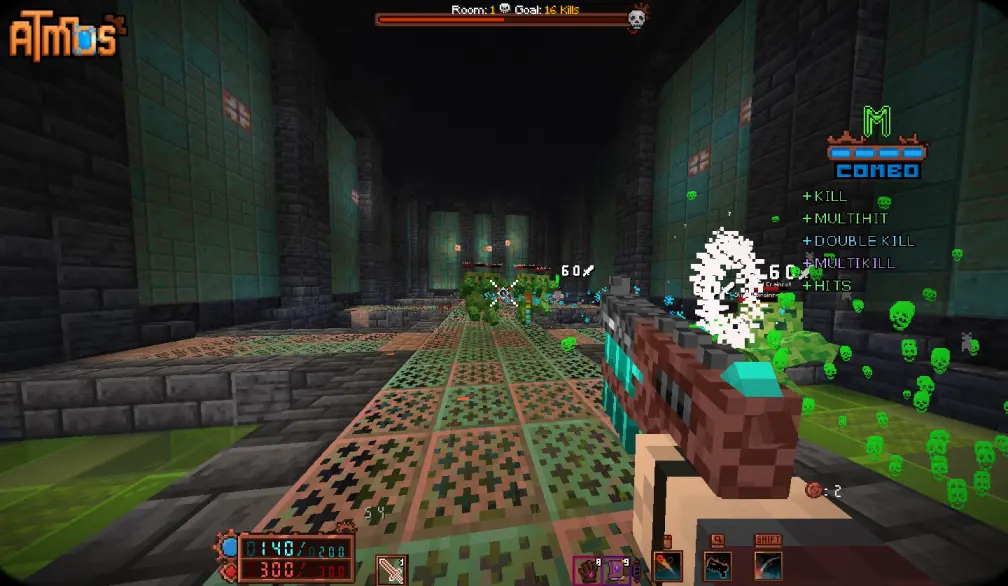
Travel into various domains to fight numerous foes that are standing in your way. Collect relics, items, upgrades and fight dozen and dozens of enemies that are there to stop you!

Map features:
- 8 completely unique classes
- 130+ artifacts and collectible items
- 4 stages with unique enemies and mechanics
- 4 boss fights + 1 miniboss fight
- 5 difficulty levels
- and a story to become a part of
Save system has been implemented!
Starting from 1.0.3.1 and onwards, updating to a new version will keep your progress intact!
‼️If you want to retain your save file during transition to modpack (or in general) follow these steps‼️
- Go to your modpack instance and press the kebab button (three dots)
- Open modpack folder, and go to saves/Atmos
- Copy data and advancements folders to somewhere else (throw it onto the Desktop or something)
- Install a new patch, launch the map and quit to the main menu.
- Replace the data and advancements in saves/Atmos of your Modpack to the ones you saved locally.
- Enjoy! This also works for when you want to transition to using Modrinth. Just copying those 2 folders will retain your save data and you can use it in any other version!
On Install: Some in-game settings must be changed for the best experience. This pack comes with FancyMenu preinstalled, so clicking "Auto-Settings" would set the game up for you. ANY type of custom shaders is NOT RECOMMENDED, as they conflict with the vanilla core shaders, used to render a huge portion of the map and a lot of different mechanics. If something breaks because you enabled a custom shader - it's entirely on you.
JOIN MY Discord to chat or follow the updates on the STEAM version of this map!
Credits:
- pinkius - Lead Dev
- LZ - Creative Assistance
Additional Help:
- ActuallyBlue - Optimization
- Reyn - Extra Modeling
Shaders:
- thederdiscohund
- Nathanael_
- ioblackshaw
Music:
- DavidKBD
- fardifferent
- Infraction
- void1gaming
Beta Testers:
- Nodibell
- BigPapi13
- carl7879
- ZeroIceBear
- ChaoticImme
- seba808
- Teratical
- Omega gamer
- Yu_Wan
- Tiniff
- Haikis
- DANAST
- Reyn
- TheOnlyMann
- Budged
- Kohfee
- The Bread Giver
- Lord
- Gnirekcip
- InfiniteX
- HedenNyx
Available Versions
How to Set Up a Atmos: Minecraft Edition Server
Order Server
Choose at least 8 GB RAM (12 GB recommended for Atmos: Minecraft Edition). Based on player count: per 3 players.
Install Modpack in Dashboard
Open the modpack browser in the dashboard, search for "Atmos: Minecraft Edition" and click "Install". The fabric loader and Minecraft 1.21.4 are configured automatically.
Start Server & Play
Start the server – all mods are loaded automatically. Share the server IP with friends and play together!
Frequently Asked Questions
Atmos: Minecraft Edition server crashes or won't start – what to do?
Most common causes: insufficient RAM or wrong fabric loader. Check latest.log for "OutOfMemoryError" → increase RAM to at least 12 GB. For "Mixin" or "ClassNotFoundException" errors: modpack version and loader don't match. With Mado Hosting, loader and Minecraft version are auto-configured on modpack install – preventing most startup issues.
How much RAM does a Atmos: Minecraft Edition server really need?
Minimum 8 GB, recommended 12 GB for stable performance. per 3 players. Important: Minecraft modpacks need more RAM than vanilla – plan extra per additional player. With Mado Hosting, you can scale RAM up live at any time without data loss (from €10.4/month).
Can I add custom mods to Atmos: Minecraft Edition without conflicts?
Yes, but check compatibility: only use mods for the same loader (fabric) and same Minecraft version (1.21.4). Common issues: ID conflicts with recipe mods and incompatible coremod versions. The Mado dashboard mod browser only shows compatible mods and warns about known conflicts.
Atmos: Minecraft Edition server lagging – performance tips
1) Increase RAM to 12 GB+. 2) Reduce server view-distance to 8 (server.properties). 3) Pre-generate chunks with the "Chunky" plugin. 4) Use /spark profiler to check which mods consume the most tick time. With Mado Hosting, all servers run on NVMe SSDs with dedicated CPU cores – eliminating hardware as a bottleneck.
Similar Modpacks
![Cobblemon Official Modpack [Fabric]](https://cdn.modrinth.com/data/5FFgwNNP/e7f9ee2e9d361623847853fe2ddce42f519ee64f.png)
![COBBLEVERSE - Pokemon Adventure [Cobblemon]](https://cdn.modrinth.com/data/Jkb29YJU/581ecf54530972afb18a04660afd820f2f24f6c7.png)
![Better MC [FABRIC] - BMC2](https://cdn.modrinth.com/data/shFhR8Vx/a19c2bcb51d38f32f138d3607e91cb2b7b8e387f_96.webp)


![Better MC [FORGE] - BMC4](https://cdn.modrinth.com/data/4BV47HRn/7f5ef7cc61b2593609aabef3ed07a866a4f11b73_96.webp)
Rent Atmos: Minecraft Edition Server
Start your own server with automatic modpack installation.
Details
- License
- LicenseRef-All-Rights-Reserved
- Server-side
- Required
- Client-side
- Required
Supported Versions
Start your Atmos: Minecraft Edition Server now
From €10.40/month; 12 GB RAM is recommended for best performance.
Configure Server →