
Fabulously Optimized
Beautiful graphics, speedy performance and familiar features in a simple package. Wilderness Bound alpha!
Screenshots
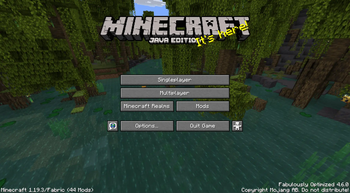
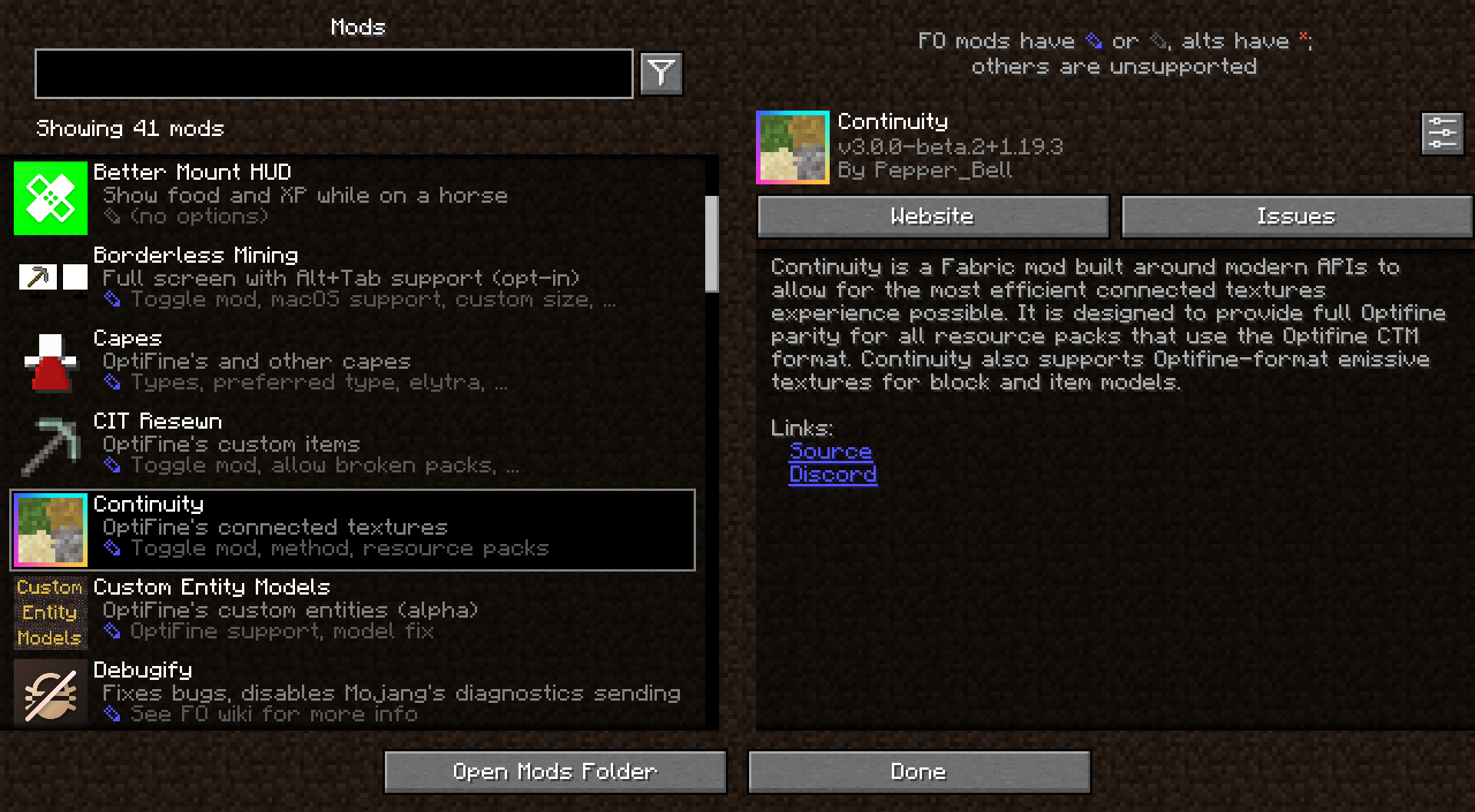




Über dieses Modpack


Wilderness Bound alpha available!
A simple Minecraft modpack focusing on performance and graphics enhancements.
By using this modpack, you agree to the following disclaimers.
Performance
Fabulously Optimized is faster than competing game clients, thanks to modern performance mods like Sodium, Lithium, and others. The bundled mods have been carefully selected to be safe in your worlds and provide noticeable speed benefits on any device.
OptiFine parity
Fabulously Optimized supports most OptiFine features, including shaders, connected textures, and zoom. If your resource pack states "OptiFine required," it will probably function here as well. You can even get your own free cape!
Feels familiar
Fabulously Optimized includes features that allow you to experience Minecraft just as you remember it, no matter what version you've used before. This means you can use game controllers, play local worlds with friends, view advancements in a large window, and much more.
Works everywhere
Fabulously Optimized does not include content mods, so you can play on any world or server. While you can use any game launcher to play the pack, we recommend and provide support for specific ones that offer the best experience.
Up to date
Fabulously Optimized receives fast updates and stands as one of the first modpacks to upgrade to newer Minecraft versions. Updating the modpack is easy and will preserve your mod settings, where possible.
Built on Fabric
Fabulously Optimized uses the Fabric mod loader, which is lightweight, fast, and supports a lot of mods. You can use the modpack as a base to add your favorite mods to.
Open development
Fabulously Optimized is open-source, and so are most of its mods. We welcome user suggestions and collaborate with mod developers to create a better user experience for everyone.
Helpful community
We have a growing community of friendly members who enjoy discussing the pack, translating its content, and helping each other. Join us today!
FAQ
Q: How do I install, update, add mods, or do something else?
Q: Something broke or you should add something!
Q: What mods does it have?
A: Click any version and scroll down or see the comparison table.
Q: I like the modpack. How can I contribute?
A: Ways you can help are described here. Thank you!
Q: Do I need the modpack on the server?
A: No, the pack works on all servers that allow vanilla clients. A detailed answer and server setup tips are here.
If you need a host, click here - 25% off for the first month!
Q: I have more questions!
More info can be found on our homepage download.fo.
Verfügbare Versionen
Fabulously Optimized Server einrichten
Server bestellen
Wähle mindestens 4 GB RAM (6 GB empfohlen für Fabulously Optimized). Je nach Spieleranzahl: +1 GB pro 8 Spieler.
Modpack im Dashboard installieren
Öffne den Modpack-Browser im Dashboard, suche nach "Fabulously Optimized" und klicke "Installieren". Der fabric-Loader und Minecraft 26.3 werden automatisch konfiguriert.
Server starten & spielen
Starte den Server – alle Mods werden automatisch geladen. Teile die Server-IP mit Freunden und spielt zusammen!
Häufige Fragen
Fabulously Optimized Server crasht oder startet nicht – was tun?
Häufigste Ursachen: zu wenig RAM oder falscher fabric-Loader. Prüfe latest.log auf "OutOfMemoryError" → erhöhe RAM auf mindestens 6 GB. Bei "Mixin" oder "ClassNotFoundException": Modpack-Version und Loader stimmen nicht überein. Bei Mado Hosting werden Loader und Minecraft-Version beim Modpack-Install automatisch konfiguriert – das verhindert die meisten Startprobleme.
Wie viel RAM braucht ein Fabulously Optimized Server wirklich?
Minimum 4 GB, empfohlen 6 GB für stabile Performance. +1 GB pro 8 Spieler. Wichtig: Minecraft-Modpacks brauchen mehr RAM als Vanilla – plane pro zusätzlichem Spieler extra ein. Bei Mado Hosting kannst du den RAM jederzeit live hochskalieren, ohne Datenverlust (ab €5.2/Monat).
Kann ich eigene Mods zu Fabulously Optimized hinzufügen, ohne Konflikte?
Ja, aber achte auf die Kompatibilität: Nutze nur Mods für den gleichen Loader (fabric) und die gleiche Minecraft-Version (26.3). Häufige Probleme: ID-Konflikte bei Rezept-Mods und inkompatible Coremod-Versionen. Im Mado Dashboard zeigt der Mod-Browser nur kompatible Mods an und warnt bei bekannten Konflikten.
Fabulously Optimized Server laggt – Performance-Tipps
1) RAM auf 6 GB+ erhöhen. 2) Server-View-Distance auf 8 reduzieren (server.properties). 3) Pre-Generiere Chunks mit dem "Chunky" Plugin. 4) Prüfe mit /spark profiler welche Mods die meiste Tick-Time verbrauchen. Bei Mado Hosting laufen alle Server auf NVMe-SSDs mit dedizierten CPU-Kernen – das eliminiert Hardware als Engpass.
Ähnliche Modpacks
![Cobblemon Official Modpack [Fabric]](https://cdn.modrinth.com/data/5FFgwNNP/e7f9ee2e9d361623847853fe2ddce42f519ee64f.png)
![COBBLEVERSE - Pokemon Adventure [Cobblemon]](https://cdn.modrinth.com/data/Jkb29YJU/581ecf54530972afb18a04660afd820f2f24f6c7.png)
![Better MC [FABRIC] - BMC2](https://cdn.modrinth.com/data/shFhR8Vx/a19c2bcb51d38f32f138d3607e91cb2b7b8e387f_96.webp)


![Better MC [FORGE] - BMC4](https://cdn.modrinth.com/data/4BV47HRn/7f5ef7cc61b2593609aabef3ed07a866a4f11b73_96.webp)
Fabulously Optimized Server mieten
Starte deinen eigenen Server mit automatischer Modpack-Installation.
Details
- Lizenz
- BSD 3-Clause "New" or "Revised" License
- Server-seitig
- Nicht unterstützt
- Client-seitig
- Erforderlich
Unterstützte Versionen
Starte deinen Fabulously Optimized Server jetzt
Ab €5.20/Monat; für die beste Performance werden 6 GB RAM empfohlen.
Server konfigurieren →