
Forgified Core
Created for modpack makers, combines all the features of OptiFine and good performance. Supports NeoForge and Fabric mods at the same time.
Screenshots
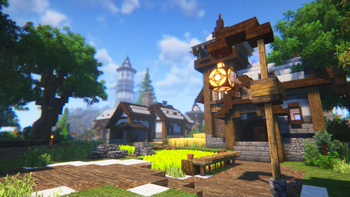
Über dieses Modpack
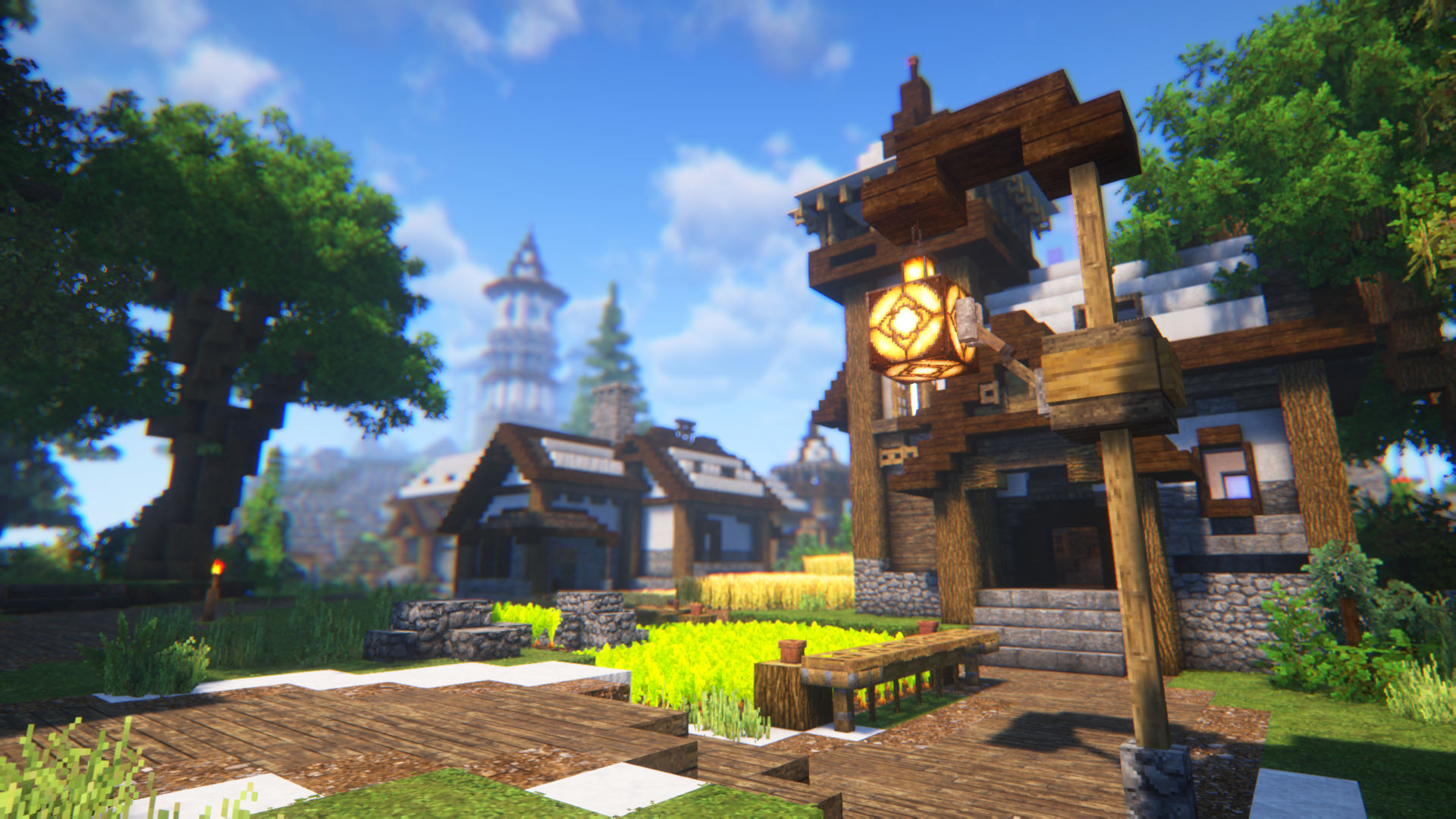
Forgified Core
A lightweight client-side modpack built for people who play on NeoForge and for modpack creators who don't want to spend hours assembling the same optimization stack every time.
The goal is simple: install it once and get a modern Minecraft client with better performance, OptiFine-like visual features, useful quality-of-life improvements, and support for many Fabric mods through Connector.
Performance
Forgified Core focuses on improving the overall client experience without changing vanilla gameplay.
Included optimizations help with:
- Higher FPS
- Faster chunk loading
- Lower memory usage
- Better CPU utilization
- Reduced stuttering
- Faster rendering
The pack is configured to work out of the box, so there is usually no need to tweak dozens of settings before playing.
Visual Improvements
Instead of relying on OptiFine, the pack combines modern mods that provide similar functionality while remaining compatible with today's modding ecosystem.
Features include:
- Dynamic Lights
- Shader support
- Connected Textures
- Zoom
- Better Sky (soon)
- Better Grass
- Better Particles (soon)
- Improved GUI (soon)
Because these features come from separate mods, they are updated independently and generally work better with current NeoForge development.
Animations
Minecraft keeps its vanilla style but feels much more alive thanks to:
- Fresh Animations
- Fresh Animations: Player Extension
- Just Expressions
These mods improve both mob and player animations without changing the overall look of the game.
NeoForge + Fabric
One of the main goals of Forgified Core is making modern cross-loader modding easier.
The pack includes:
- Sinytra Connector
- Forgified Fabric API
This allows many Fabric mods to run alongside native NeoForge mods, giving modpack creators a much larger selection of available projects.
Designed as a Base, Not a Finished Modpack
Forgified Core isn't intended to replace adventure or kitchen-sink modpacks.
Instead, it's meant to be the foundation you build on.
Most optimization, rendering and quality-of-life mods are already configured, so you can start adding gameplay mods immediately instead of spending time searching for compatible client-side utilities.
Verfügbare Versionen
Forgified Core Server einrichten
Server bestellen
Wähle mindestens 4 GB RAM (6 GB empfohlen für Forgified Core). Je nach Spieleranzahl: +1 GB pro 5 Spieler.
Modpack im Dashboard installieren
Öffne den Modpack-Browser im Dashboard, suche nach "Forgified Core" und klicke "Installieren". Der neoforge-Loader und Minecraft 1.21.1 werden automatisch konfiguriert.
Server starten & spielen
Starte den Server – alle Mods werden automatisch geladen. Teile die Server-IP mit Freunden und spielt zusammen!
Häufige Fragen
Forgified Core Server crasht oder startet nicht – was tun?
Häufigste Ursachen: zu wenig RAM oder falscher neoforge-Loader. Prüfe latest.log auf "OutOfMemoryError" → erhöhe RAM auf mindestens 6 GB. Bei "Mixin" oder "ClassNotFoundException": Modpack-Version und Loader stimmen nicht überein. Bei Mado Hosting werden Loader und Minecraft-Version beim Modpack-Install automatisch konfiguriert – das verhindert die meisten Startprobleme.
Wie viel RAM braucht ein Forgified Core Server wirklich?
Minimum 4 GB, empfohlen 6 GB für stabile Performance. +1 GB pro 5 Spieler. Wichtig: Minecraft-Modpacks brauchen mehr RAM als Vanilla – plane pro zusätzlichem Spieler extra ein. Bei Mado Hosting kannst du den RAM jederzeit live hochskalieren, ohne Datenverlust (ab €5.2/Monat).
Kann ich eigene Mods zu Forgified Core hinzufügen, ohne Konflikte?
Ja, aber achte auf die Kompatibilität: Nutze nur Mods für den gleichen Loader (neoforge) und die gleiche Minecraft-Version (1.21.1). Häufige Probleme: ID-Konflikte bei Rezept-Mods und inkompatible Coremod-Versionen. Im Mado Dashboard zeigt der Mod-Browser nur kompatible Mods an und warnt bei bekannten Konflikten.
Forgified Core Server laggt – Performance-Tipps
1) RAM auf 6 GB+ erhöhen. 2) Server-View-Distance auf 8 reduzieren (server.properties). 3) Pre-Generiere Chunks mit dem "Chunky" Plugin. 4) Prüfe mit /spark profiler welche Mods die meiste Tick-Time verbrauchen. Bei Mado Hosting laufen alle Server auf NVMe-SSDs mit dedizierten CPU-Kernen – das eliminiert Hardware als Engpass.
Ähnliche Modpacks

![Cobblemon Official Modpack [Fabric]](https://cdn.modrinth.com/data/5FFgwNNP/e7f9ee2e9d361623847853fe2ddce42f519ee64f.png)
![COBBLEVERSE - Pokemon Adventure [Cobblemon]](https://cdn.modrinth.com/data/Jkb29YJU/581ecf54530972afb18a04660afd820f2f24f6c7.png)
![Better MC [FABRIC] - BMC2](https://cdn.modrinth.com/data/shFhR8Vx/a19c2bcb51d38f32f138d3607e91cb2b7b8e387f_96.webp)


Forgified Core Server mieten
Starte deinen eigenen Server mit automatischer Modpack-Installation.
Unterstützte Versionen
Starte deinen Forgified Core Server jetzt
Ab €5.20/Monat; für die beste Performance werden 6 GB RAM empfohlen.
Server konfigurieren →